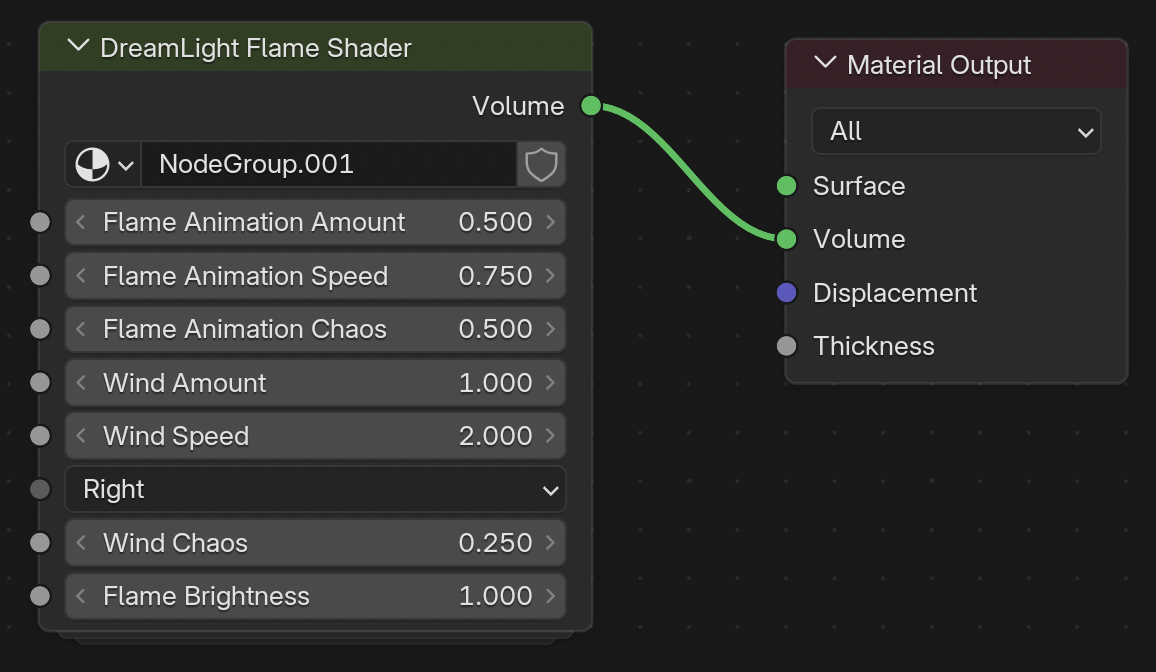
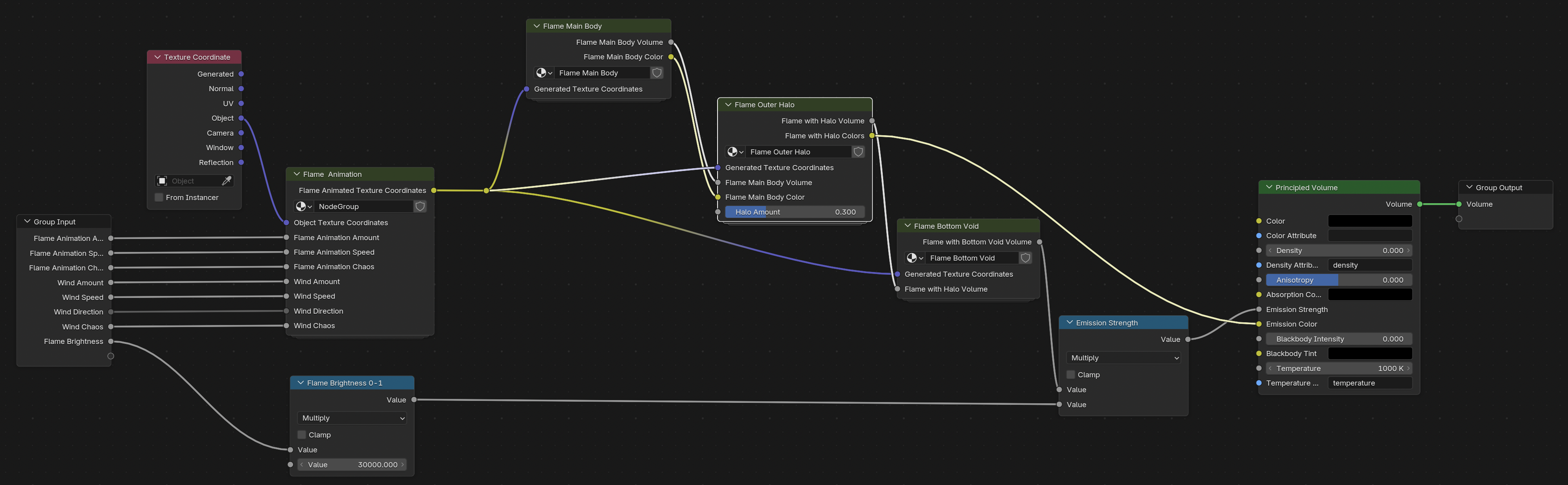
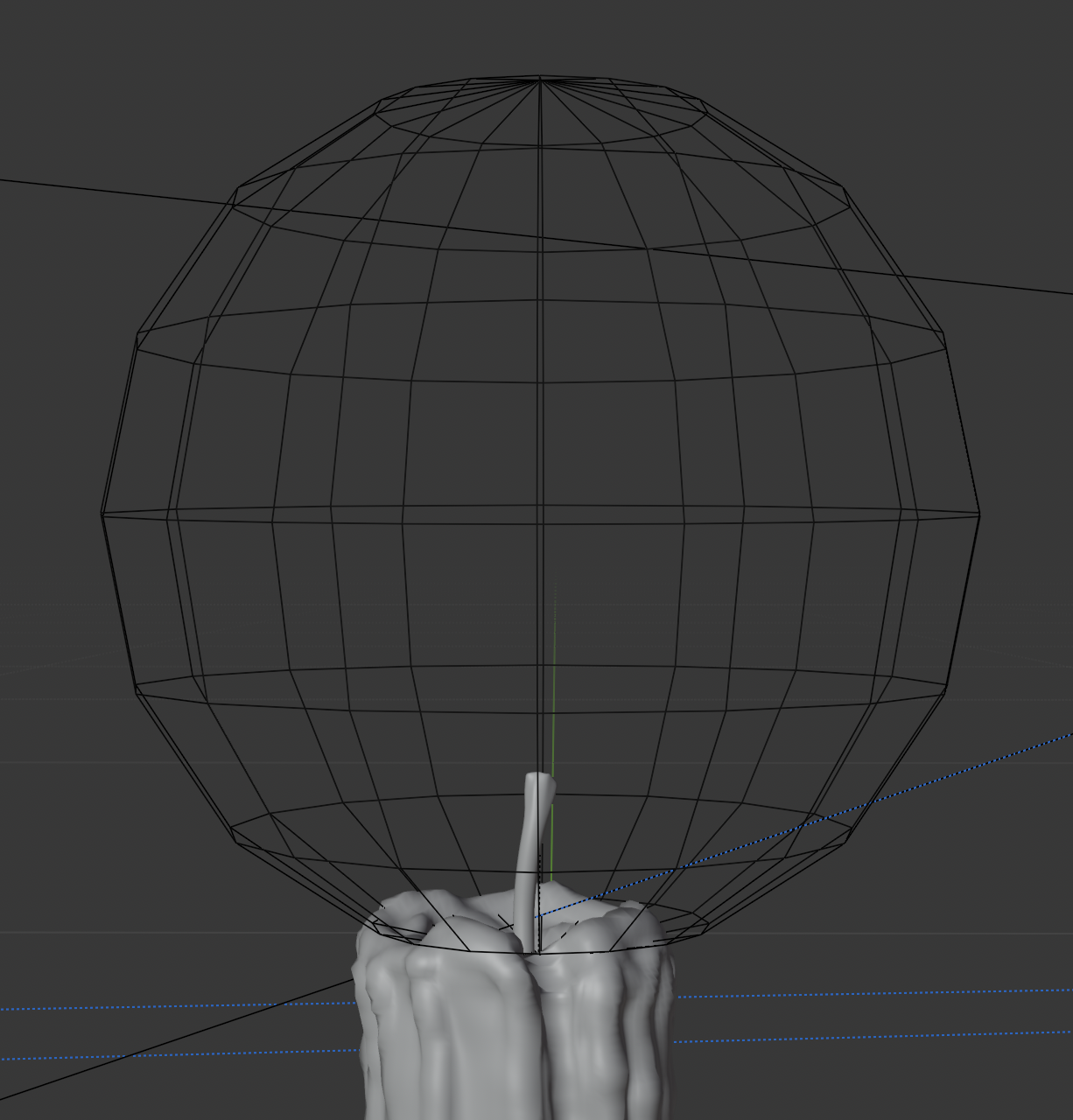
This is a test render of a 3D animated volumetric procedural candle flame shader that I’m creating for a new short film I’m working on. Other than the blue rim lights on the candle wax, all the lighting is actually coming from the candle flame shader itself. More to come…
Thanks! When I’m done, I’ll see if I can put together a 3D animated volumetric procedural flame shader tutorial like I did for the seamless falling snow in my first Blender project.
Thanks! But it’s just the first step in a much bigger project. Here’s my next test render with a new chamberstick candle holder and the beginning of a new sculpted candle. Just started working on the candle sculpting and wax shading now, so that’s still rough.
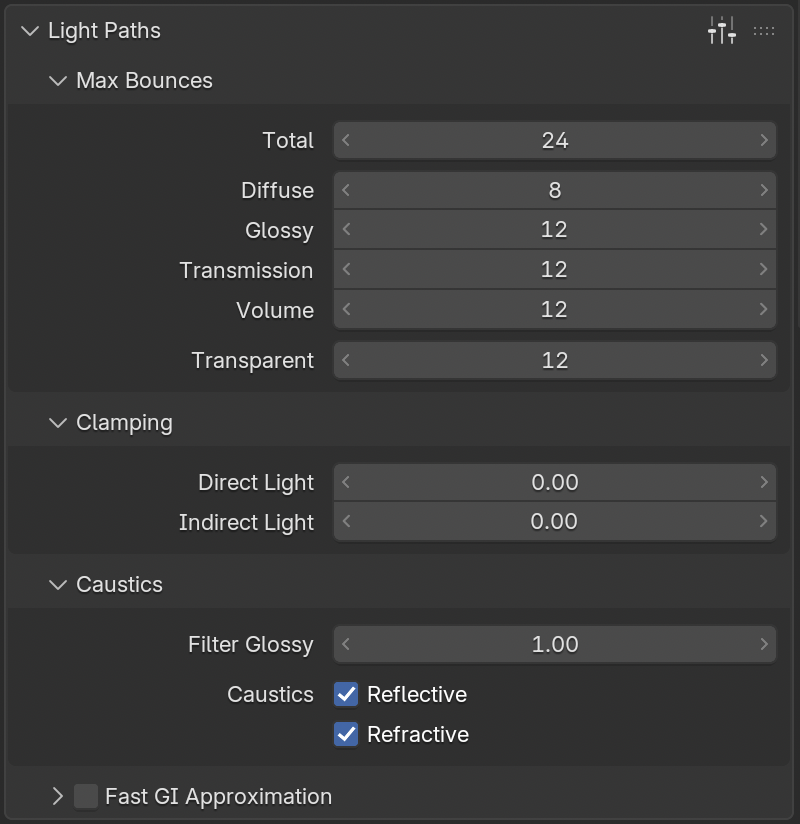
It took me a long time yesterday to figure out why I couldn’t get the liquid wax drip to not be way too dark. I was trying everything in the material. I eventually figured out that some of the light paths were being clipped (and turned to black). Had to remove the default 10 limit on Light Paths → Clamping → Indirect Light. Once I did that the transparent material behaved as expected. Still learning the ropes in Blender after many years in LightWave 3D…
Here’s the latest test render of the wax work. Working sculpting the wax, adjusting the solid and liquid wax materials, and took a first stab at animating the liquid wax drip with shape keys. I’ve also revised the chamberstick object, enlarging the base plate for more stability.
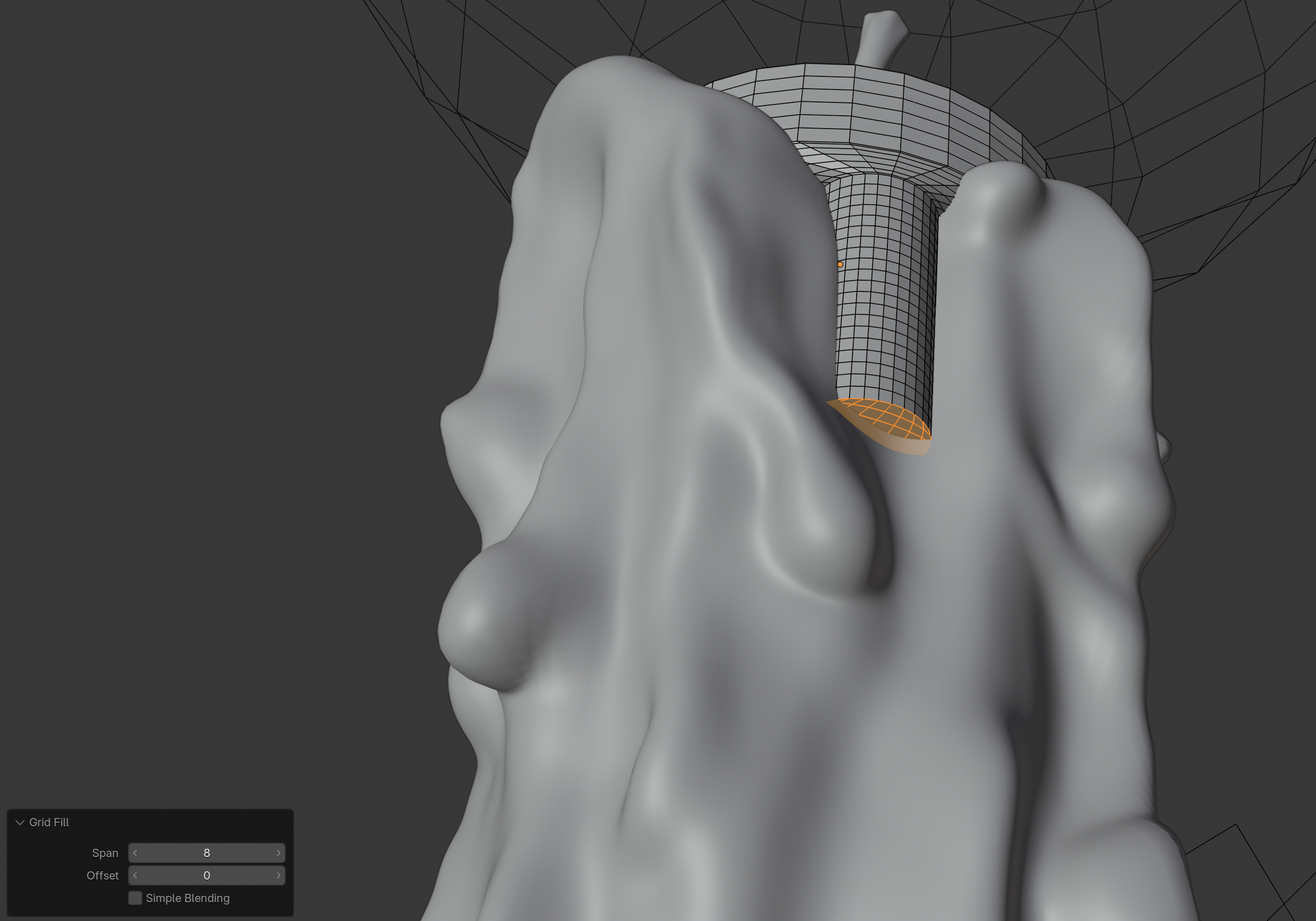
Here’s an updated animation render test with refinements to the candle sculpting and a redo of the liquid wax drip. The previous version had some z-fighting issues because the drip was boolean subtracted with the candle to cut it out resulting in backfaces that then intersected with the candle as it was animated. That caused various issues from darkening to render glitches. This time the drip was made just deep enough to constantly have its backside inside the candle just enough to prevent render issues with the liquid, but not deep enough to interfere with the candle’s subsurface rendering. Then each shape key sculpt was made to keep that intersection.
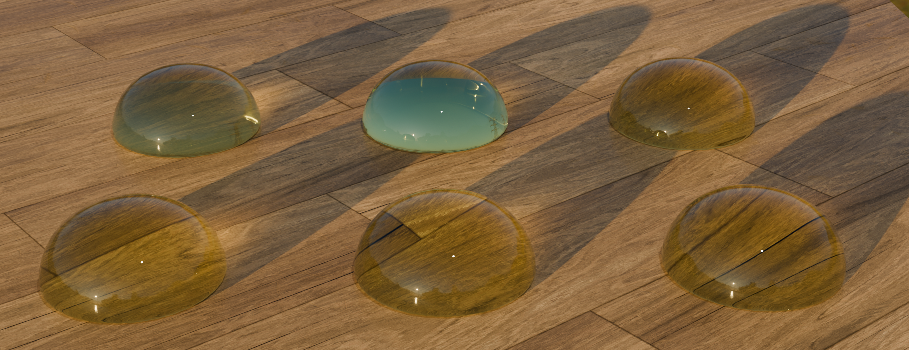
To figure out what the problem was, I first ran a test with a modeled water drop, with a little yellow volumetric absorption similar to the liquid wax.
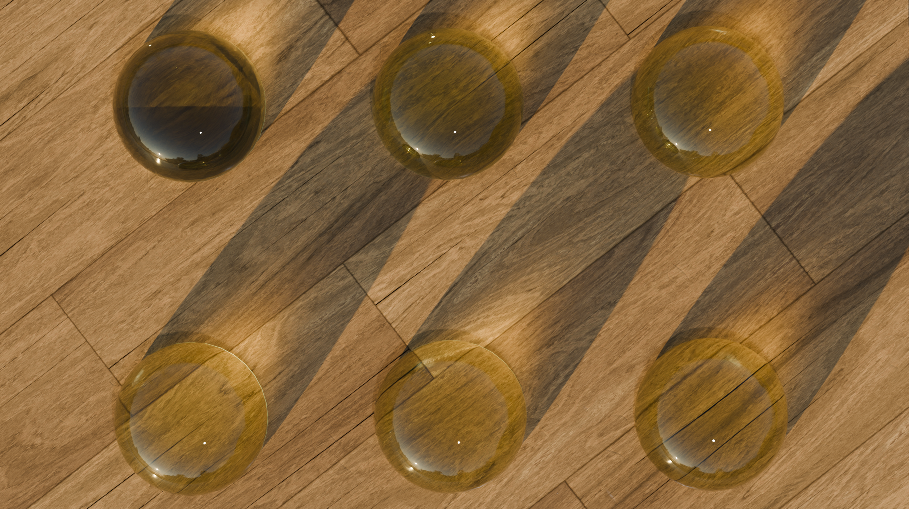
The drop model is a slightly flattened half sphere with the bottom loop beveled. The top three are solids with a flat bottom plane.
The first drop on the top left, the bottom polygon is coincident with the ground plane and the drop renders darker. The top middle drop is slightly elevated 0.001m in the Z so the bottom polygon is sightly above the ground plane. This causes it to render that bottom plane as fully reflective causing a second full reflection of the sky. The top right drop is slightly lowered -0.001m in the Z so bottom polygon is slightly below the ground plane. This one probably renders most realistically because a water drop does not really have a back surface to reflect anything, the water flows right up to the ground plane similar to if the ground was dipped in the water. Light rays would reflect off the top surface of the water, refract as they enter the water and then hit the ground plane next. There is no other back surface of the water to hit. It’s not like a solid piece of glass sitting on a surface, in that case there is a back plane to the glass and it does pick up a strong second reflection.
The top two drops, with backfaces either coincident with or slightly above the ground plane are also probably darker because the light is bouncing back and forth between those two surfaces too many times and eventually being clipped… even though I have the settings cranked up, they are not infinite.
The bottom three drops are in the same Z positions of 0.000, 0.001 and -0.001 but the bottom flat polygon has been deleted. All three of those render fine with no appreciable difference between them.
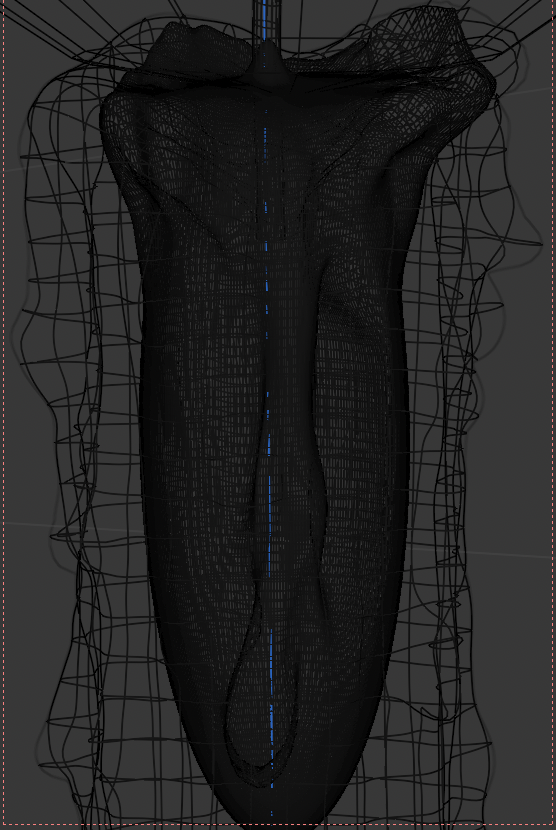
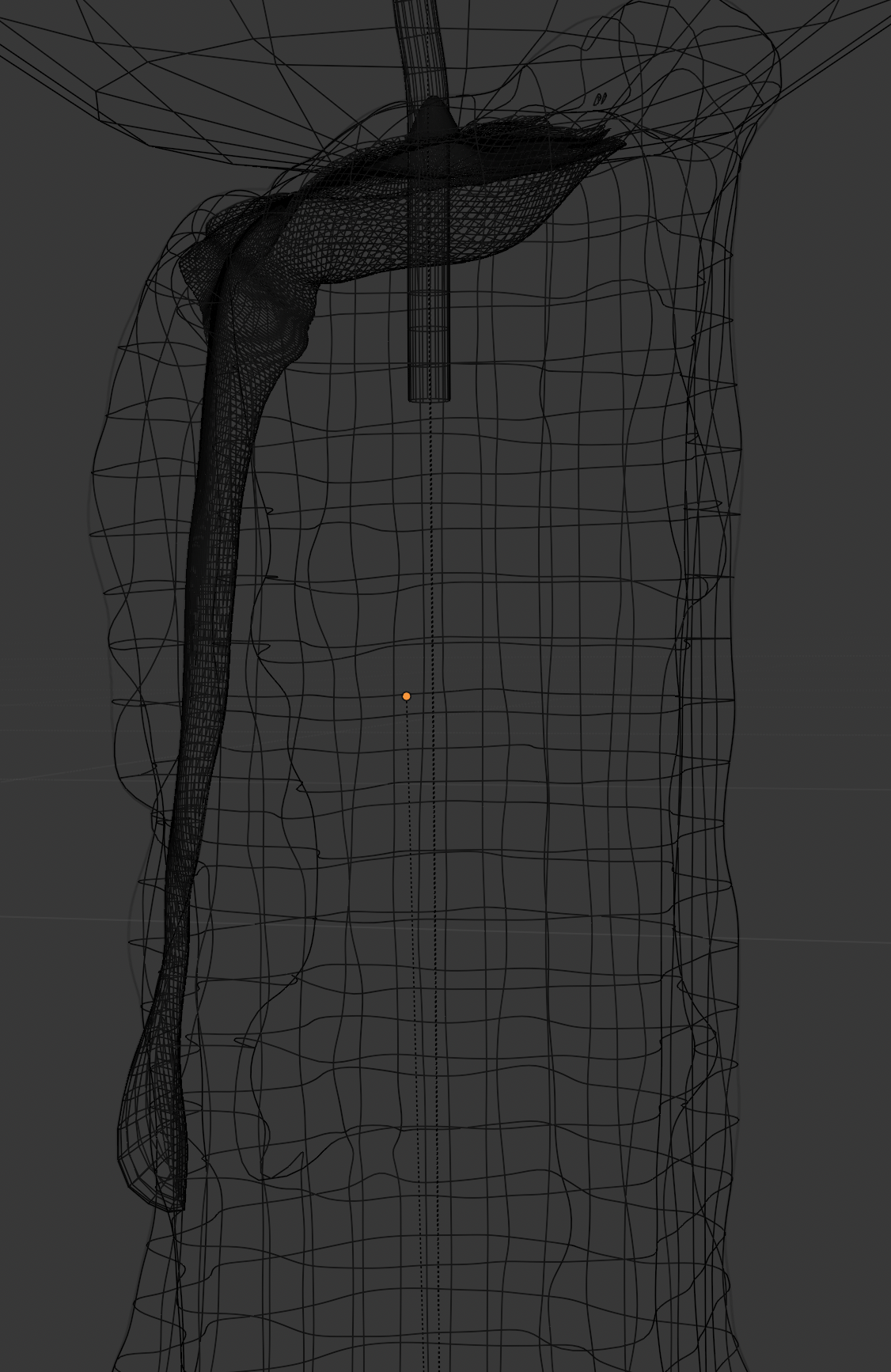
The original liquid wax drip was sculpted up from a large buried ovoid and then had the candle boolean subtracted from it to remove the original ovoid.
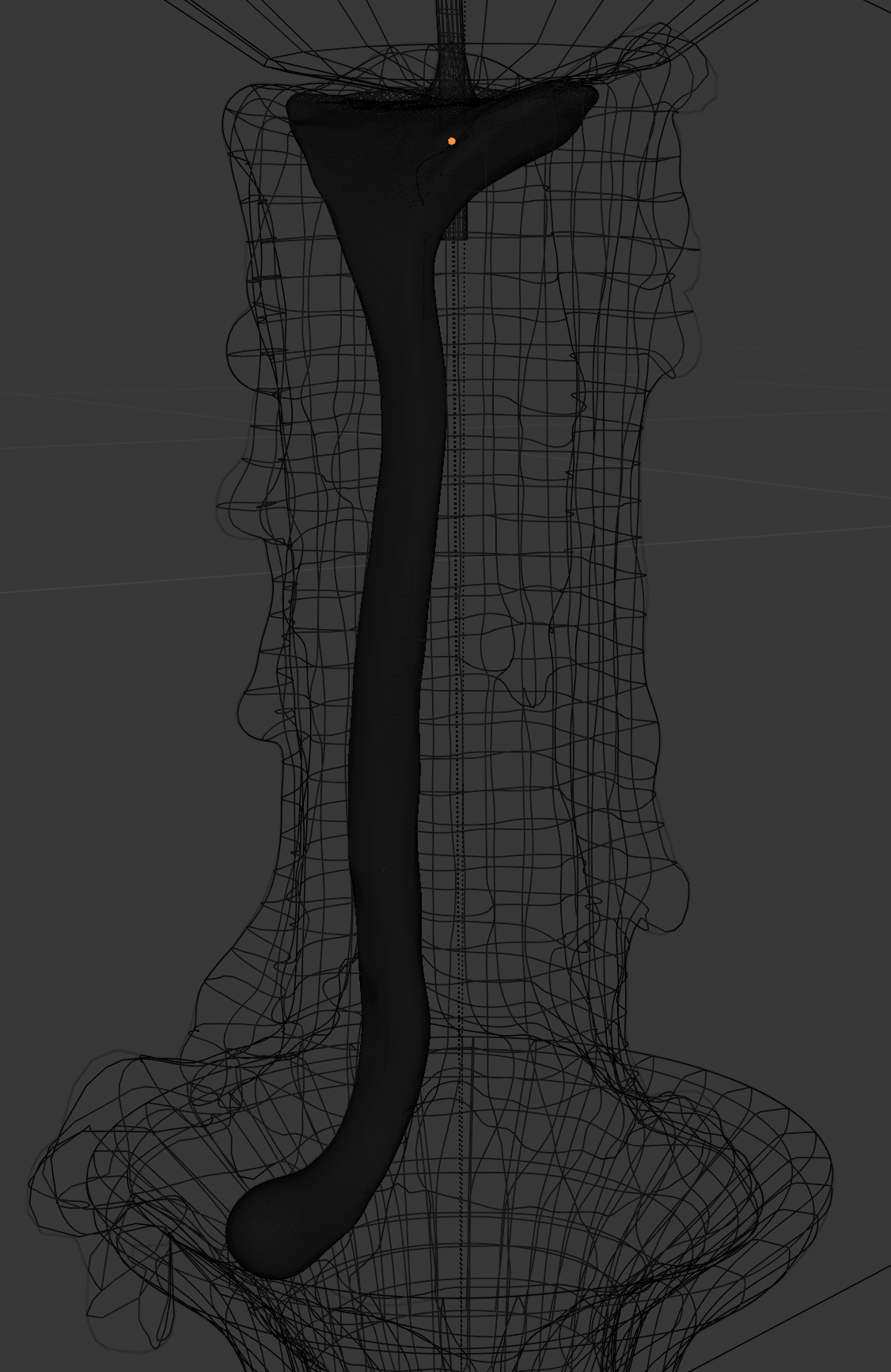
The new version was sculpted out of two joined cylinders that were already close to the shape I needed. Then five shape keys were sculpted to pull the drip down the front over time.
Really impressive results throughout this thread - very cool! I would definitely love to see a tutorial on creating something like this. Great work and thanks for including your troubleshooting as well, that’s always useful information for future readers, too
Looks great, but the one thing that slightly stands out is the movement of the base. The bottom shouldn’t move as much. The area that is blue should stick more to the candlewick and not shift its center too much away from it as this is the source of the heat.
Minor detail but it’s uncanny enough that my brain picked it up immediately.
From what I’ve observed, the lower part of the base usually stays more or less the same, while the core stretches a bit upward along with the entire flame and also deforms a bit more at the top.