75% OFF!🎨 Shader Shaper - Next Level Shader Realism! I dreamt about this for 20 years!

Hey guys, I’m excited to announce the launch of an addon that I’ve dreamt about since I first became a 3d artist over 20 years ago. Check out Shader Shaper:

https://youtu.be/pKH9vil44f0

For a limited time It’s available at a crazy low launch price, so grab a bargain at: Shader Shaper (Special Launch Price!) - Superhive (formerly Blender Market)

Enjoy
Michael
3d-illusions

9 Likes

Hi there. Looks great. Is it AI powered, or is an external AI tool used in the background, as this is not permitted where I work.

Thanks.

1 Like

Hi Gavin, the addon uses AI only as a starting basis, and then reverts back to good old HI for a few thousand lines of code. You can learn more about it here: https://superhivemarket.com/products/shader-shaper/docs#:~:text=Shader%20Shaper%20Documentation 

The models are used locally, not externally :+1:

Cheers
Michael

Just released a full user guide here:

Also pretty stoked that it’s made it to the number one spot on Superhive, and also PixelModeller has made it to number 5!

1 Like

Hey Guys, The Shader Shaper addon sold an insane 1300+ copies in the first couple of weeks, so due to the incredible success, I’ve decided to extend the Superhive 25% Off Sale for those of you that missed out :+1:

I was quite fast to extend the sale, but a number of people still managed to buy it at full price after the sale ended. If you were amongst them, use the contact creator link on the product page to drop me a message, and I’ll sort you out with a free gift :gift:

One Click Map Generation & Shader Setup

Select the texture node and click generate. The addon will create bump, normal, and depth maps, and then set up your shader to use them!

Surpasses the World’s Leading AI Models

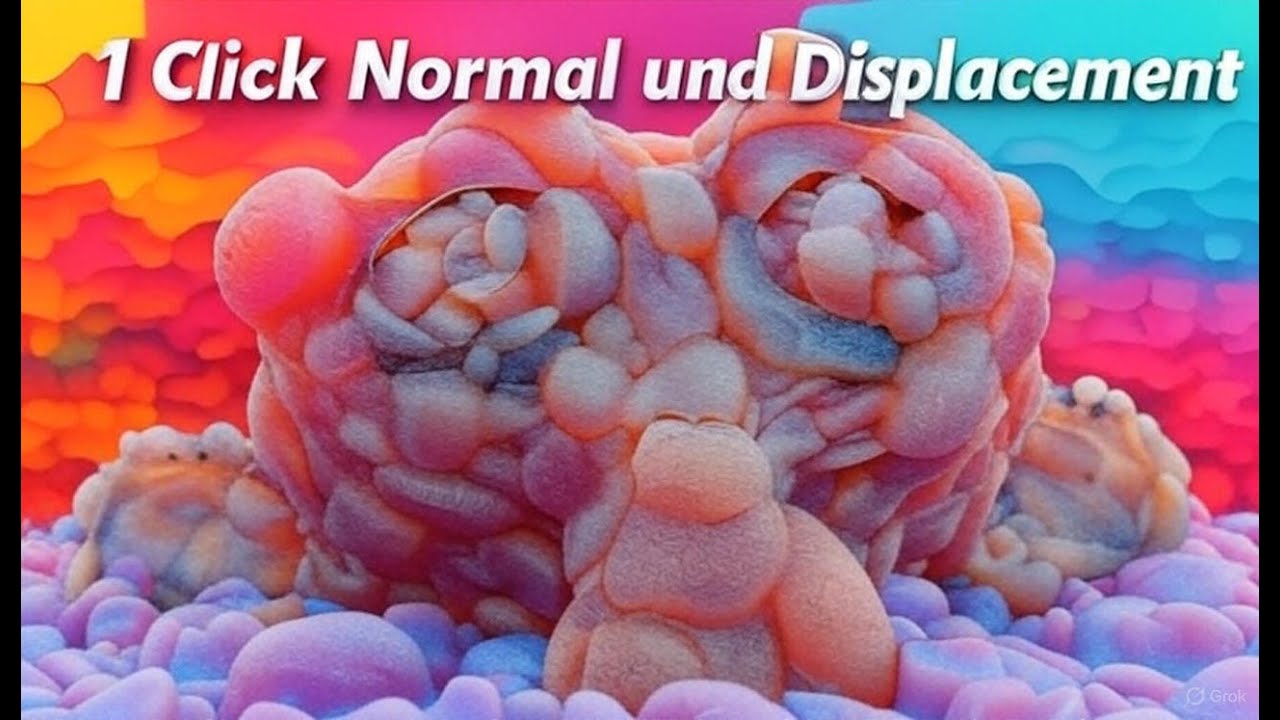
The addon does what even the most advanced AI alone is unable to do, it’s output is TILEABLE! This means the height data represented in the depth, bump and normal maps will match at the seams, and without the huge incorrect variations present in AI outputs (see below image). This makes Shader Shaper’s output suitable for use in shaders. Please note that the actual content of the input image is not made tileable, so you will still need to use tileable input images for the best results.

Output Can be Used in Commercial Projects!

This addon also includes an ‘enhance’ option, allowing smaller AI models that can be freely used for commercial work, to out perform the worlds most advanced models that only permit non-commercial usage (see demo video)! IMPORTANT - Only use the enhance option on small models such as depth anything v2 small, particularly if you aren’t using GPU acceleration. I haven’t enforced this, but be aware that large models will take a long time to process when enhance is enabled.

Quickly Experiment to get some truly bizarre results!

Compatible with all 3d Applications and Game Engines!

Shader Shaper allows you to interactively change the generated map resolution, aspect ratio and normal map format, ensuring compatibility with all game engines and 3d applications!

GPU Acceleration

As well as supporting CPU, the addon fully supports GPU acceleration for blistering speed! (Nvidia cards with CUDA 11.8 to 12.9 on Windows and Linux, and rocm6.0 or rocm6.4 on AMD cards (Linux only) Apple is CPU only.)

Distortion Removal

Interactively remove large wave like distortions

Flattening

Interactive flattening tools eradicate AI’s inability to work with flat surfaces such as brick walls, tiles, flooring, carpeting, etc.

Interactive Smoothing

Use powerful seam smoothing to make maps generated from non tile-able images, still repeat nicely. Then use the ‘smooth all’ option to smooth the height without affecting the micro details.

Per Map Micro Detail Controls

The addon allows you to interactively control the fine detail strength on each map separately. This allows for more flexibility in your shaders. For example if you want to have a bumpy surface with a smooth glossy coat over the top, you would add the fine details to the normal map, but exclude them from the displacement map. This is because the princpled bsdf’s coat, follows the smooth displaced mesh.

Unmatched Quality

The addon’s state of the art internal image processing code, coupled with the the high bit depth output, ensure gradient and edge artefact free results, even on curved surfaces!

Breath New Life into your Texture and Shader libraries!

Below shows two materials using the same paid texture pack.

Left: Using the original diffuse texture, but Shader Shaper has been used to re-generate the depth and normal maps. Right: Using the original depth and normal maps.

For detailed installation and usage instructions, please visit the documentation tab at the top of this page.

Enjoy!
Michael
3d-illusions

Other Popular Addons from 3d-illusions

Turbo Tools is used in more than 150 countries by both major studios and hobbyists alike. It automates professional workflows at the click of a button, to speed up Cycles rendering, compositing, and even removes flicker from animations that would otherwise require up to 40x longer rendering time!

Pixel Modeller generates depth based 3d models directly from the clipboard, and then provides a suite of simple sliders to completely modify the model.

3 Likes

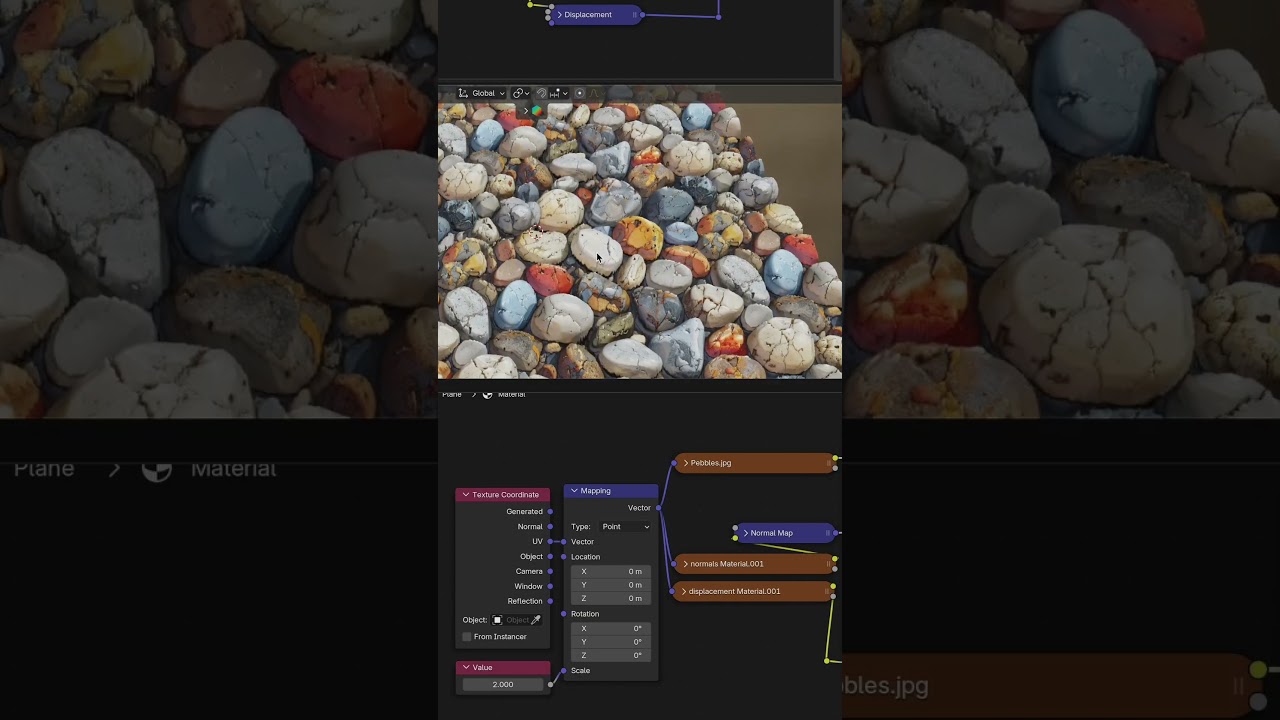
Nice video from ShortXut in Ethiopia (give him a like to help get his channel going):

He had a few jaggies at the base of the multi colour pebbles in his first example. That was due to the 90 degree angle at the edges of the pebbles causing the faces to be stretched. Setting the ‘smooth all’ between 1 and 5 will remove those.

1 Like

1 day flash promotion - 50% Off with code: shadershaper50

Shader Shaper - Superhive (formerly Blender Market)

Shader Shaper Updated!

Hi, hope you’re doing well. Shader Shaper has been updated to 1.5.2 and is available for download immediately from your Superhive download folder.

Changelog:

  • There are incompatibilities with the latest version of Torch that prevents Blender from importing it. As these addons requires Torch, the install modules button will now limit torch to the previous working version until the Torch/Blender developers have resolved. If you have already installed the modules previously, and are not getting any error messages, you can continue using the old version, but you’ll need to update before next installing the modules from the addon’s preferences.

If you don’t have Shader Shaper and would like to see what it does, check out:

Thanks
Michael
3d-illusions

1 Like

Shader Shaper is included in today’s blender market one day sale :+1:

1 Like

Just found this nice video of a seasoned depth map artist reviewing Shader Shaper’s one click results:

Hey guys, version 1.5.3 is now available for download :+1:

1 Like

Sale Now On!

Click the image to see all available addons!
black friday

Hey guys, Shader Shaper is included in the Superhive Spring Sale this year!

PS, anyone who already owns any of my addons, or purchases before Superhive launches support periods, will be in for a pleasant surprise when Superhive support periods do go live! (particularly those with a Turbo Tools variant). I don’t want to say any more than that just yet.

Visit: 3d illusions Store Front - Superhive (formerly Blender Market)

1 Like

Limited time 50% Discount!

Use code: shader-shaper50 at: https://superhivemarket.com/coupons/3d-illusions+shader-shaper50?ref=653

Ends on the 18/06/2026!


75% Discount Code!

To get everyone in the big summer sale mood, here’s a 75% OFF early discount code: shadershaper75

Valid until the start of the sale!

Shader Shaper 1.5.4 is now available for download!

This adds compatibility for the latest Nvidia drivers, plus forward compatibility added for future python versions.

[https://superhivemarket.com/products/shader-shaper?ref=653]