Hello everybody. This is my first topic out here and I would like to place a bug-report as my first post. I recently bought an Intel Arc B580 GPU specifically for Blender and other 3D graphics workflow as a beginner cinematic / VFX / modeller / graphics engineer / computer graphics generalist .
I’ve enabled the “Resizable BAR (ReBAR)” in BIOS settings as the Intel documentation suggests. My setup is the following:
Gigabyte AORUS B450 Elite (Motherboard), AMD Ryzen 5 3600 (CPU), 2-channeled 32 Gb of DDR4 (RAM) and the OS is Windows 10 x64 22H2.
The Blender version is <5.2.1.LTS>.
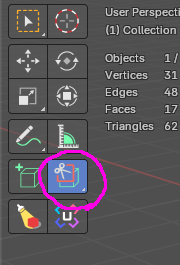
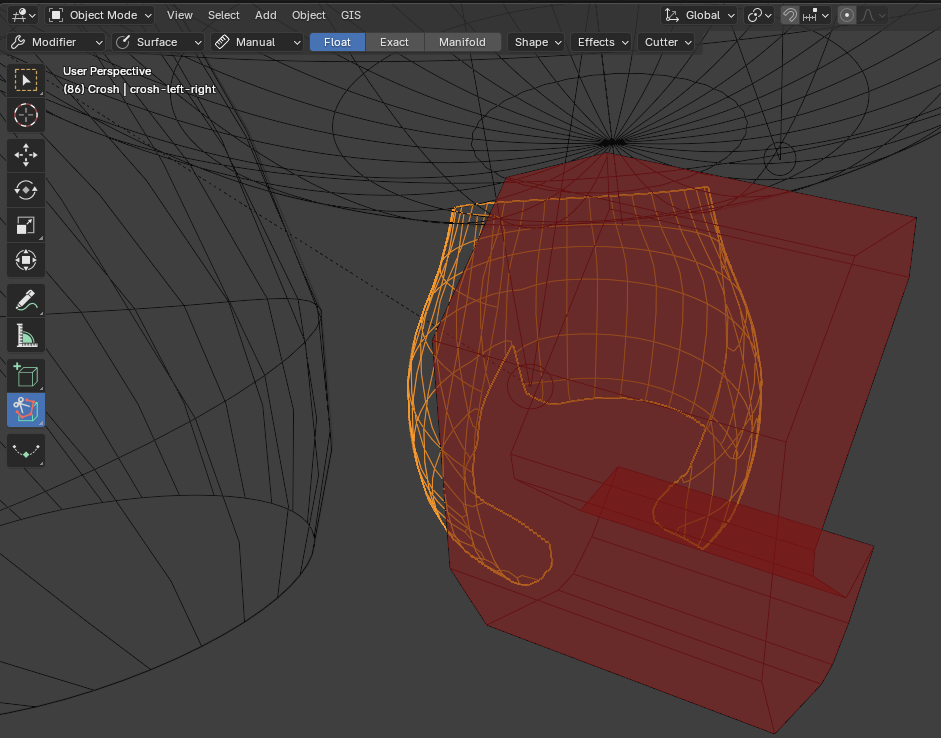
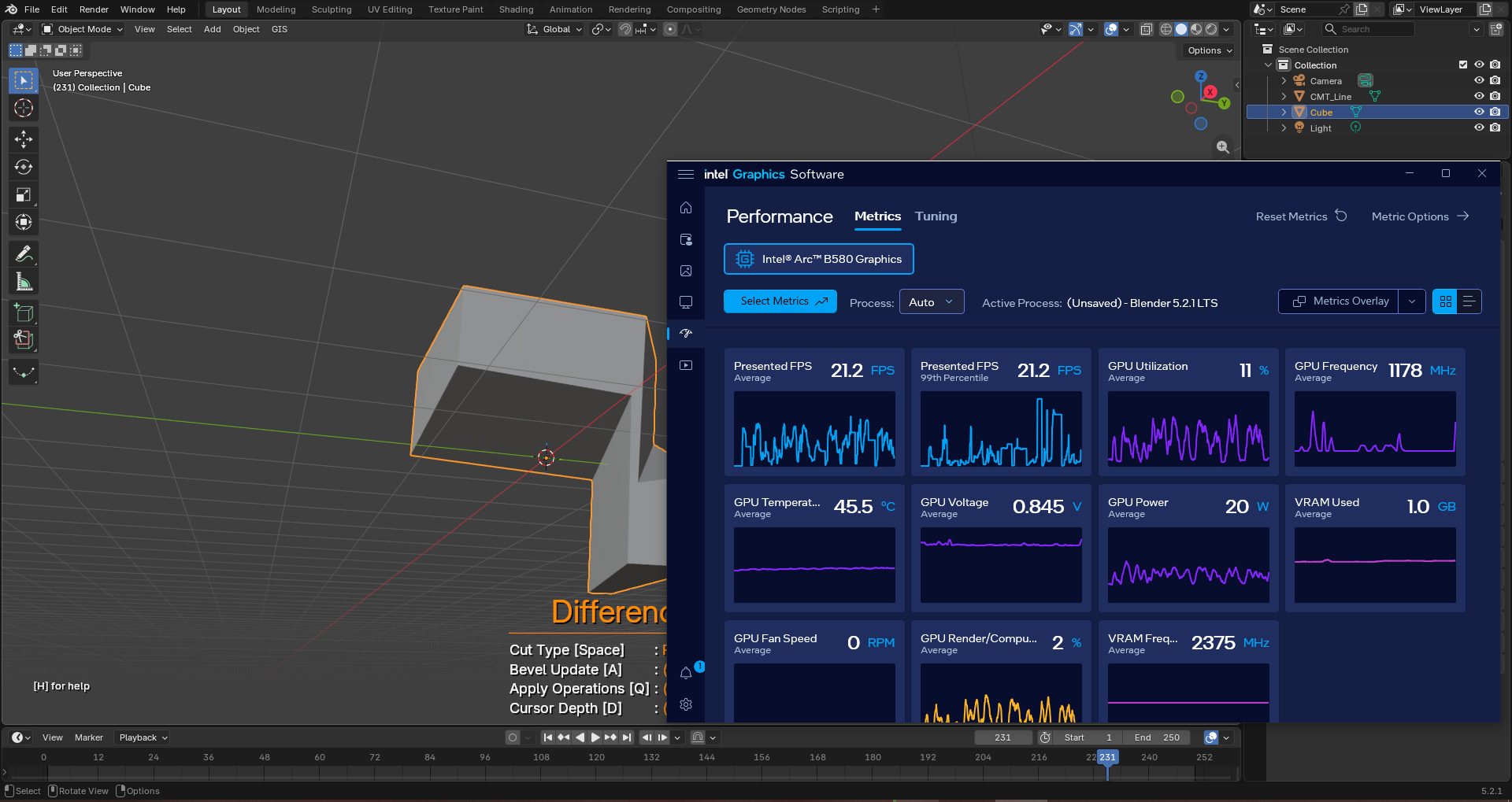
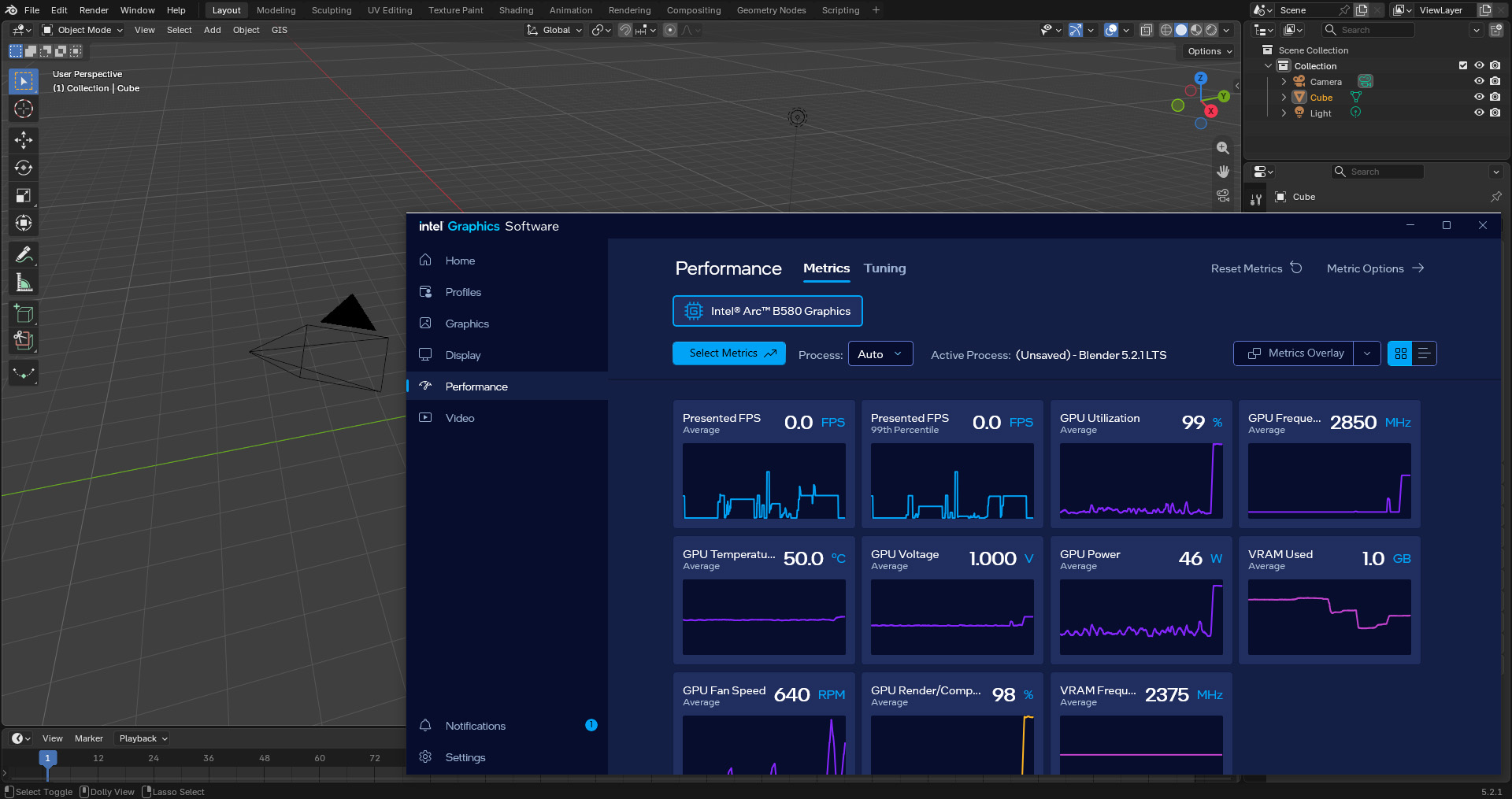
Everything was fine (at least in Blender, even the heavy Cycles renderer functioned correctly) until I accidentally activated the Blender “Carver” addon. It made the GPU utilization at peak performance for no reason. Has anybody expirienced same issue yet? The project on the image is a simple scene without anything heavy on it, only simple meshes.
When I submitted a bug report because of another issue, I was told that the development of that addon had been halted.
I’m not sure whether support resumed after that…
It is highly likely that it will not work properly in a higher version of Blender.
Try using the Bool Tool Addon as an alternative. Supports similar functionality.
Sure, I’d use something different, other than Carver if I knew something as simple as this. It was just an easy way to carve (cut) holes in objects or cut out a shape by hand out of an image, like selecting a straight line selection with magnet lasso in a 2D editor, without dragging vertices or creating additional extra objects to manually position them. Going to try the Bool Tool right now (although the Bool Tool should still require to manually create and place objects, which look less convenient, and why I initially skipped it). It works, thanks!
The important distinction is that Bool Tool (Polyline Carve) requires manual extension of a 2d shape to a 3d shape after the first enter press.
The add-on has bad reviews, seems to be no longer maintained and from what I can see in a quick glance has some 500 lines of code for drawing stuff using GPU module, so once activated by the modal operator it does whatever those 500 lines do on every redraw. It seems it does some complicated mesh data calculation besides the drawing at the same time so on every redraw and modifies meshes probably… Sounds like something that could kill performance of a GPU…
Might be a good idea to uninstall the add-on(maybe even print out the code on paper, burn it and flush it in the toilet just for good measure as well… and leave an angry comment on the add-ons page, report it to the moderators of the extensions platform as well… Send an angry letter to the developer… I don’t know… ).
@MartinZ comment contains some rather extreme expressions, but…
It is unclear whether maintenance for Carver is being resumed.
The bug I reported caused a crash in Vulkan.
The feedback I received was to try the Bool tool, which includes most of Carver’s features. This add-on is not being actively maintained. So I’ll wrap up this report for now. That was the opinion.
Some people do use older versions and sometimes, like it seems here, it might be usefull o have smaller tool with only the features one needs.
Also: someone has to “pull this of”.. i’m not sure if the origianl author can do this.. because then there would be a flood of free addons which later are deleted/replaced by paid ones ?? IDK
Carver is a very old addon.
It works fine in the lower versions, but seems to have issues in the higher versions.
I think old Addon with many users are not easy to remove.
Many people use and will continue to use it mainly probably not because they want to, neither they prefer it instead of Bool Tool but rather because YouTube tutorials for beginners (and even for middle level 3d modellers / artists) contain outdated information (for Blender version 3.4, etc.) that is not updated automatically, which is why people download and have zero clue about Bool Tool (which is easy to confuse with another pop-up menu for boolean logic, I can’t remember the exact name of that menu addon, may be “Bool Tools”).
Especially those who does self-learn and skip the paid / subscription-based courses.
P.S. Also my Acer Aspire laptop with Ryzen 5 7520U has like 0 troubles with Carver… So did AMD Radeon HD7770.
What’s your point? I mean, just because they’ve ported some of the features to another thing, are you saying they should take down an extension that people may still use in older versions?