
2 Likes
This is a cool way to understand all the shapes. I have been looking at your project with Unreal metahuman and it is nice to see your methods in making metahuman works in blender.
1 Like
Thank you so much for your kind words! I will continue to work hard and share more content about Metahuman to Blender.Stay tuned, please.
1 Like
I have cc4 and I was excited when they shared that cc4 model can work with metahuman control rig. I just like cc4 model look more then metahuman.
Have you tried this cc4 in unreal rigs?
1 Like
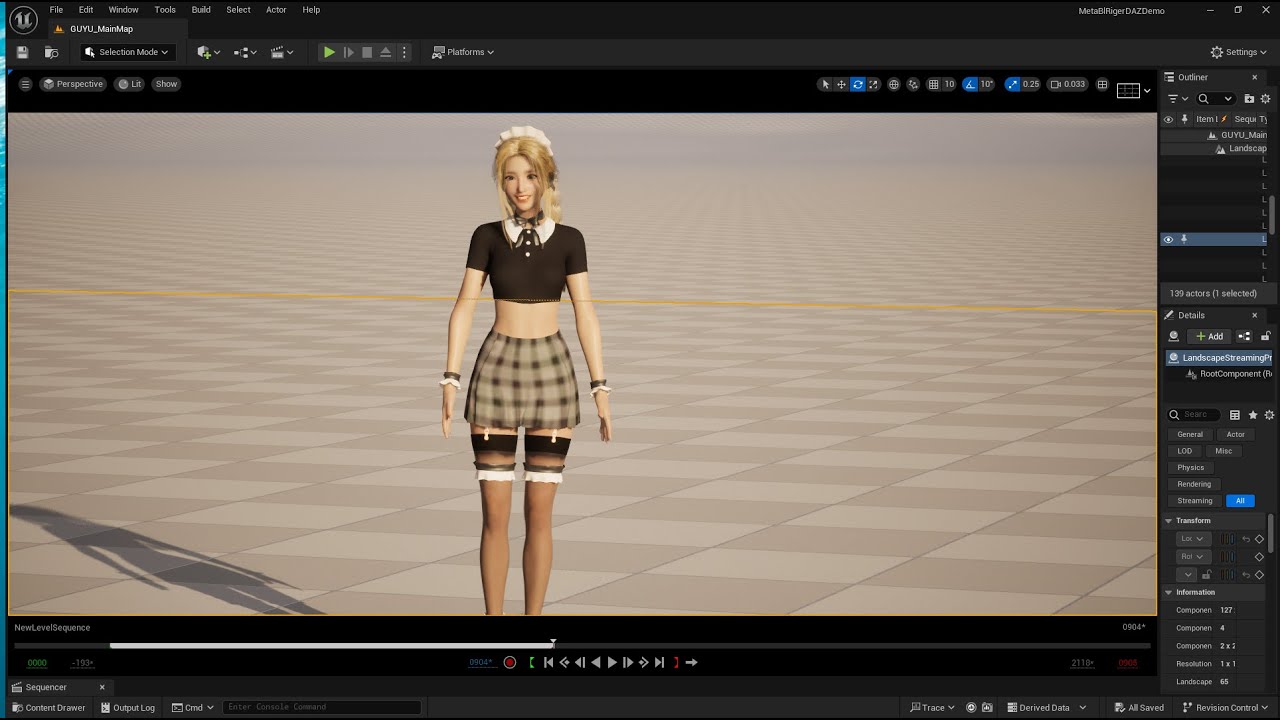
maybe this tutorial is helpful. the cored idea is transfer metahuman skin weights to your cc4 model. if you have any questions, please feel free to let me know!
1 Like
Do you know how the cc4 official metahuman rig mapped the curve controls to the cc4 blend shapes?
The tutorial you shared final control rig result still use metahuman deform facial bones driven by DNA.
What I am looking for is mapping blendshapes (cc4 system) to metahuman facial board.
sorry, I don’t know much about the blend shape of CC4. can you give me an example of cc4 official metahuman rig ? To my knowledge, the controller’s faceboard drives bones or BS in UE has to using DNA Unless you use Controlrig to implement your own control logic

rig the exported arkit 52 blendshape in blender
2 Likes
Thank you for sharing this workflow. It is simpler to provide 52 arkit for the operational rig. It will perform faster then? How about the complex corrective inside the DNA.
1 Like
yes, it will perform faster because the rig only contains 52 shapekeys. Arkit52 rig does not contain complex corrective, it is simple and only contains 52 shapekeys. this is compare between metahuman and arkit rig animation: https://youtu.be/a--WtHcILNU?si=DCMBFw_nh5XyttAC
1 Like
The result of the 52 arkit is good. It is a pure shape key driven then.
How did you find the relation mapping of the facial board control to the 52 shape keys? Is it described in the unreal metahuman system ( there is a 52 arkit pose mapping asset ) ? or you have manually figure out the connection that works?
I guess a shape like brow raise and mouth shapes can be split to smaller control by shape key masks? So the sub control of the brows can work?
1 Like
thanks for your kind words. i referenced 52 arkit pose mapping asset and i added mouthclose shape. arkitautoriger don not use key masks, it directly driving corresponding shapekyes
1 Like
So you reverse the relation from the arkit pose asset. Find what anim curve control that is part of specific arkit expression ( let say lips pucker shape split to specific region of the lips ) .
Then your addon split the shapes to left and right shape key for specific left and right control?
Some shape keys might not work well when activated at the same time. Do you make corrective shape too?
1 Like
no, the plugin do not split the shapes to left and right shape key for specific left and right control. i know what controllers to generate the corresponding arkit blendshapes via inspecting the arkit pose asset. so i will give the control value to dna riglogic and generate the corresponding shapekeys. if you want to know more details about the plugin, you can purchase the source code version to see the how to give control values to dna and get the blendshapes.
Some shape keys might not work well when activated at the same time. i do not make corrective shape. the addon only drive 52 blendshapes, when multiple shapes are actived, there is no corrective shape activated to correct the combination. if you have any questions, please feel free to let me know
1 Like
Thank you for explaining to me. I understand the flow you did to get the correct baked shapes out of Metahuman DNA and Arkit Pose Assets. This will result in a head mesh with all the 52 arkit shape key ready to be connected to the facial board in blender.
IMAGE: Showing how the Facial Board is connected to Head Shape Keys.

The part that I would like to ask is the driver connection from the facial board controls to the Shape keys. Most of the shape key arkit already have a left and right as a separate shapes. I imagine the driver set up is direct relation or result of combination of shape keys.
- For Exampe: This is Jaw Open + Jaw Right

- But for the shape like Mouth Purse or CheekPuff. There only on slider Control to activate then?

- For Example: on Mouth left and Right. Is this the shape used for this control?
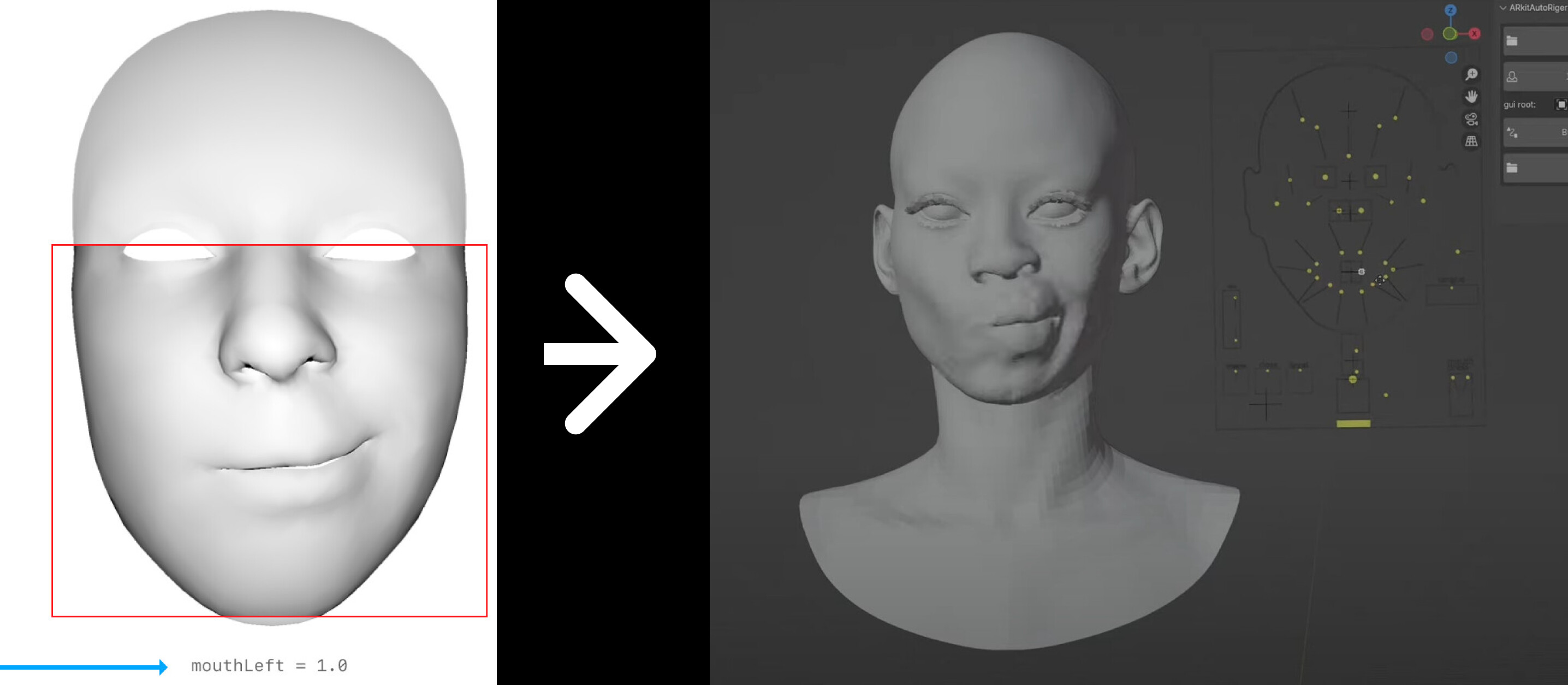
1 Like
But for the shape like Mouth Purse or CheekPuff. There only on slider Control to activate then?
the answer is yes. if the shapkey has no left or right shape, then it will be drived via one control slider separately. if the shapkey has left and right shape, the one control slider can drive two different shapkeys like mouthleft and mouthright. arkitautoriger addon contains Python code that provides detailed implementations on how to add drivers to shapekeys. if you have any questions, please feel free to ask.
1 Like
Thank you for your answer. It must have took a lot of work for you to find the correct connections for the shape key and control. The mouth area control result really look good in the preview video.
I didn’t notice any major shape clashing when the mouth shapes is combined.
It is really great work.
1 Like
thank you for your kind words. yes , i took some time to find the correct connections for the shape key and control. and it is the core of the addon.
1 Like
Hello everyone!  I came across this post to help with ARKit blendshapes rigging. I’ve created this free reference resource for everyone to better understand facial anatomy and polygon deformations while rigging for ARKit 52 blendshapes. It’s fully mobile-optimized, and you’re able to switch between different views: realistic render and wireframe render.
 #ARKit #Blendshapes rigging #FacialAnatomy #Polygon #Deformations #Resource #Mobile render #Wireframe
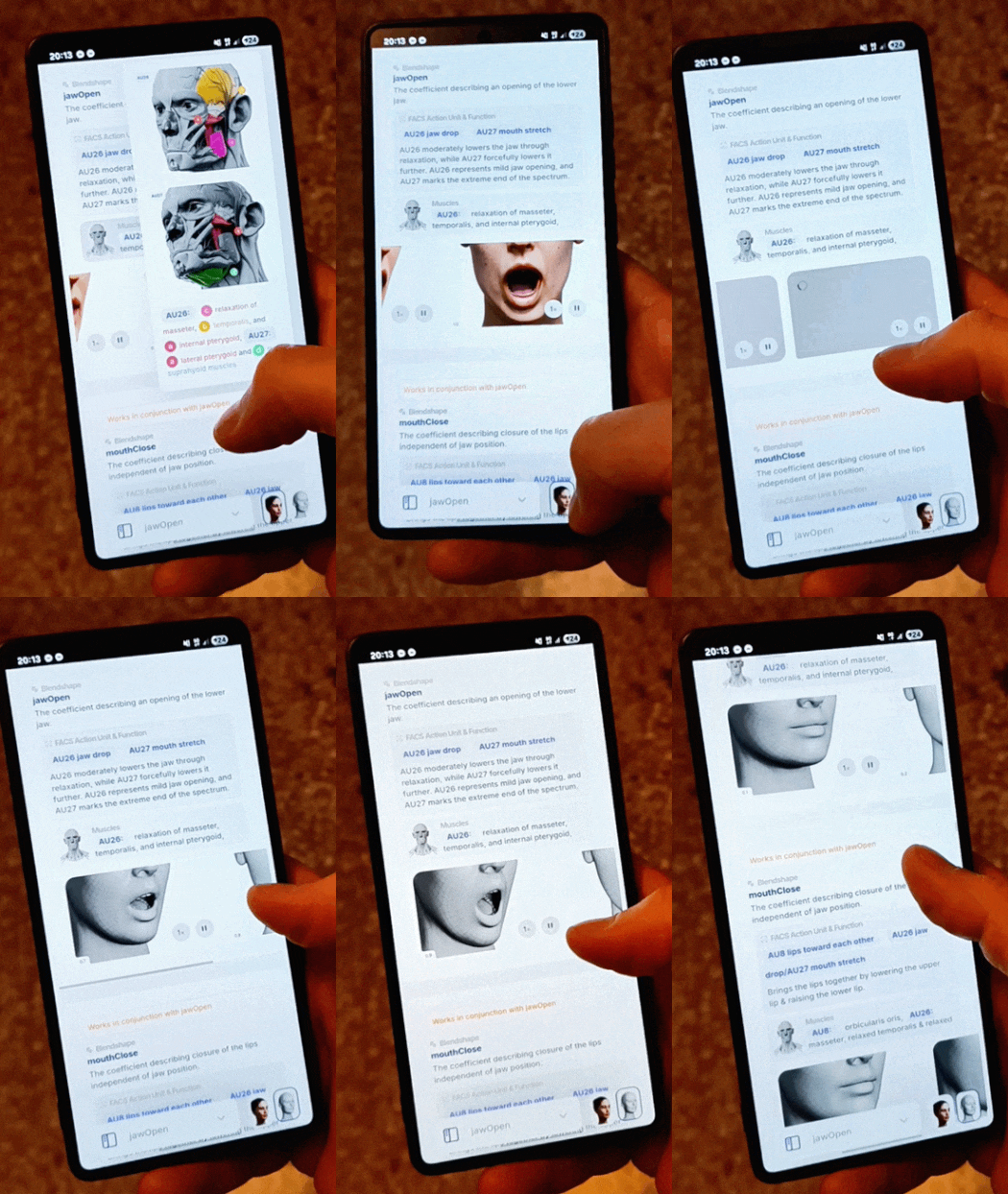
here is the link:
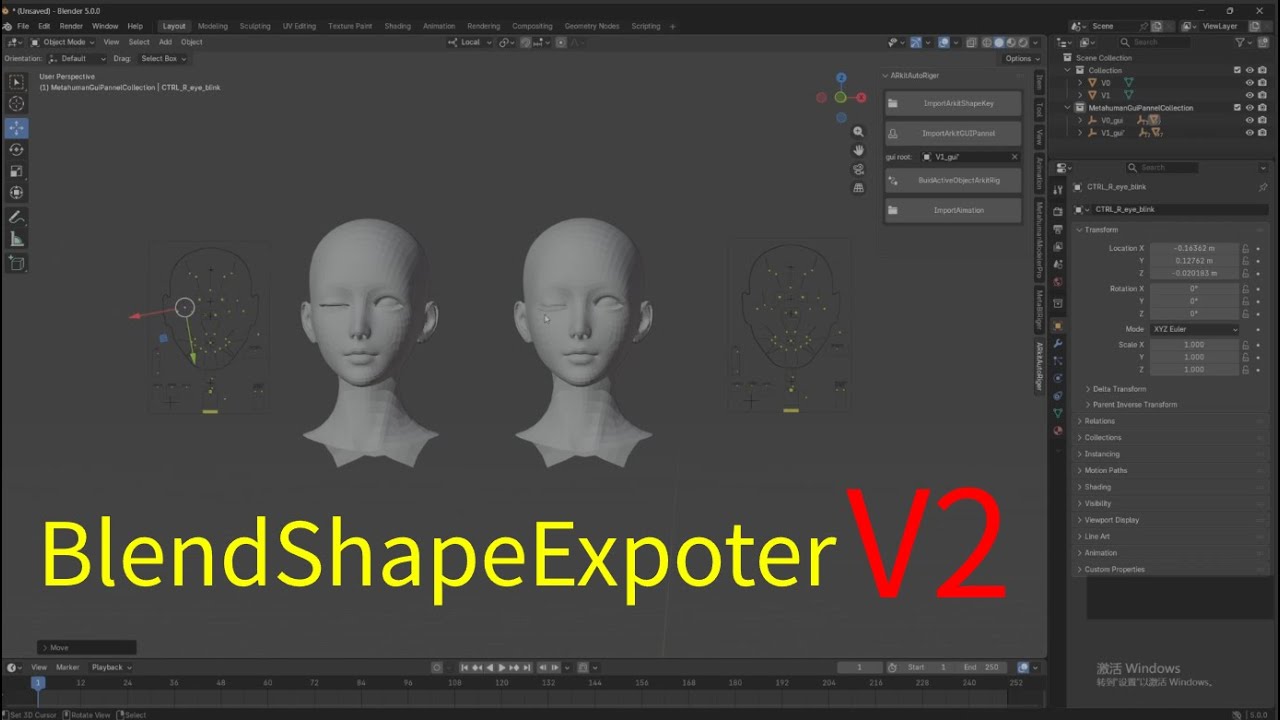
BlendShapeExporterV2