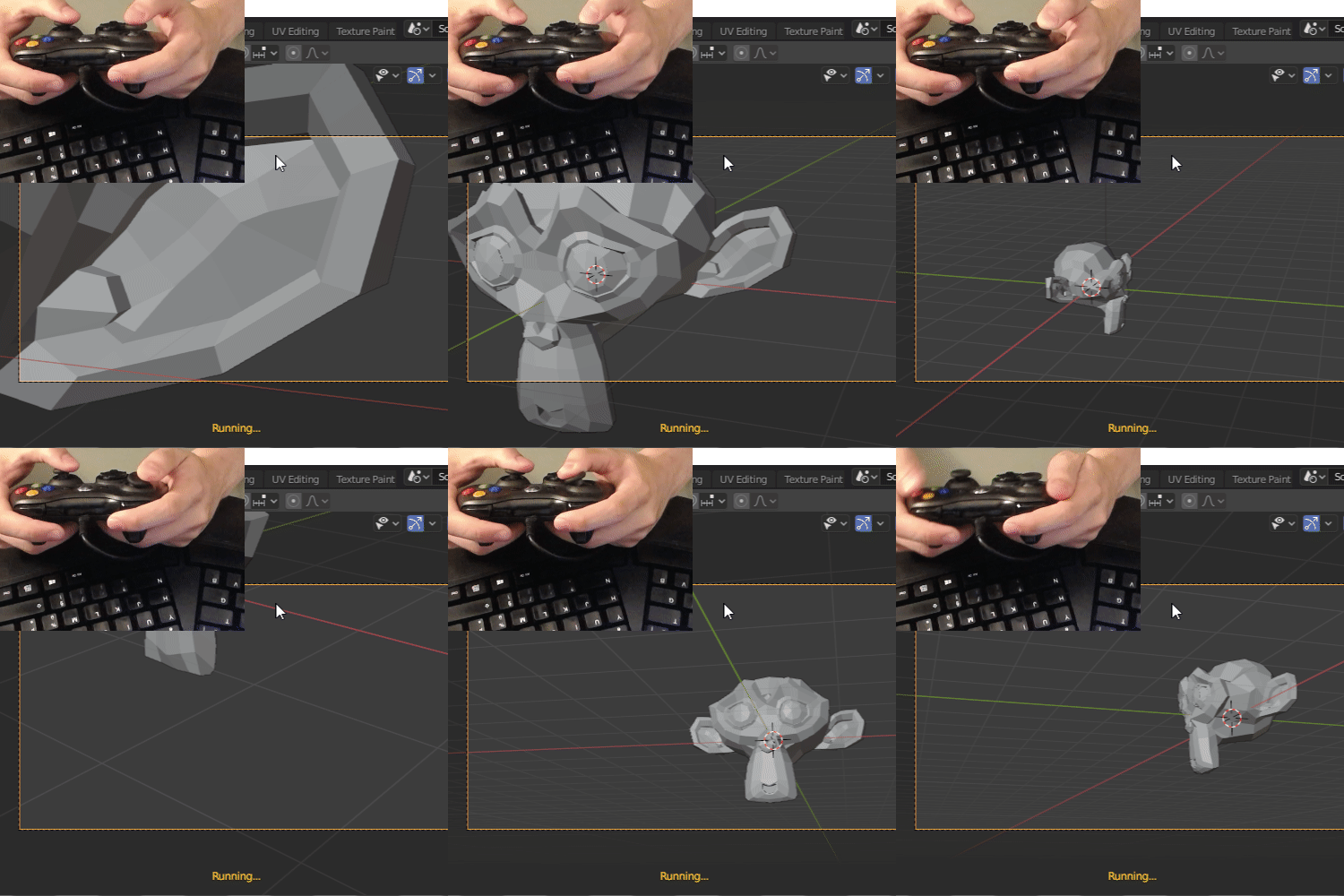
I managed to get the xbox inputs working inside of blender. It was easy when the game engine was there. But since it was removed, I have to use inputs with some modifications.
Coding ergonomic camera controls is as easy as I thought, and I’m not sure which controls I should add on which buttons.
If there is some people interested around here, I would be happy to get some feedback/feature request/whatever !
Very good idea. I was thinking about it a couple of weeks now and I am really surprised that it was so simple. I was trying to think of reading raw USB data (libusb) or using subprocesses etc… But your approach was top notch in terms of simplicity.
Simply getting an 3D Connection device is ridiculous amount of money spent (150 euros), with this approach mortals with humble gamepads can get the same effect.
Getting the controller input is fairly easy. But using it in the blender loop isn’t so. As we don’t have control of when the code is called, so you can’t process the events correctly You could process the inputs from another thread or a timer, but blender doesn’t allow to run operators from there.
I’m already using a thread to make sure I receive all gamepad events. Something like
# Input detection will be done in another thread to keep
# the main thread running smoothly.
# The pill to kill is used to stop that new thread.
# We use a deamon thread to make sure it is killed when blender stops.
self._pill_to_kill = threading.Event()
self._monitor_thread = threading.Thread(target=self._monitor_controller, args=(self._pill_to_kill,))
self._monitor_thread.daemon = True
self._monitor_thread.start()
But the thing is, when you move your mouse or press a key, blender updates and call the update method of your running operator. But if you use the gamepad, blender doesn’t care
I tried some hacks, like pressing play to make sure we process gamepad inputs each frame. But it’s not as reactive as I want.
At the moment, I’m not working on it anymore. But if you are interested in something (like the gamepad wrapper or the camera controller itself), tell me and I can make it public
Very cool, I appreciate the effort put in this trying to investigate how things stick together and how it can be setup. Technically everything worked great from the start (diagnostics and movement), is only a matter of testing and testing until techniques settle and it becomes polished.


 You could process the inputs from another thread or a timer, but blender doesn’t allow to run operators from there.