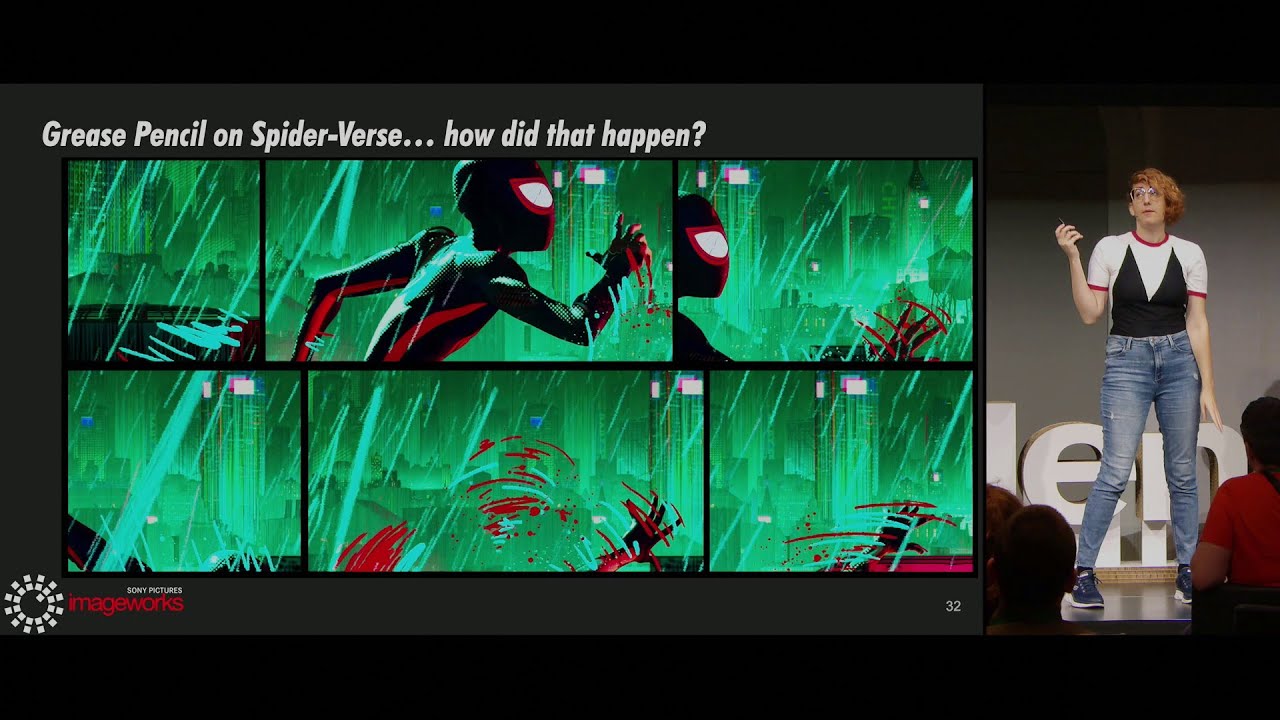
The Spiderverse style is a very hot topic for Blender artists, and there have been numerous attempts to replicate it in the free software. Such as the Komikaze shader pack. But I would like to know if there is a more free way of doing it. There is this very accurate Spiderverse inspired shader in Arnold. Making a Spiderverse-Inspired Shader in Arnold | Greyscalegorilla - YouTube
I was wondering if there is a way to replicate a shader like that on Blender.
Additionally, my question specifically pertains to characters. In the Spiderverse films, each character’s style varies, but most tend to incorporate the film’s signature style quirks, such as halftone highlights, hatching for shading, stroke lines for facial expressions, and animating on twos, among others.
Yes. You do it the same way the other person who’s selling those shaders does it. Which means you need to learn different shading techniques, and how to combine them.
There’s a wealth of shading tutorials on YouTube, and not hard to find SpiderVerse looking examples for characters, environments, etc. I suggest your start there with “blender spiderverse” in the search field.
I think you just need to break it down into the different techniques they used. They used SO many different techniques on that film to get that look. Yes, the halftones, the hatching, the ink lines, the variable frame rates. Figure out what it is you want to emulate and learn how to do those things one thing at a time.
The only thing I am kinda struggling with is the 2d lines on the faces. There is this addon called Line works but it is very buggy and gives me a lot of errors when trying to add lines.