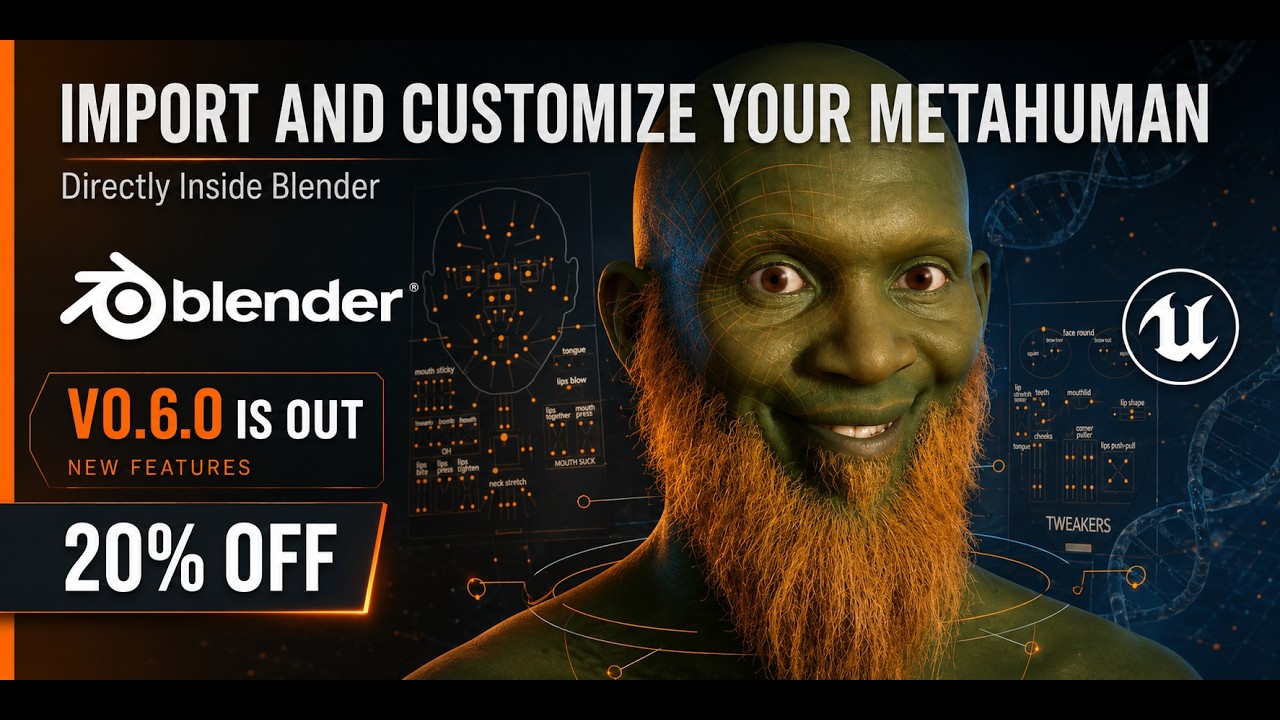
I made a Blender addon that imports MetaHuman DNA into Blender.
Here’s a quick demo of what it does. Feedback is welcome
Screenshots


Product page:
I made a Blender addon that imports MetaHuman DNA into Blender.
Here’s a quick demo of what it does. Feedback is welcome
Screenshots
Product page:
NOTE:
The included package assets are part of the addon while I continue improving it. They are not sold separately and there are no extra charges for them.
More package items may be added in future updates.
- Head-only importing is now supported, with the option to add body meshes later.
- The build panel is now cleaner: each build stage has a triangle disclosure row, and the next ready stage opens automatically once.
- Grooming is now its own Stage 6 with Hair, Eyebrows, Mustache, and Beard sections.
- Skin editing is now built into the Materials stage, with controls for tint, hue, saturation, brightness, roughness, normal strength, subsurface, and specular.
Facial Panel Improvements
- Added Face Control Sliders inside the Facial Panel stage.
- Keyframed sliders now drive the face correctly.
Grooming Improvements
- Hair, eyebrows, beard, and mustache attachment now respects active shape keys and the current skeleton pose.
head.dna and body.dna can be imported back into UE5 from that folder.Add Shape Keys step with loading progress.I made a quick Tutorial for my Addon

.dnapack files and apply them to any MetaHuman.My skills with metahuman it’s broke-zero level, the new Unreal Engine version intrigued me yet it seems intimidating. This addon seems the perfect tool to approach metahuman character customization. Some little questions: Changing eye pupil shape it’s just a matter to replace the eye texture? Can I make new hairstyle from zero by using blender’s hair particle and “comb” brushes ? How many steps there are if I wanna convert hair particle into haircards and translate the latter into Unreal Engine? How about teeth shapes and colors, even missing teeth? If I want to make a character with a missing eye, I just need to eliminate the eye sphere model and any skin weight from the interested area related to his bone(s)?
how can i make a.dnapack file from ue ? when i do the dcc export everything is in it, but for groming is asking this file and i cant find an export or the location for this dna pack
Sadly, .dna files do not contain any grooming data. Otherwise, I would not have needed to create a separate Groom Pack system.
My method is to export the groom meshes from your UE5 project as FBX, including all available LODs, and export the related textures as well. These files should already exist inside your project.
The addon lets you create a Groom Pack directly from the FBX files and textures. Once created, you can reuse the same pack on any MetaHuman, even if the new MetaHuman has a different head size.
any way to show a way to link the tgextures to the fbx file ? bc i tried already this option but couldnt link the texture properly to the cards 
thanks for any leads !
I’m not sure what you mean by linking the textures. Do you mean exporting the FBX with its textures from UE5, or assigning the textures to the hair cards inside the addon?
Please send me a few screenshots of what you exported and where you’re getting stuck, and I’ll guide you.
currently im trying to attach the textures from this groom to the fbx file expoted from ue but i would like to know if there is a way to export it already with embended texture to blender
thanks for your time !!
alpha is not working correctly and the texture that i find on UE is an attribute texture; so its not working correctly
That’s the wrong texture. Look for the black-and-white texture with _Coverage in its name
these are the only coverage texture i can find in the content browser, i cant find in black and white..
I honestly don’t remember the exact path because Unreal stores textures in different folders
If you can’t find a _Coverage texture or any black-and-white texture, you can use the Attribute texture as a workaround. Separate its color channels, choose the channel that gives the clearest black-and-white result, then save it as the alpha texture
Epic maybe use different texture setups for different characters but this method should still work for you.
just fixed with this try !
thanks!!
Great, happy it worked! Feel free to reach out anytime if you need help.


