Surface Fill - is a powerful professional tool for automatically filling surfaces, edges, and curves with tiles, boards, or any other objects. The perfect solution for architectural visualization, creating floors, walls, ceilings, facades, and decorative elements.
Tiles that the cut would remove completely are no longer created. On L-shaped, diagonal and irregular surfaces, or walls with openings, this often means several times fewer tiles. The cut at the edges stays exactly as precise as before.
The fill mesh is built much faster: the source is copied in bulk and all tiles are placed in one step instead of tile by tile. UVs, materials and attributes are preserved.
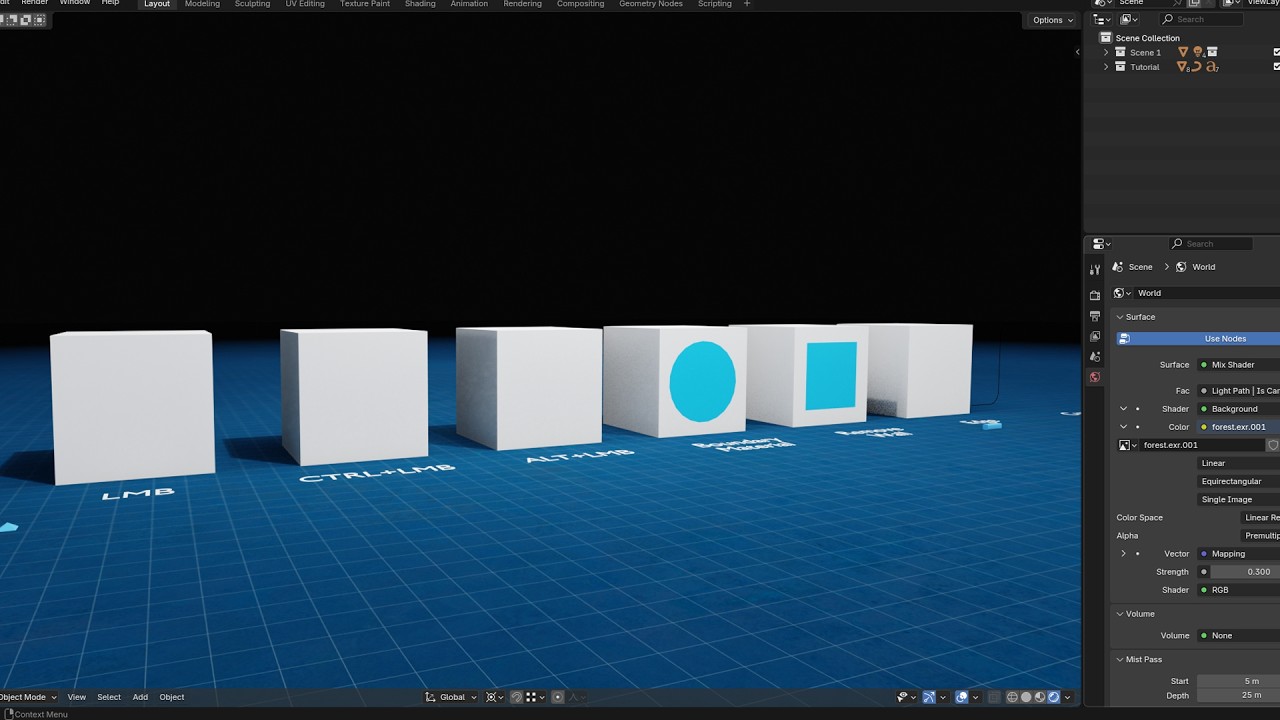
Ctrl+Click (fill all matching surfaces) analyzes the object once instead of once per surface.
Hovering in the viewport is lighter: one raycast instead of two, no full-mesh rebuild on every mouse move, and curve points are cached while the tool runs.
Cutters are created without changing your selection or active object, and creating them also works when the active collection is hidden.
New features
Large fill warning: before filling, the add-on counts the tiles. If the count is above the new Tile Warning limit (default 1000, 0 disables it), it warns at the cursor with the object’s size and the tile count. Click again on the same surface to fill anyway, or press Esc to cancel. Fills above 5 million tiles are refused outright to protect memory.
Ctrl+Z: exits the fill tool and undoes the last action.
Selected Mesh Becomes Source (Edit → Preferences → Add-ons, off by default): when Fill Surface is pressed, the selected mesh is used as the Source Object.
Fixes
Ctrl+Click with Remove Wall could fill the wrong faces, because faces were deleted while the remaining surfaces were still being processed. Faces are now removed at the end.
Ctrl+Click could fill the same faces twice when two surfaces overlapped.
Edge fill could leave a gap at one end of the chain when its vertices were unevenly spaced. The row is now centered on the chain.