Wooow its there!!! Amazing. It works like a charm in 2.8. Thank you very very much!!!
Это просто круто, спасибо , спасибо огромнейшее!!!
I was feeling bad to take it for free so i was sending a bit donation to you and to Nikita Akimov on gumroad for this cool addon!! Thanks!
Thank you very much!
I also prepare a present for you. This is a ghost of a manipulator. It will show the center, the direction of the axes and the working plane but will not interfere with the selection
5 Likes
why didn’t i see this addon ealier … good stuff as usual!
many thanks, darcvizer. 
I’ve been testing this in 2.8, and I’m loving the gizmo displays and everything!
I do find that the workflow I had in NVIL doesn’t exactly work the same here.
If I hold down G, press LMB and move in a direction, I need to take extra care to release G before I release LMB, or the tool won’t exit.
In NVIL I had also set up NVIL so that G and mouse-movement (of at minimum three pixels, I think I’d set it at) would do a Free Translate. Which also brings me to my next point: customisablity would be great!
If I’d Press G+LMB, moved something a certain distance, then holding G and clicking LMB once would also move the selection by that exact amount once again. It’s like a shift-R repeat tool, but: it remembers the setting per tool.
It would also be great if this would work for Extrude, where you’re essentially also moving faces.
I’ve got a (very quiet, sorry) video about this here:
1 Like
That would be amazing! Many thanks!
Very nice.
" If I hold down G, press LMB and move in a direction, I need to take extra care to release G before I release LMB, or the tool won’t exit."
I tested it too like you said, thats true it a bit strange with “G”+LMB. I had a bit different hotkeys because of using tablet. I mapped it like showed in this video:
Mapped like this i never noticed that behavior you mentioned. I think its because its mapped to mouse and not to tabulator. But im not sure.
2 Likes
Wait for the update.
2 Likes
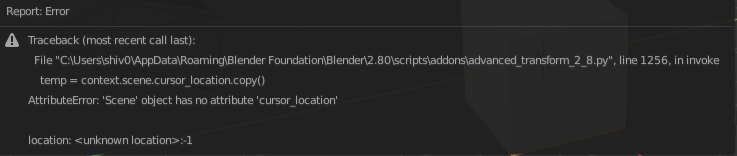
Yes I know. They updated python api again.
3 Likes
Fixed this error.
4 Likes
Wip
2 Likes
Wip
10 Likes
wip UI

13 Likes
Should I make a tweak tool for scale and rotation?
2 Likes
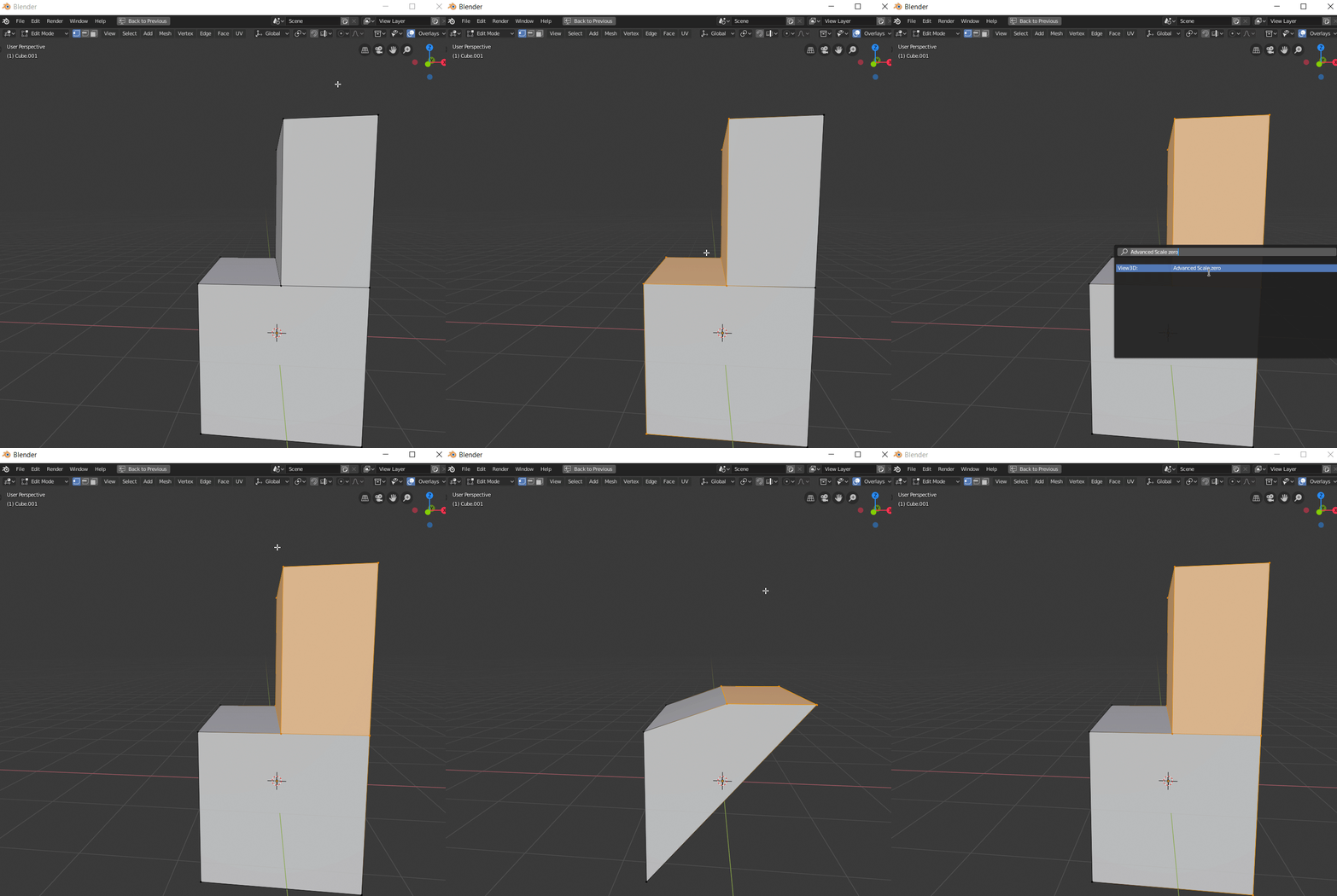
WIP UI zero scale
5 Likes
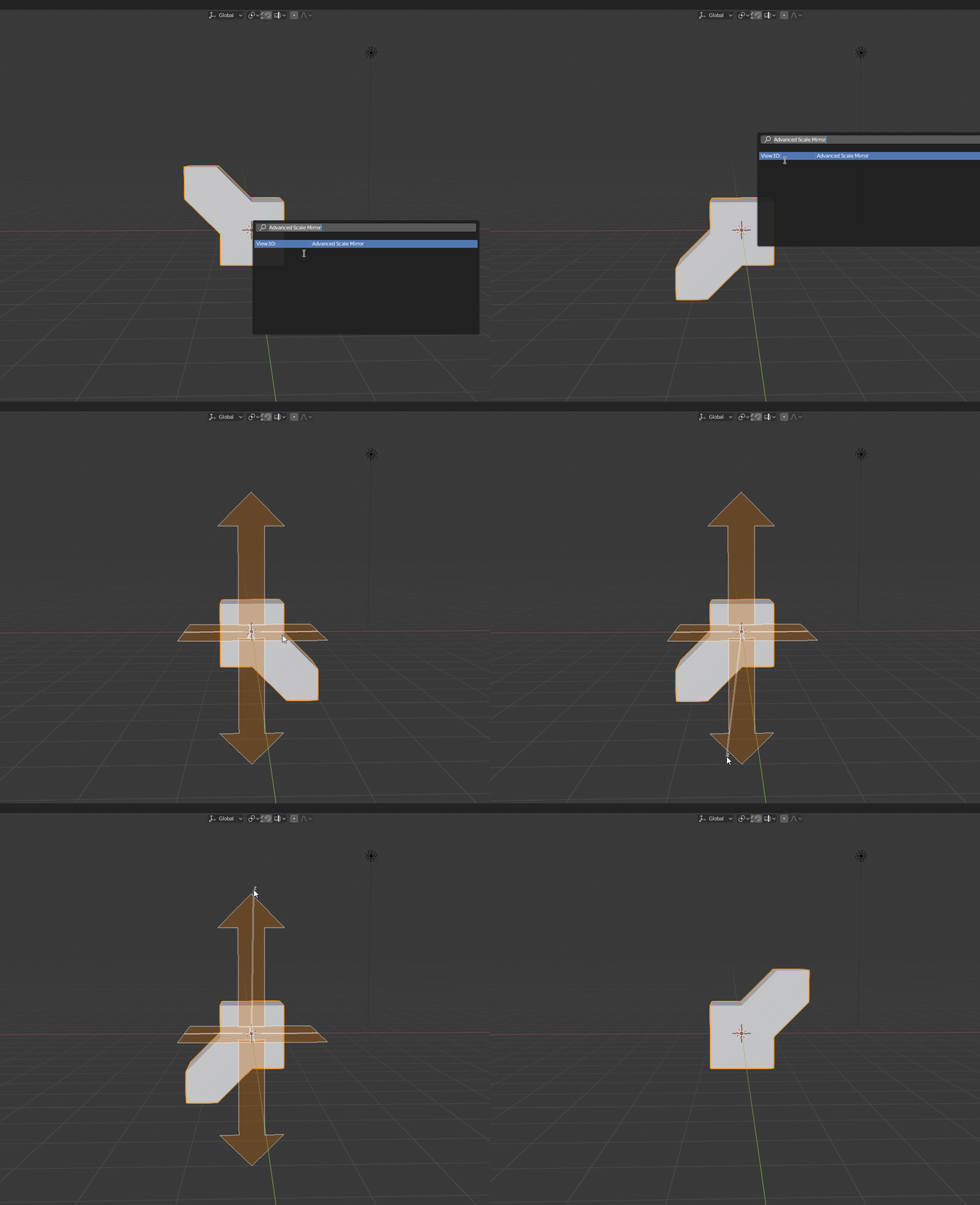
Wip Mirror
5 Likes
Very nice way of approaching problems, great stuff Darcvizer.
1 Like
Idea for mirror can you make it that it will preview the mirror end result on hoverover before you apply it?
Thank you very much