Я так предполагал что можно сделать: w - стандартный мув, double w - аддон transform
Плохо что нельзя поменять хоткеи (LMB MMB RMB, настроить как удобно)
When I tried to scale with this addon, I press s , then Shift+z, it doesn’t work as blender default scale with z axis
u did not understand the essence. if you want to press shift + z then you don’t need this addon
Thank you, I just learned it, s with RMB of the addon is better than the default Shift+z
1 Like
Awesome Addon! I just recently switched to Blender and your addon feels much more comfortable than the default way.
Are there any plans for further custom keyboard configurations? I’m using a tablet for modelling and using the right "mouse"button on the pen feels a bit uncomfortable to me. It would be nice if I could change it to something like alt + left mousebutton for 2 axis manipulation and ctrl + left mousebtn for free manipulation.
Many Thanks again for your great addon
When Press G, why enter to Advanced mode and have a box ?
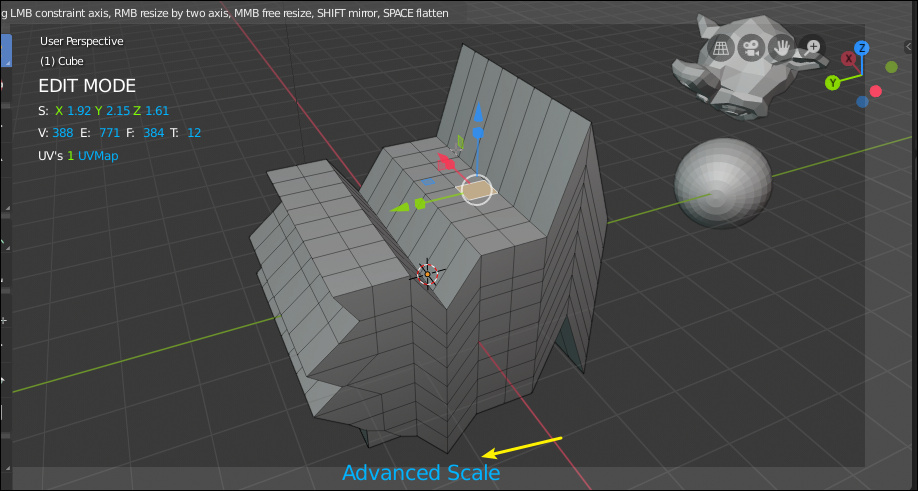
if un-check draw tool, it looks like UI frozen .
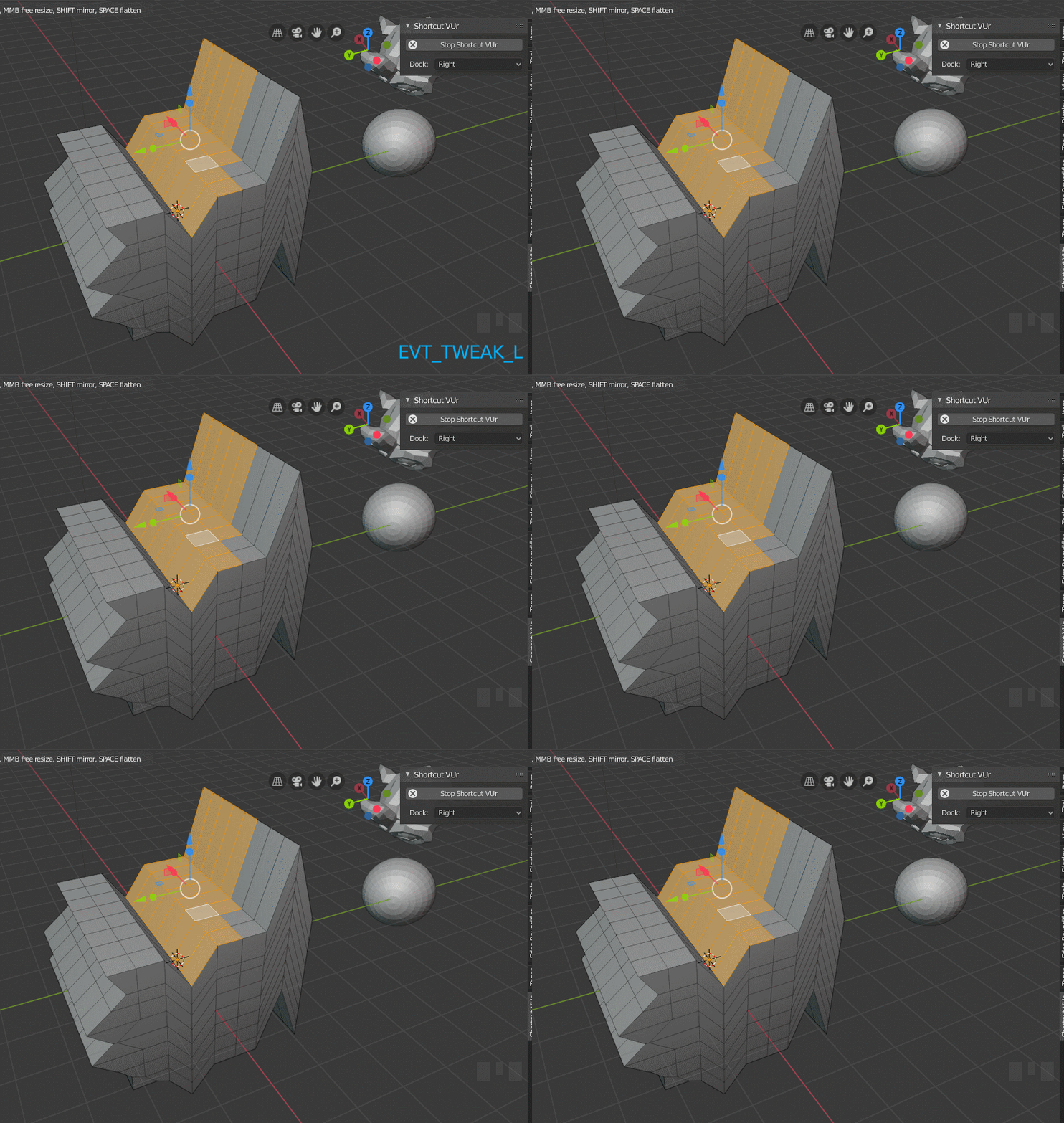
It can reduce this steps ? the same as default immediately activation . but I like rotate UI .
the default
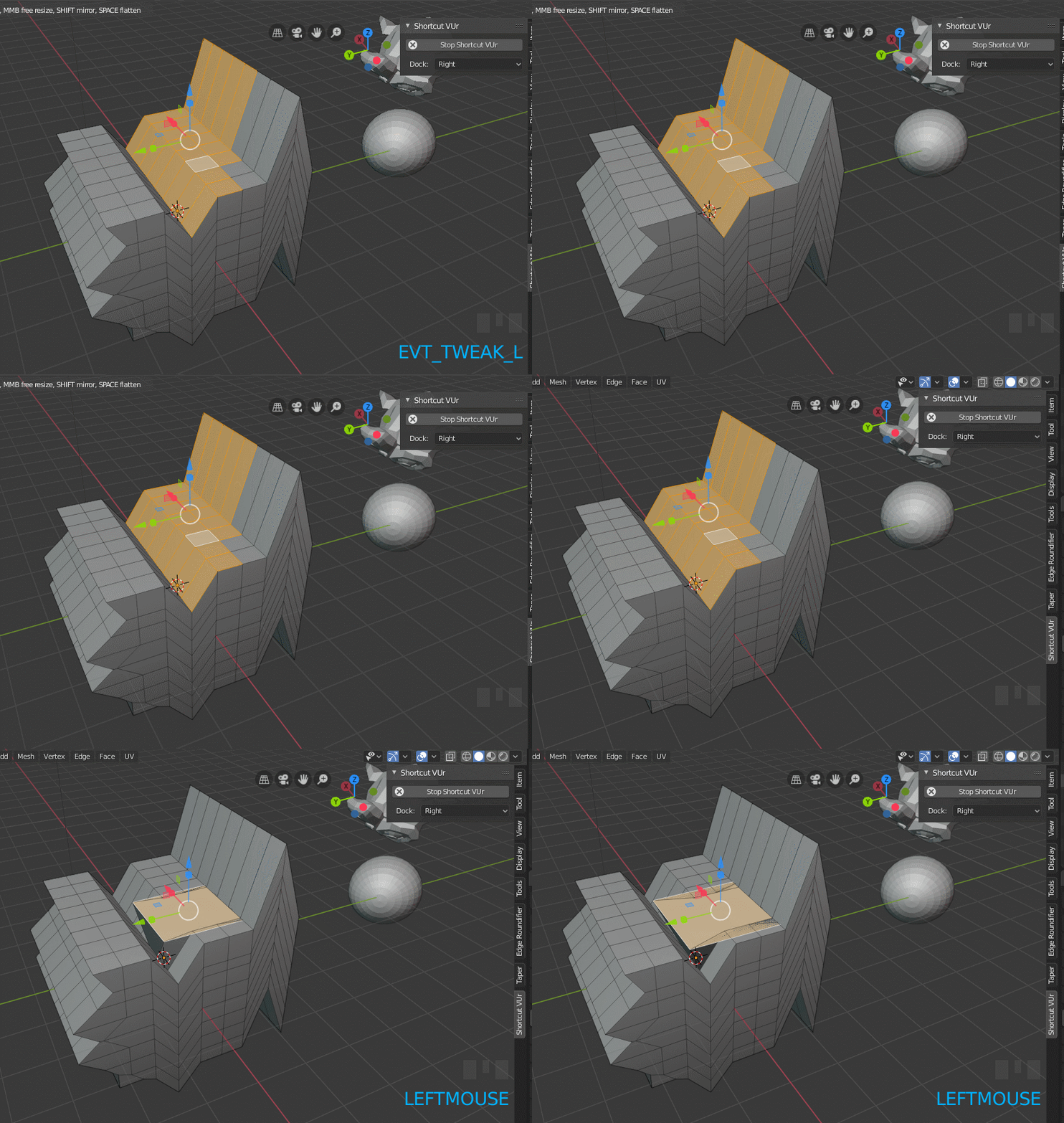
Yes, it was in the plans. But I can not say when I start working on it.
How are you going to turn the viewport if the script is waiting for directions from the mouse?
I thought your idea is
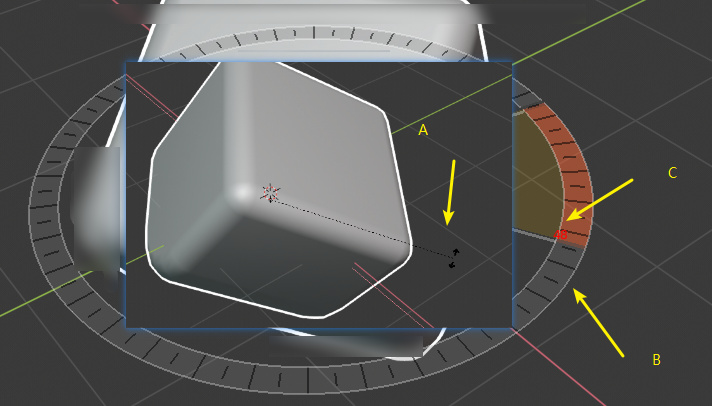
Press R to display A, B, C (in screenshot). and then move (no click) the mouse for rotating and show dynamic angle.
But after enabled Advanced Transform add-on.
Press R , nothing to display . The viewport looks like frozen, and the mouse have to click or drag once , for display B and C. A is missing …
Then same issue with press G and S.
1 Like
it’s because you have to choose use LMB for rotation in one a axis without snapping, use RMB for roration one a axis with snapping or MMB (I do not remember what this button)
I do not understand what you want from me … Sorry…
I just want to display A, B, C (in screenshot) when Press R. I’m using Left mouse.
but it makes no sense
Whatever. Forget it.
1 Like
Very rude man. I had better approach . I never tell you .
1 Like
Влад, привет!
Нашёл и купил твой advanced transform – это абсолютно то, что мне было нужно для перехода с майки на блендер, спасибо тебе за плагин.
У меня 2 вопроса:
-
При повороте объект движется в обратную сторону к вращению https://dl.dropboxusercontent.com/s/5ckbgdneevpqoq3/ufDaVWvLPQ.mp4
Это баг или фича? И можно ли сделать так, чтобы куда я крутил, туда бы и поворачивался объект? -
Можно ли как-то самостоятельно уменьшить размеры стрелок и прочего ui плагина? https://i.imgur.com/uepWI3i.png
Выключение Draw Tool не помогает

upd: блин, как же удобно теперь стало двигать объекты!
upd2: нашёл особенность (багом это вряд ли можно назвать, так как, видимо, нормали для вертексов рассчитываются как-то иначе). В обоих случаях стоит Normal, но элементы двигаются в разных направлениях https://dl.dropboxusercontent.com/s/sp33r3rnkod8p22/bQ2NDrsAW9.mp4
Привет, спасибо!
1 это баг я его поправлю. Он в зависимосте от сборки то исчезает то появляется. Наверно сделаю галку invert rotation
2 С этим уже сложнее. Я не знаю как правильно рассчитать так что бы размер всегда был 1 в независимости от расстояния до камеры. Постараюсь подобрать значения получше.
По поводу 3 не могу сказать, видео не открывается. Ты можешь когда сообщения пишешь прям в это окно кинуть видео и сайт его сам подтянет
1 Like
Да баг. Тоже сразу чекну как буду ковырять
1 Like
Does advanced transform allow you to place objects on a workplane or beveled face ? Please see this post. Thanks