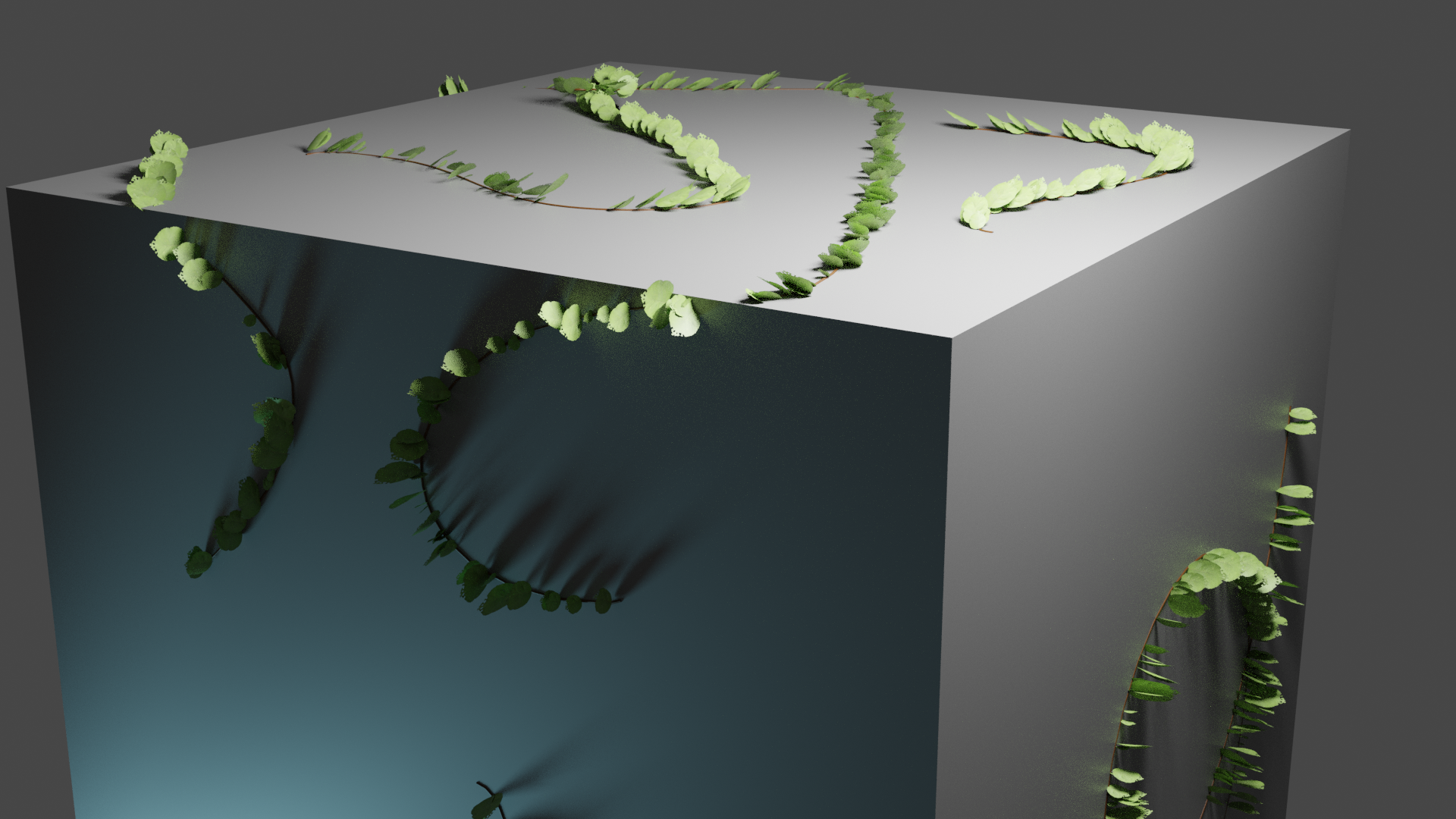
I’m trying to make a vine generator from drawn curves. I would like the leaves to align with the tangent of the (multiple) curve(s). I have followed tutorials allowing this to happen with single curves within geometry nodes. But I cannot get it to work with input geometry. I’m not sure what the issue is. Can anyone point me (and the leaves) in the right direction?
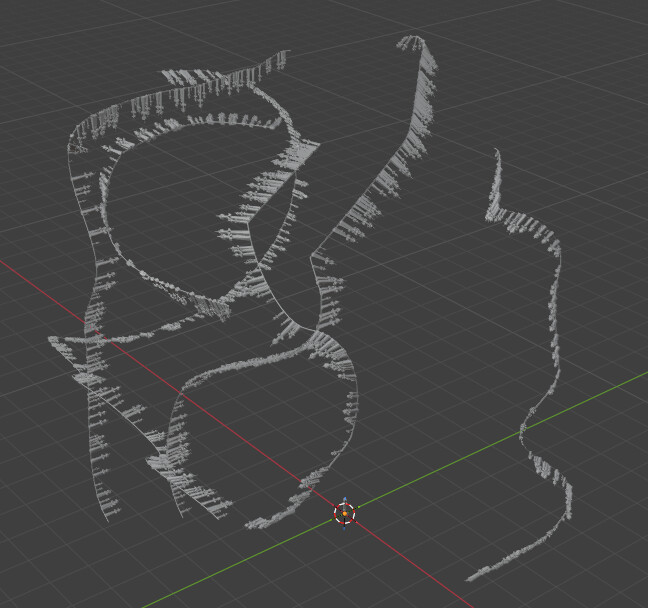
Attached is the blend file with arrows I’m using to test the alignment options currently selected. Vines from Curves.blend (1.1 MB)
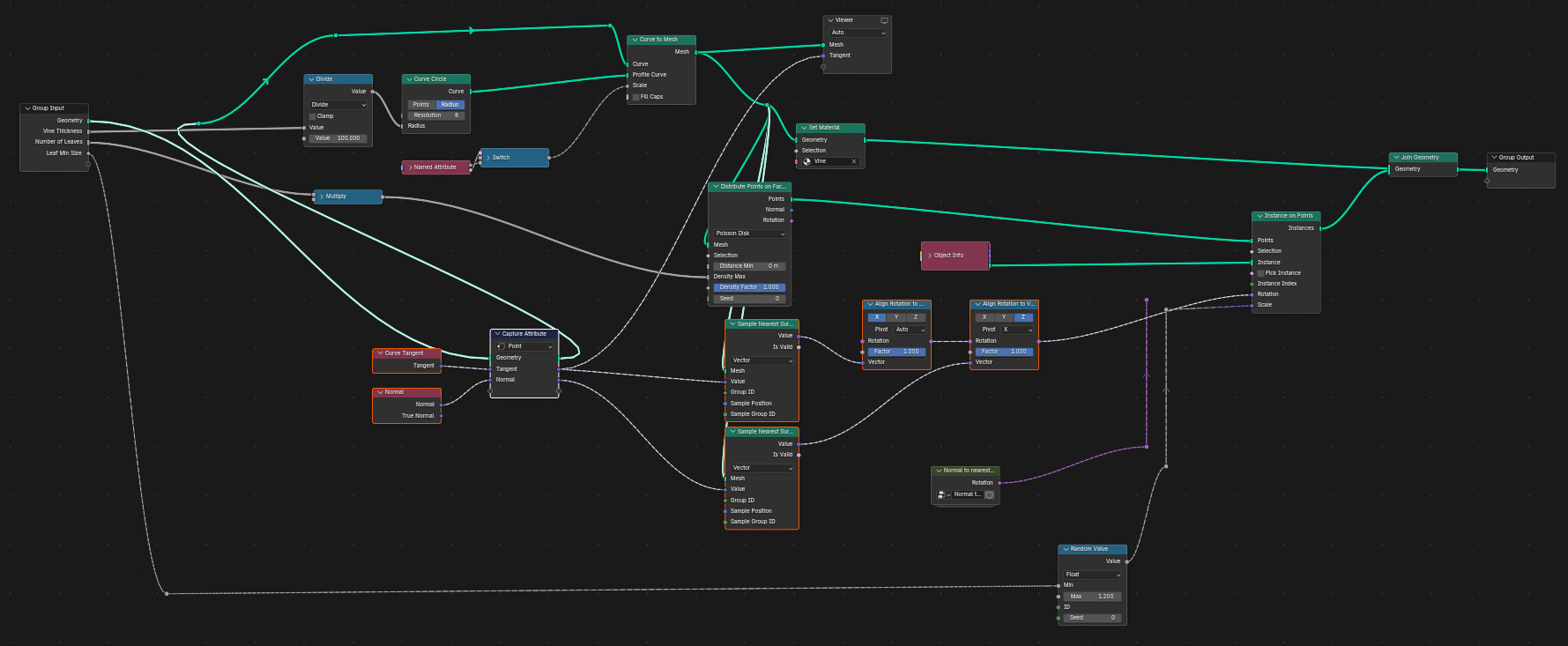
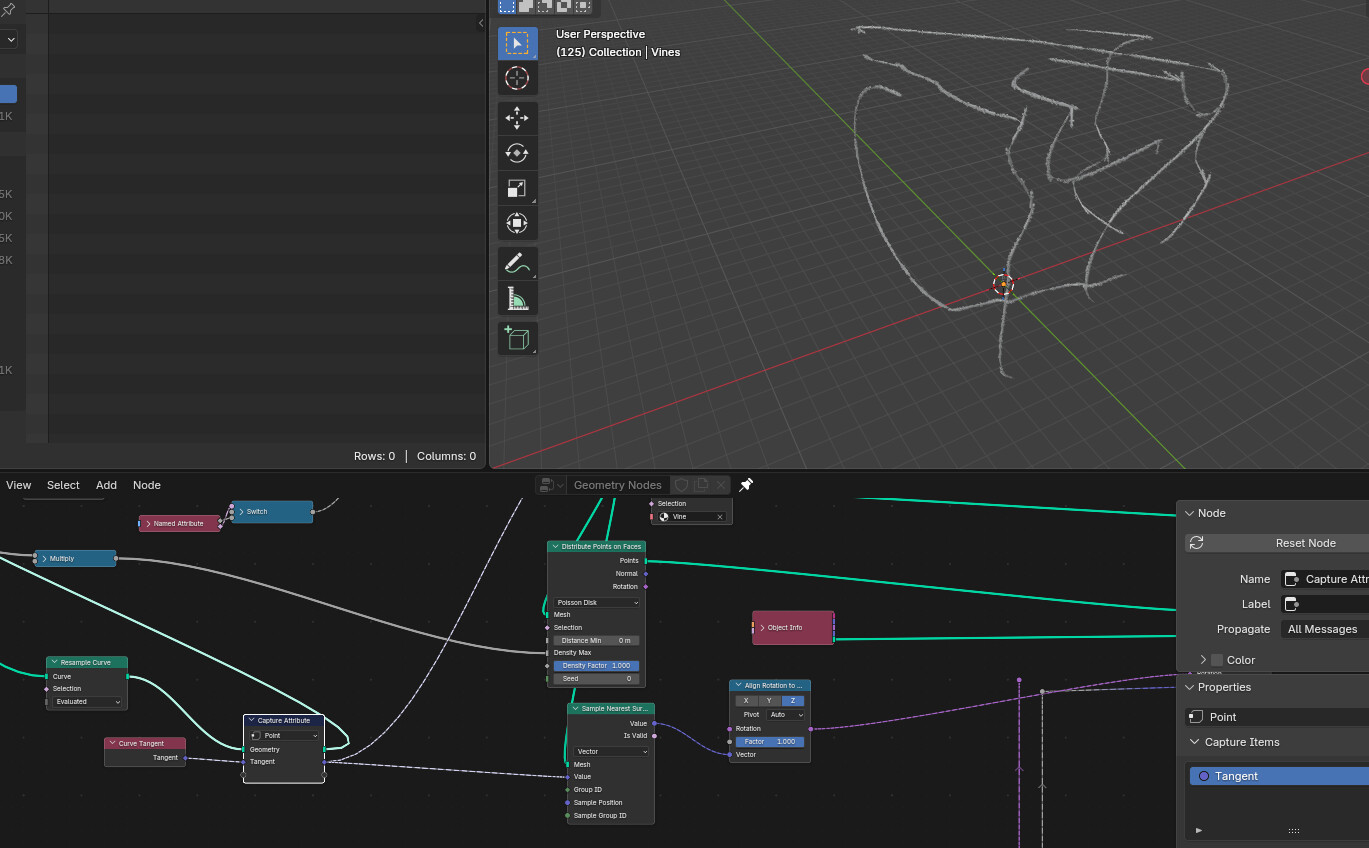
The points distributed on faces did not carry over the information about the curve tangent or normal at all. Those need to be captured while on the curve, and then sampled from the surface of the meshed curves that you’re distributing points over. To fully define a rotation from vectors, you need both a tangent and a normal, so that’s what I did here.
If you want, you can replace the curve normal in the lower “sample nearest surface” with the mesh normal of the object these vines are wrapping around, so that one of your two vectors comes from the vine’s direction, and the other from the local surface normal.
The reason one would want the normal is because a rotation is not completely specified by aligning a rotation to a vector: there’s still a full degree of freedom there (360 degrees of possible rotation around the vector you just aligned to) and so if you want your leaves to point in a particular way relative to the object your vines are growing on, you’ll want a reference direction to align to.
If you don’t care about that, you can use this method. There was one fix I needed to make to align the arrows as you requested: “resample curve” is needed to get the tangent correct at every point (otherwise I think it is linearly interpolated, which is not correct.)
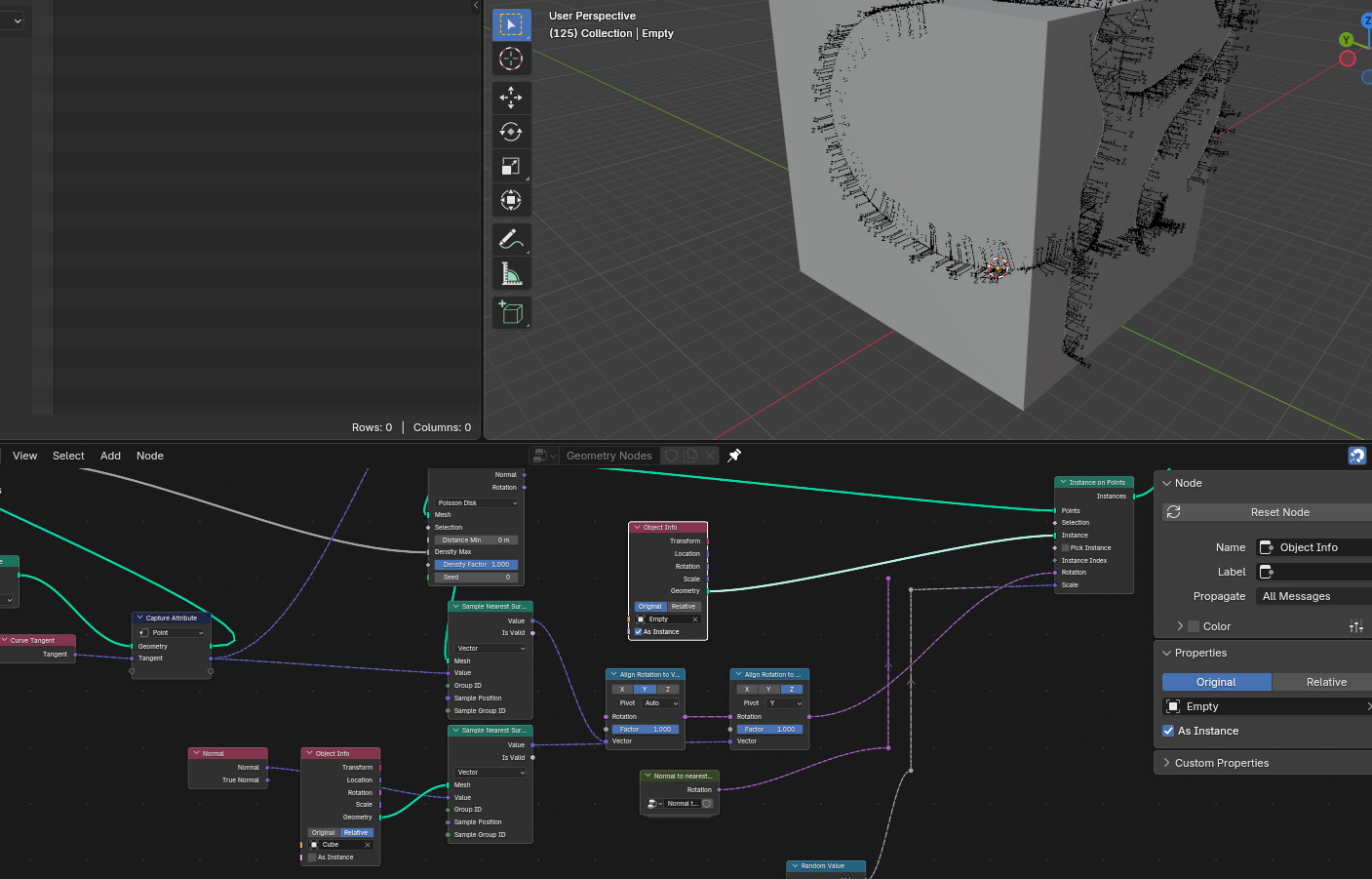
Here your arrows have been replaced with axis empties: their y-axes point to the curve tangents, and their z-axes point away from the surface. This can keep your leaves from clipping into the object the vines are growing around, for example.