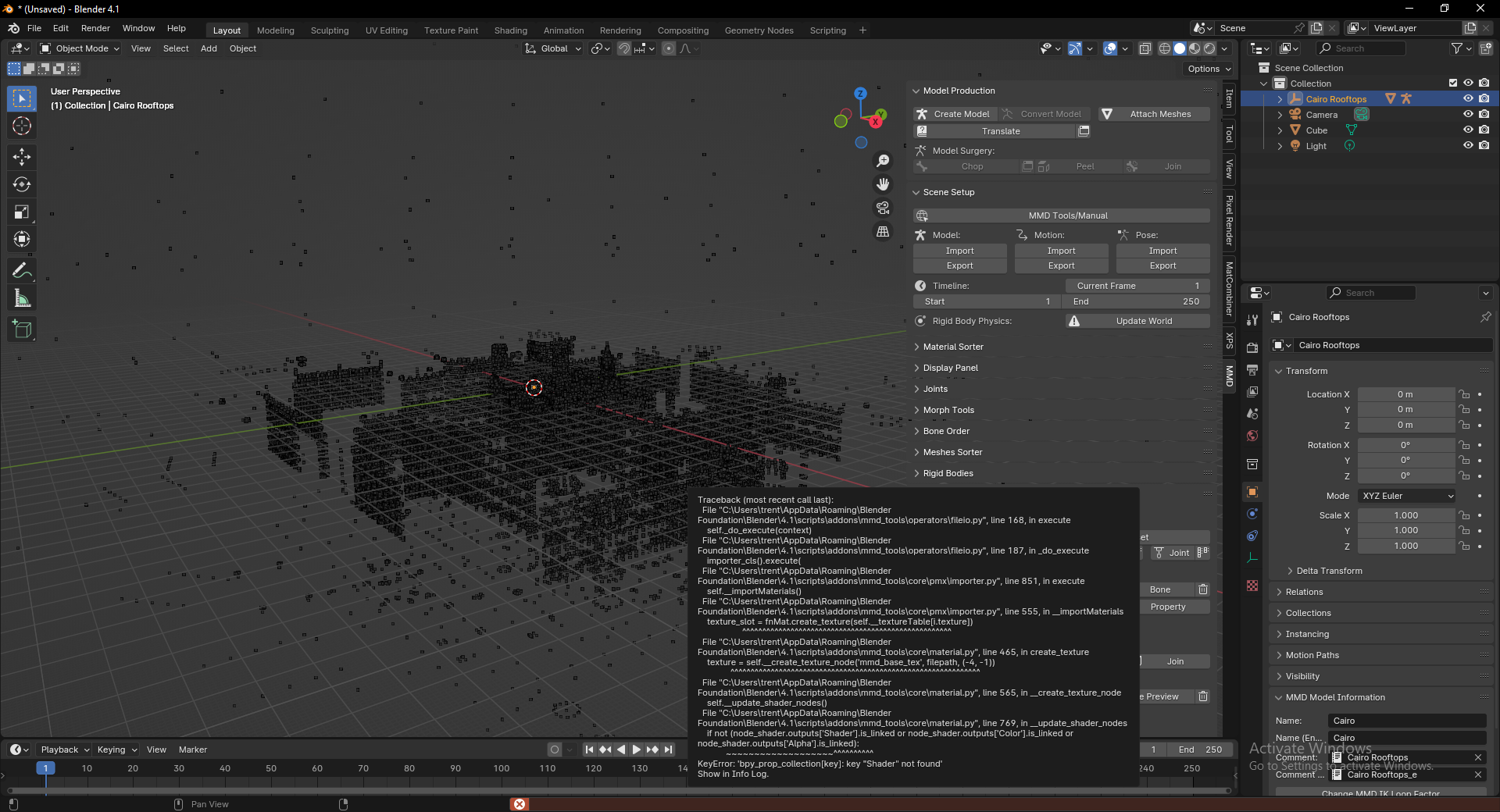
Not sure. Maybe XPS tools isn’t compatible with Blender 4.1. Try using Blender 3.x and see if you still get the error. I have several versions of Blender on my computer for just such situations.
Welcome  …
…
since in the Releases they only speak of:
This Release is compatible with Blender 2.80, 2.81, 2.82 and 2.83(current Alpha)
but as mentioned here…
you might try this fork:
The error is for MMD Tools, not XPS…
MMD Tools has a 4.0 Branch HERE>>> Get it from the Tab and not Latest as it’s a fork…
What you are displaying looks like an XPS file judging from the screenshot, so to import you go to File > Import > XPS…
Get Mystryem’s fork for 4.0 HERE>>> and again Get it from the Tab and not Latest as it’s a fork…
PS…I haven’t tried these to see if they work…There was one problem I am not sure if it was fixed yet so open “import_xnalara_model.py” with a text editor, and Comment out Lines 669 and 673 due to Blender moving AutoSmooth from internal function into a modifier…
It is better if you always keep an older version around just because of how many updates happen in just a week… I have several, just because…
3.6 would be a good one to get…