Finally, I’ve released the beta version of the addon for existing customers!
The new version includes tons of new features, including:
A new tree library with ~150 ready-made trees
Automatic real time camera culling, that can automatically use the current scene camera
The ability to animate wind with the click of a button
An entirely new system for procedural distribution, that lets you tweak values for slope, height etc. in real time
A complete rewrite of the scattering system to use Geometry nodes in 3.0
Previews will now load instantly, even for large tree libraries
+ much more
This beta version is going to be available to existing customers for about a week before it is officially launched (as a free upgrade).
You can download it like normal from the orders page
As it is a beta version, it is likely to have a few bugs, which I’ll try to fix as soon as I hear about them. So if you find a bug, don’t hesitate to tell me on Blender Market, on the Blender Artists thread, or on the new Discord server.
It’s been quite a journey to get to here, and now there’s just one final push before it’s finally out
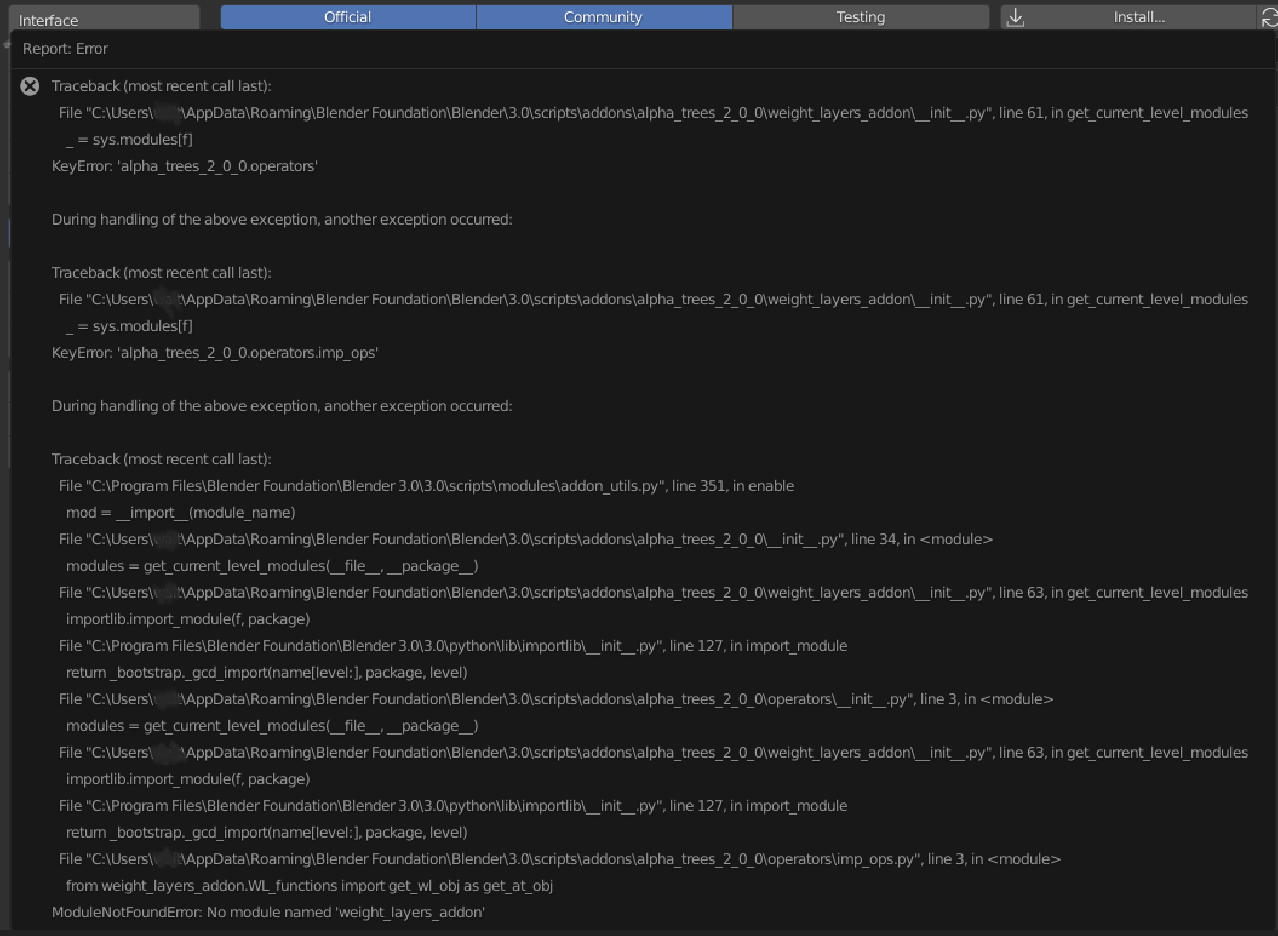
Ok first bug report, release version Blender 3.0.0 Windows 10. Cannot activate the add on. Keep in mind I do not have a “install” of Blender. I run the portable version from a self contained folder. Version 1.0 of alpha trees will activate and run
Alos there are 3 files in the download section on Blender market
alpha_trees_2_0_0_beta-INSTALL-for_BL_3_0
alpha_trees_lib_2_0-EXTRACT-BIG
alpha_trees_lib_2_0-EXTRACT-SMALL
I assume big and small are just two different version of the tree library?
@Mash3d
Ok, I think I’ve found the problem, apparently two characters were the difference between it working and completely crashing (but for some reason never before now)
You should be able to get it just by downloading from the orders page again.
Anyway, hopefully that’s it fixed. Also, currently, the 2.0 library can’t be used by the old addon. I will fix this soon, but until then I’ll make an instructions document to go in the downloads.
I do not know yet.
I noticed it with a turntable camera animation.
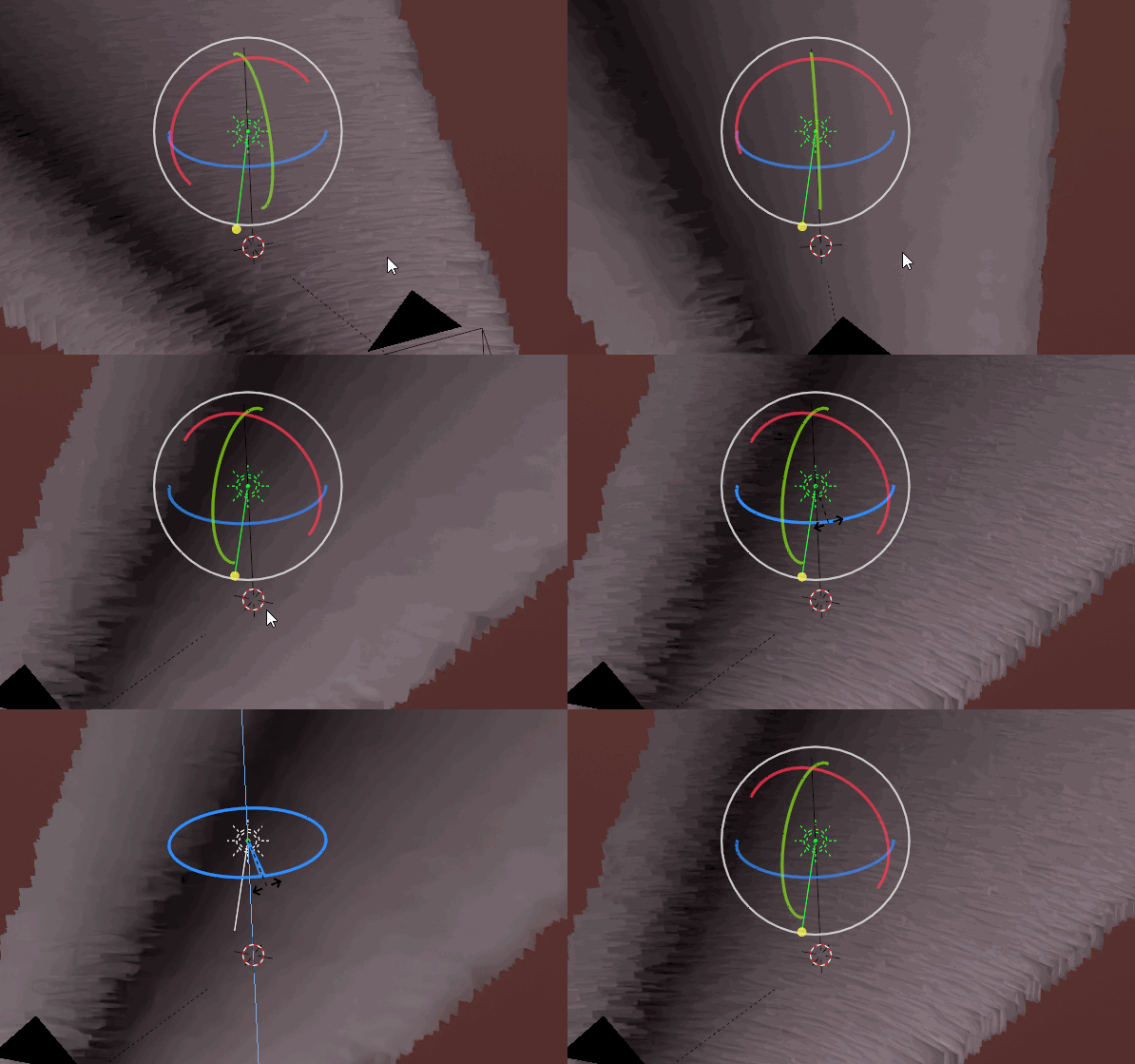
with a sunlight or also the NishitaSKY I have a continuous dark line in certain angles,
even if I reallocate the tree texture material.
with a Hdr.Image it was not
Even if the Lightpasses go over 200 it remains.
Hmm, I hadn’t thought about that happening, but I think it’s caused by the sun turning 90 degrees to the trees, which causes them to be shaded incorrectly. Then because they are all rotated slightly differently, it creates that pattern.
I’m not sure if there’s a way to completely stop that from happening, but I think if I tweaked the Geo nodes tree so that the trees point from the centre of the object rather than from each particle, it could minimise it. The only thing then is that all trees would “flash” dark when the light went at 90 degrees, as they all rotated at once.
Do you think that this is enough of a problem to add an option like that to minimise it?
It should be relatively easy.
Oh, wow, that’s surprisingly effective! I’ve just added it, so you should be able to download it now…
That’s one of the big advantages of geometry nodes is that it’s now really easy to add and remove properties without having to trawl through the addon code updating things!
Previously, adding something like that would have taken a lot longer.
Thanks for the update, it’s working now. FYI if you use the version one library it will throw up an error. That’s to be expected but just in case you might want to have a check to see which version of the library users are trying to run. What happens in scene with multiple cameras? do you have to manually reset the camera in alpha trees for each shot? Also if you scale the ground plane, Say stretch it in X direction, is there a way to regenerate the particles so you don’t get stretchy trees?
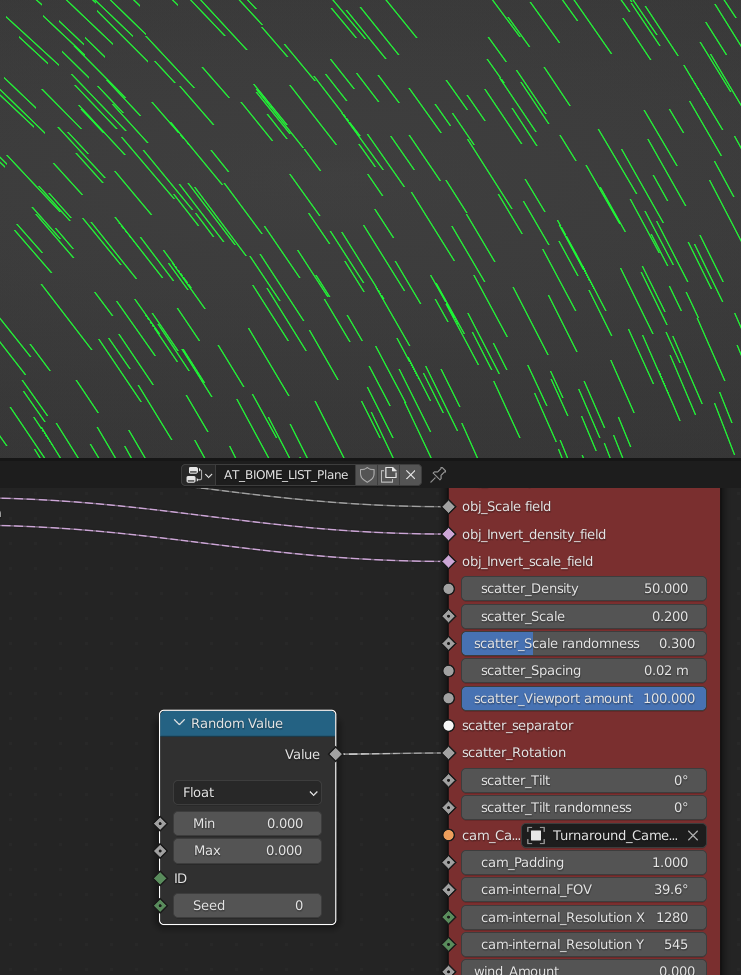
there is this trick that you can depending on the cameraposition
fade in/out objects,
this is very useful when moving through the trees and is more comfortable than if they only jump in/out via the Clipping.
And I’m amazed that this works, probably because the cards are generated via geometry-nodes.
The color-ramp ist for the region where this should happen and how fast.
(The disadvantage is that the setup would have to be built into every tree-shader i guess !)
Thanks for the feedback!
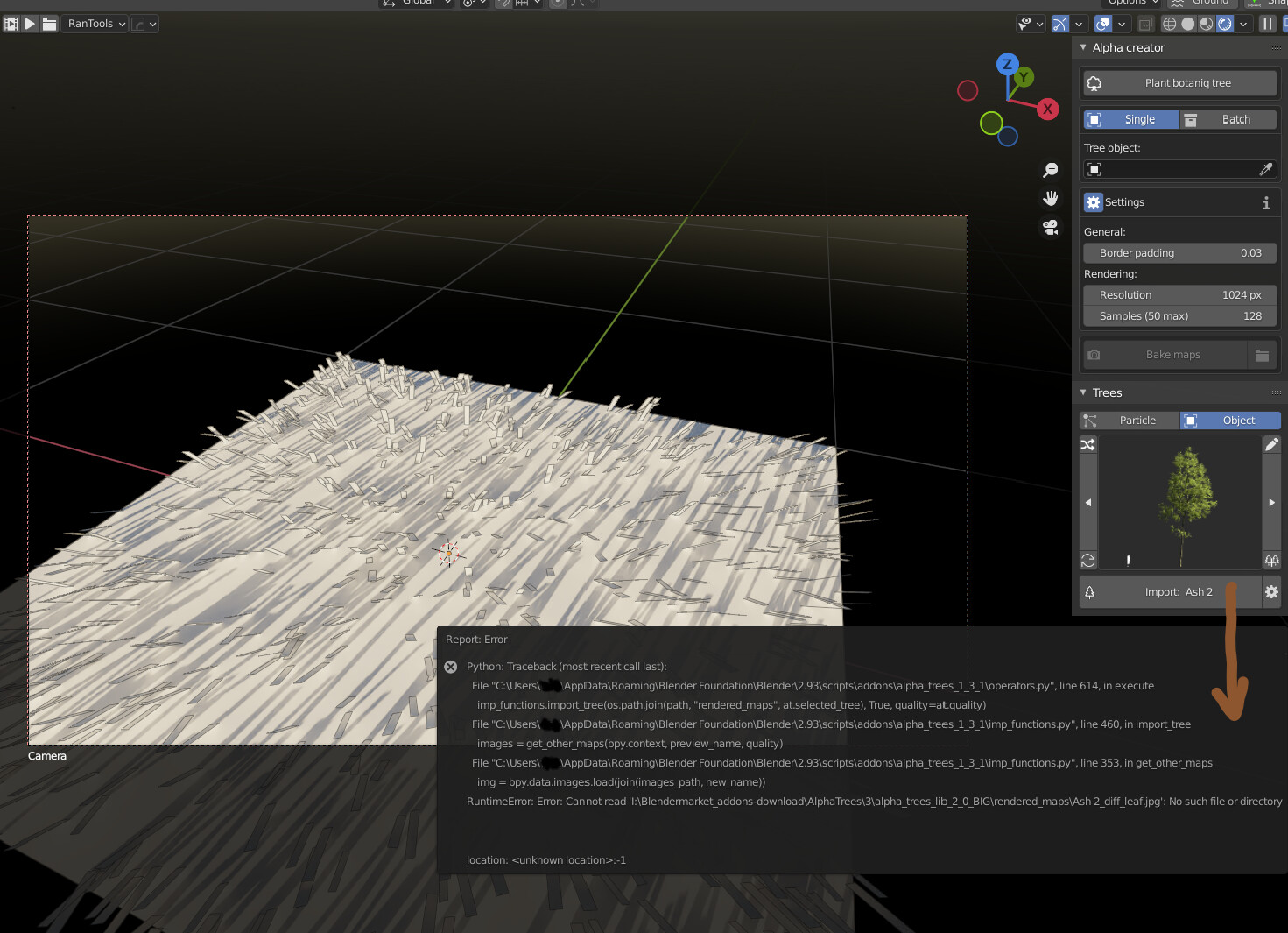
It’s actually not supposed to throw an error when you select an old library, it should update it automatically… Could you show what the error is?
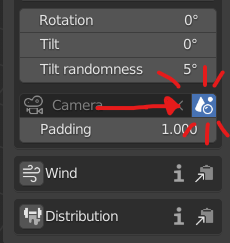
In scenes with multiple cameras, you can toggle this button:
Which will automatically select the scene camera, even when it changes. I should maybe make it more obvious, though…
Also, if you scale the ground plane, you can stop the trees stretching by applying the scale of the plane (this will also cause the density to recalculate though, so be careful that it doesn’t accidentally generate a million particles because the ground plane is scale up a lot).
I’ve bought your addon today and I’ve found a thing I can’t really well understand.
I’m writing about scale.
The TreeLibrary seems reports the dimensions of each tree. Am I correct?
If yes, when I see (for example) “tree (5m)” I’m expecting to see a 5m tall tree. Right?
Why is not like this?
I’ve tried to set the overall scale and tree scale to 1 but the tree still be not 5 meters tall.
How should I interpret all the measures and scale options?
Thanks in advance


 No problem