I am learning Blender … using 2.72B I am playing around with title animations… I want to know if we can do something like I’ve seen in titles before… where the title comes in either on top of a streak of light, or the light comes in under the title… not sure if you know what I am talking about or not… so far can’t find a tutorial for that type of lighting animation… is it possible in Blender and do you know if there is a good tutorial for doing this…
thanks
Barbara
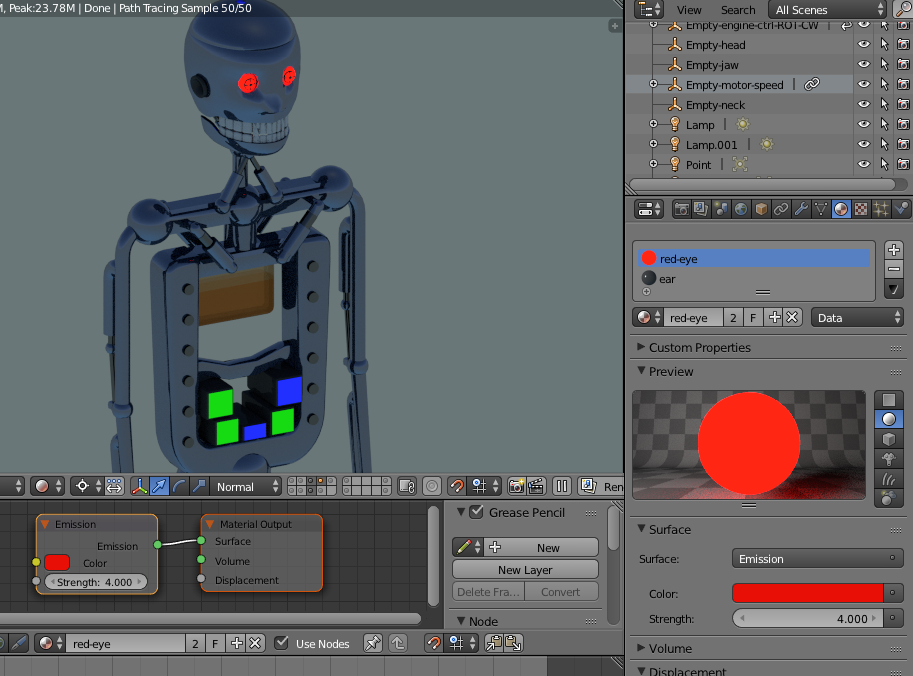
You should first look at Light Emitting Meshes. In Cycles render any mesh can have many material properties to reflect light from another source, e.g. a Lamp of some description. It can also EMIT light itself, i.e. become a glowing bulb for want of a better description. In addition, it can also have a “Halo” effect, all of which is well documented, Perhaps you should try creating a mesh, a simple cube or cylinder, then assigning a material to it using Cycles render, (Click “Use Nodes” box in the material), then go to the Node Editor and add as a simple exercise, a Shade Mixer, a Diffuse BSDF, an Emission BSDF and then press SHIFT-Z to see the results. Add some more meshes in close proximity to see the light bounced off them.
An example:
Try this - report back on your progress and we will offer more advice. You can of course animate these meshes and the render your animation to see the results. Bear in mind you can animate the Strength of a light emitter, by keying a value at frame 1 and then RMB-Click the strength box and select “Insert Keyframe” then move along, change the value and keyframe that.
This should get you started, there are hundreds of good tutorials on making light halo effects on t’internet or try Tutorials on this website or CGCookie.com.
Cheers. Clock.