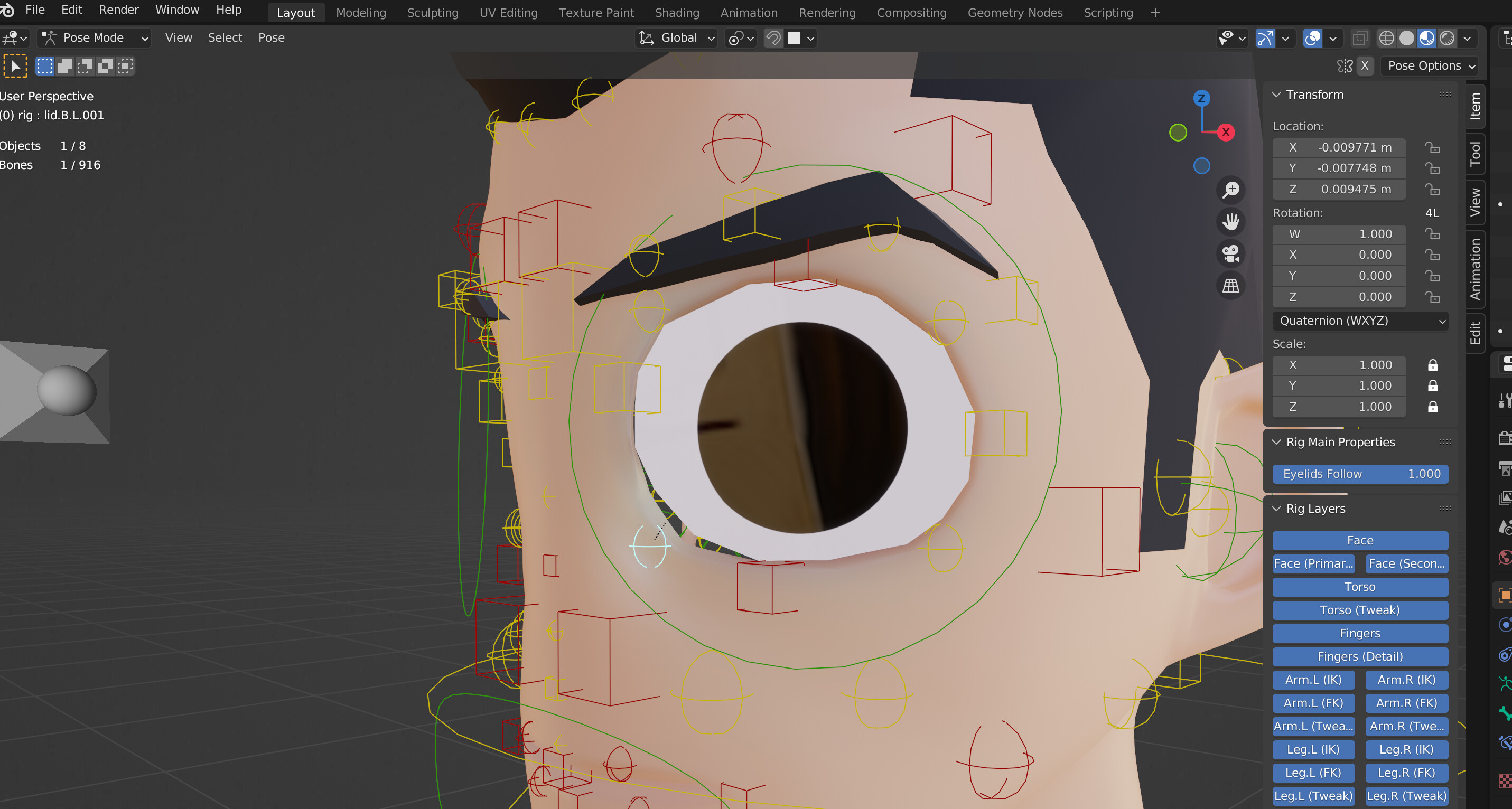
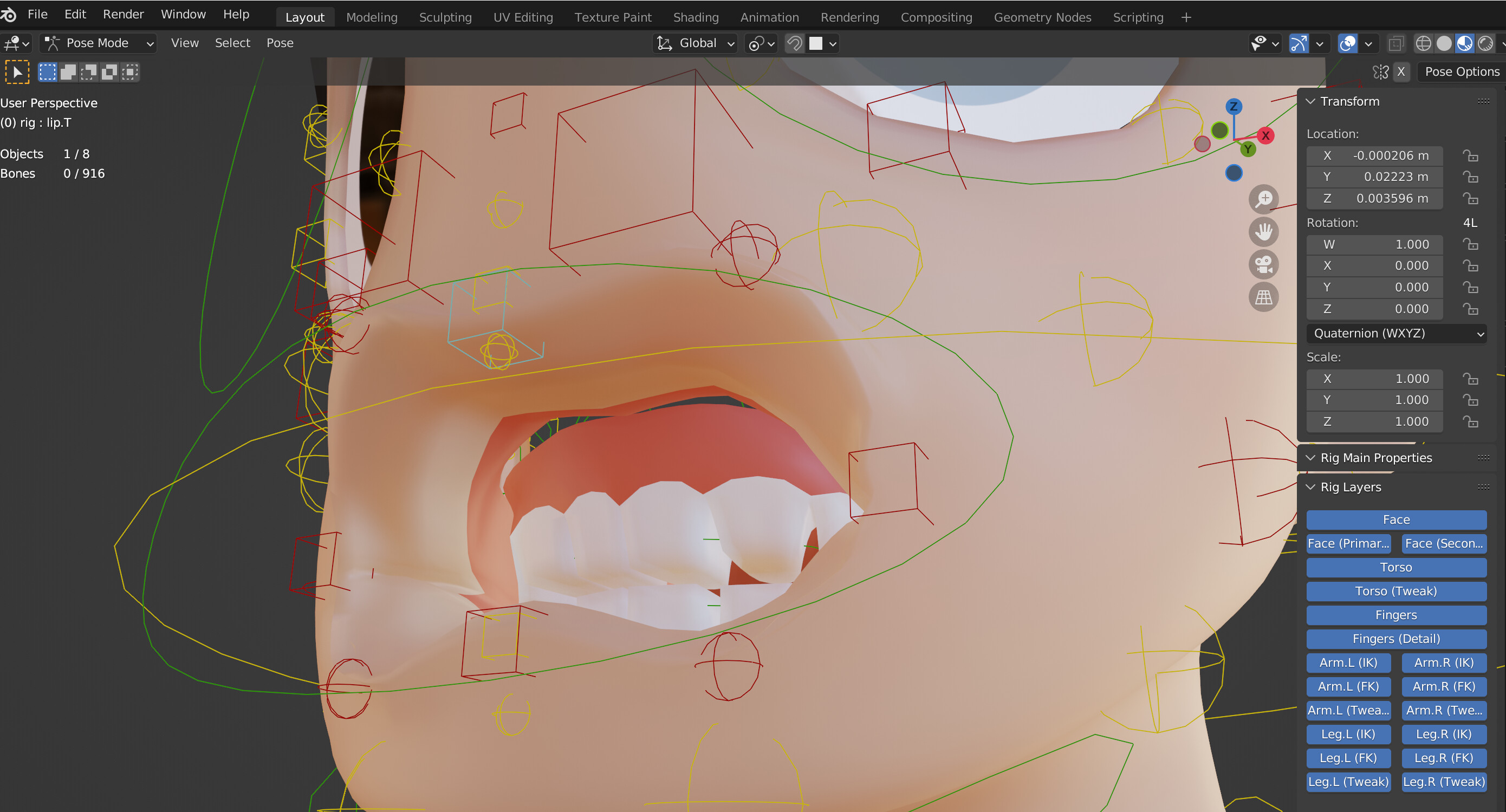
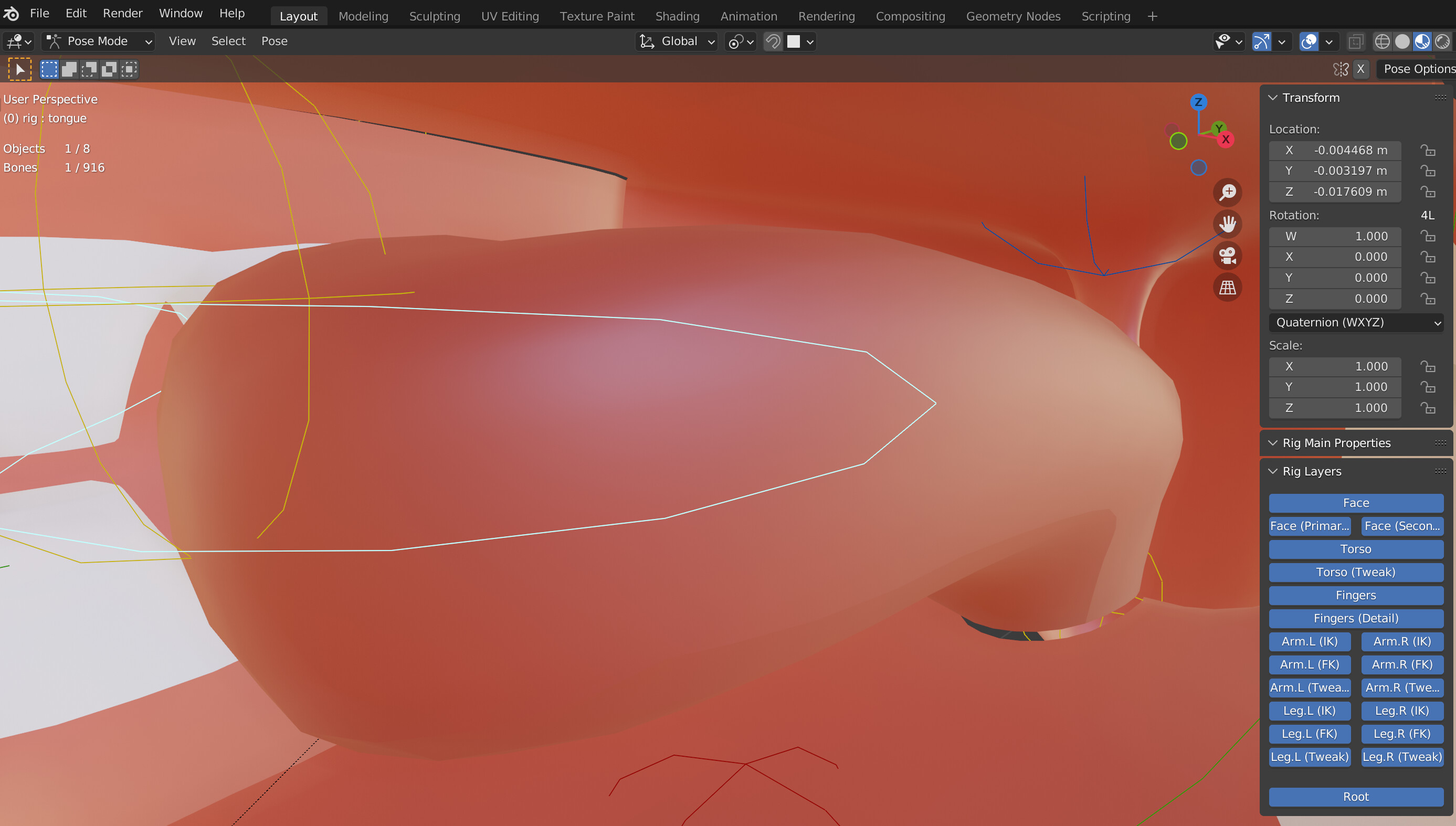
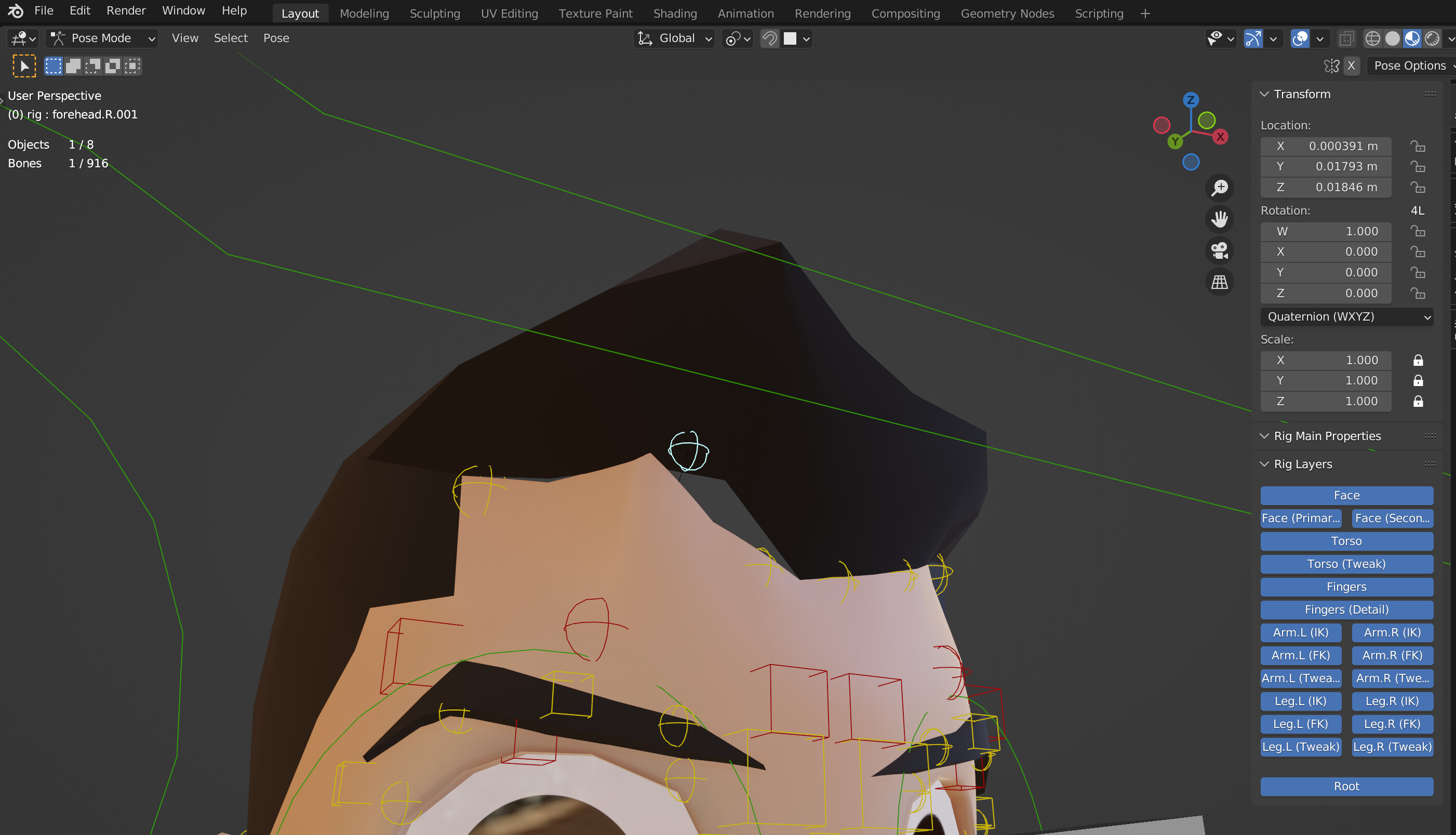
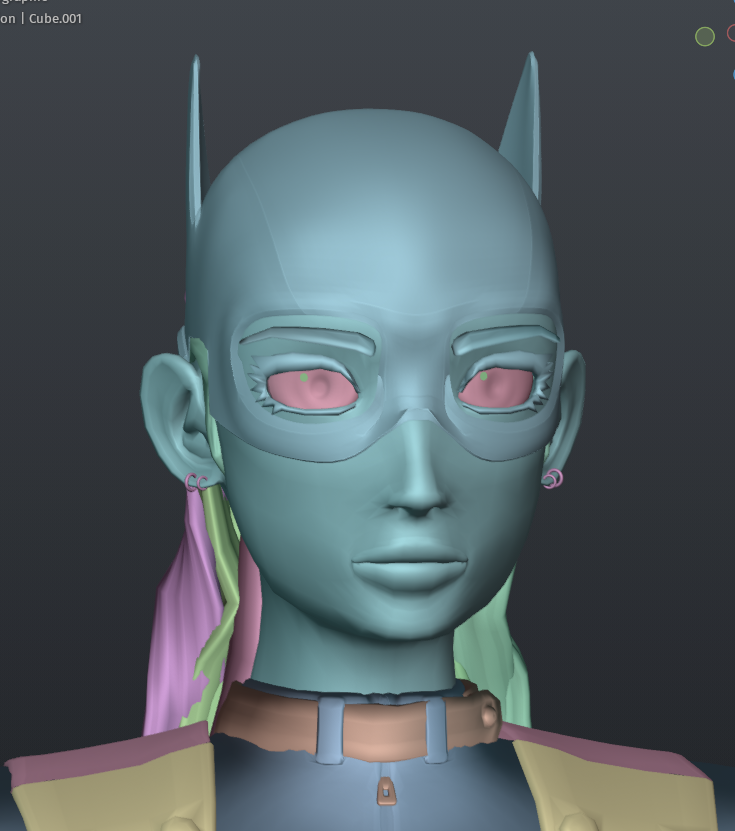
I have rigged a character with Rigify and applied it. it is all working which is great to the models, however, as you know with Character models, you seperate the Tongue, Teeth, Hair, Eyes to be their own model and then to be parented to the main model. That is all fine and I have managed to make sure each model part is rigged to the correct section and they move like they should, which is great.
My issue is when I move the object in question, there is gaps showing where the models are not connected. So the tongue for example being its own model, when it is moving in animation, you can see where it is joint to the mouth but showing gaps. Same with the eyes, teeth, hair etc.
I assume others have had this clear issue and it is a simple fix?
Would anyone know how to make it so parented objects actually stay connected to the object they are parenting?
With rigging a character, the part of the model that is moving moves, however the separate model that is patented to that model, you can see the gaps between them? Why is this doing that? I see Professional game models separate their models, for example a tongue is its own model to the main character, like the hair, eyeballs and teeth are also, so how to they make it so they stay connected even though they are separated but parented?
The model is all UVMapped, textured, Rigged (using Rigify) character.
The model is all fine as is, however the moment I start moving the character for animations, you can clearly see gaps, where the models are together.
I have a Tongue, Teeth, EyeBrows, Eyes, Hair and Main Body as seperate models. All models are parented to the main character, so they all move where the character model goes, however as you can see from the below picture examples, the moment I open the mouth, move the tongue or anything, the gaps start showing and the models don’t completely stick to the character, exposing where the models are not actually ONE model.
All game models (most) seperate parts of their model parts like this, teeth, tongue, eyes you normally always see as seperate models, however that designer doesn’t have this issue, so this must hopefully be an easy fix in which I am not doing correctly?
Really hope someone can support and solve this issue :
Does anyone have a solution to this? I assume it must be very common issue?
When you all create a character for animation, assuming you model the teeth, eyes, hair, eyebrows, tongue as separate models. If not all then some of them, then you parent those to the main character… So if you do this, how do you solve the gaps between the two models when they are animating… If you have filled in the model underneath, then still the models do separate In animation a little to be able to see the gaps… How do you all fix this?
Or do you join back the models as 1 model at the end? Using the ctrl+J and make them one model again?
Would be good to see or know some examples from fellow creators to know how it is done with separate models being apart of one and not having this issue.
Sorry this doesn’t give the answer. I know how to mouth and already done so. The question is how do modellers and animators solve the fact that the mouth model, eye model, hair model are separated from the main head as a separate model but not show any gaps when animating… So for example the jaw is separate model to face, so when the mouth moves, you can see gaps where the two models don’t snap together as they are separated but parented. Same example with the hair line where it meets the face and the eyes when the eye lids move. I hope this makes sense and my picture examples make sense where you can see the gaps when animated.
This must be it then. Thank you. I’ll have to start looking at shape keys when animating to fix gaps. Thought there might be another solution or answer but this must be it.
When you model as a creator, assuming you have done characters, do you separate the jaw, hair, eyebrows tongue as separate models and then parent them to face? Also do you then see any gaps in the model when animating? Be good to know what other designers do with their models
I am possibly not the best person to ask here, as I’ve done only a handful of characters (I think 10 or so), but I’ll answer as best I can
I always have the tongue and eyebrows as separate meshes. The jaw, I haven’t personally done that, but I could see why you would. This is probably the best example I have right now:
However, if you zoom in all the way, you can see a small gap- this isn’t the fault of the method, rather that I was lazy and didn’t perfectly match it up:
That’s probably the major downside of this method- it requires quite a bit of manual prep work. However, once that manual prep work is done, it’s a breeze to automate it with your armature
Loving your work. Really talented and should do much more of character creations. It would be interesting to see people’s process of character creation of character models. Assuming most separate the head model parts, so it would be good to know how they keep the parts sticking together in animation. I know you parent it of course but when you animate it, the gaps between the vertices show, so assuming everyone uses shapekeys then?
I don’t know what “everyone” does, but I personally find a combination of shapekeys and weight painting usually does the trick. I have about 20 corrective shape keys on this particular model, and I use an add-on I created called MultiKey to make working with shapekeys significantly faster and easier.
 :
: