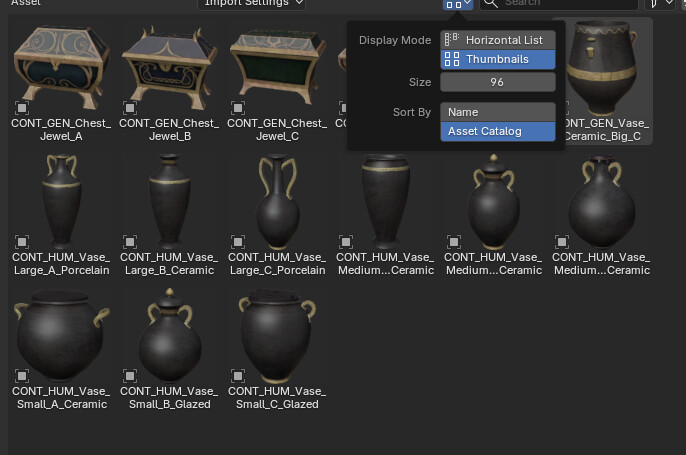
I’m new to Blender and am building up a library of objects, materials, etc.
One issue I have is the previews I get when I mark a material as an asset is not set up the way I’d like. The lighting is not great for some, the displacement is way off and the images are generally too small. I know how to manually assign preview images but that’s basically impossible for a large collection of materials.
So… is there some way to change the scene/image size/etc. that Blender uses to generate material previews for the asset browser?