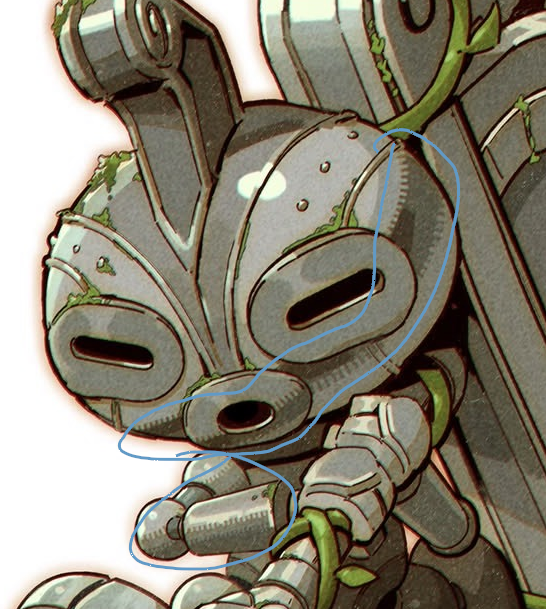
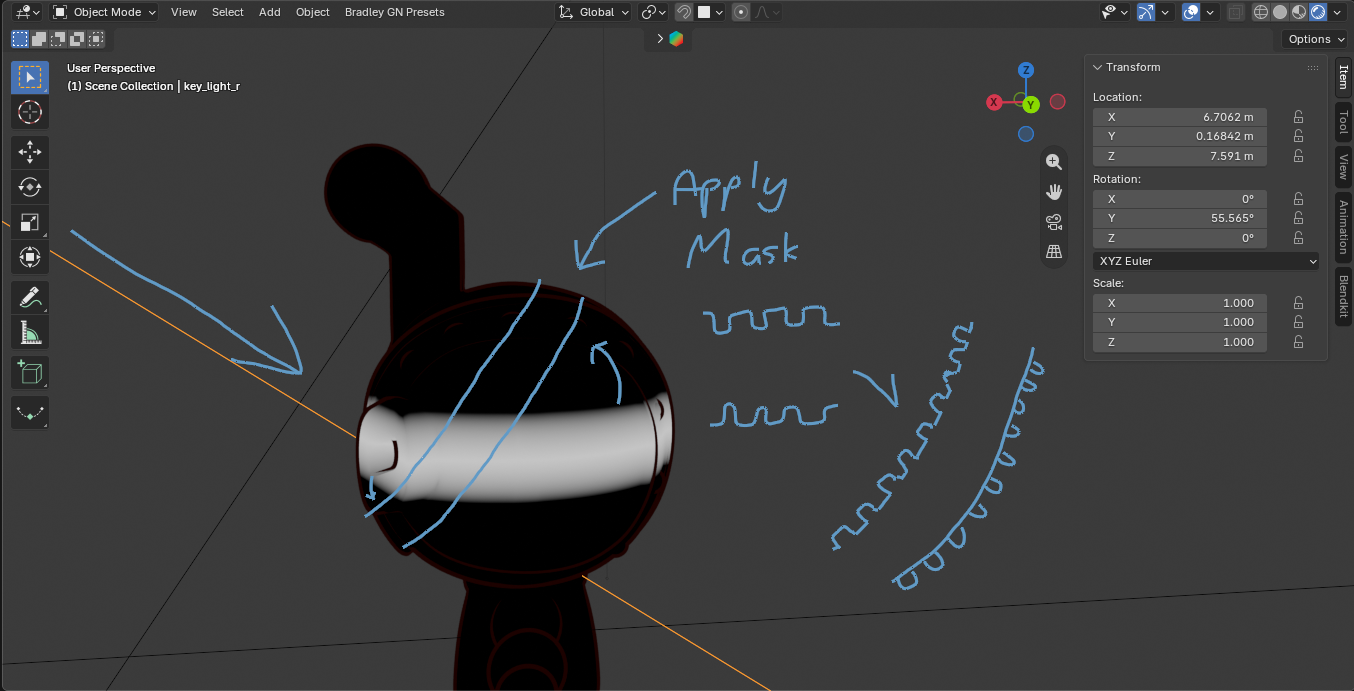
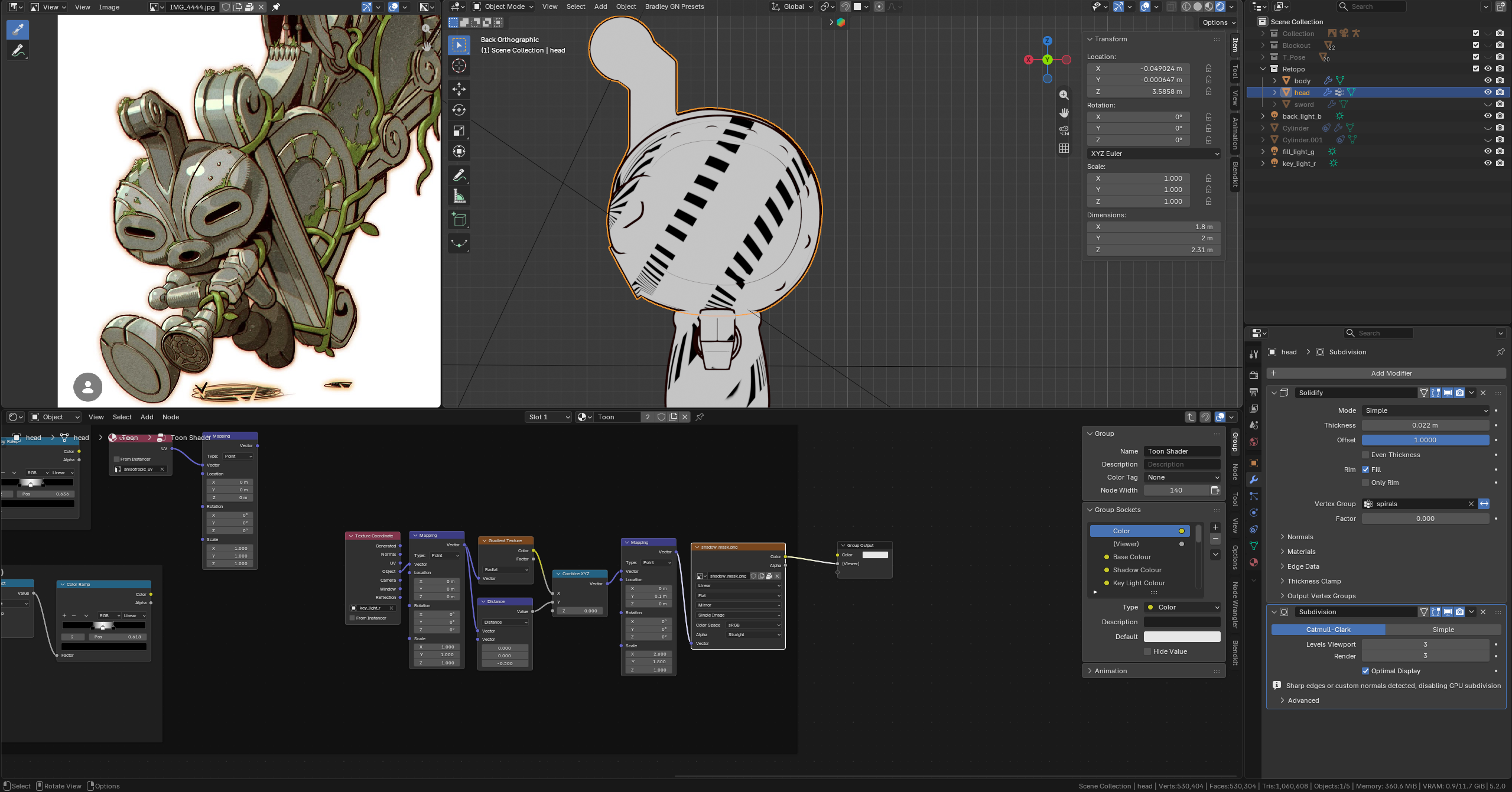
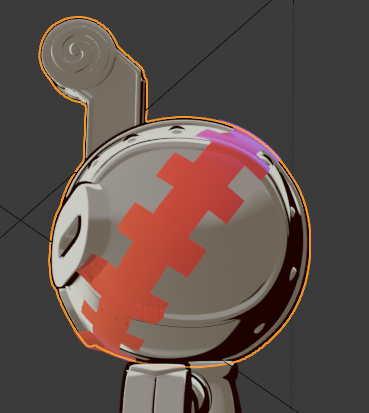
I have a UV setup from the tutorial that seems to be the better approach (although I was messing around with a normal map set up based on the light that seemed okay also) but I can’t for the life of me figure out how to have the sun angle drive the rotation.
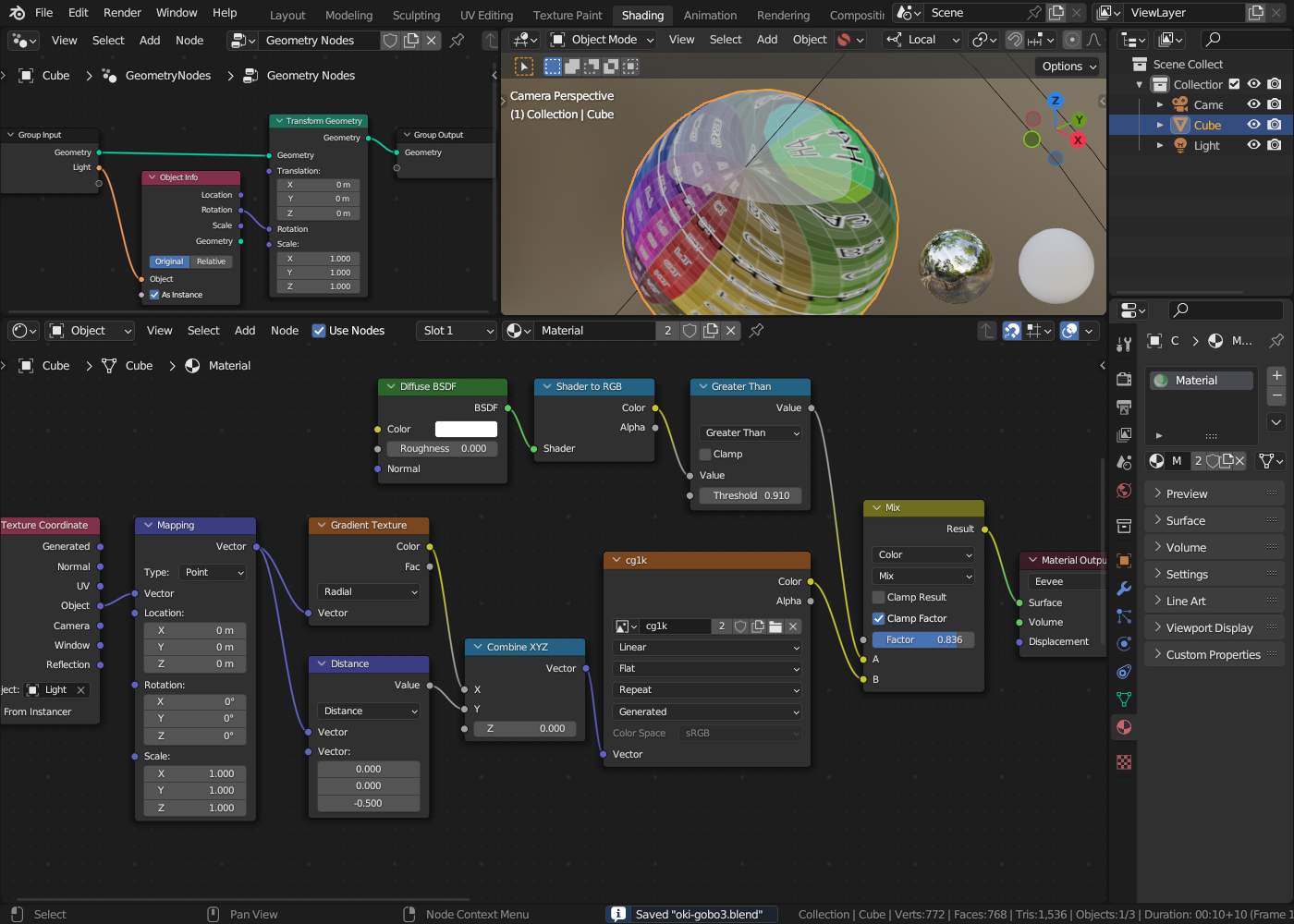
Usually those toon shader comes from converting the light information to RGB (only possible in EEVEE ) and then “detect” some shadow border by light intensity with some treshold. Because this depends on the projection of light you usually can not add some mask to this because it’s already projected..
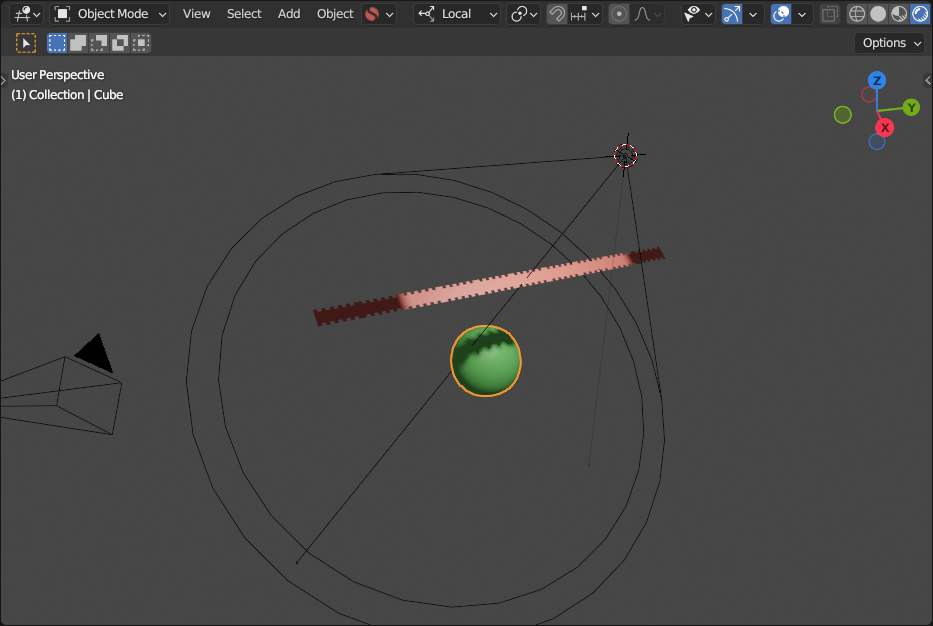
You might be able to use some gobo to make you light pattern.. but the it is "all over the place..
..so you may have to compose this as “double shot” ??
Edit: some addtional thought:
The “shadow line” is the 1-dimensional projection of light intensity to the 3D surface, so you get only one direction. There is no second direction so that a 2-dimensional texture could be applied.
We humans can “see” and draw “along” the shadow line but in there is not really mathematical way to determinate this only by some 3D shader in blender. Maybe by some image processing when only rendereing the “pure” illumination and then getting the slope (derivation) and computing the orthogonal direction. But for this you also have to do at least two image renders.. one for “positioning data”..
Edit2: ..soooo… when using some “special” map projection one might be able to paint some “shadow texture”.. but the real shadow border and the “border of sight” by prohection from the light source may differ:
The special map projection looks pretty good! There’s obviously another issue of the texture repeating on its Y axis but I’ve seen a few solutions around so I’ll give those a go and probably move forward with this for now.
The other solution I was messing around with was just using some shrink wrapped geometry constrained to the light angle. Decent but breaks down around the sharper geometry and due to the solidify + backface cull method of creating the outline you can see the inside face sometimes.
It did get me thinking though: would it be possible to place the same shape inside the head geometry and use a raycast node or something similar to project it outwards? The benefit of that type of method being it would be higher quality and it would work on the sharper geometry without stretching - at least as far as I understand, I could be very wrong.
As said:
Humans can paint whatever they want ignoring physics (or mathematics)and reality in any way to produce somekind of “stylistic” and not realistic.. kind of artwork.
So the time to work out how to “project” this on the “proper” place might be more efficient used by “simple dawing it”