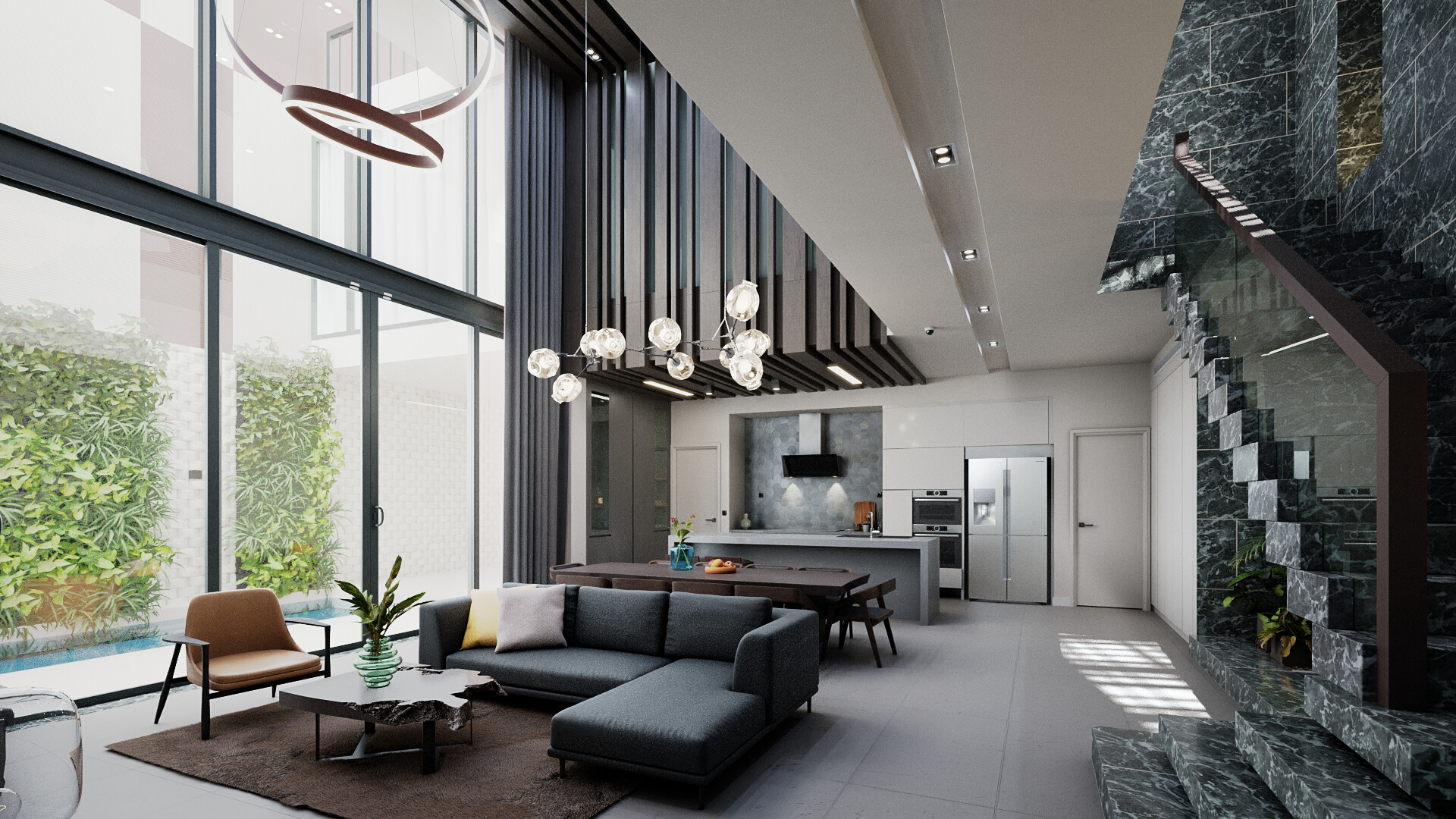
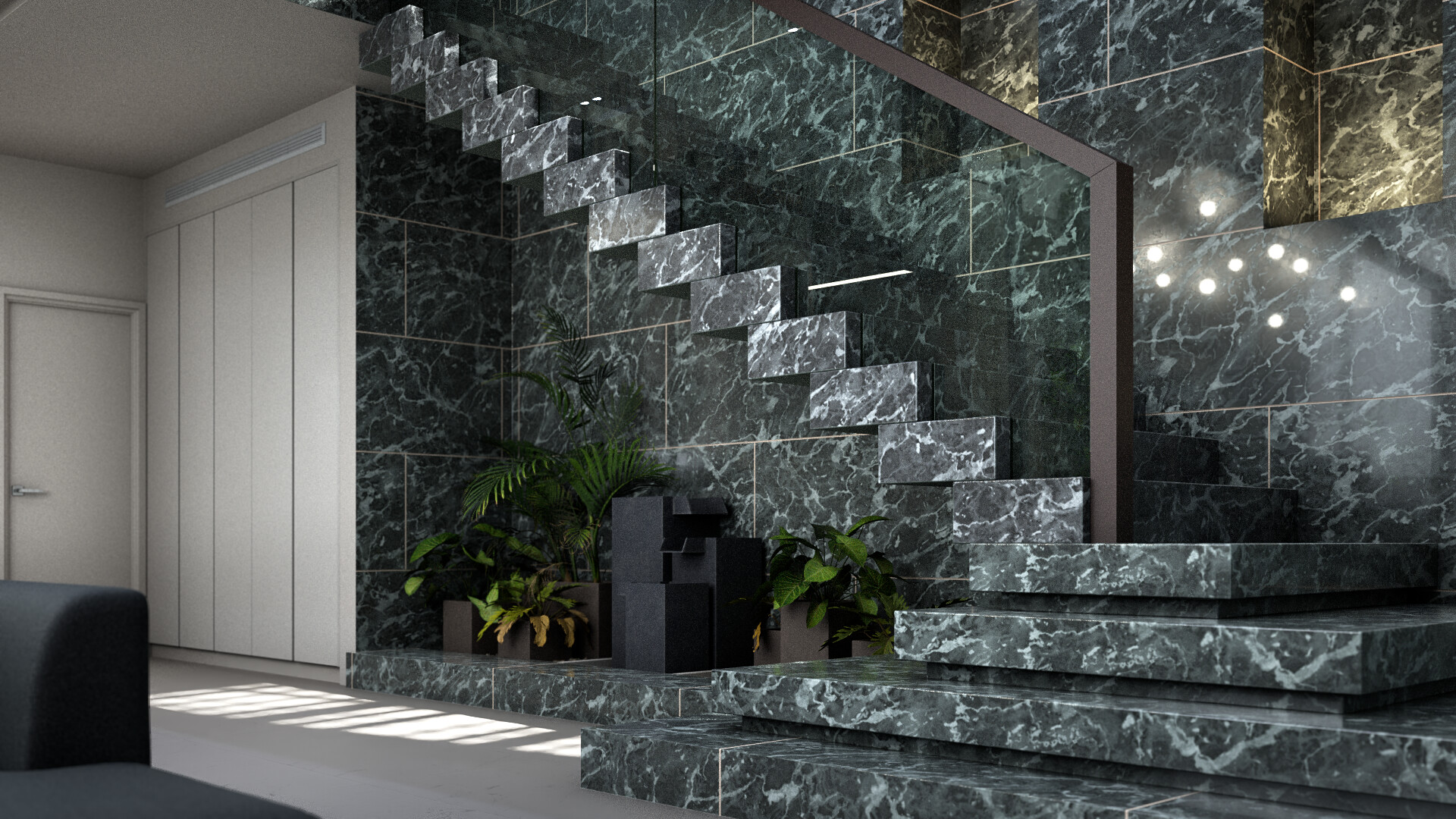
The first archviz i did in 2021, using Blender and Nuke.
Time work : ~ 70 hrs.
The Breakdown
Learn more about this project
39 Likes
bartv
March 4, 2022, 8:59am
3
I featured you on BlenderNation, have a great weekend!
1 Like
bartv
March 9, 2022, 12:01pm
4
You’re on the #featured row!
1 Like
npn
March 9, 2022, 1:44pm
5
wow, that looks awsome, very realistic
1 Like
Nice work. I like how you did the video. How did you do the color “wipe” from white to color?
And what part of it in Nuke?
1 Like
Thanks ! For the Depth Wipe, i used the Z depth pass, clamped it and animate the offset and then us this animation to mask the merge node.
i did all my compositing in nuke, so everything after the wipe from white to color (the color being my 3D render) i did in nuke.
1 Like
Since I’m still a newbie, I had to look up Z depth pass, and I think I get it. So cool… I can’t wait to get better and start experimenting with renders.
1 Like
yeah, it’s pretty hard to explain here, but don’t worry it’s pretty easy to do
1 Like
MichaelColina
March 11, 2022, 11:32am
13
and how did you do the diagonal masking?
if you mean the depth one, i already replied to someone abt it above, and if you talk abt the wipe, i just used the “wipe” transition in Premiere Pro
MichaelColina
March 11, 2022, 12:37pm
15
ah ok, so you used premiere for that…
would be interesting to achieve the same effect in blender…
if you’re talking abt the simple wipe, yes, but if it’s the depth wipe from white to render, i used the ZDepth Pass and nuke to do it in compositing