I’m new to blender…I’ve been hacking at it for about a month now while “drooling” over some really cool archviz renders in here.
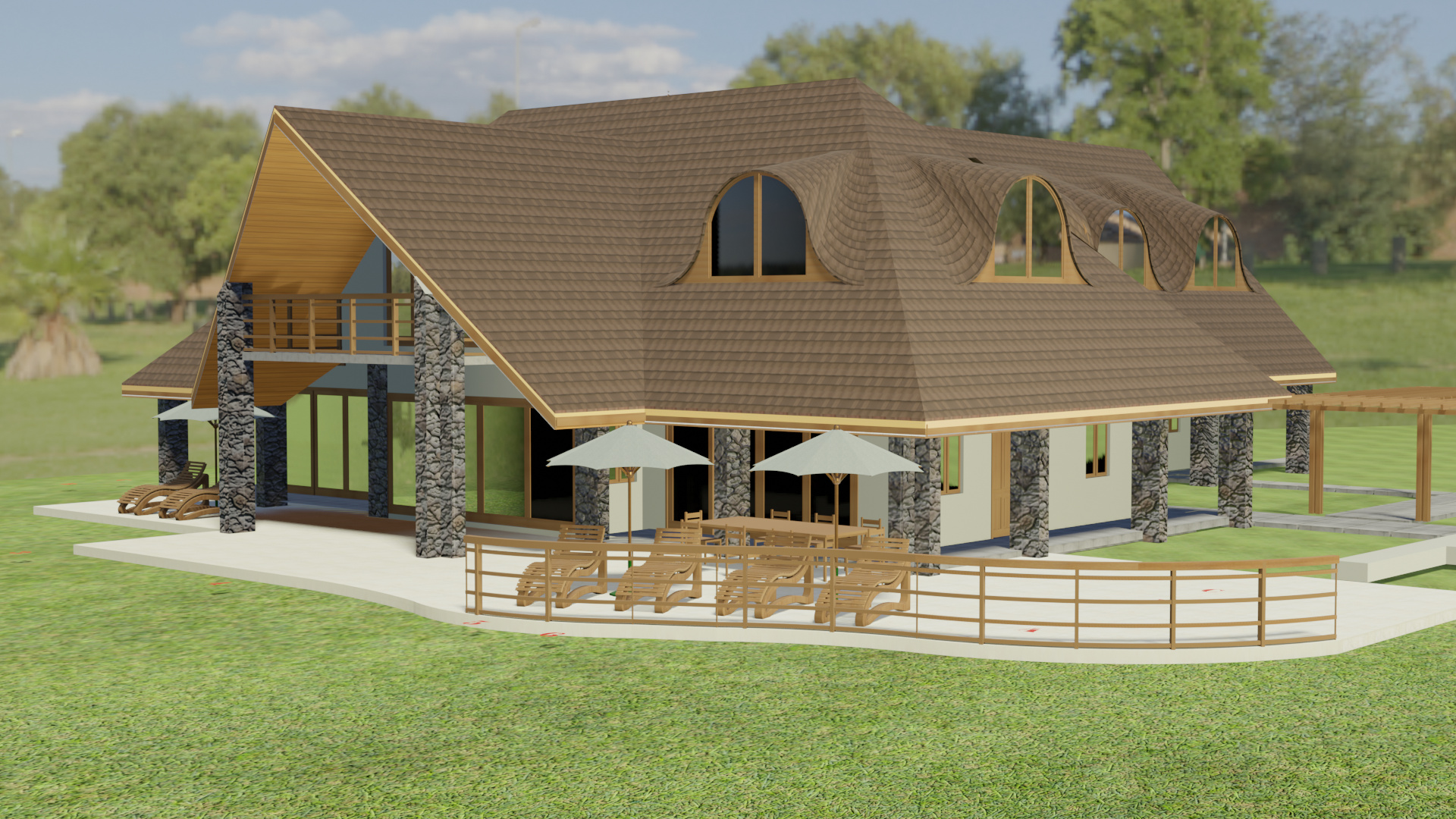
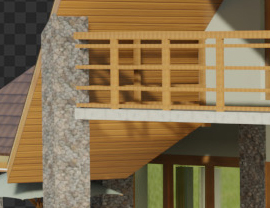
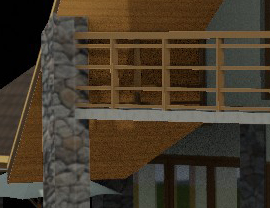
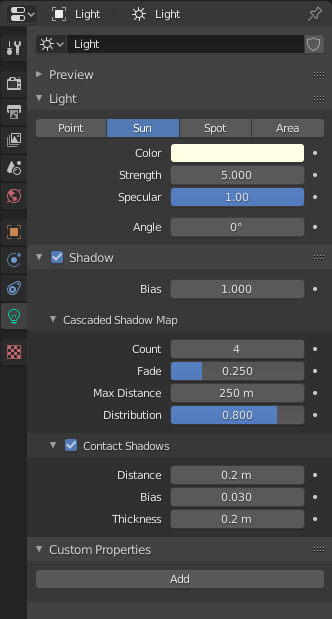
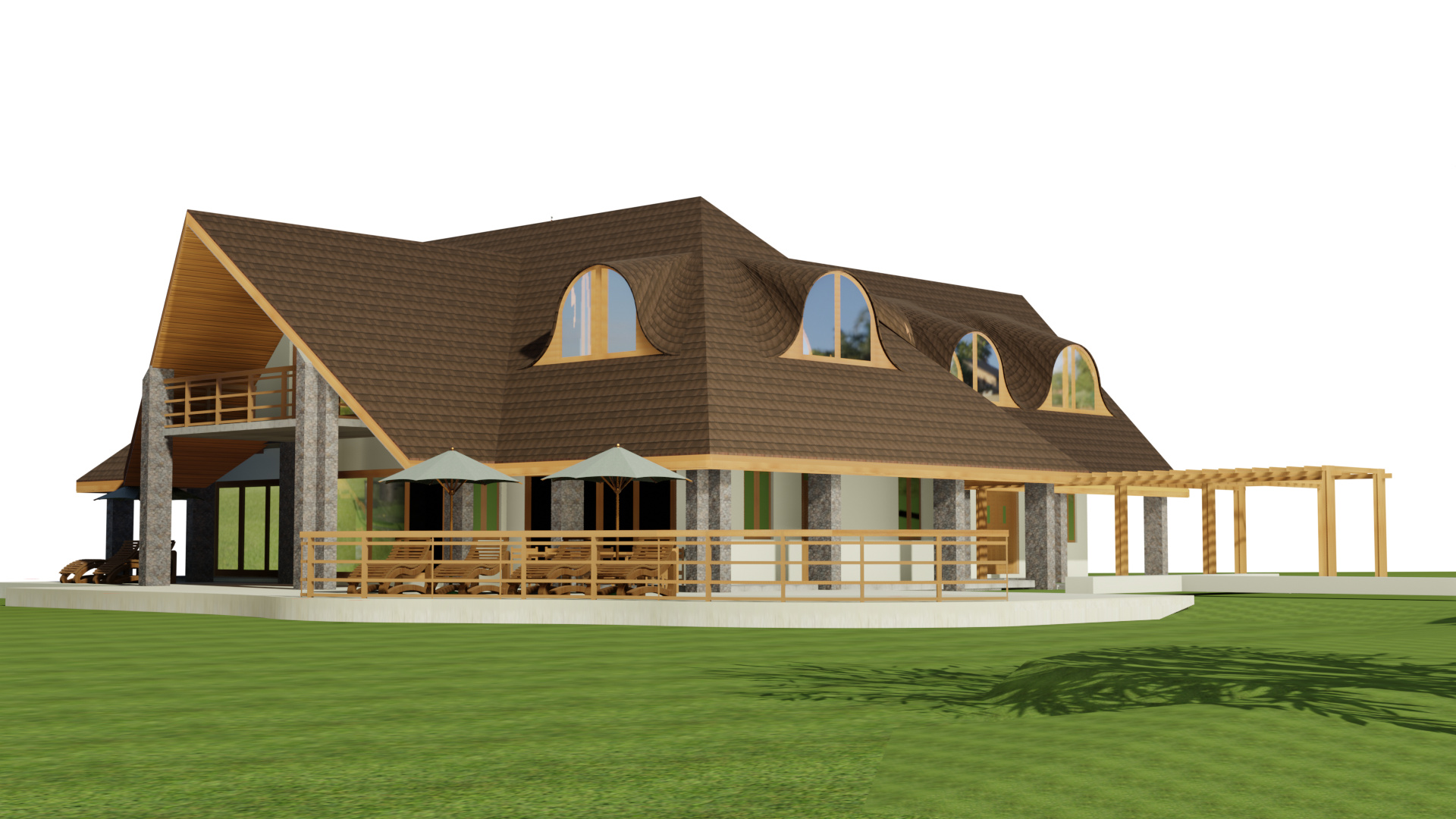
Below is an image rendered using Blender evee. The model was imported from ArchiCAD FBX. For lighting in Blender, I have used settings shown in “Saqib Hussain’s”… (one of the best) online video tutorials on lighting and rendering.
My results are dreary. Not sure what I keep doing wrong.
Please help with pointers on lighting and shadows.
You have saved me hours of browsing around for lighting solutions.
I will be posting in the evening after making the recommended changes.
Hopefully I can achieve similar results.
important changes in my own opinion is taht people don`t mix cycles and Eevee.
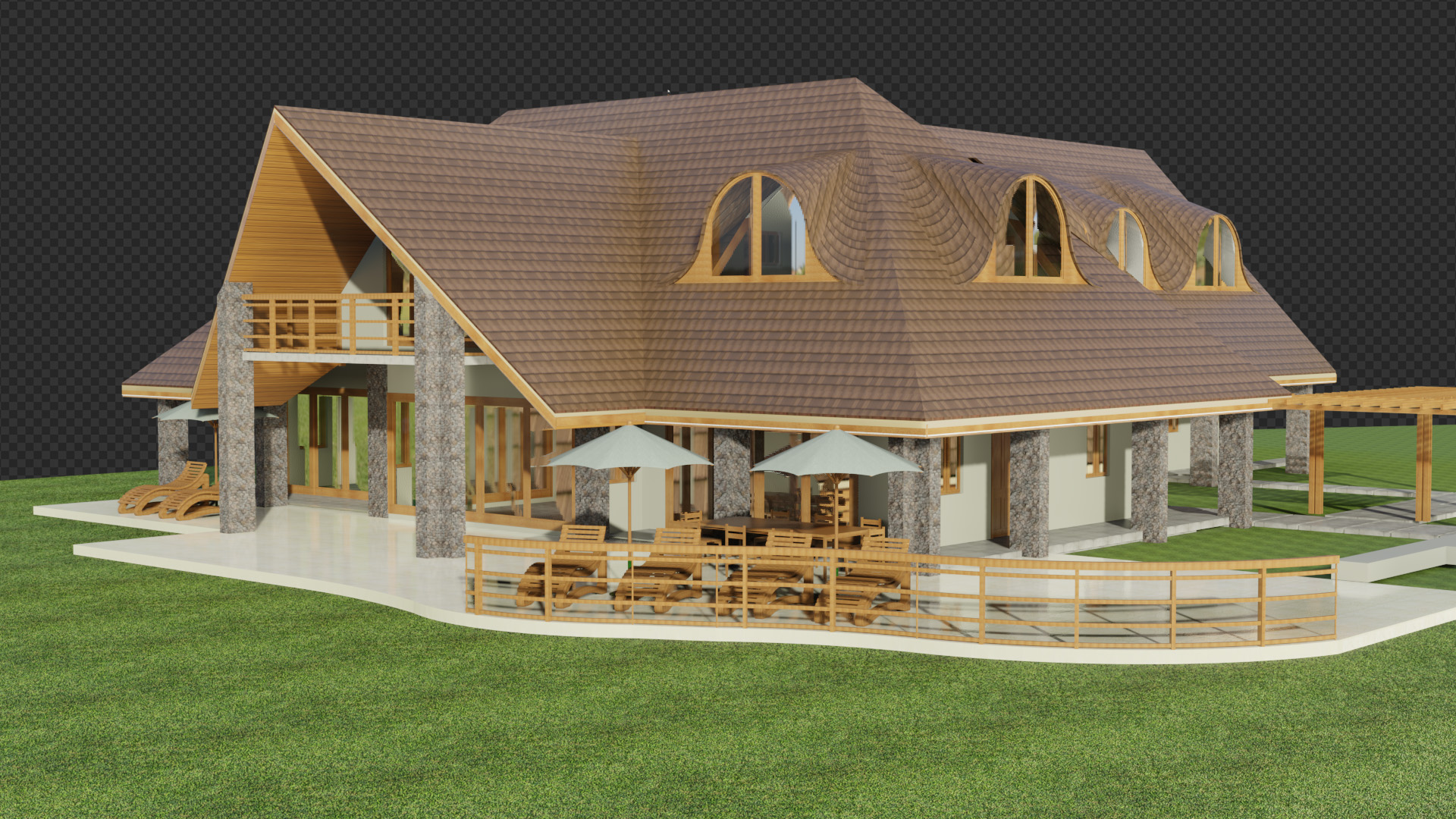
this image has AO increased so that it covers the inside glass (fake but it works)
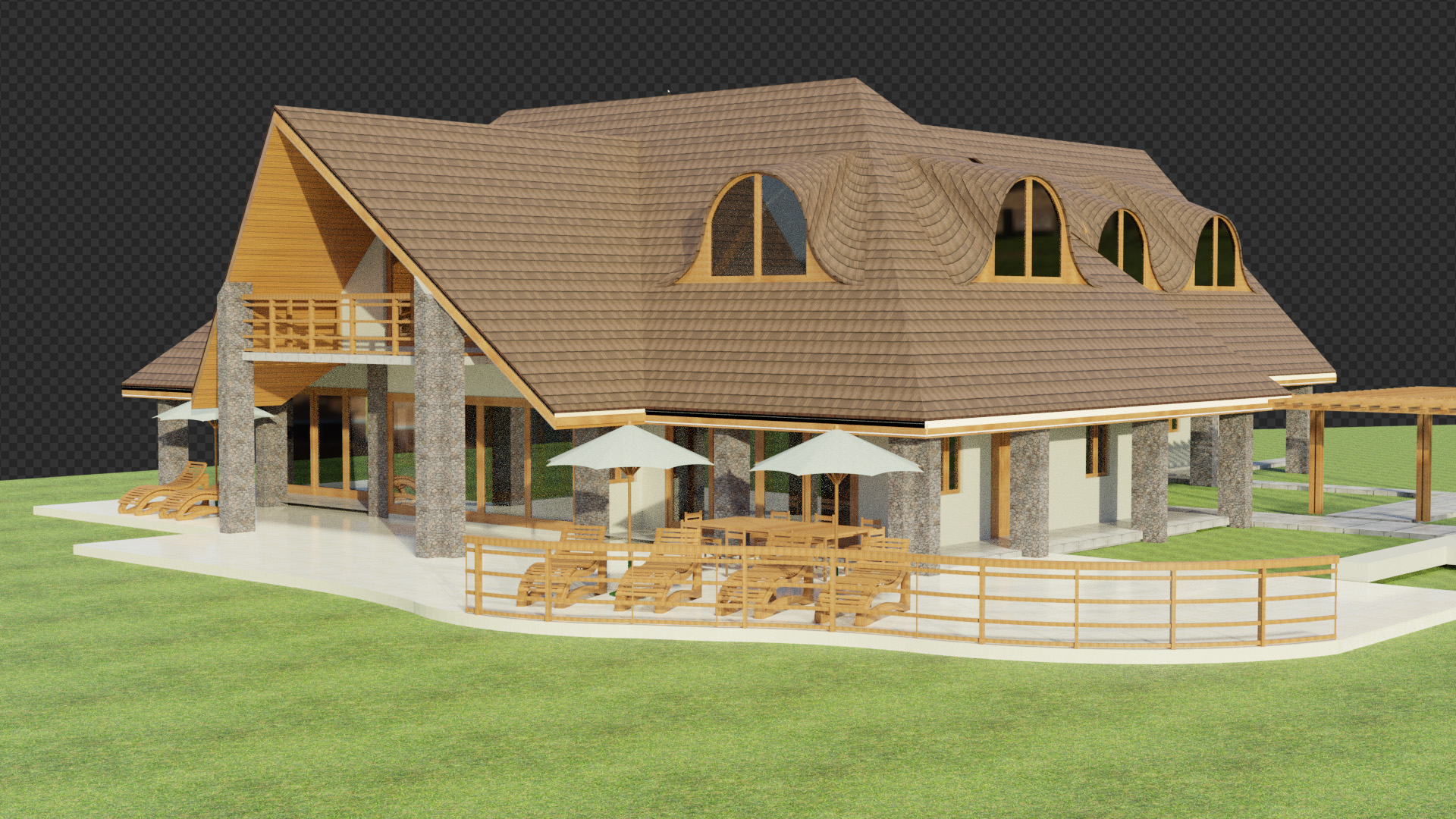
and this image is made combining the eevee render with no AO and the Clycles render with only the AO set to a preaty low sample count 128. Create 2 scenes linked so that they share the same data and the second scene has a simple setup just for the AO mixed in the compositor and you get this in 28 seconds render on my rather slow machine, also i should have decreased the mix factor to not make the image overall darker.
Reflections on glass should be like the ones discussed here Realistic Glass in Eevee - #20 by eklein but for archviz exteriors some modifications should be made
no half trace reflections
no edge fade reflection
add a reflection cubemap and set the cliping to not intersect the glass (adjust the cliping distance in the cubemap properties)
indirect lightning cube map size set to 1024 or higher
in my scene i dont use irradinace volumes because they dont work well yet, progress is being made monthly.
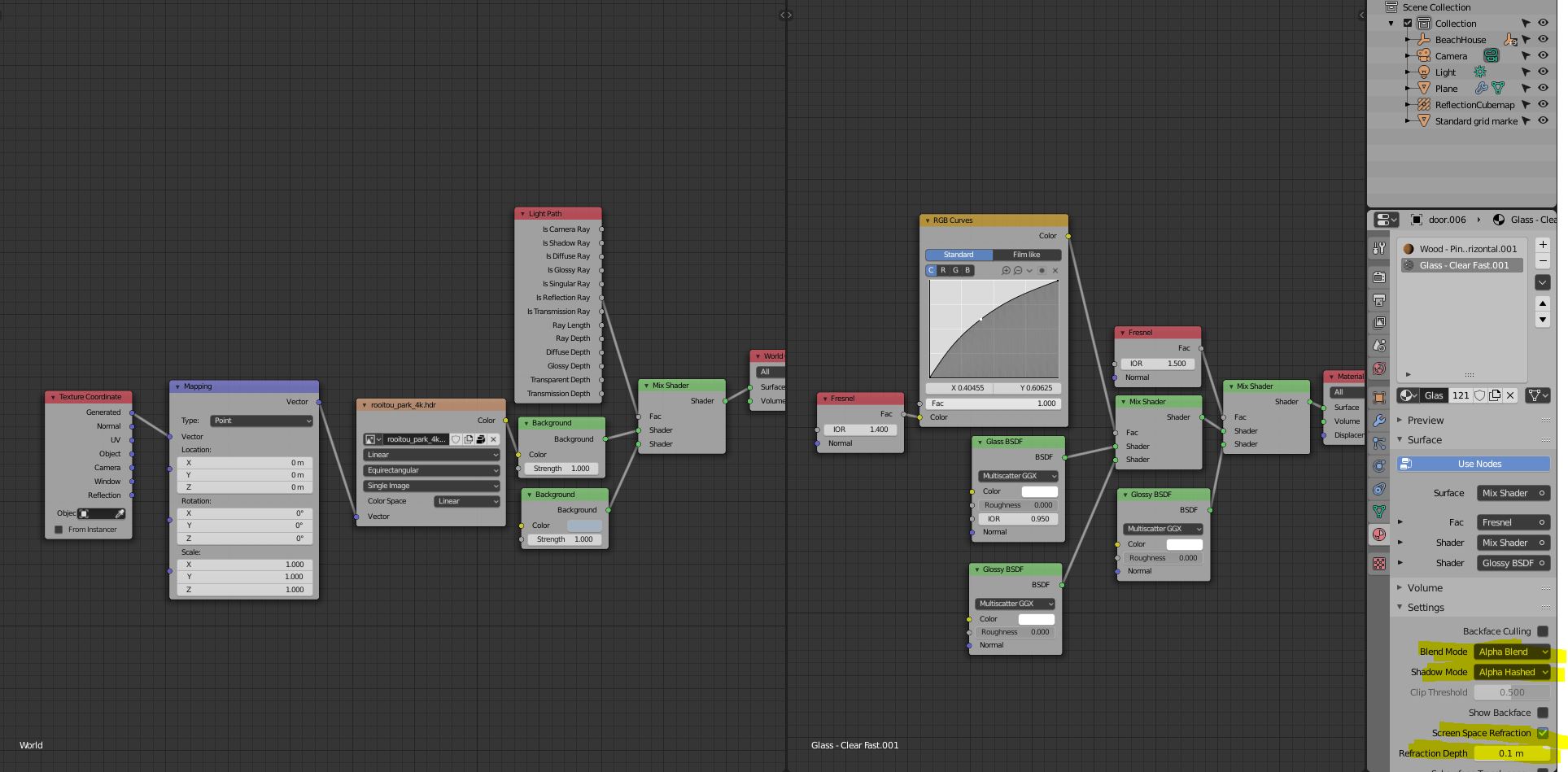
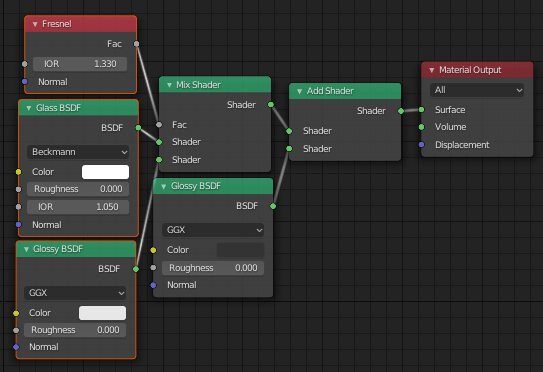
since you are using Revit and exporting FBX (just a wild guess because off everything has a base point parented), your glass has a double thickness to it so seting up the glass as in my screenshot and giving at most 0.1 reflection depth goes a long way. Also i mixed your HDRi with a background of a collor i picked from your hrdi`s sky in order to filter out the reflections (as you may have noticed eevee and hdri reflection look magnified and blurry in glass so i filtered them out.
also playing around with the RGB color curve and the last fresnel node of the glass gives you more or less reflections on archviz exterior glass.
Since eevee is a real time rendering engine light and glass cannot be accurate so you will have to adjust values from your camera angle.
Think of eevee like a painter adding effects on top of what you see and only what you see, like layers on photoshot/gimp etc.
i havent done any work on the materials, i`ve only touched on the light and reflections side.
giving that you are working with imported geometry, displacemnt will be a pain to setup, not to mention that eevee doesnt suport material displacement. if you are serious in archviz and imported scenes from CAD softwares maybe you should invest some money in some addons
https://blendermarket.com/products/super-texture this one i`ve purchased just for the improvemnt it does to textures giving paralax effect and higher quality control just from the texture it self no other maps required.
But if you want to make this as photorealistic as you can, then you should add envoirment like grass, trees, dirt and grudge maps on materials and grounds, and the most important fact if you are using materials with reflections like wood, metal, varnished materials, plastics you should ad this trick, good guy.
Hellos,
Thanks @3D_Kit and @Pasten_Narcis_Dan for the great help, adjusted Blender files and lots of valuable info.
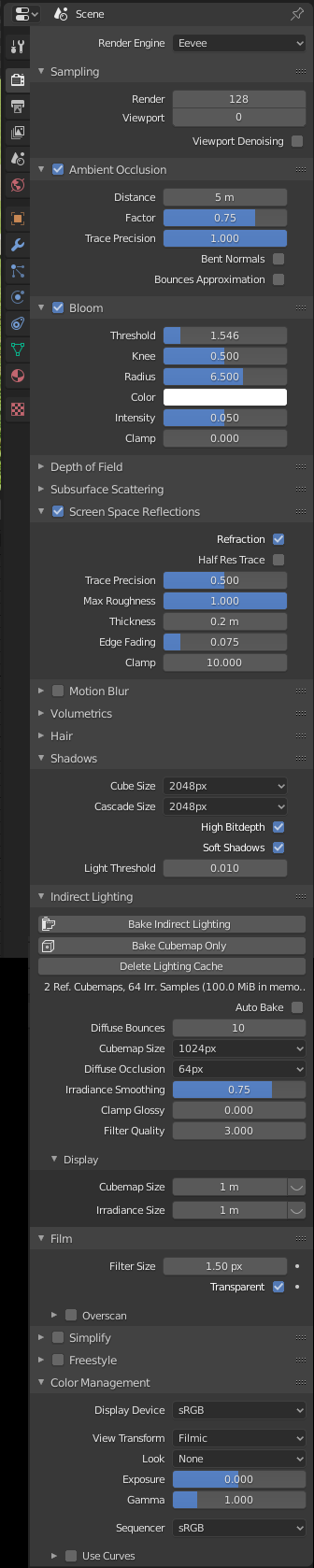
Following the very first notes @3D_Kit, I have adjusted the:
Eevee render settings:
.
Next I should be making modifications to the light, reflections and AO Evee/Cycles mix in the compositor- following @Pasten_Narcis_Dan 's post/instructions.
Lastly address the main “culprit” i.e…materials!
As advised @Pasten_Narcis_Dan I have gone ahead and bought the bmesh-clean addon and super-texture add-on.
Regarding grass and trees…any nice inexpensive add-ons you can recommend…?
Thanks again.
you dont need add-ons for grass and trees, once you have a decent grass texture on the terain, just add a particle sistem for it and play arround with the settings, by default every particle strain will be the color of the pixel its being extruded from. when you have lots of particles count you wont need grass as object.
Note that this effect only works if you arent rendering a closeup.
Use this free addon for creating moddular trees, for starting into envoirment creation, you can build up a library in time of trees, and append them into other scenes
There are planty of youtube clips and tutorials on how to use this addon

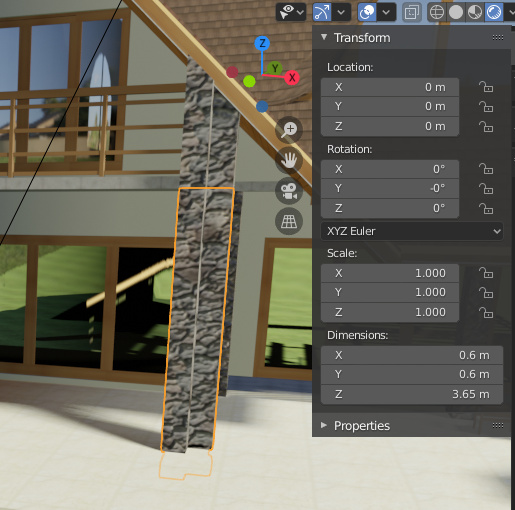
 !
!
 s amazing!