iwidus
1
I am modeling a hose with Blender 4.5.11 to be used in a simulation.
It consists of curved and straight sections
Some parts use constraints to prevent them from beeing scaled when the straight sections are scaled.
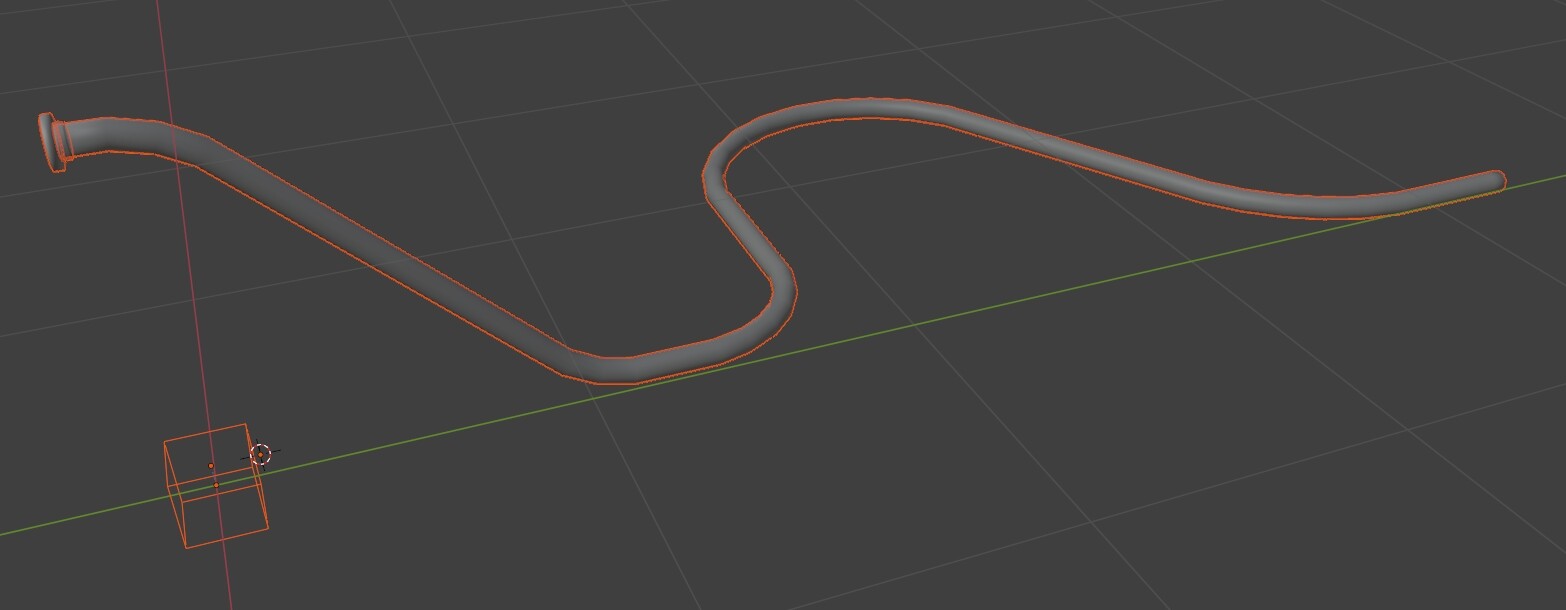
The result in Blender looks quite OK at the end of the animations:
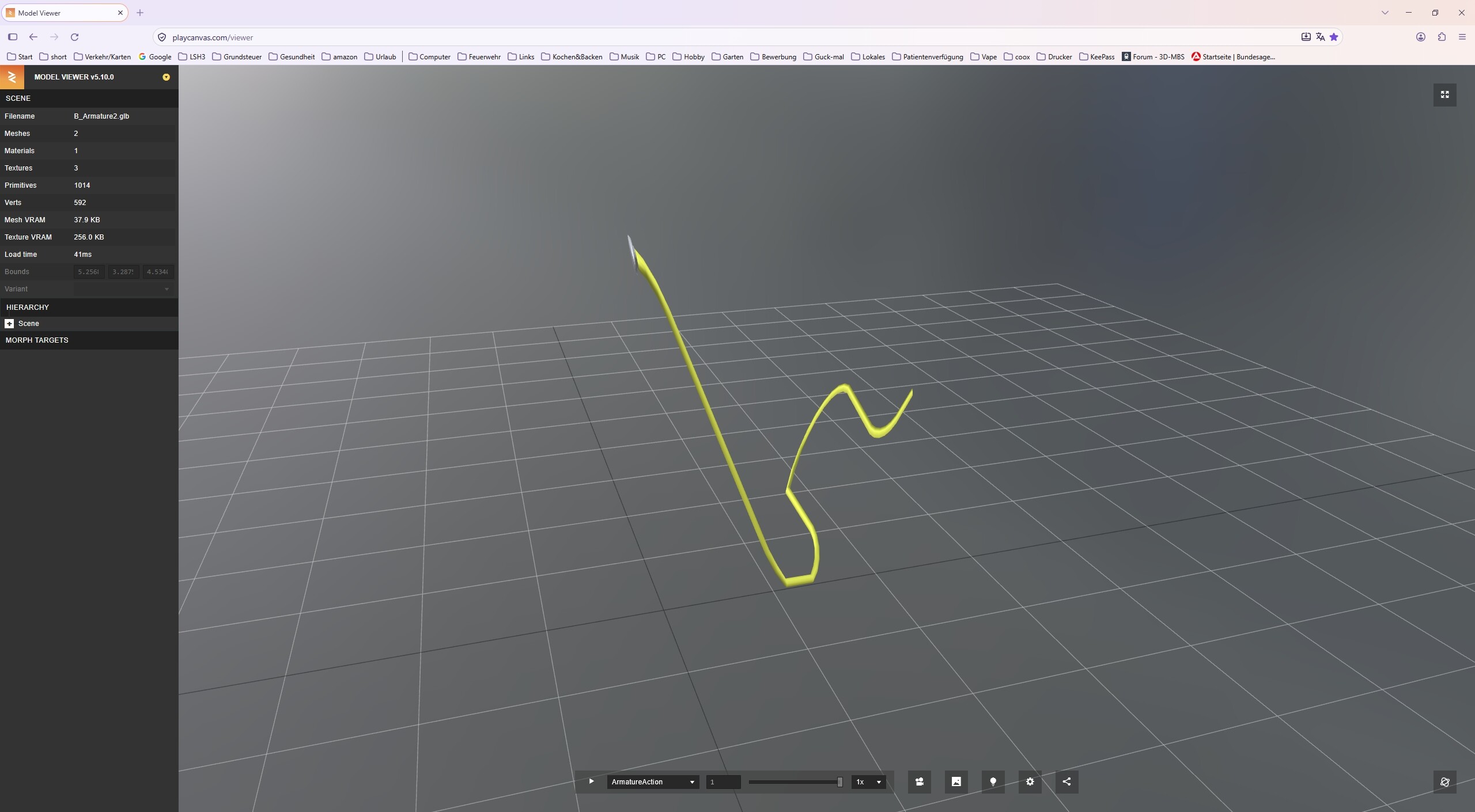
But after the .GLB-export the result is corrupted (checked with playcanvas and MS 3D-Viewer):
I guess it might just be a export setting but tried different ones.
Can you give me any hints?
Is the scale applied to the object in Blender?
iwidus
3
Yes. The straigt parts are scaled to .5 per bone animations.
Sorry - the scale of the whole cylinder is set to 1 on all axis.
joseph
4
What about the armature object? Looks like the scale of that isn’t applied at a a glance
iwidus
5
What you see in the first screenshot is the end-position of the animation.
The armature scale is also set to 1 on all axis.
joseph
6
Did you bake all the constraints?
iwidus
7
Right now I’ve tried the following steps:
Pose-Mode, Pose-Animation-Bake Action, Checked: Only Selected Bones, Visual Keying, Clear local Constraints
with the same result as before.
Even Checking "Overwrite Current Acction " did not change anything.
I attached the file: B_Armature3.blend (980.7 KB)