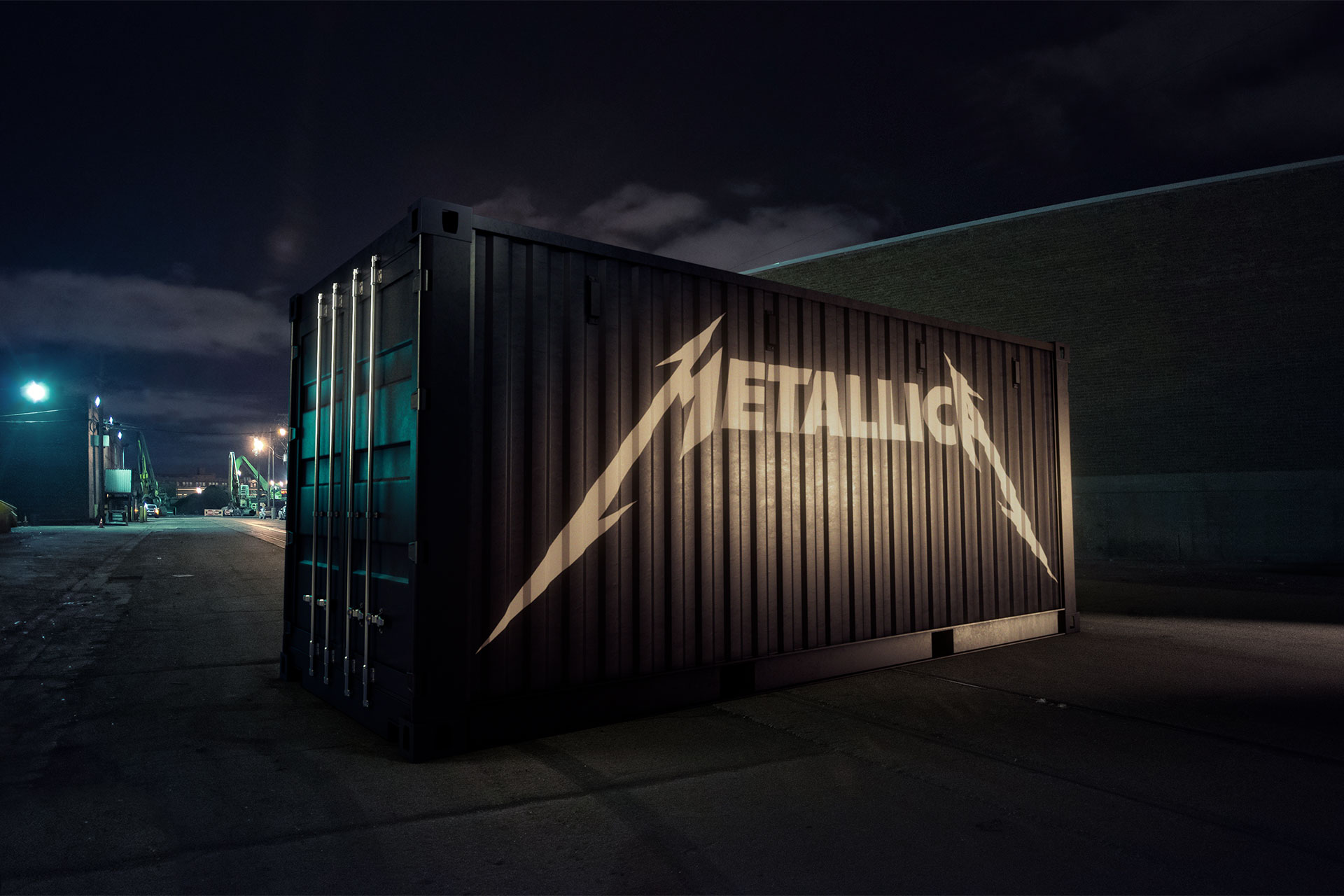
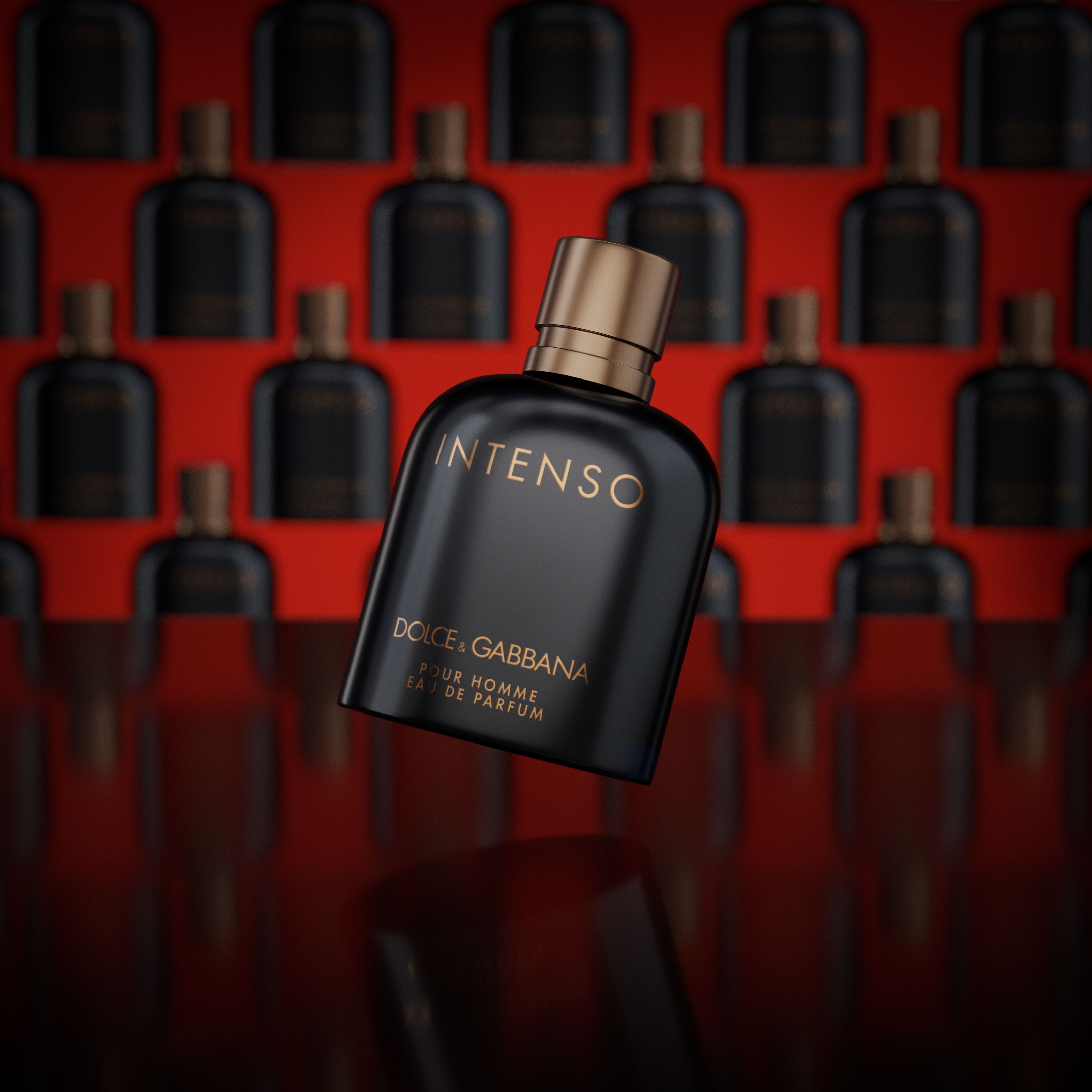
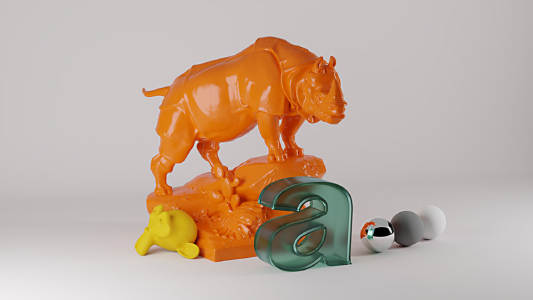
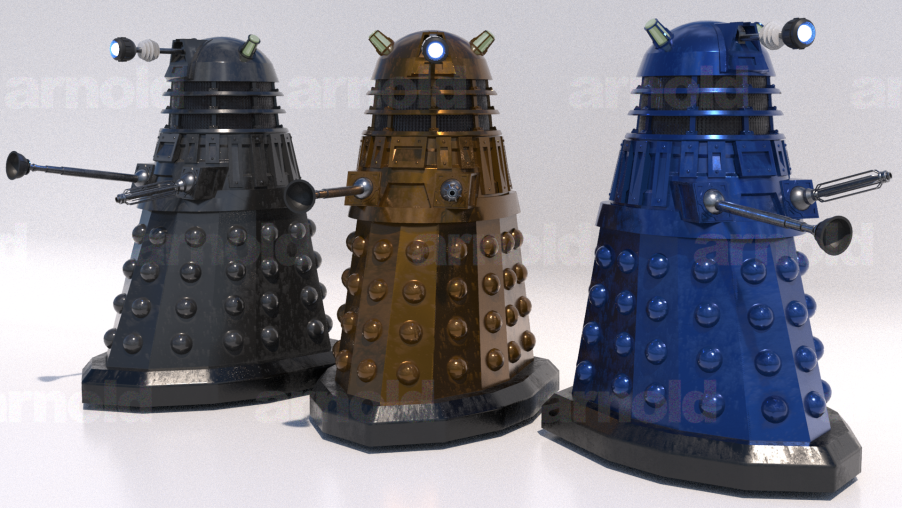
Arnold for Blender (BtoA) is a community-developed Blender add-on for the Arnold renderer.
It’s been a while since our last release, so I’m excited to share that BtoA 0.4.5 is now available to download! This is mainly a bug-fix update for the previous release, but it comes with a number of new improvements we’ve been working on over the past 8 months, including:
Better support for Arnold 7
Support for Blender 3.x
Better IPR performance and bug fixes
Support for render layer “indirect” and “holdout” effects
Support for instanced objects and lights
Updates to the Arnold Shader node graph, including per-channel access to image textures, a vector controller for physical sky, new nodes, and more
I use BtoA on virtually every project at Luna Digital nowadays. It was originally meant to replace Image Engine’s Gaffer on smaller projects, but at this point I’ve used it on all kinds of work including product renders, marketing videos, and VFX for indie features and short films. It doesn’t have 100% feature parity with other Arnold plugins like MtoA (Arnold for Maya) yet, but we’re well on our way and approaching that benchmark fast.
It may not be the fastest renderer on the block, but it has a very solid feature set which is used at almost every VFX company I know or worked at in the past.
BtoA 0.4.6 is here! We don’t often get to release new features so close together but we’re on a roll right now. This release includes a ton of new features and bug fixes that didn’t make it into the 0.4.5 release, including:
Upgrading IPR from the old bgl module to Blender’s newer gpu module. Because of this change, Blender 3.0 is now the minimum version required for full compatibility with BtoA.
Fractional render scaling in the viewport, letting users choose between 100%, 75%, 50%, or 25% scaling for faster IPR sessions.
Support for OpenImageDenoise (OIDN) and OptiX denoising in the viewport.
Support for portal lights.
Support for packed image textures.
Fixes IPR rendering issues with orthographic cameras.
Render options, light settings, and viewport focal length/clipping values all update interactively during IPR.
Resizing windows during an IPR render is much more stable.
Adds logging options and the ability to save Arnold logs to a file in the add-on preferences.
Fixes bug that didn’t change world material node graphs when switching between them in the UI
Fixes Standard Surface material presets
Adds feature overrides to the render Properties panel
We’ve been doing a lot of testing lately, and I didn’t realize I broke a bunch of the rendered viewport functionality somehow. Things like moving objects, linking materials, basic stuff would cause Blender to crash. I’ve been restoring functionality this weekend with some small bug fixes, and I’ll release a 0.4.7 release at some point soon so everyone can enjoy a proper rendered viewport. Sorry about that everyone!
@Matteo_Golinelli There’s a 4.2-compatible version on our dev branch now. We’re pretty close to a new release but just need to knock out a few more bugs…you’re welcome to give it a try though!
Our dev branch currently ships with Arnold 7.3.2.1 and supports Blender 4.2. GPU is supported (assuming you have a GPU that is compatible with Arnold).
The main problem of all non-native renderers is to deal with the export of data to the renderer.
Blender is no difference here, and can be slow especially when dealing with tons of instances. Also UDIM is slower than e.g. in Maya.
Same for Renderman for Blender btw.
But if you like the look of Arnold, give it a try in Blender. With some stuff not working yet, it’s a nice addition to the render tools we can use.
And like Blender, Maya has it’s pro’s and annoyances for sure.
Thanks. I’ve been trying Octane in Blender as an alternative to Arnold, but it has the same issue compiling data and communicating with the server, it’s so slow on any sort of non-basic scene.
Yes, I moved to Arnold from Vray almost 10 years ago, and it’s still my favourite renderer, but it’s hard to beat the native integration of cycles for pure speed and ease of use, even if it’s at the expense of quality. Although with AGX and recent improvements to Cycles’ shaders that quality gap has closed a bit.
Octane is indeed a great renderer, but Arnold and Vray are the ones that were used most in my postproduction jobs tbh.
In Softimage, Maya and/or Houdini the integration was perfect, and support was great.
RedShift had a good run, but even before the buy-off to Maxon it was already stagnating and user request were ignored or brushed off.
I stopped paying for my sub as I didn’t see it going anywhere. Tried the Blender beta integration, but it was still the same mentality.
Not sure about Renderman integrating atm, I stopped testing it a while ago. But I like the amount of tools your get for it. It’s not the fastest renderer out there, but it creates great images.
And regarding the slow export, I -think- it had to do with it being all python for 3rd party renderers? Not sure, so I might be corrected on this one…