Simulating camera auto exposure in Blender animations.
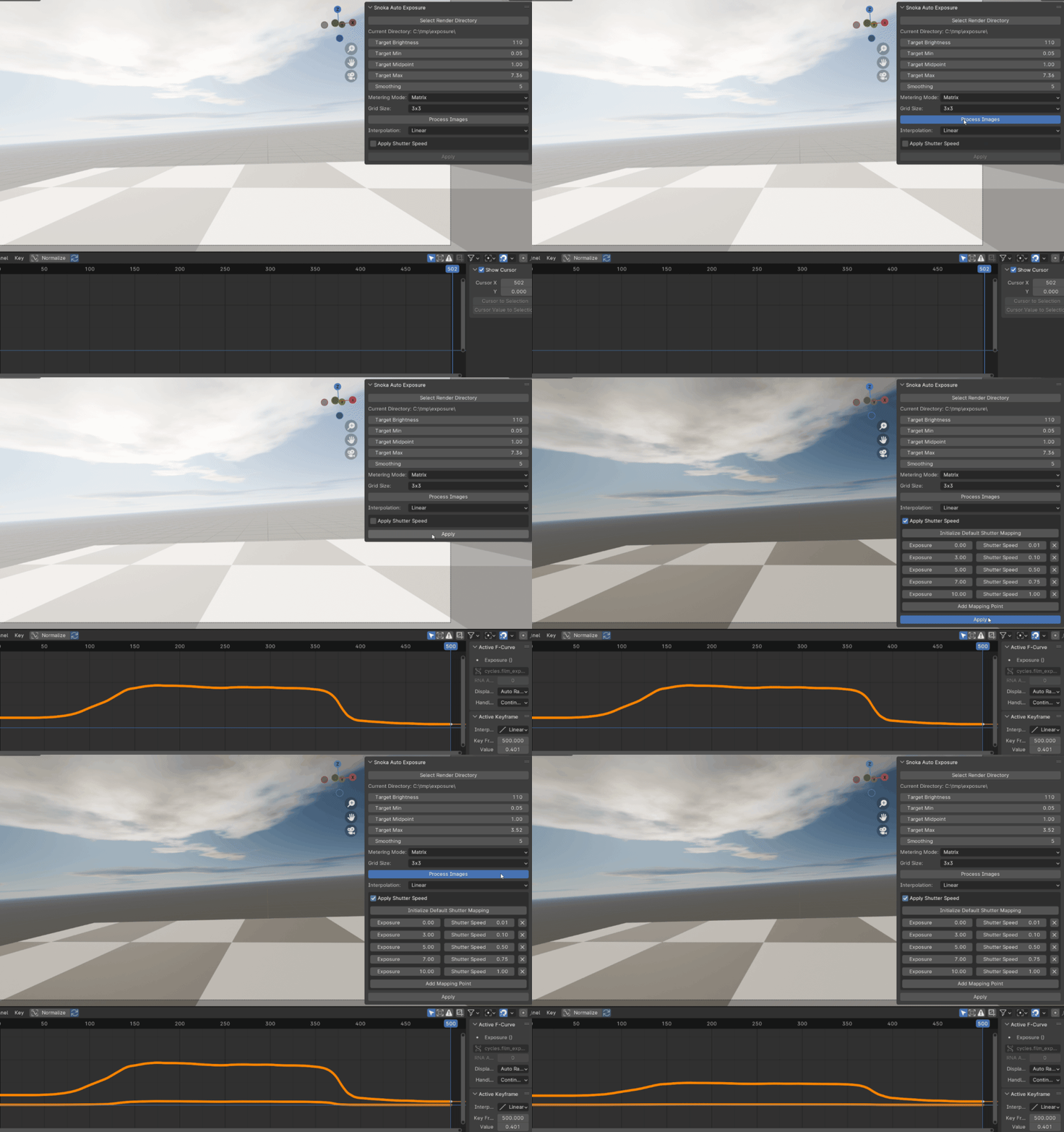
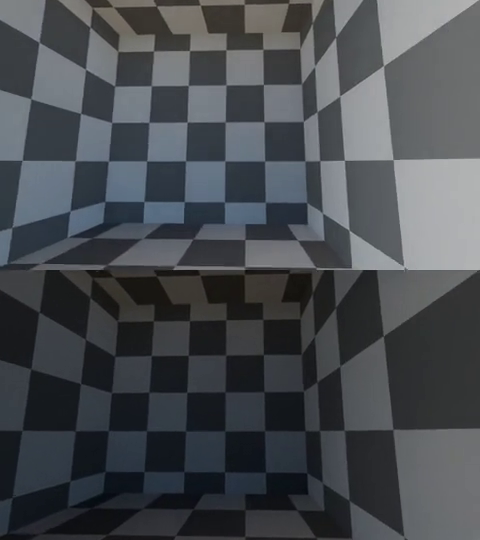
Unlike compositor-based techniques, this innovative method keyframes the exposure setting in Cycles based on the average brightness of the scene with OpenCV using an initial low-resolution render.
Features

Simulate Metering Modes
- Matrix: Divides the image into a grid and calculates exposure based on grid segments. For Matrix mode, you can specify the grid size.
- Spot: Measures the brightness in a central spot area. For Spot mode, you can adjust the spot size.
- Center Weighted: Measures the brightness in a central area with adjustable weight. For Center Weighted mode, you can adjust the center weight.
- Screen Average: Uses the average brightness of the entire screen.
Exposure Mapping
Fine tuned controls over the exposure mapping with options for setting the Target Min, Target Midpoint and Target Max.
Smoothing
You can specify the size of the smoothing window, which is used to smooth the exposure curve.
Motion Blur Control
When exposure increases cameras utilizing auto exposure tend to keep the shutter open longer. To simulate this the add-on allows you to optionally keyframe the Motion Blur → Shutter setting along with exposure. The add-on provides a way to map exposure values to shutter speeds using a mapping system. You can add, edit, or remove mapping points to customize the mapping.
OpenCV Dependency
If OpenCV is not installed, you can install it directly from the add-on’s preferences.
Results