Hello, thank you for all the help you’ve given me. Here is a new question, if you’d allow me.
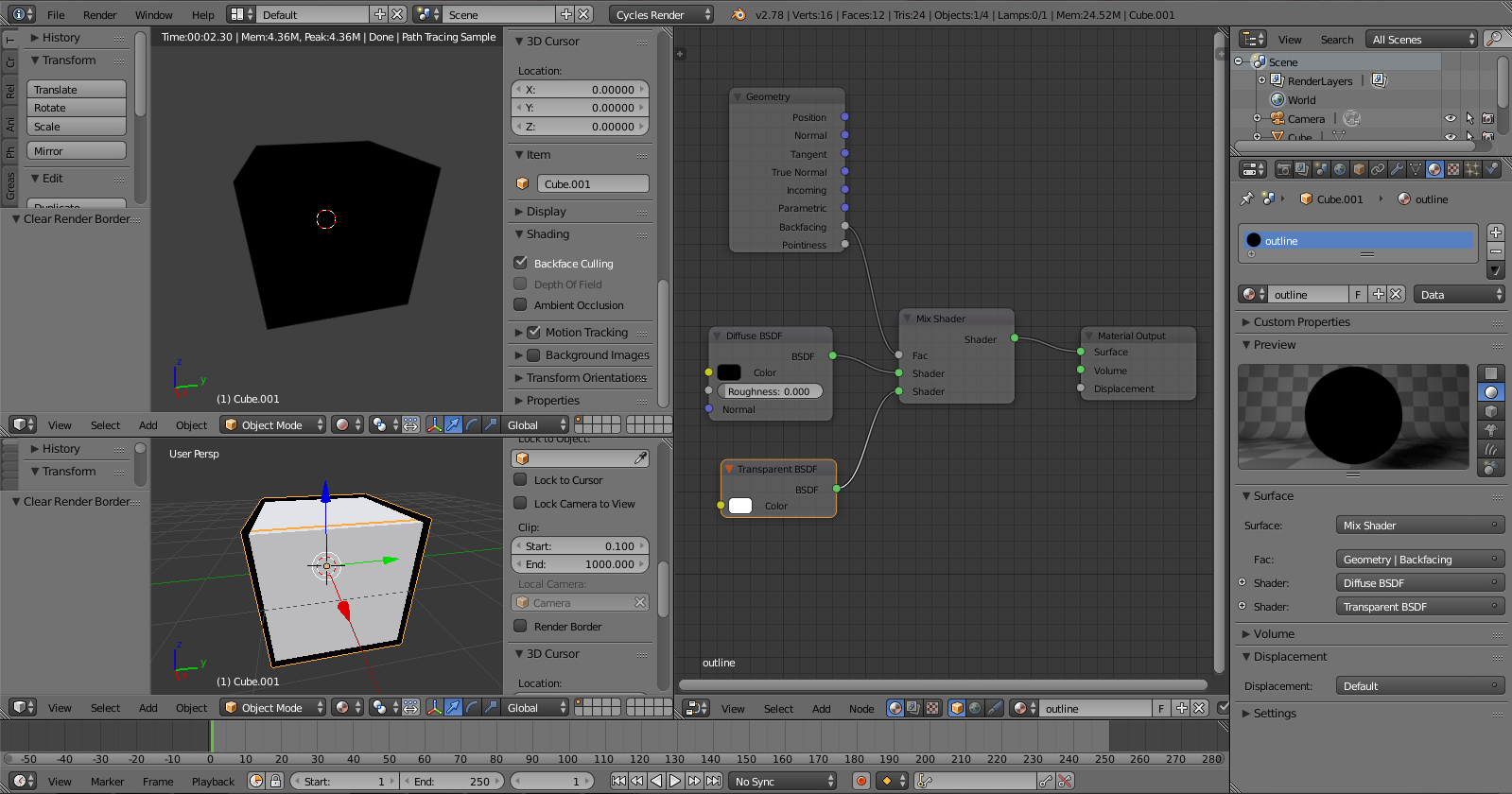
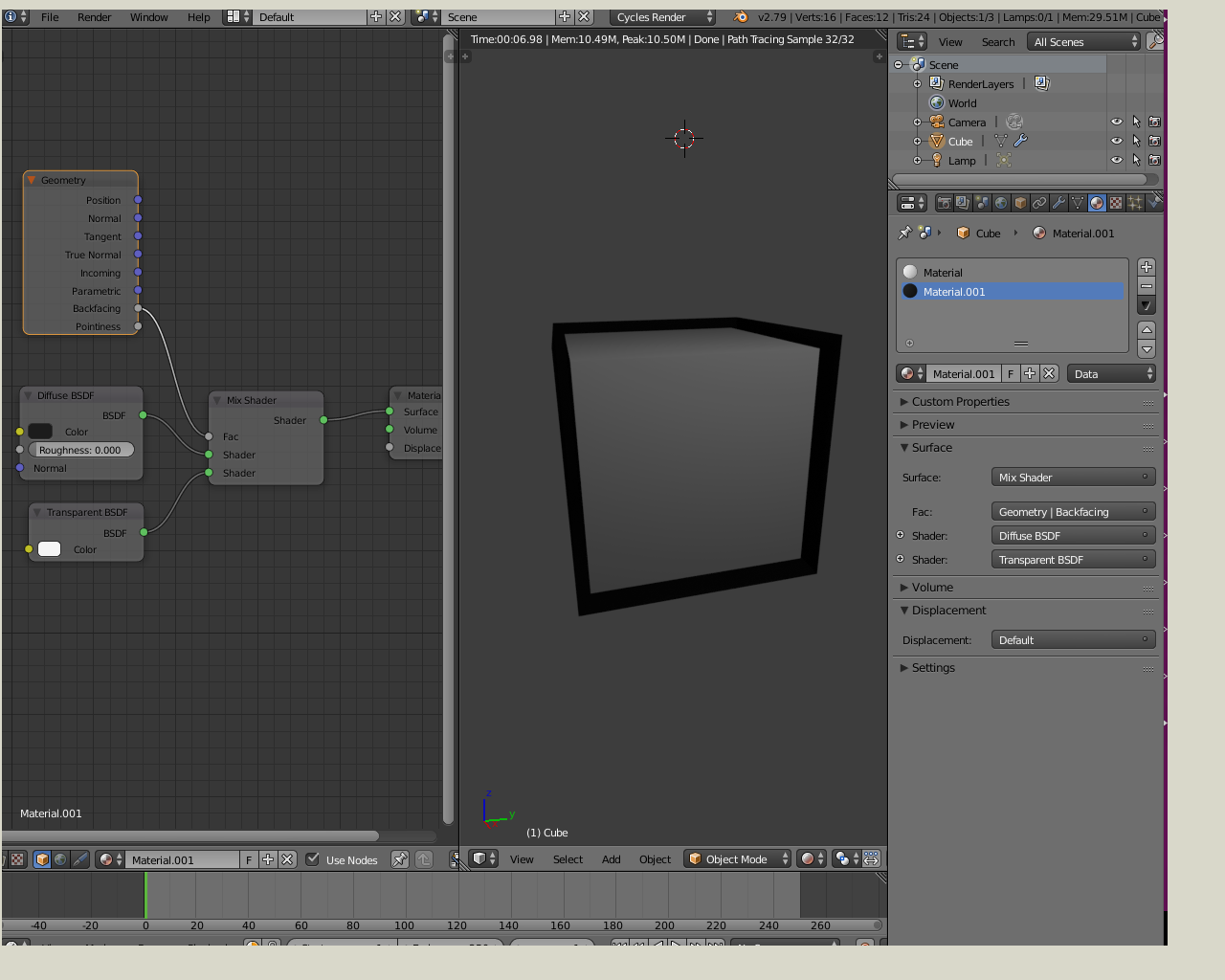
I was working in Cycles Render, and I wanted to add outlines to an object. I used the smart method promoted by many tutorials, which is to duplicate the object, flip its normals, and activate “Backface Culling”. Here is the result :
As you can see, it only works in “Material Render”, the backface culling doesn’t work in the final render ?
To flip the normals, I went to edit mode, Mesh>Normals>Flip Normals.
I am very confused, I don’t really know what went wrong, why doesn’t it work in the render while it works everywhere else ?..
Thank you for answering.
Sadly, turning off “Cast Shadow” as you mentionned only works with one side of the object (maybe the faces that are directly enlightened by the lamp ?). This is the result with my model but yours is basically the same :
Indeed. Making the backfacing faces transparent for the camera doesn’t automatically make them invisible to shadow rays.
Here’s one way to achieve that, without having to disable shadow casting for all light sources in your scene. After all, you might want to have the “non-outline” cube cast a shadow, no?
Thank you TakahiroKomatsu and IkariShinji, your help was really precious!
I also need to thank all the forum. Even though i post a lot of questions, you have always given me all the answers. I will try to lower the rate of my questions, because I don’t want to annoy all of you any more. However, I can’t promise I won’t need your help soon.
This community is one of the most helpful I’ve seen, thank you everyone!
I believe that you shouldn’t hold back to ask questions unless you are asking something impossible to understand. I try to answer questions not just because it’s a way to help the community but also because it is a powerful way to learn.
The posted node setup was for a very special use case with two cubes nested into each other: A larger one just for the outline (with the shown node setup) and a slightly smaller one for the “main” cube. Unless you stack models in the same way, trying to copy this is pointless, I’m afraid.
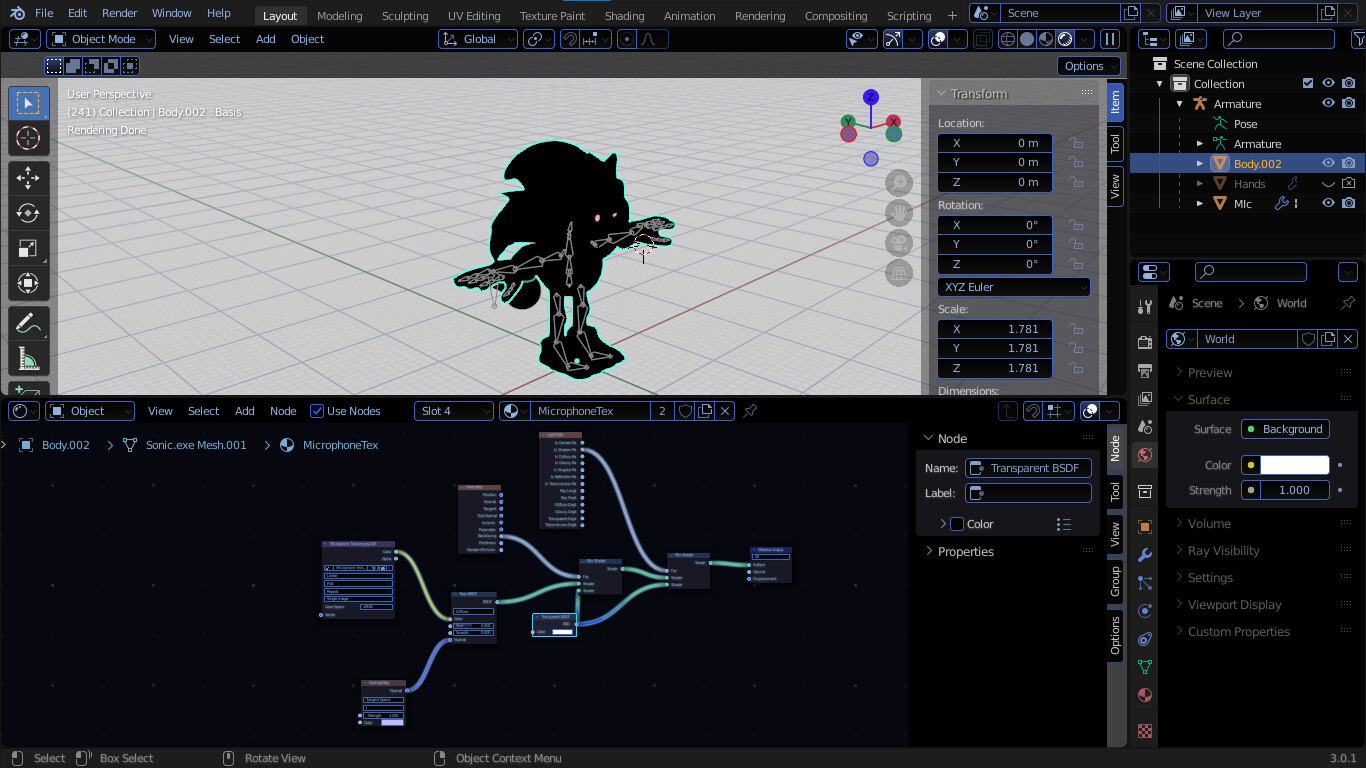
Also mind you that this thread is almost four years old and the posted solution was intended for Blender 2.78. There most likely will be other, more efficient ways to achieve whatever you try to achieve in current Blender versions.