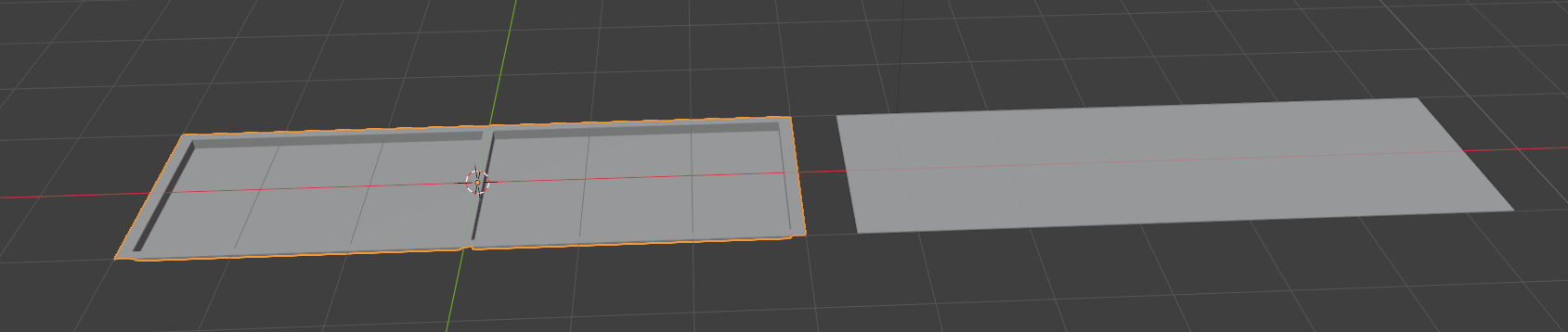

Normal maps capture curved and slanted surfaces, not depth. You’ll need to make your divots sloped inwards for the bake to pick it up.
Normal maps can only capture changes in orientation, not height.
When you bake something that has faces perpendicular to the baking surface, those faces have a null projection, resulting in no difference in orientation from the top and bottom surfaces.
In your case, you should make the skew those faces a bit, or add a bevel to them. That should be enough for them to appear in the bake.
Welcome  ..
..
Do not use 90 degree topology for “normals”.. see this example..
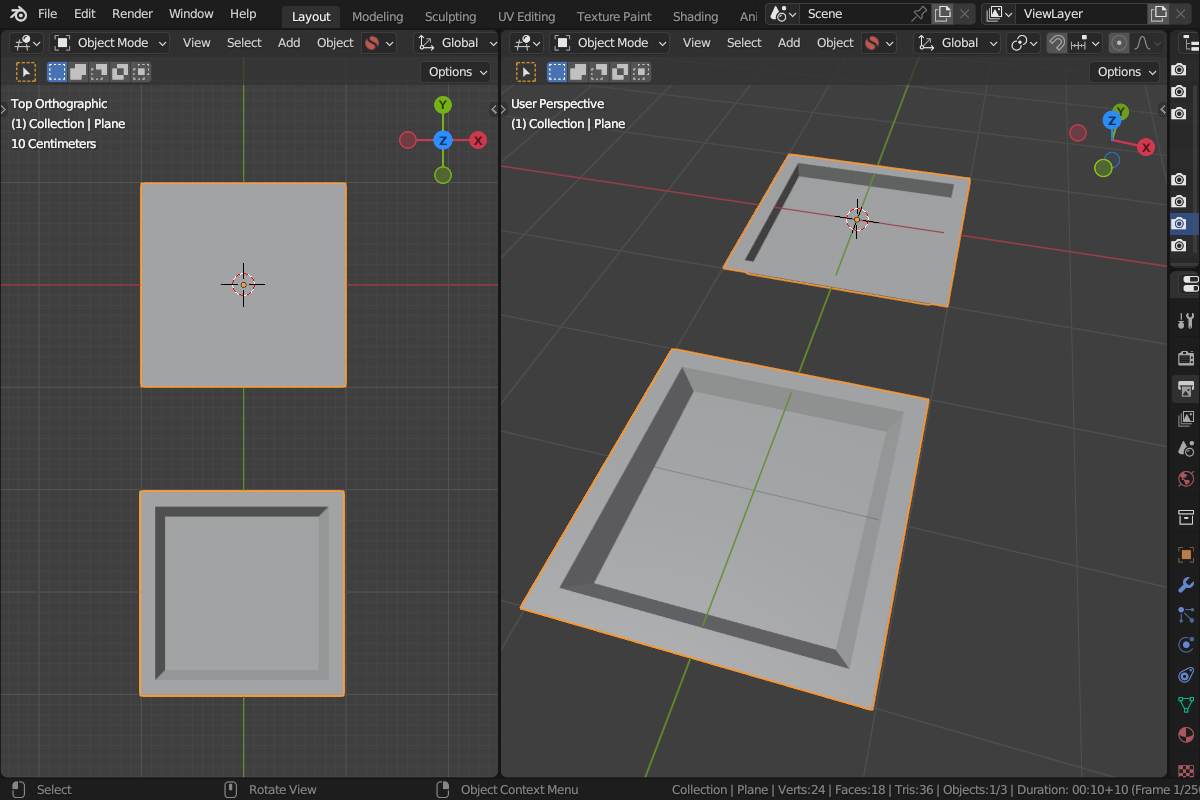
Even with that fantastic device called brain we humans can “imagine” a lot of things.. but with unproper “input” you do not “see” those 90 degrees when looking at it in 90 degree angle at an even light and so also any “bake” will not give any more information for this.
There is a reason why here:
..there is no 90 degree angle in the topology to back a normal map from.
Also have look at the Sloped Extrusions section in here:
( So even when using a bevel for the 90 degreetopology this is oftne not enough..)
In addition to what has already been said, there’s no reason whatsoever to bake this. You’re trading a few extra faces for a massive image that will chew through VRAM- the extra faces will be more performant in every context. Normal maps are for reducing millions of faces down to a few thousand
An excellent point! just to drive it home a little with some cold hard numbers for OP/anyone curious about the optimization difference here. The raw geometry version of this is 2KB as a .obj. The plane is only 359 bytes, but with the 84KB image file (2048x2048) (granted i could have cranked the compression, or for something so simple, a lower resolution file could be used without loss in quality), having a plane with a normal map is significantly more memory relatively speaking in this case.

For comparison, in a more appropriate use of normal maps, the character “Steve” from a recent game jam is 85.5MB in his high poly sculpt (1.4 million triangles which is actually really low for a high poly for a full character) 424KB in low poly (6k triangles), and the accompanying normal map is 2.8MB 2048x2048. A lot of characters will have higher resolution normal maps, [1]. Even still, if the normal map size was 4k, it would definitely still be smaller and more performant than having the high res model in the game. (not to mention, the increased difficulty in unwrapping, rigging, and animating a super high resolution model.)

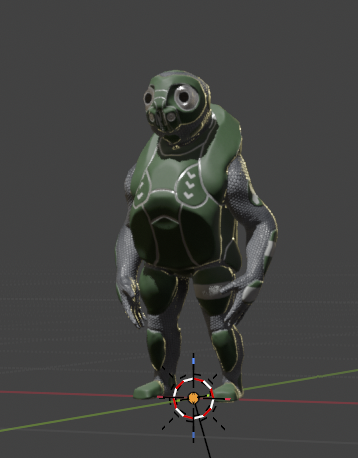
but, he’s a jam character, its a web game, and my laptop is old and my SSD nearly full, so I kept it small. ↩︎