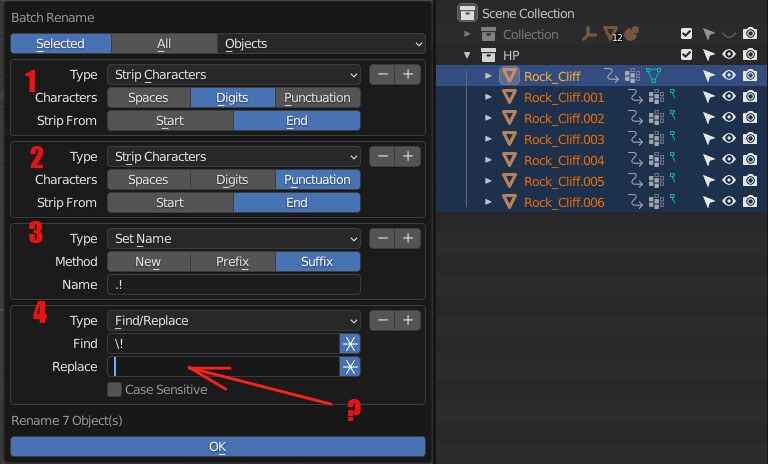
I ended up in this thread by casuality: I was looking for the syntax to get the value of a capturing group from the “Find” field (the result of patterns inside parenthesis “()” in regular expressions) and copy it in the “Replace” field. I didn’t remember the “\n” form (“n” inteded as an integer number of the ordered capturing group, not as the “new line” character) because there are tools that use a different syntax: for example “$n”. One name among all? … Visual Studio and VS Code, indeed!
So, what goes in that field is a string made by the combination of static strings and capturing groups numbers. In your case you can only replace the whole string because you didn’t define any capturing group in the search pattern (“Find” field).
Actually neither the Wiki page Regular Expressions linked by Blender Manual Batch Rename - Find/Replace mentions anywhere the capability to use capturing groups indices in a replace pattern. Also, according to the Wiki, while in Basic Regular Expressions they can be used inside search patterns, in Extended Regular Expressions they have been removed.
This means that such features (very common anyway) should be documented (and it is not) in the Blender Manual, considered the inconsistencies in various implementations.