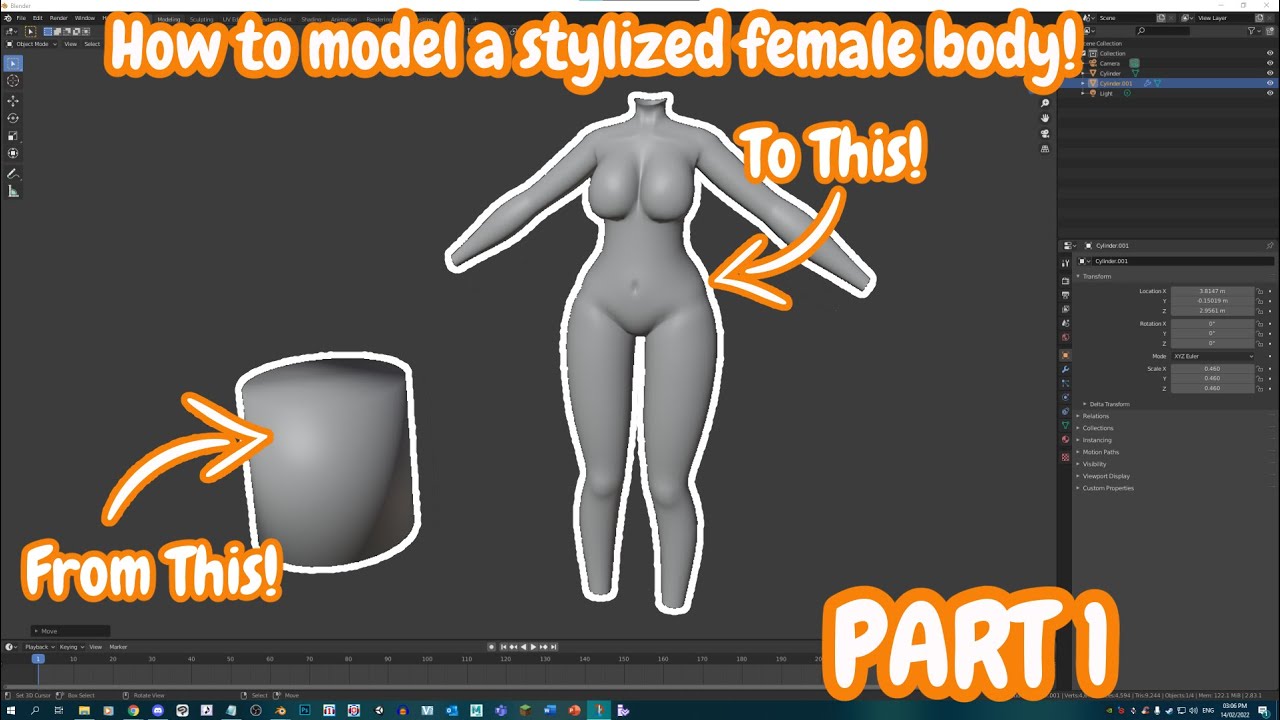
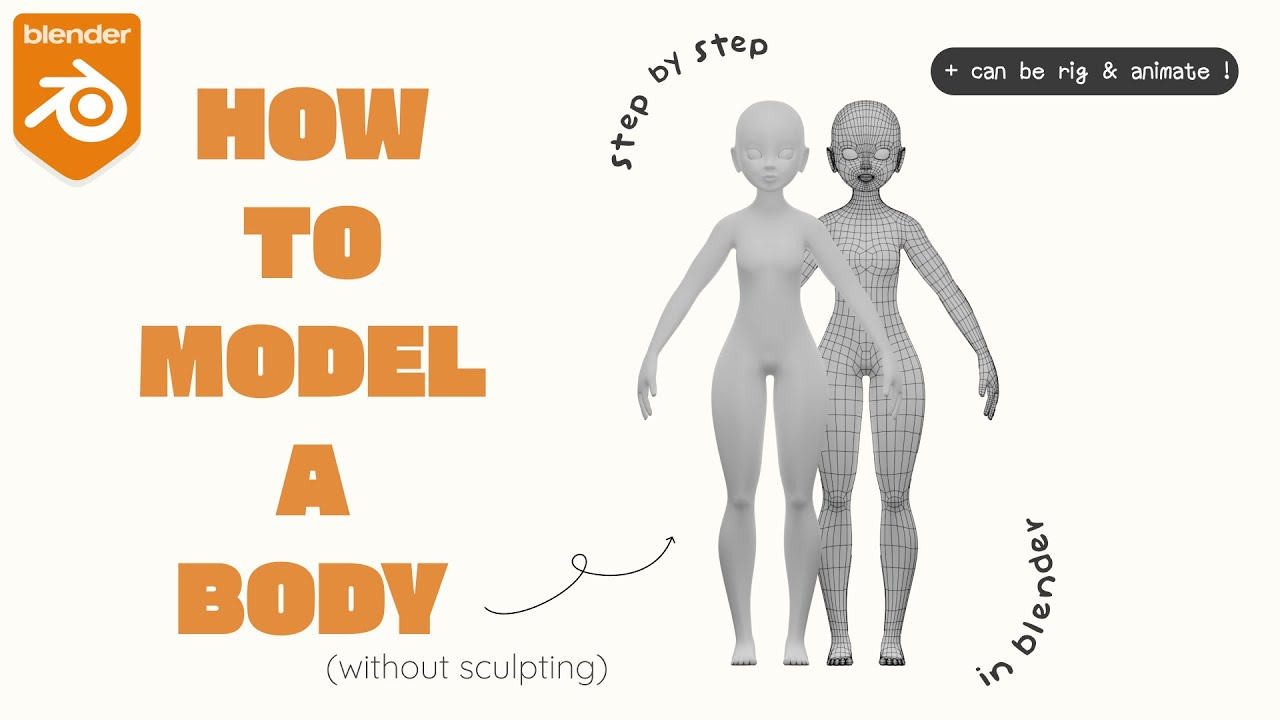
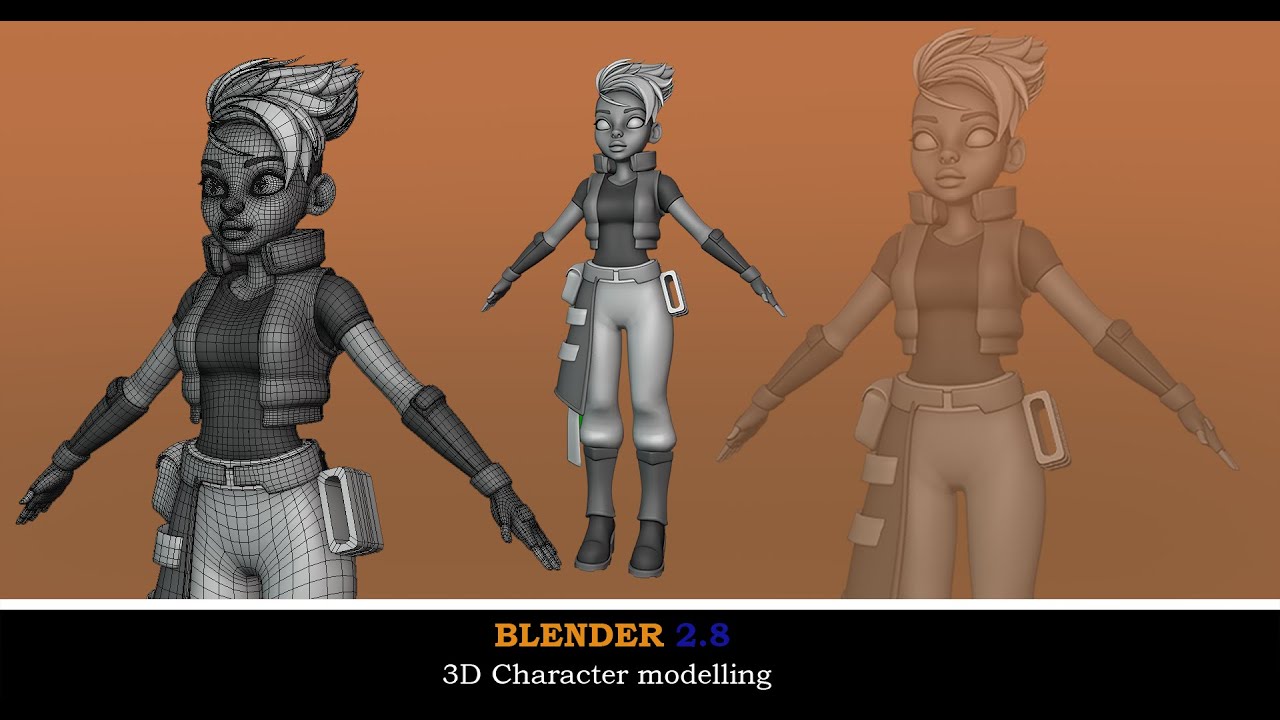
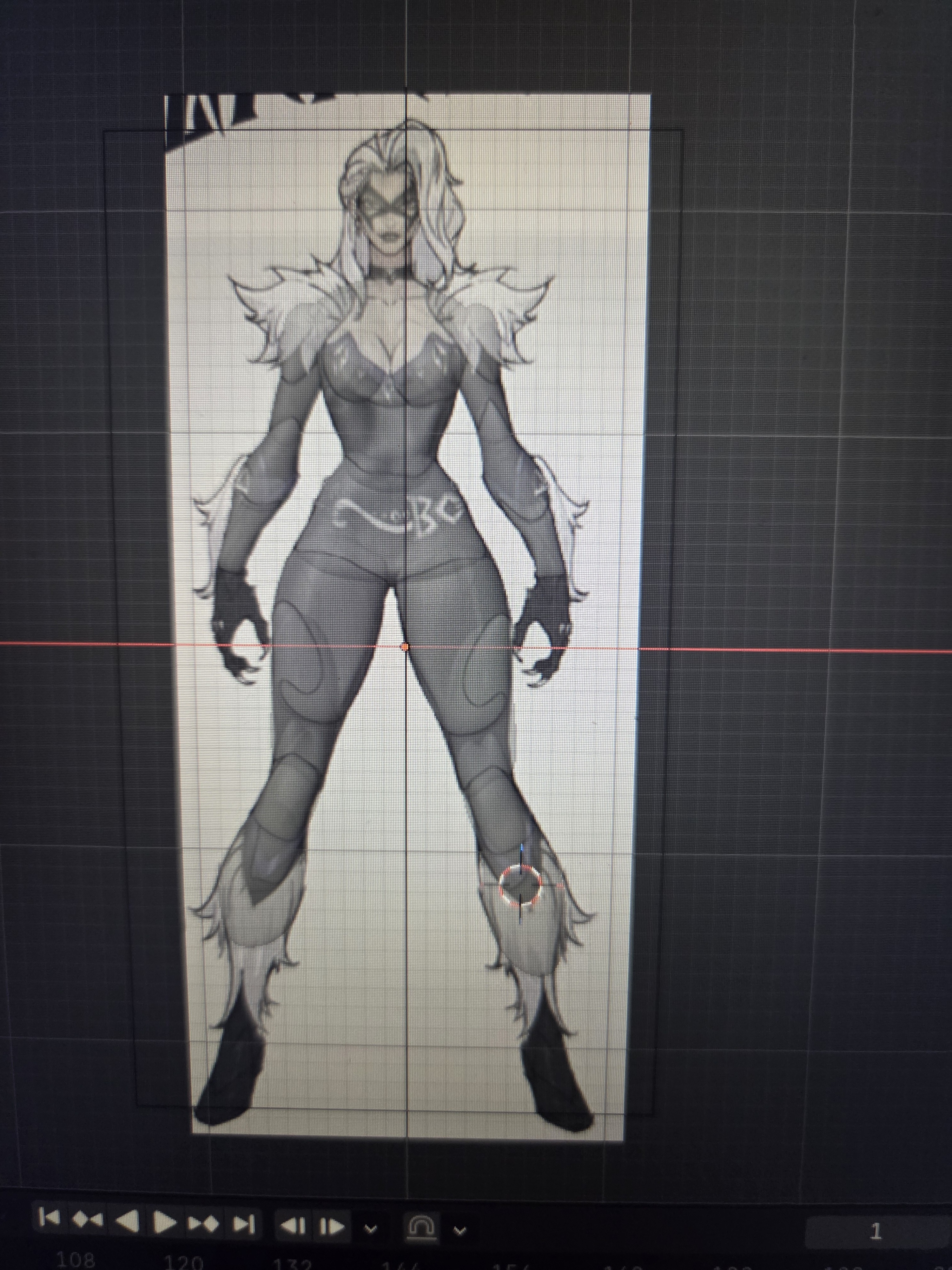
I’m fairly new to Blender and I’m currently building a stylized female body base for drawing/comic reference. I’m using a Marvel Rivals concept sheet as my proportion reference, and right now I’m still in the blockout/mapping stage using separate primitive forms before I merge and sculpt everything. I’m having a lot of trouble getting the legs to work in both front and side views at the same time.
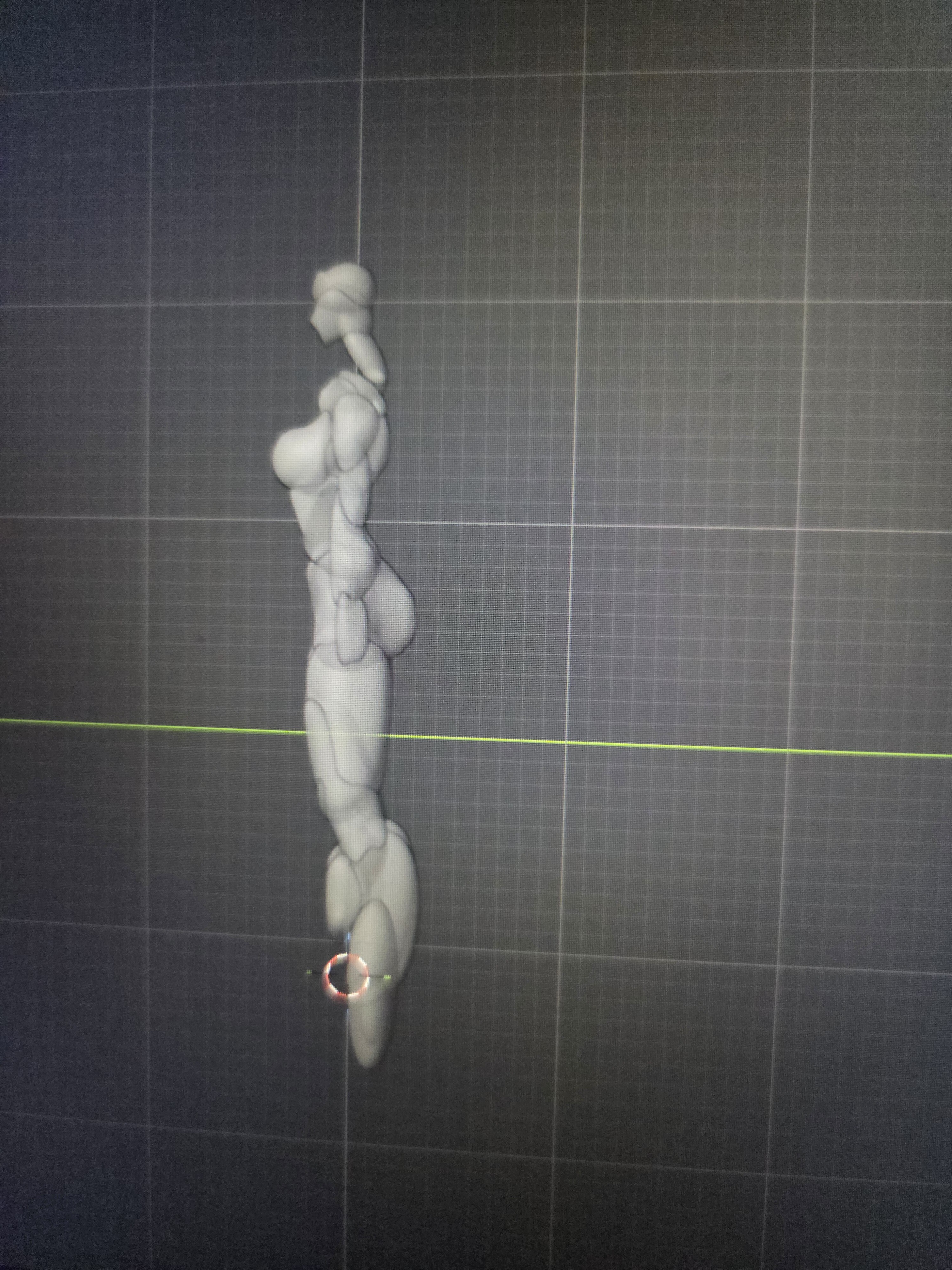
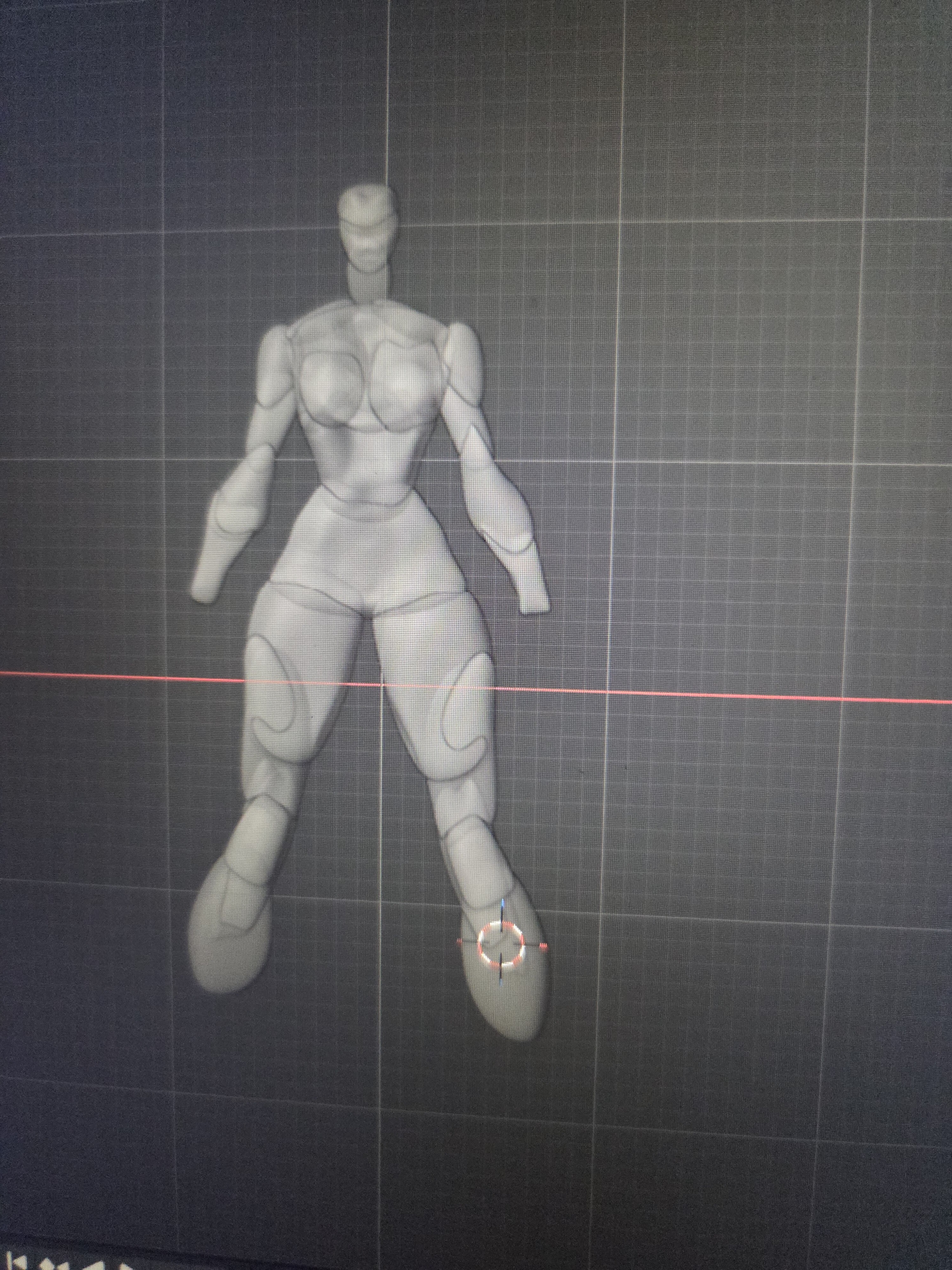
From the front, I can get the thighs, knees, calves, and overall silhouette pretty close to the reference. However, when I rotate to the side, the legs look extremely thin/flat and don’t have believable volume. If I then adjust the pieces to match the side reference, I often end up ruining the front view. The legs become too wide, square, or bulky. I’m trying to figure out how to translate these 2D front/side drawings into convincing 3D forms rather than simply matching each silhouette independently.
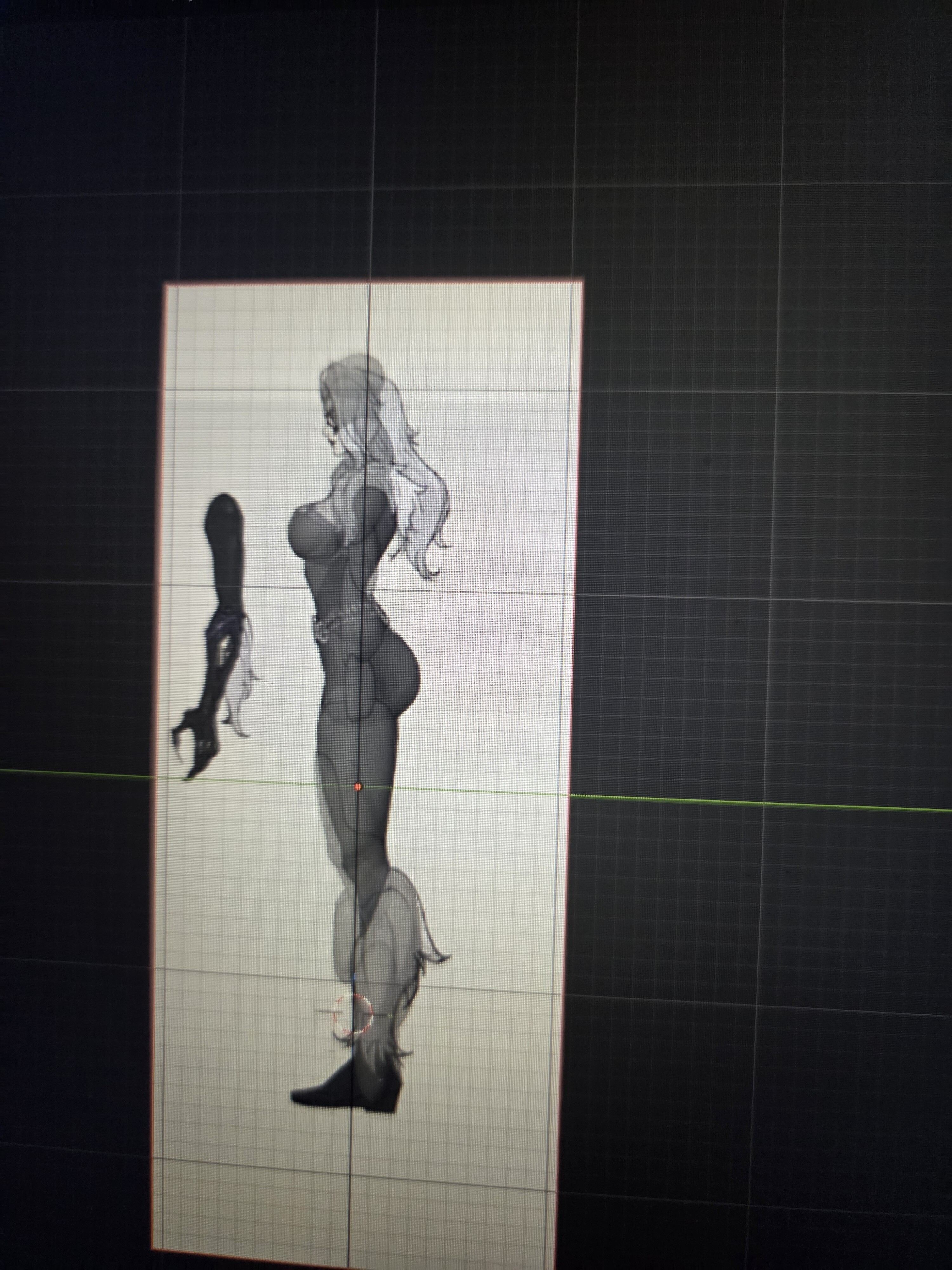
I’m having a similar issue with the arms, although the legs are currently my biggest problem. I’ve attached screenshots of my current blockout along with the reference sheet I’m using. At this stage, should I be scaling the individual forms differently on the X/Y axes, reshaping them more in Edit Mode, or approaching the leg construction differently altogether? I’m not trying to make the model anatomically photorealistic. The final base is meant to retain the exaggerated/stylized proportions of the concept art, but I do want the body to look convincing when viewed from angles other than the exact front and side references.
Any advice on how you would construct these leg volumes would be greatly appreciated. I’m especially interested in what I should be looking for when checking the model from a 3/4 view before I move on to merging/remeshing and sculpting.
Hi and welcome to BA,
I’m not a character specialist, but I really think you’ve started with one of the hardest things. Creating believable characters means understanding the relevant anatomy as well.
Perhaps you could start by studying the human character included in Blender’s assets.
And watching some of the many tutorial on yt (here one from @thetony20 a regular user here on BA)
Since I got a shout out (thanks for that), I’ll throw in a little more of my 2c worth.
The first thing, especially when it’s someone else’s 2D reference, is that you can’t depend on the drawings having been made from a 3D point of view.
In other words, the 2D character design may look good front on and it may look good side on, but that doesn’t mean they actually directly match up. Especially if it was only ever made by a 2D artist as a drawing guide for other 2D artists.
Second, horizon line, field of view, viewing angle, even lighting in a 3D viewport (and partly 2D reference, especially any photo reference) can and will distort shapes/volumes and just the placement of edges and faces.
So what matches in one (orthographic) view, then doesn’t totally match in another and then can all look wrong in a perspective viewport.
This is why ideally, for any character, you want various references, in different poses/angles and at some point you just disable the reference planes in 3D and spend ages just pushing and pulling vertices around in 3D, while looking at all the character designs on a second monitor.
If it’s a personal project, you basically keep doing that till you are happy with the overall look (accepting that side one doesn’t exactly match front on or top/down, etc). Or if a job, you keep going till someone tells you to stop and signs off on the model.
Well, if you have any doubt you might want to share a .blend file so it’s easier to see what your problem is. At least share some views of your 3D model aside from the reference so it’s easier to judge.
On the overall you should adjust points in front view on the X/Z plane, and on the side on the Y/Z plane . So changing one side shouldn’t impact too much the other.
In the end, references is just a guide, eventually you should hide it and start to think 3D and adjust your block-out accordingly. Then the reference is there you make sure you didn’t do any big mistake.
But it’s generally better to avoid a 100% match with the reference but rather finding something that looks good in volume. Even if those aren’t mutually exclusive.
Keep also in mind what you’re practicing there and what is the main issue :
Is your problem just comes from lack of experience in 3D so it’s more a technical issue ?
Or you also need to train your eye in human proportions and “drawing” even though you’re using 3D ? So the problem is more on the side of art skills ?
If you lack technical and artistic skills it’s obviously going to be challenging… Then maybe practice on simpler subjects, like getting good blocking for simple objects, then moving on to body parts like a bust, a hand… And eventually go back to your project. Like with speaking a foreign language you start to practice on simple stuff before having a real conversation.
Like with drawing it’s good to be able to take a photo reference or an object and have a good feel of proportions without tracing the reference. You can try that as an exercise : You take a photo of a simple object and recreate it with simple shapes just by judging the main shapes without using the photo as a guide. Then check how close you are from the original. It doesn’t have to be perfect either but this will help a lot to fill the gap when you’ll be building something by tracing a reference/model sheet.
The issue is not my knowledge of the human anatomy. I think it’s just the fact I am new to blender ;-;. I will definitely check out the video you attached however! Thank you!
[!note]
Could you please use Blender → Window → Save Screenshot (Editor) ? If the 3D view is split then you even have to do this only once. This saves storage space on this “free” platform and also makes the images by far more better to “see” possible problems ( even if using JPG ). It simply makes it easier for any volunteer helper and increases you changes to get some proper advice a lot.
This said:
You seems to have choosen the hardest possible path.. sculpting is not easy, especially for a beginner and also organic object are not easy and especially humans.. so this is “triple hard”
So you might consider the already made suggestions.. or some more..
or this one (FlyCat later use sculpting.. sometimes even on a low poly object..)
Ok ! You’re using way too many shapes to do the blocking, they are too complex also and they aren’t close to the anatomy most of the time…
Others gave you good tutorials / references !
Personally I recommend that you start training on much simpler organic shapes, start with some very simple stuff like fruits, maybe sculpt a finger with some details, some tree stump, some animals like an elephant, a hand, facial details like nose, mouth, eye … a face and eventually move on slowly to a full body character.
When something is easy and convincing then you move on to something harder, when it’s impossible to make something good after a few trial , find something a bit simpler and climb that ladder step by step.
If you can’t model a good hand or an eye, then the full body character is obviously going to be quite messy … But with a good progression going from very simple things to more complicated ones it can work much faster than trying and failing something wait outside your abilities.
Finally, I agree with Okidoki, you can learn sculpting but it’s also worth trying poly-modeling, it’s simpler and it’s useful even in a sculpting workflow !

 ). It simply makes it easier for any volunteer helper and increases you changes to get some proper advice a lot.