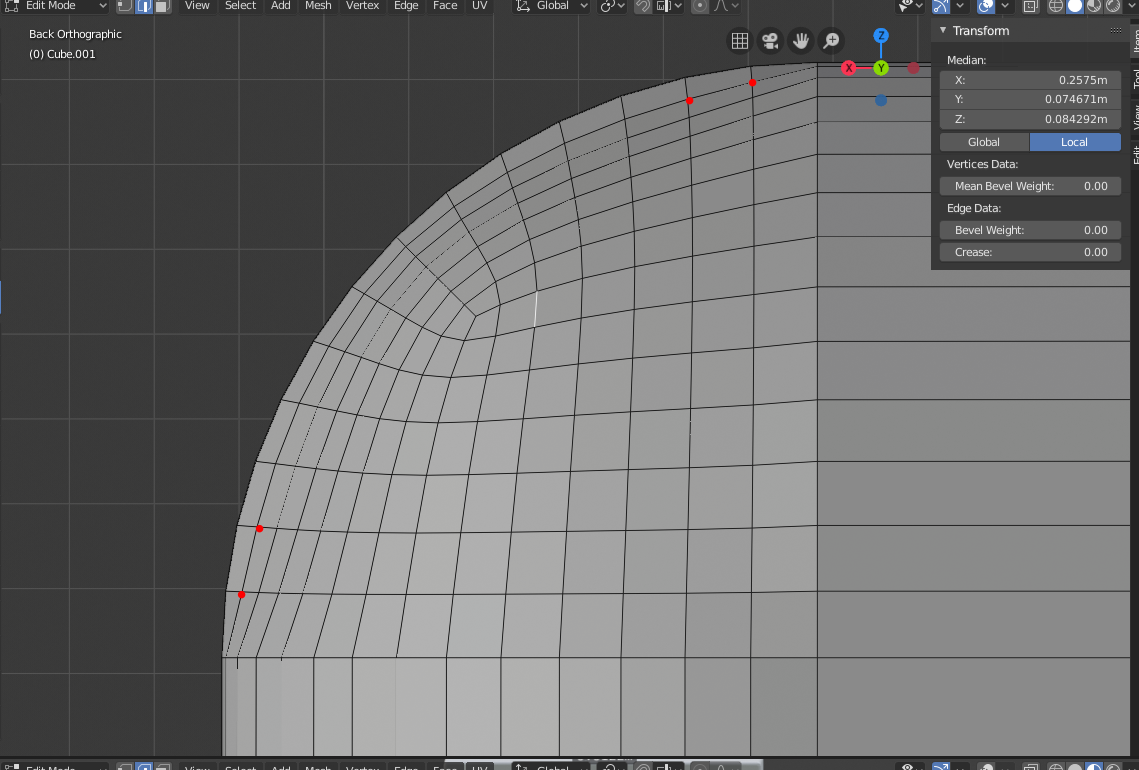
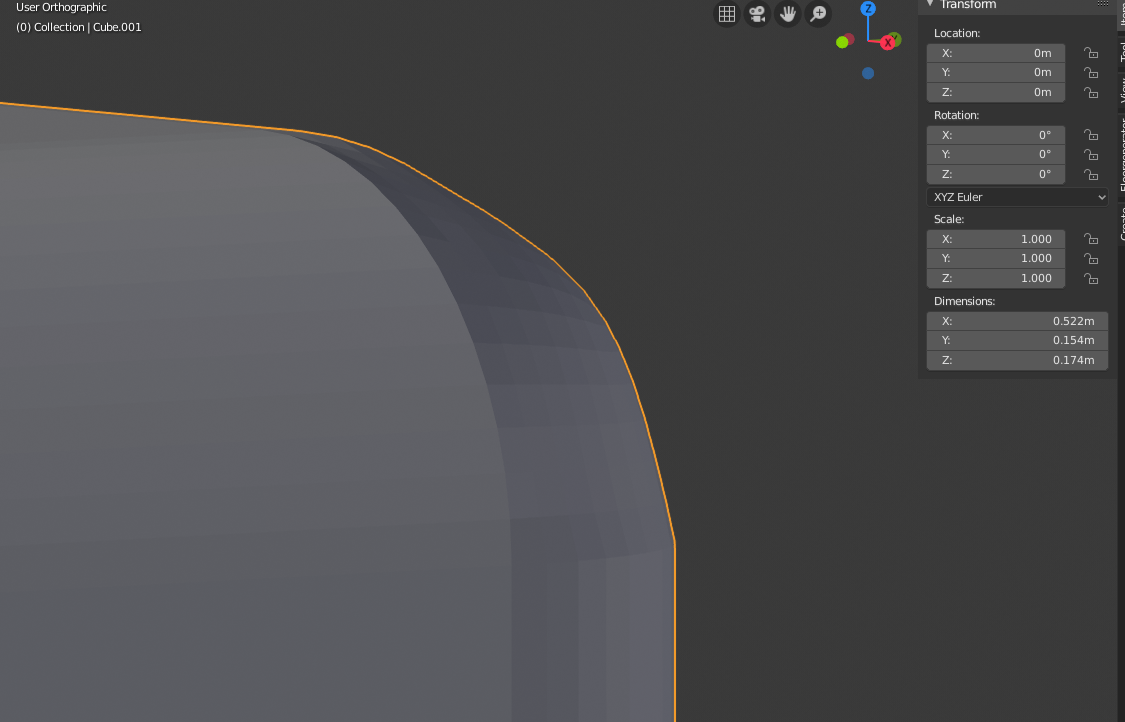
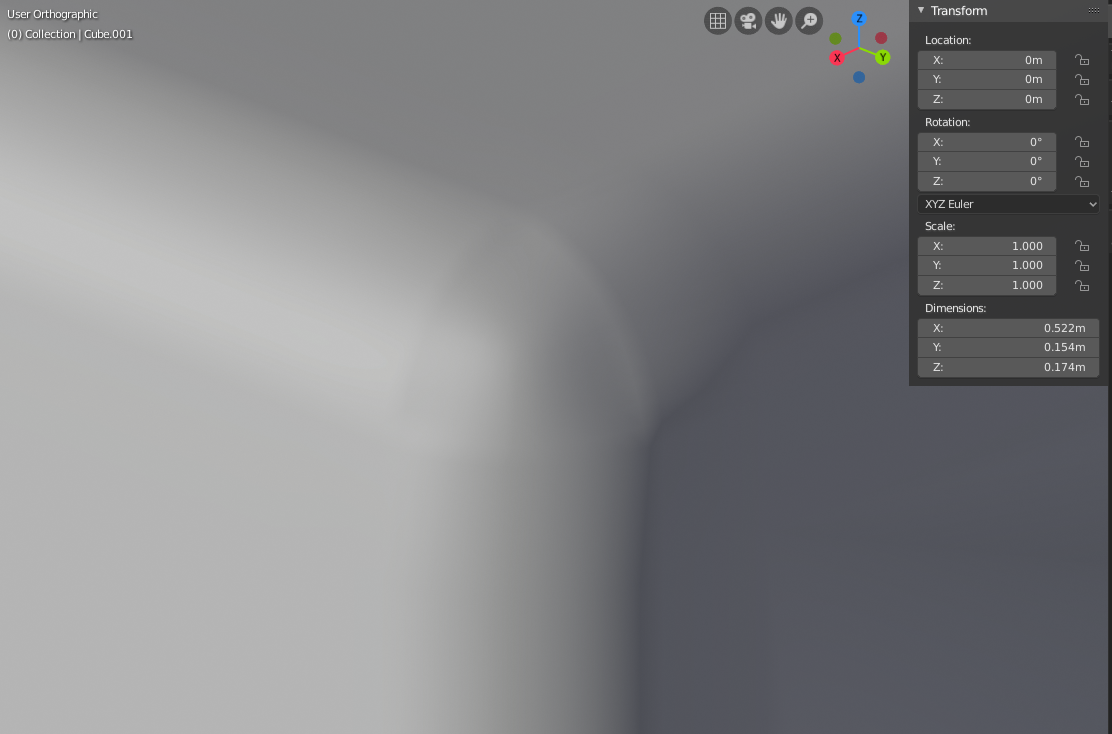
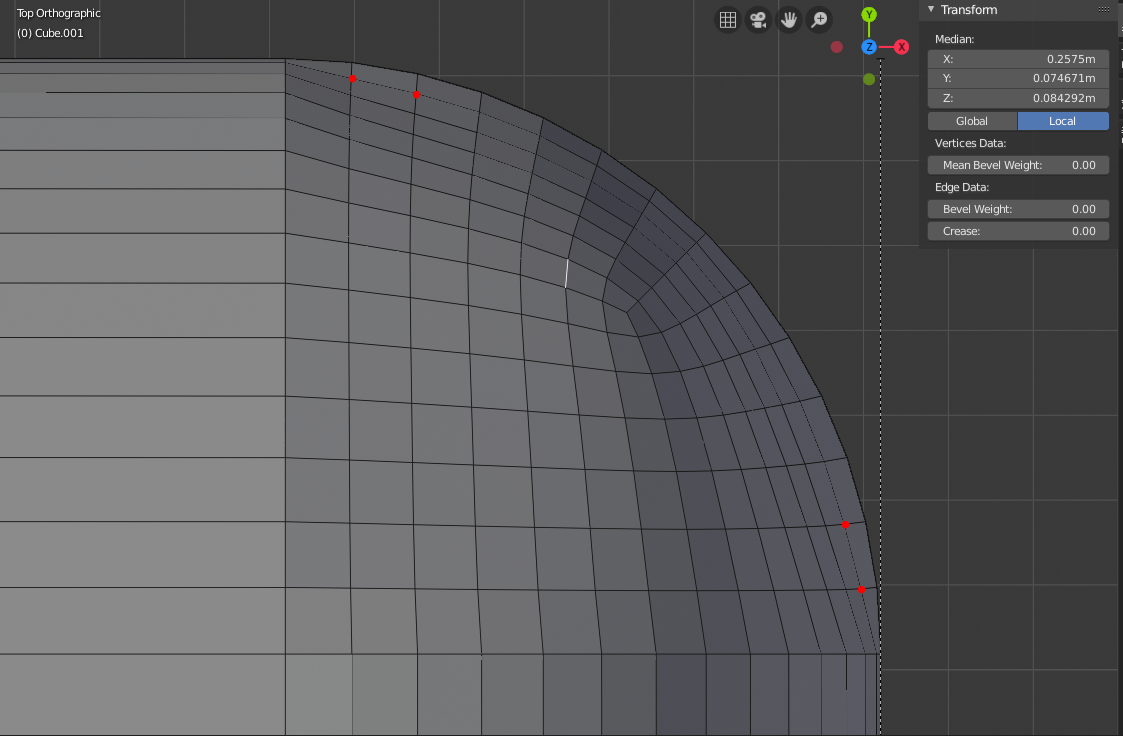
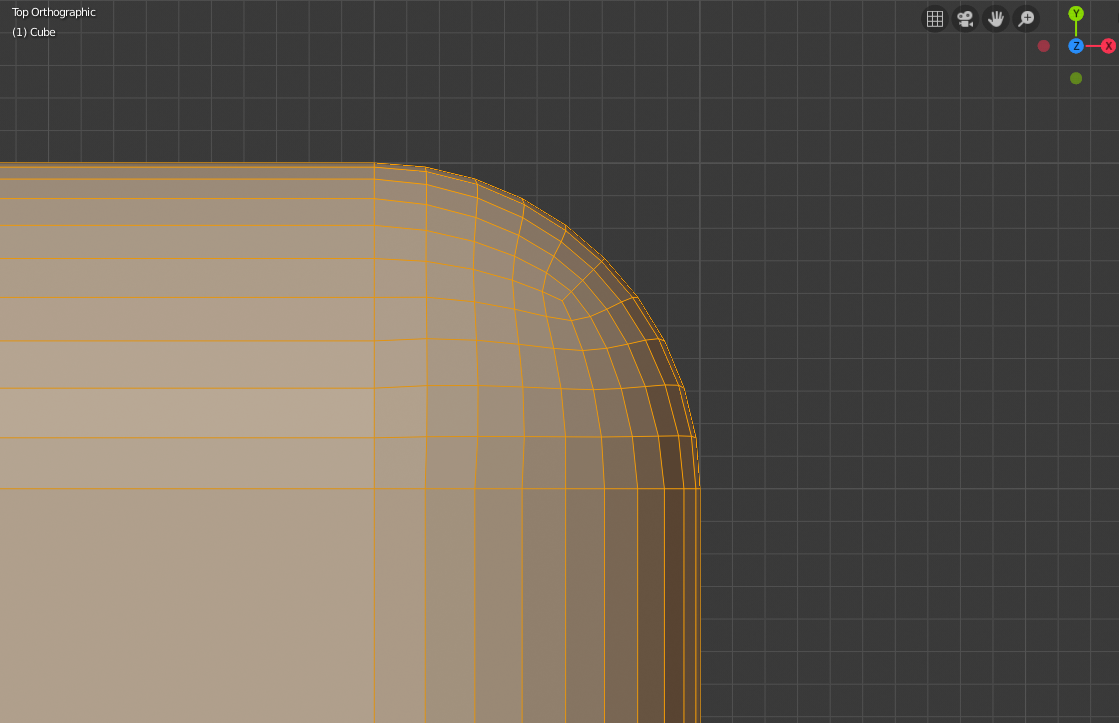
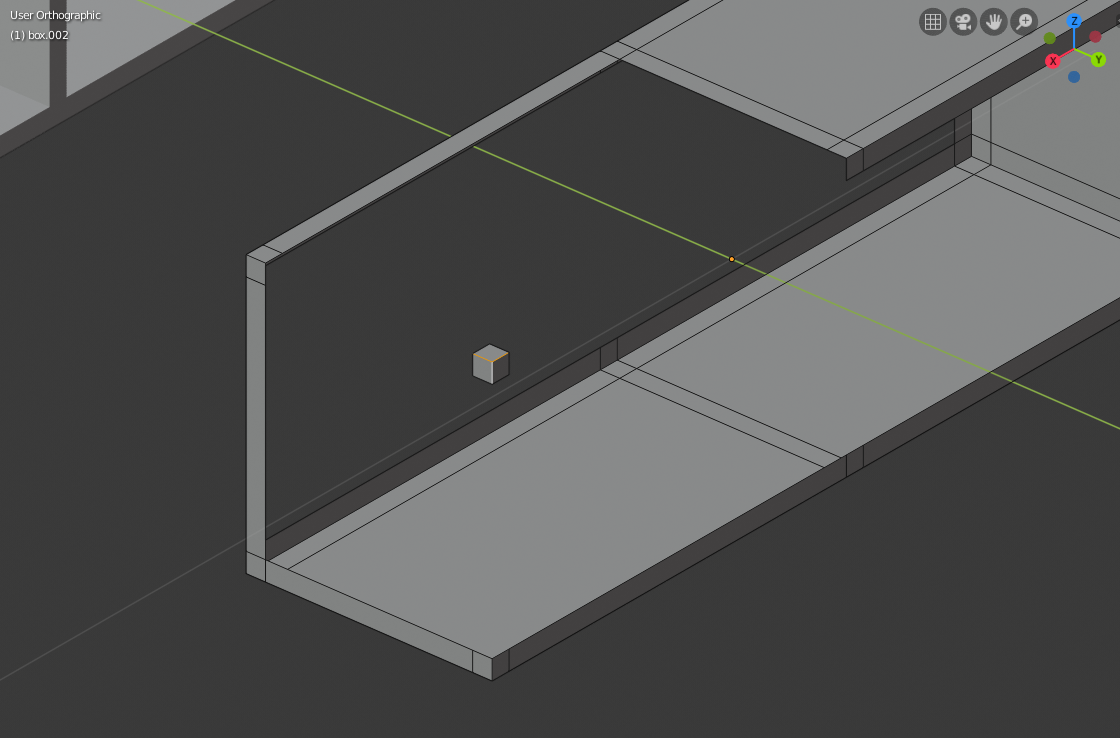
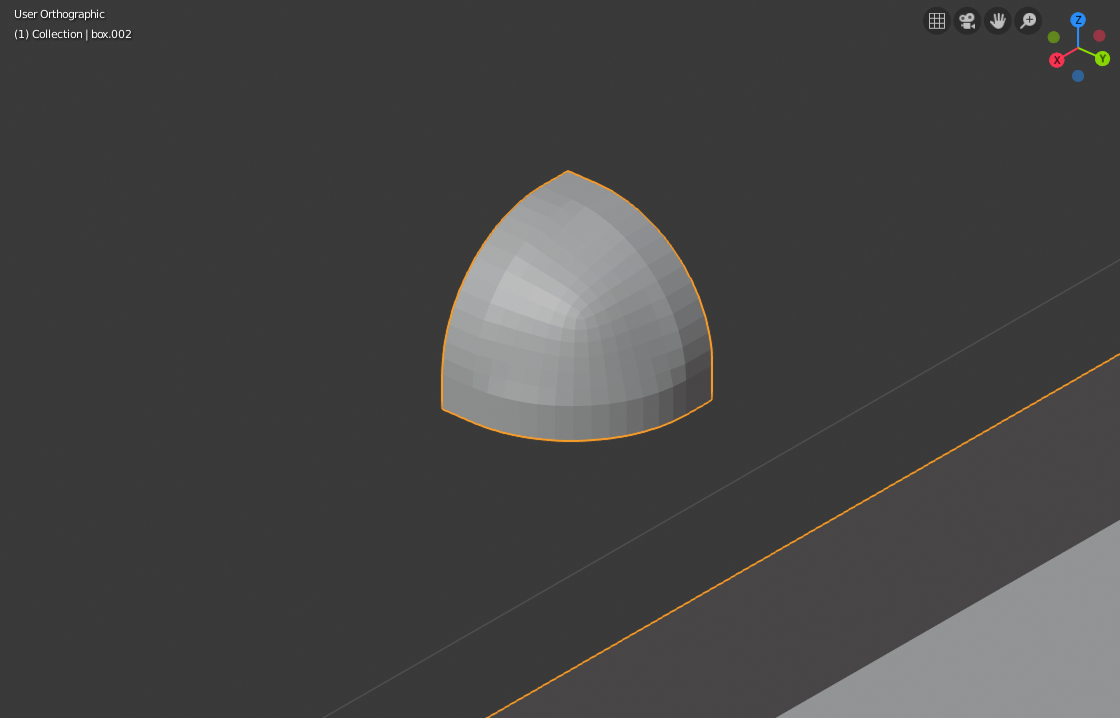
Hello everyone, i was building a box and wanted to bevel its edges, but when i went to do so, the beveled corners turned out to end pretty ugly, they weren’t perfectly round corners but had like a waev shape to them. i tried beveling a regular cube and it worked fine. i thought it might have been the topology of my box, but redid it, and it still didn’t work fine. here i upload some screenshots of it as well as a .blend with the box with beveled edges, as well as the same box with regular edges, and a box with no inner faces. all 3 present the same problem. I’ve already applied the object transforms, and nothing.
you can see in the picture called good bevel how the lines follow a smooth curved path. on the others, i marked with red dots how the lines don’t follow a smooth curved path but start straight then abruptl curve, causing an unwanted appearance.
hello, the original mesh can be seen in the .blend. it’s basically a cube with some extra edge loops, topologically.
i did try all of the new bevel options, changed profile, sharp, arc, patch, changed the inner thing too, used the C option, harden normals, nothing did anything useful.
i also tried the modifier, but no matter what settings i moved, the bevel edges would be too small. i remodeled the mesh and still have the same issue on a new file /mesh from scratch.
You will only get a good sphere-like corner if you have a “cube-like” corner – that is, three beveled edges into a vertex, and if there are more edges, they have to be in the same planes as the beveled edges. I can’t look at your .blend right now so can’t tell if it fits that pattern.
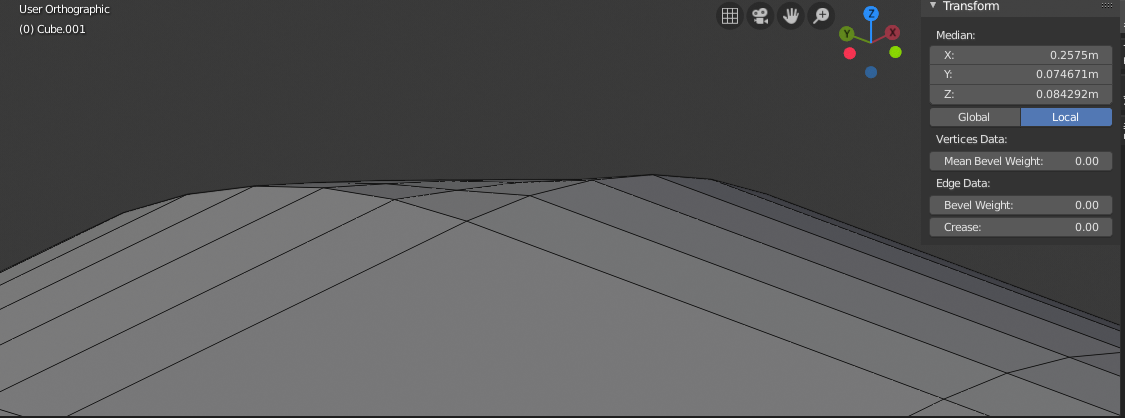
i gave it a try, first, i cut all the faces that were touching the corner, then i made sure the 3 corner faces were flat relative to the axis perpendicular to them by having the face selected, for example, top face selected, s z 0 and so on. and this was the resutl, still a bad corner D: