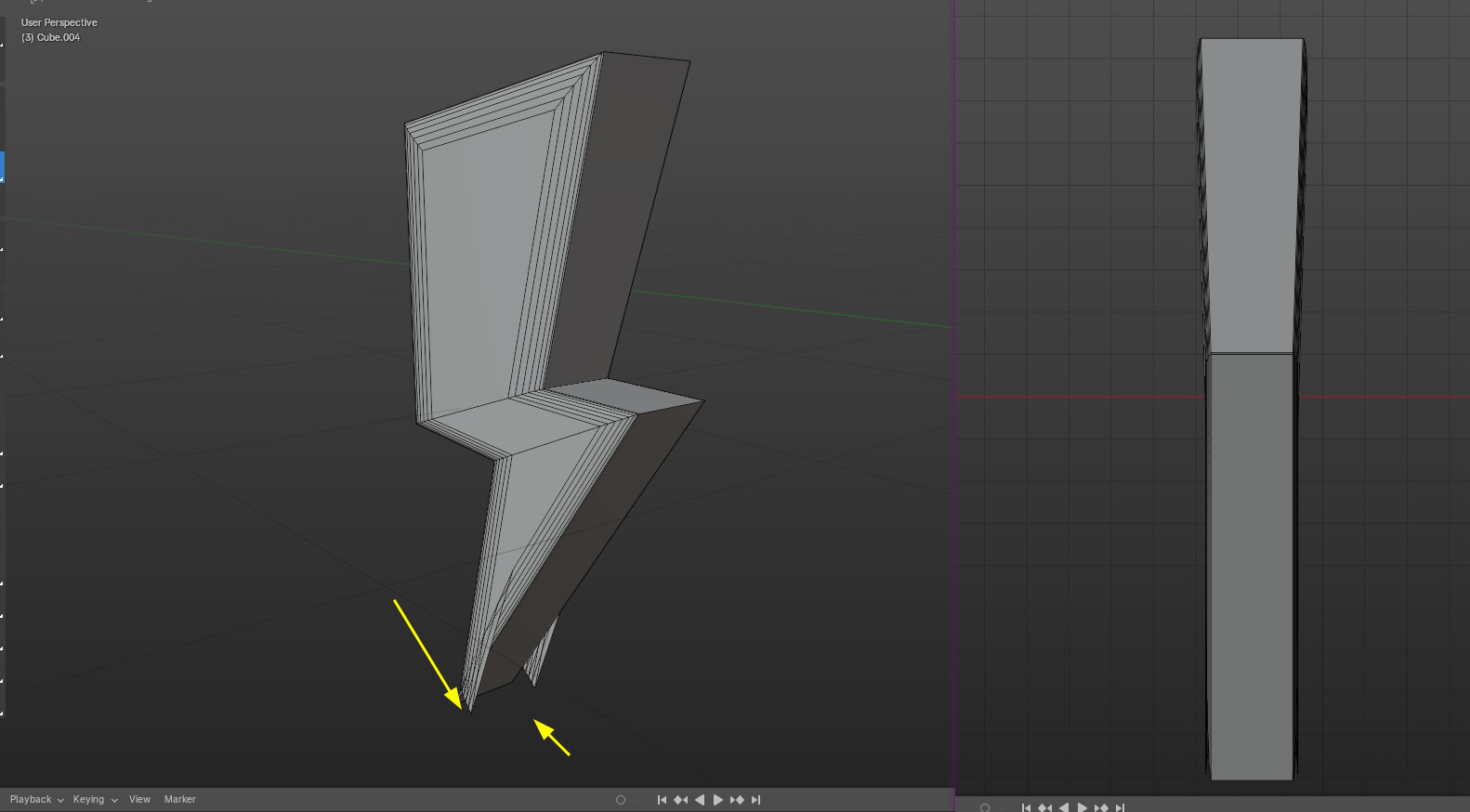
I’m encountering an issue with the Bevel tool in Blender 4.1. When I apply it to an edge, instead of getting a smooth, curved border, the shape is divided into flat segments. I’ve attached screenshots for your reference.
I’m eager to find a solution to achieve the desired curved effect. Any guidance or suggestions would be greatly appreciated.
Hard to tell about the topology with that image… but if you have also some “steps” in the parts thenyou have to check if they aren’t too small so the bevels does “overshoot”.
Thanks Arthovis. This works for me. Did this issue happening as well in older versions of Blender? i don´t remember having to do Ctrl+A after scaling for beveling later on.
 …
…


