well I posted a post in the “simple questions answered” thread because I figured that I might find the answer within 2 days.
I was wrong.
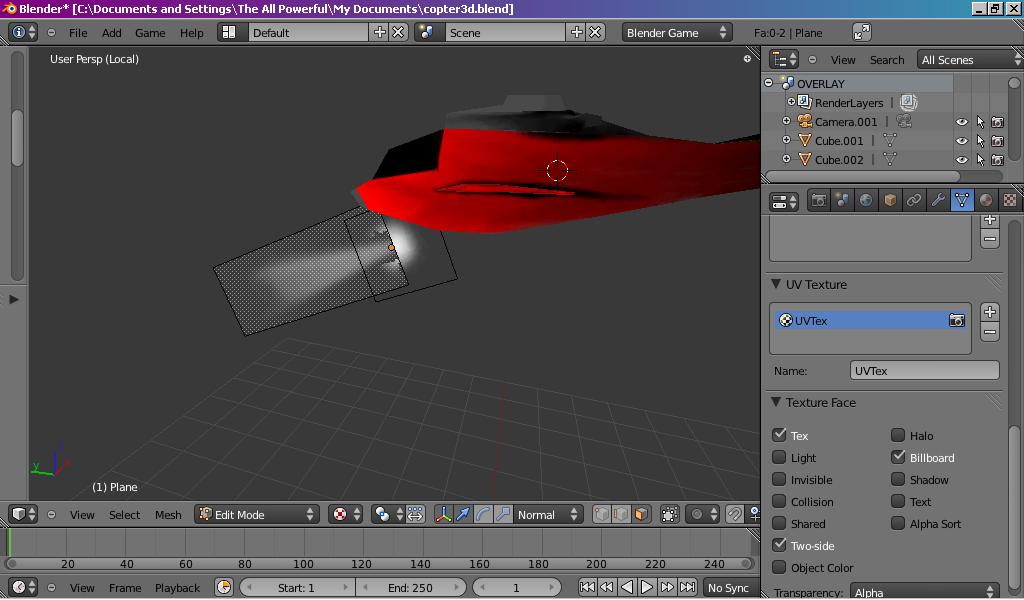
The problem is that I have a plane with a texture on it (a volumetric light effect) that I want to face the camera on the Z axis at all times. However, I also want this Z axis to be local, so that I can rotate it with a parent.
However, and this is a big however, The Z axis alignment considered in the billboard property appears to be the global Z and I haven’t found a way to change that.
By the way, I’m using Blender 2.5 and I have tried the 2.49 method of using a boolean property in the game logic for the plane called “BBZ” and also “BillboardZ”, none of which worked (yes set them both to true, or whatever true is in 2.5 because it’s just a depressed button and I’ve tried all the combinations regarding that button and the 2 names)
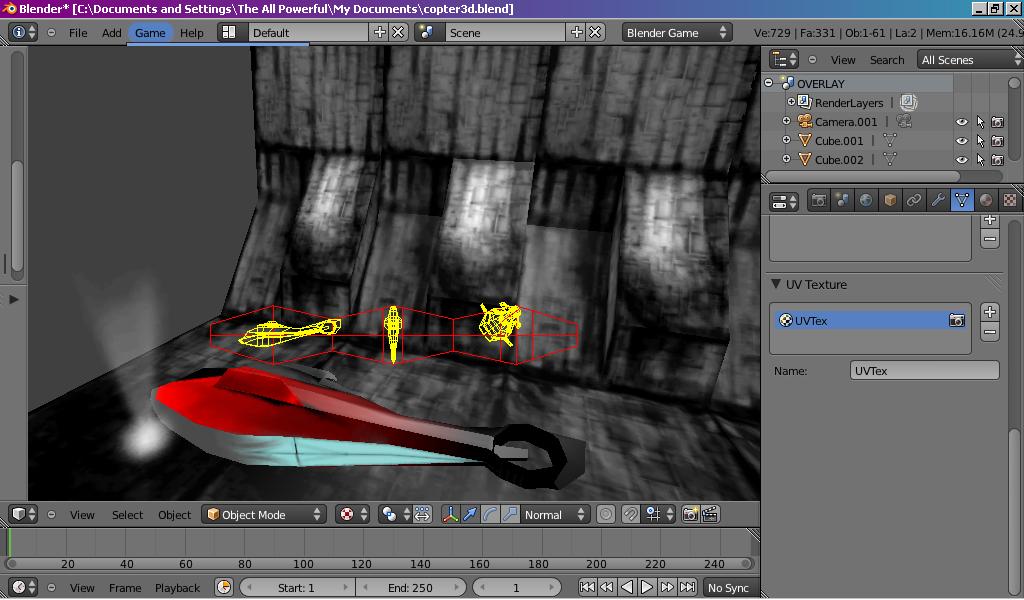
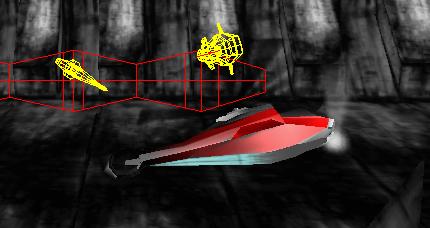
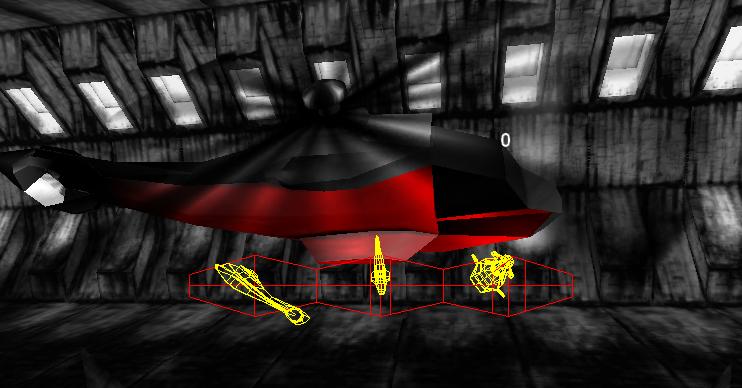
Here’s some screenshots that might illustrate the dillema:
yes i have tried that, but i think you’re right about the cone/cylinder. I’ll try that if nothing else works, but the problem with that is that you don’t get the nice soft edge effect which is why I’ll leave it till the end.
thanks for the suggestion!
it is parented. that’s the weird thing, even when parented it STILL takes the global Z instead of even using the parent object’s Z axis.
I’ll try parenting it within the game engine using a logic brick
thanks.
I bet the light is inheriting the rotation of the helicopter. Copy the rotation of the helicopter to the rotation of the light and see if it is what it looks like in game mode.
Try applying the rotation of the helicopter and the light, and seeing if that helps. Alternatively, you can use Python to get it done. You’ll have to explain the nature of the problem a bit more clearly, though - I’m having trouble understanding exactly what’s going on. Perhaps if you took a screenshot in-game of what’s going wrong, I’d be able to help better.
thanks!
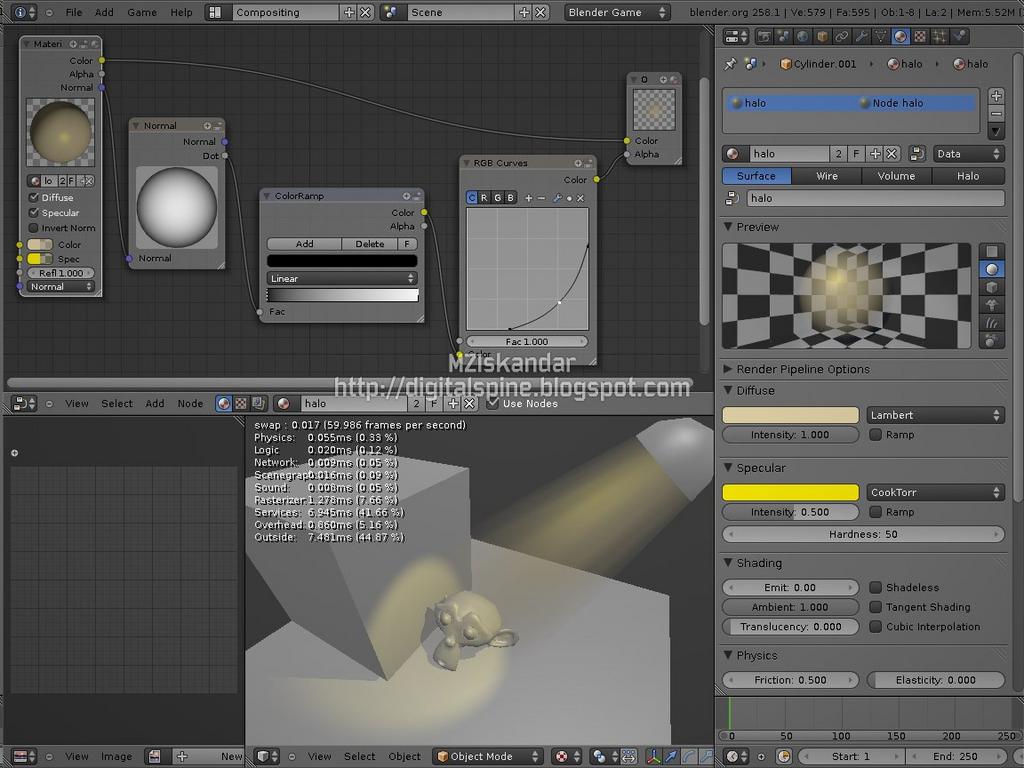
only thing is that works in GLSL, and i’m trying to make it multitexture (my netbook won’t run GLSL shaders and my pc is waiting for a new HDD), but I never knew you could do that.
I’ll use it in a GLSL version of my game, or anything else because i never knew what nodes were for O_o
thanks for sharing
it’s not. I’l post another screenshot but what’s happening is that it DOESN’T inherit the rotation of the helicopter. that’s the problem. i’ve tried copying the rotation and applying it and while it starts off in the right rotational position it unfortunately stays like that regardless of what the helicopter is doing.
ok i’ve applied the rotation and while it starts off pointing in the direction it should it STILL seems to use global Z co-ordinates (it just points in the same direction all the time)
here’s a screenshot before it was applied (applying it is exactly the same except the light is “on it’s side”)
What I meant was- the helicopter is aligned to the world z axis so the light follows suit and aligns itself to the world z axis you can get the rotation values by pressing “n” in the 3d window. One of your pictures looks like the light is pointing straight up while the helicopter is rotating. Does the light stay in the global z-axis even if the helicopter rotates differently?