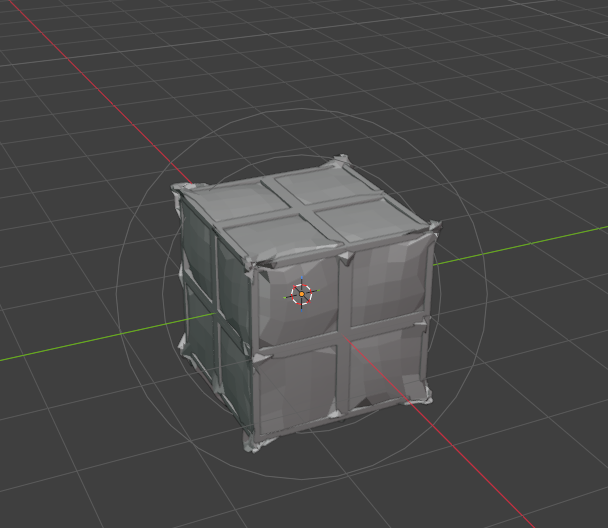
Its working fine when I’m using cloth simulation but I really wanna know why This is happening with softbody This text will be blurred
What exactly is the goal here? can’t really tell whats wrong without knowing what you want.
I will say though, softbody and cloth are kinda just different things for different things, sounds like its a cloth situation, not a softbody situation.
I’ll note that what I assume is the softbody/cloth portion of the simulation looks like its probably too low poly?
Who is “someone” ? Which tutorial ? And who is “he” ?
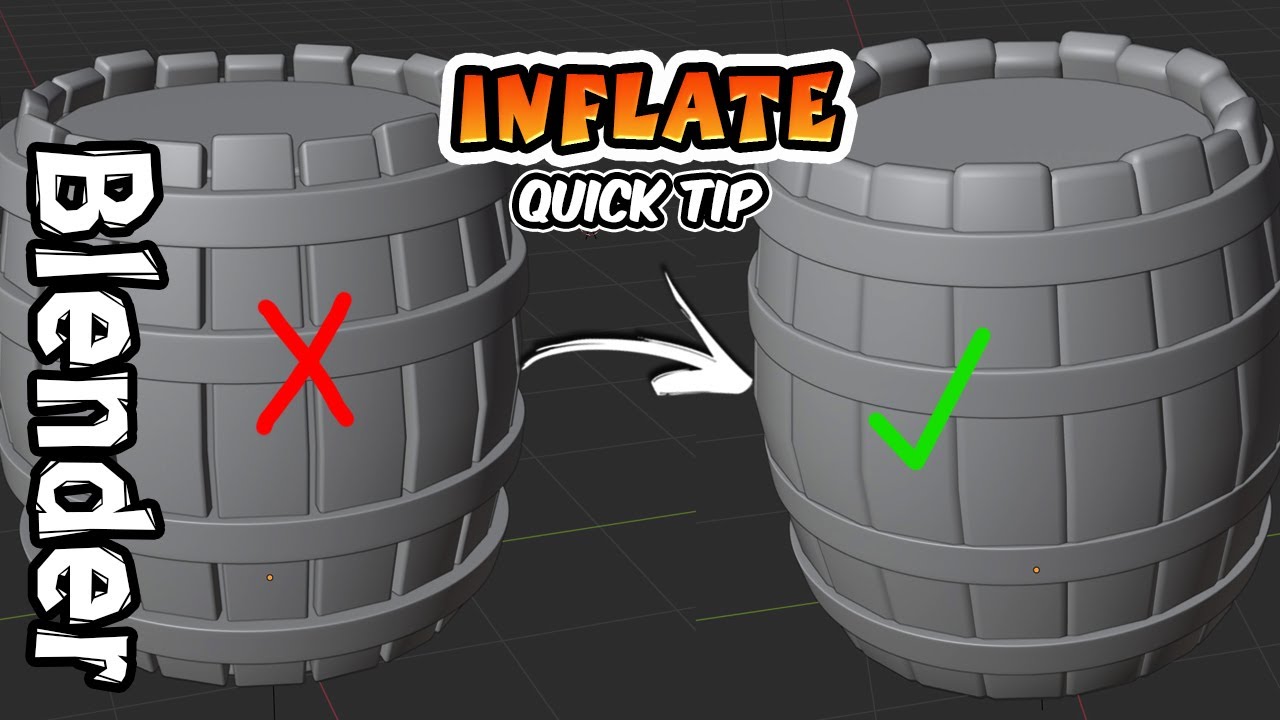
There are multiple possibilties to do some inflating:
By sculpting See also Docs-Blender Manual: sculpting → brushes → inflate ..
By “editing”:
By sofbody sim:
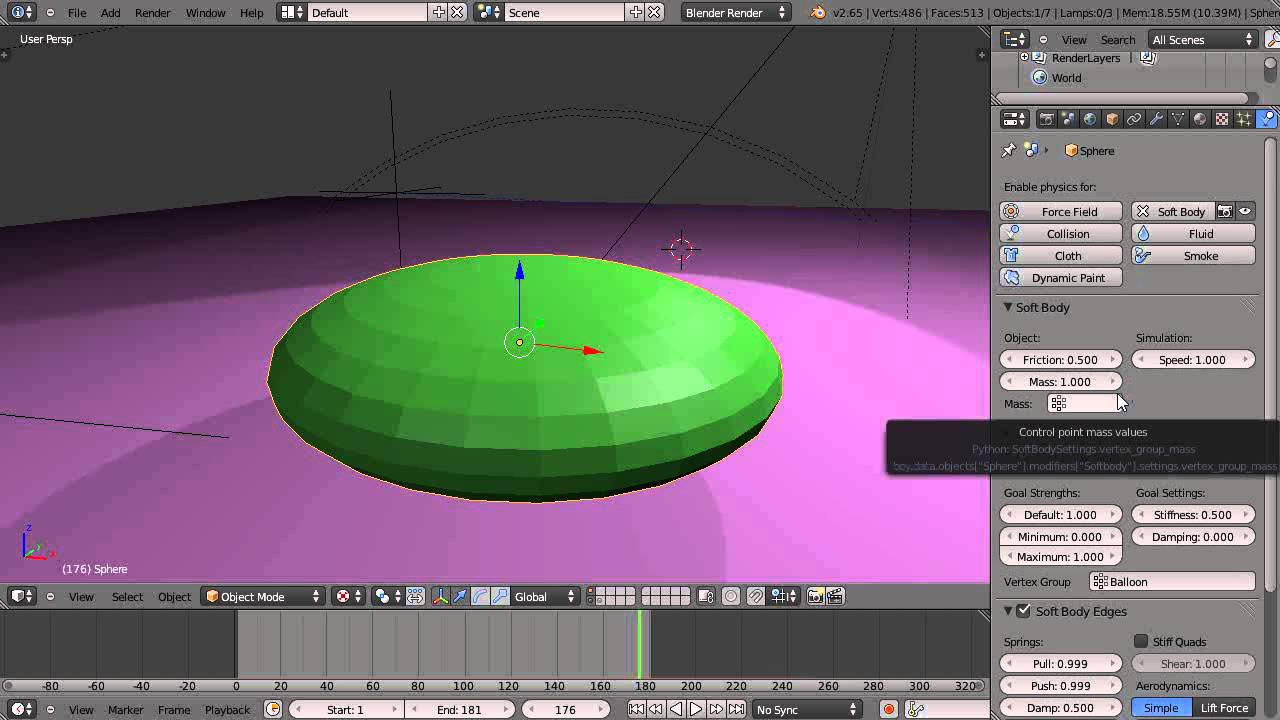
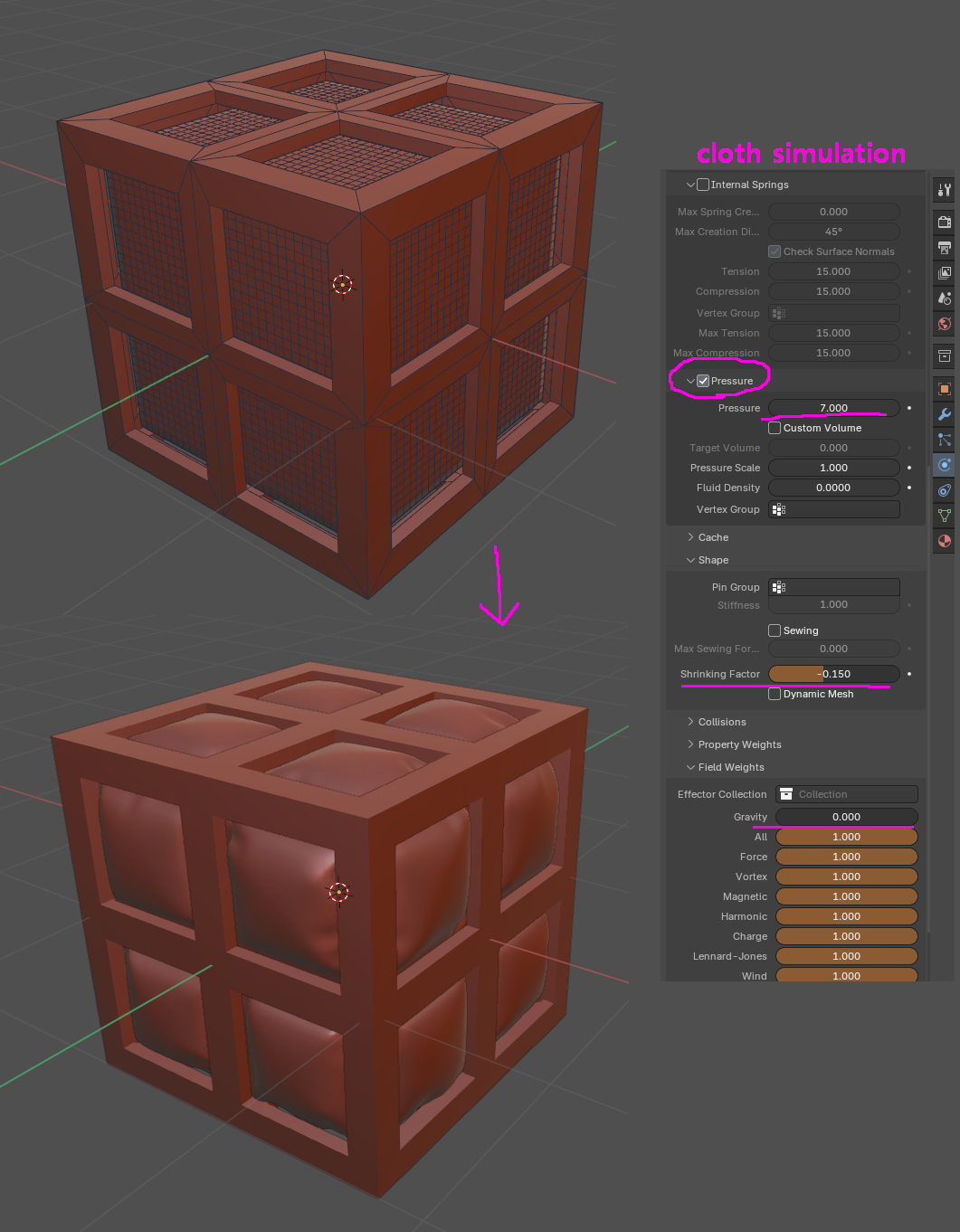
By clothsim:
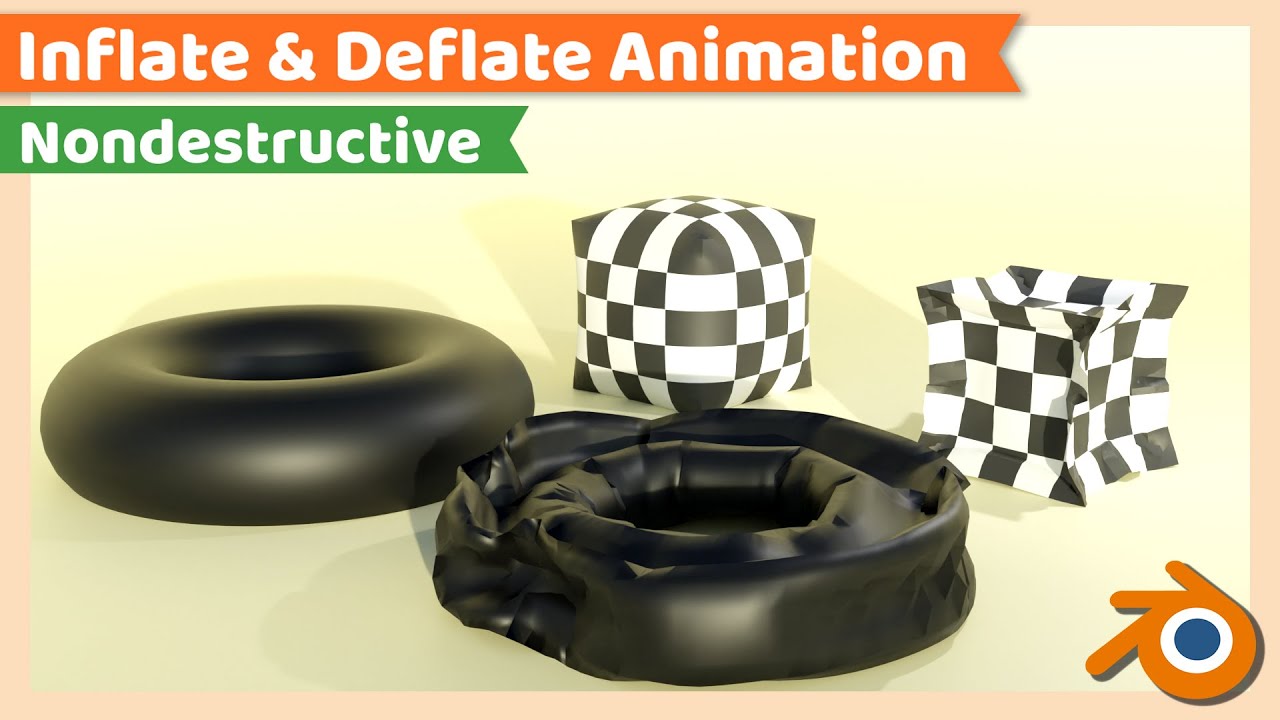
https://youtu.be/IxcR_s3_VMs?si=wsCKRkEQKkMqZMoY
sorry “someone=softbody” and Here is the Tutorial I’m following
Can I do this with softbody ?
This is a bit older so there might be some changes in the newer version (you didn’t tell which you are using).. also at what point exactlt does this differ from the tutorial ? You might also show a screenshot (Blender → Window → Screenshot) from you actual setup.. (for this you might have to spent a little more time in this forum.. and then less than 5MB ).
Because: you properly does not want someone else to look at some 20 minute tutorial, recreate this in some newer blender version and then tell you what exactly changed… do you.. 
We need you to help us to help you… 
This seems like a collision problem. Probably either too little geometry as suggested above, or the objects are too big already before inflating, or some other settings like collision distance are not correct. 
I’m using Blender 5.1.2
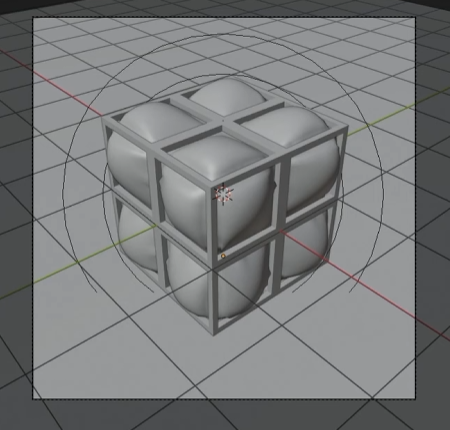
and the Problem is i want this ball react like a rubber balloon with the the cage collision
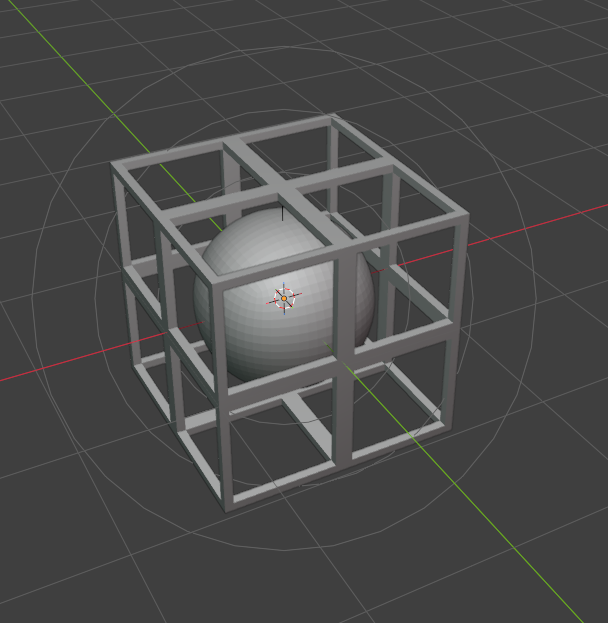
and the problem is its reacting weird
like this
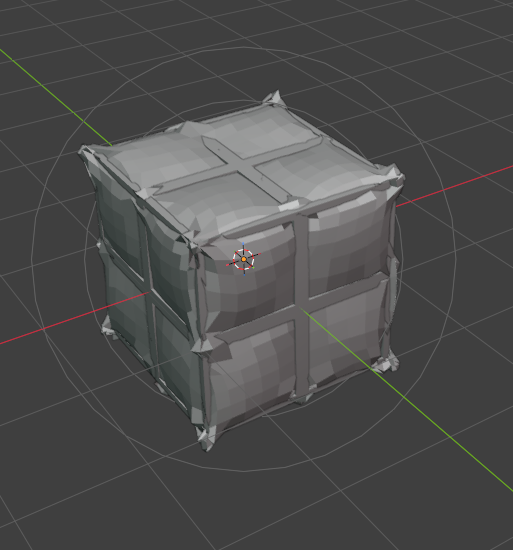
but i want this to react With the cage collision like this
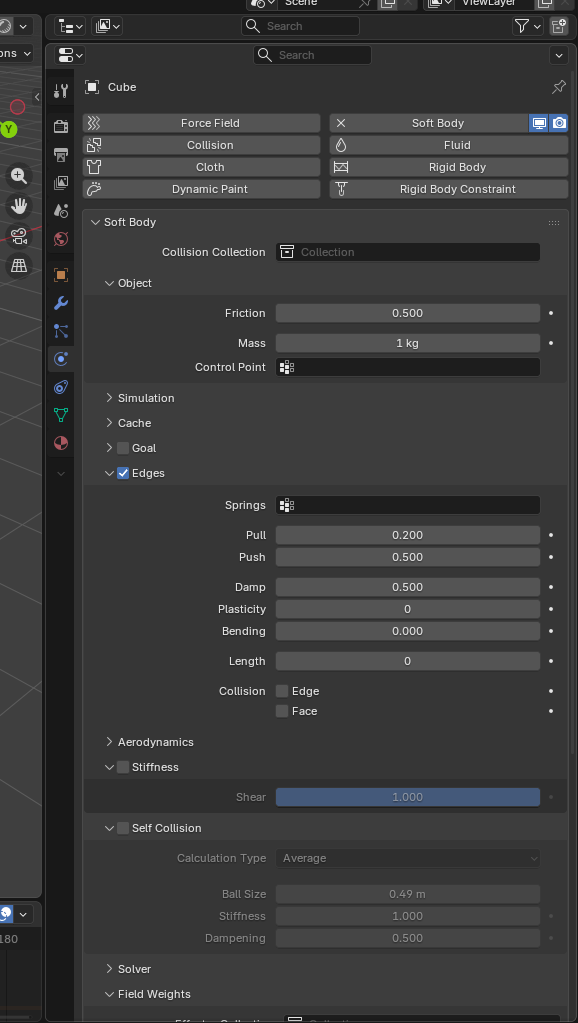
So here’s my settings
soft body =
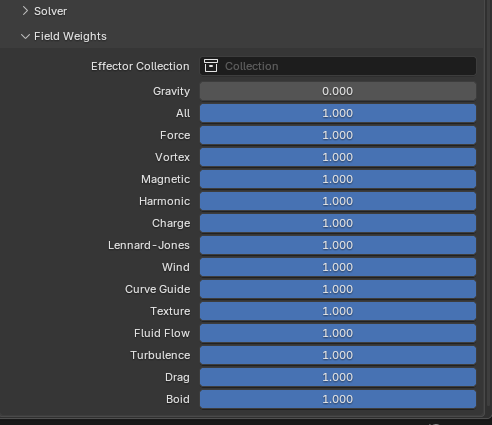
cage Collision =
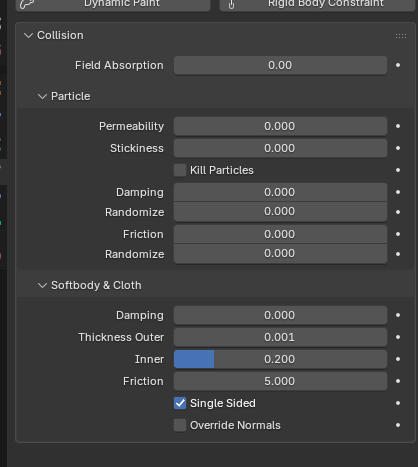
Force field =

Sorry my english is not that much good but I hope you understand
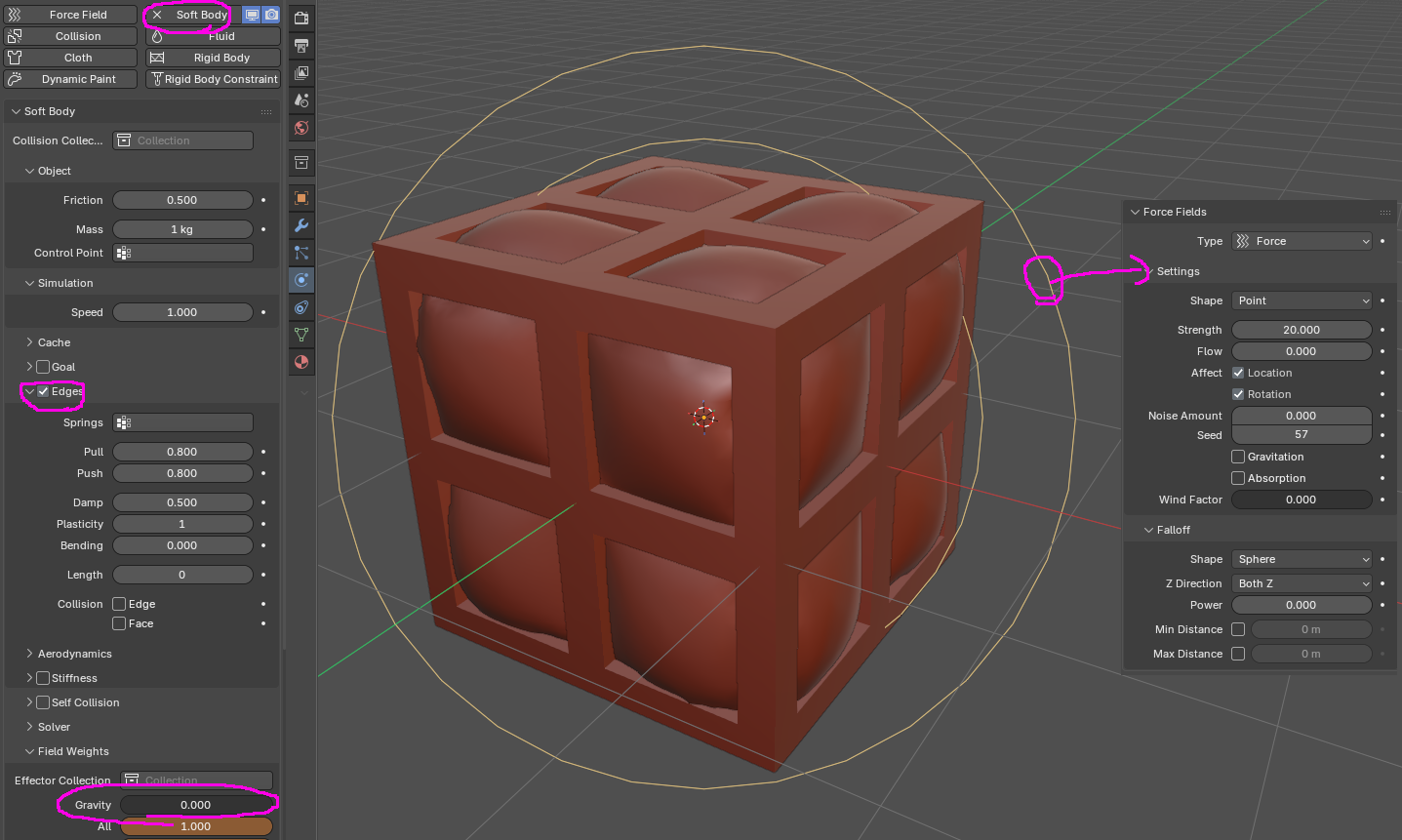
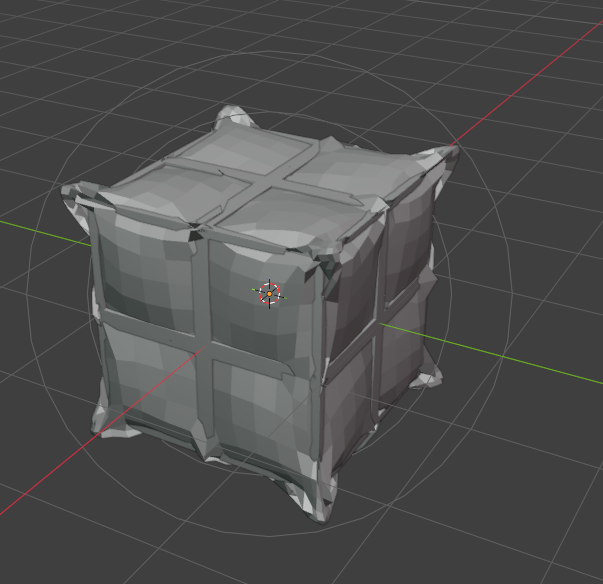

Since the conditions are not all the same, you need to identify where the problem lies and either reinforce the problematic parts or use a workaround.
fgdg.blend (359.5 KB)
thx its working now
i love you