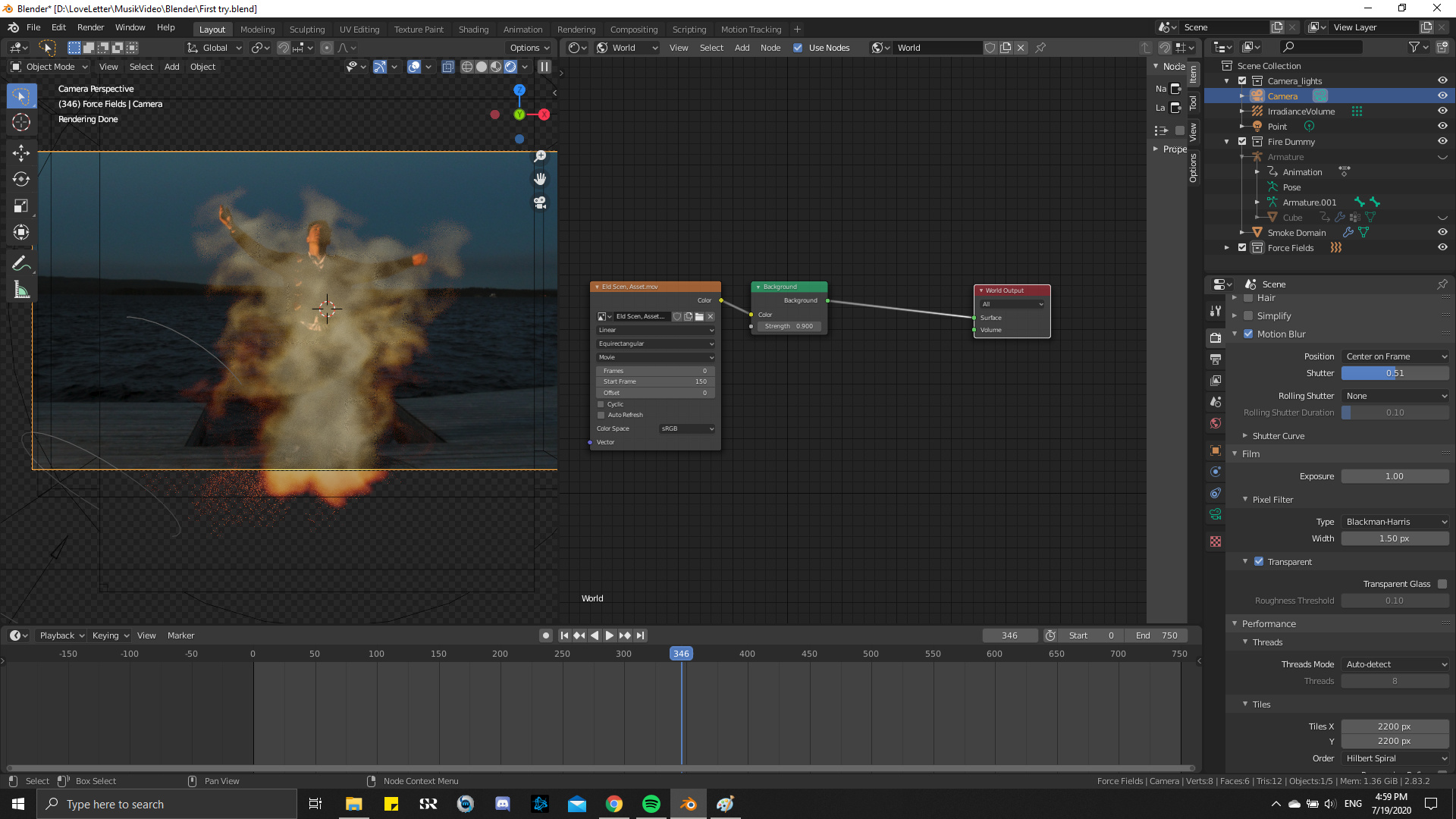
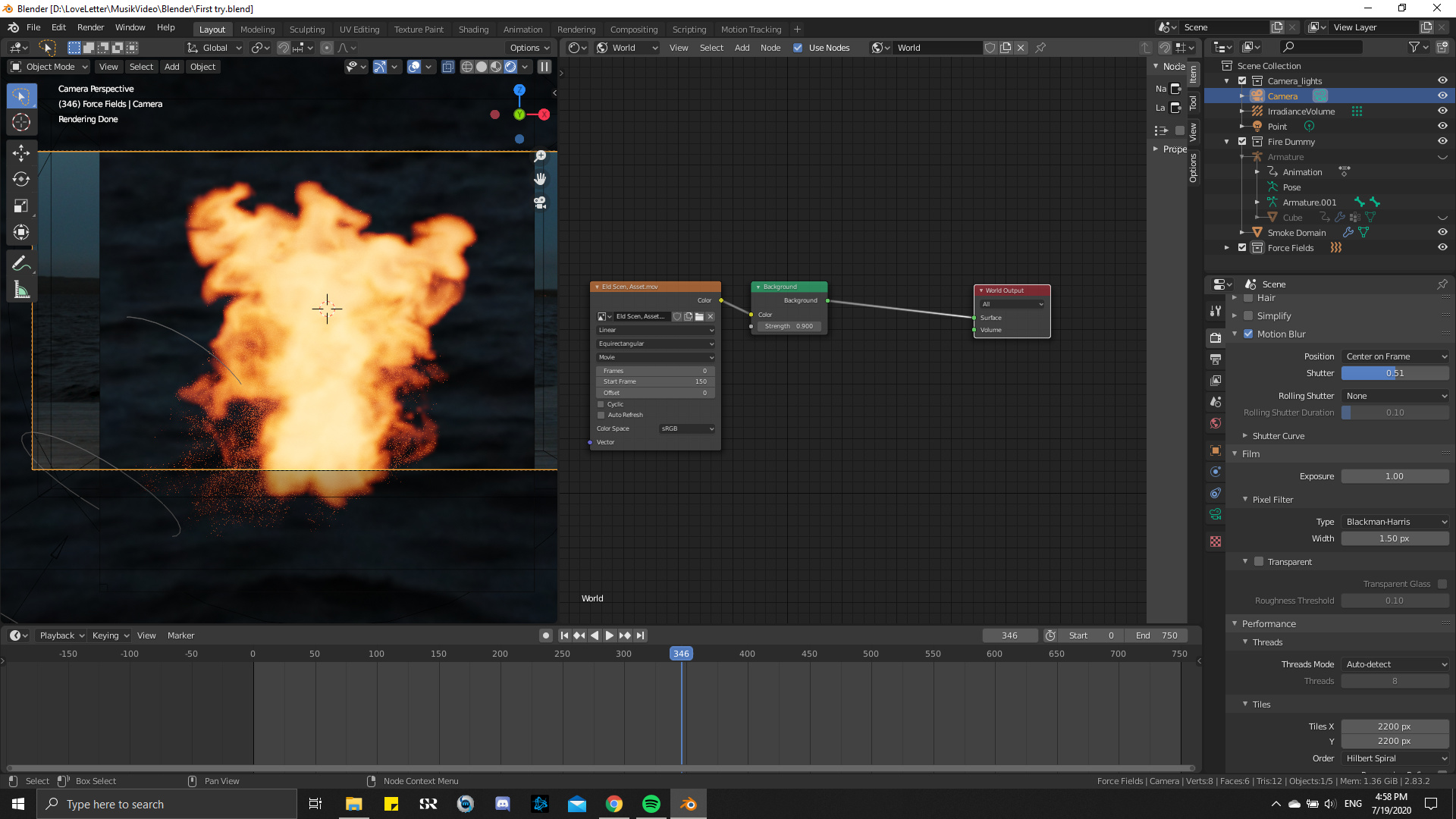
Hi there. I have recently started on an ambitious project where I am making a fire simulation and mask it (composite) on an actual video footage part of a music video. I think I will post several questions throughout the time of creation, and hoping for your help due to my beginner experience in Blender. I am using Blender 2.83.
So the first thing I cant figure out and need help with is to make my HDRI background transparent through the camera so it kind of makes an overlay on the actual footage that’s locked to my Camera. Note that I reused the video footage on the world tab kinda as a 16x9 HDRI.
I have only found the transparent box in the film settings of the scene tab. But it loses all the details/colors and doesn’t give me options to really composite it.
So yeah, if anyone wanna help me on this journey, I would be most grateful. And i will probably post more questions further towards my final render.
Kind regards
-Sam
PS.
If anyone has been struggling with fire sims in Blender 2.83. I had loads of problems that took a while for me to figure out. (Ahem, “Cache”). We could discuss this here as well if needed.
And I will add 2 images of my project to show what I mean.