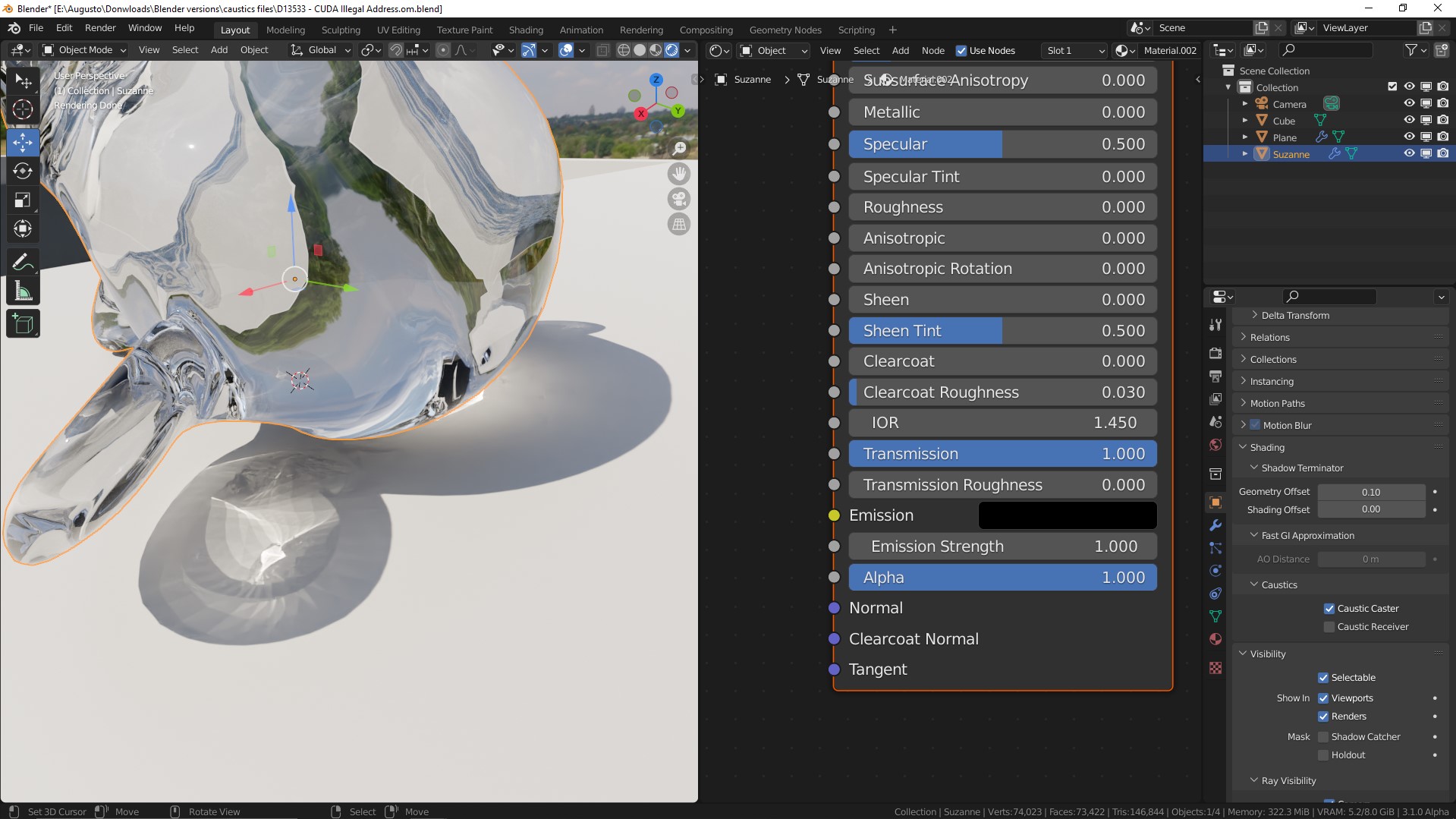
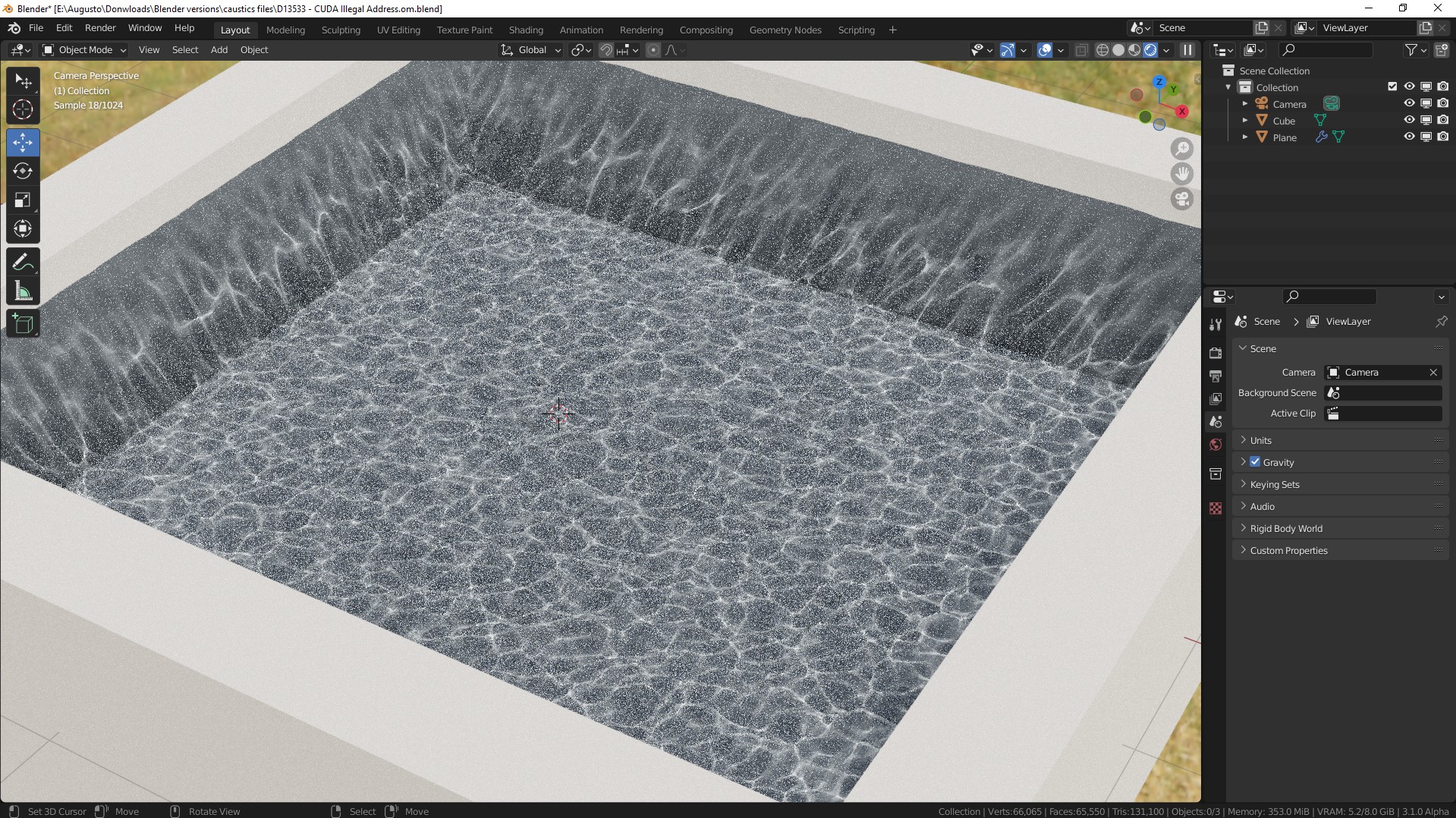
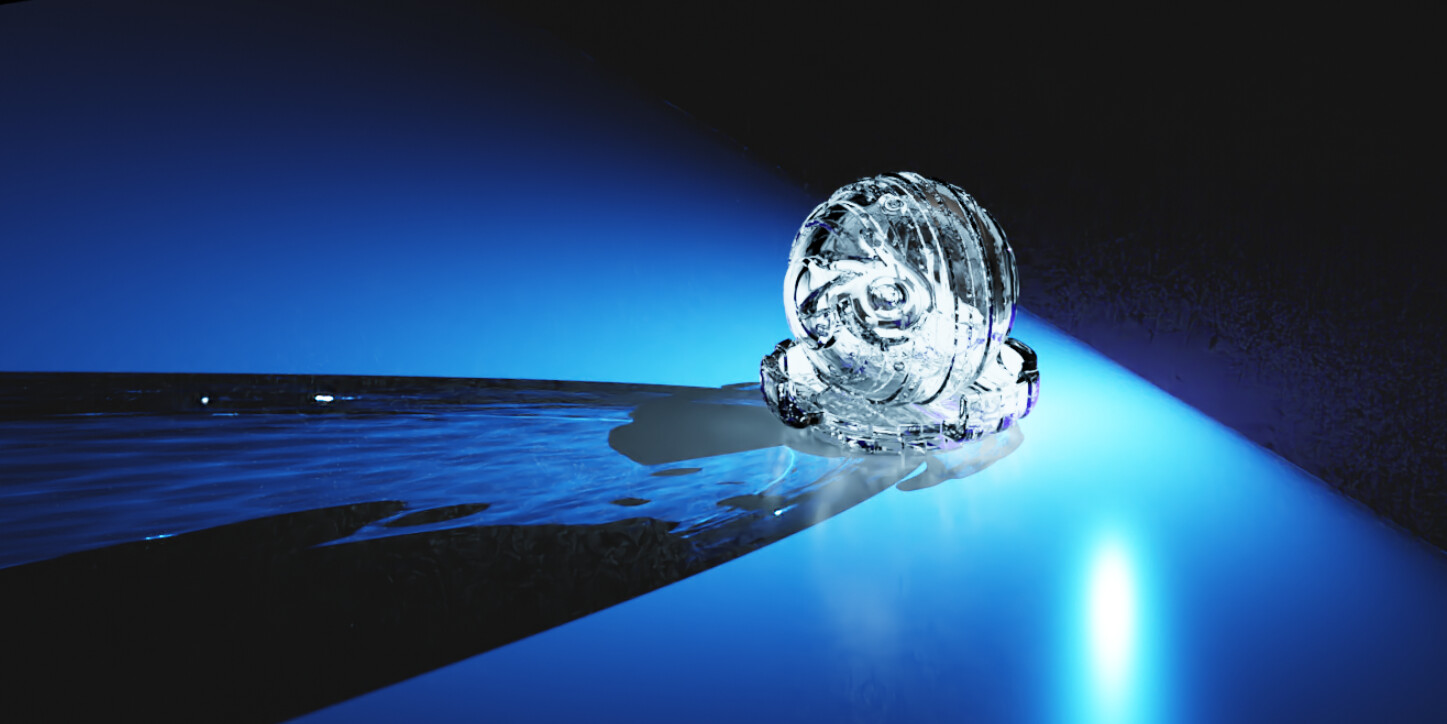
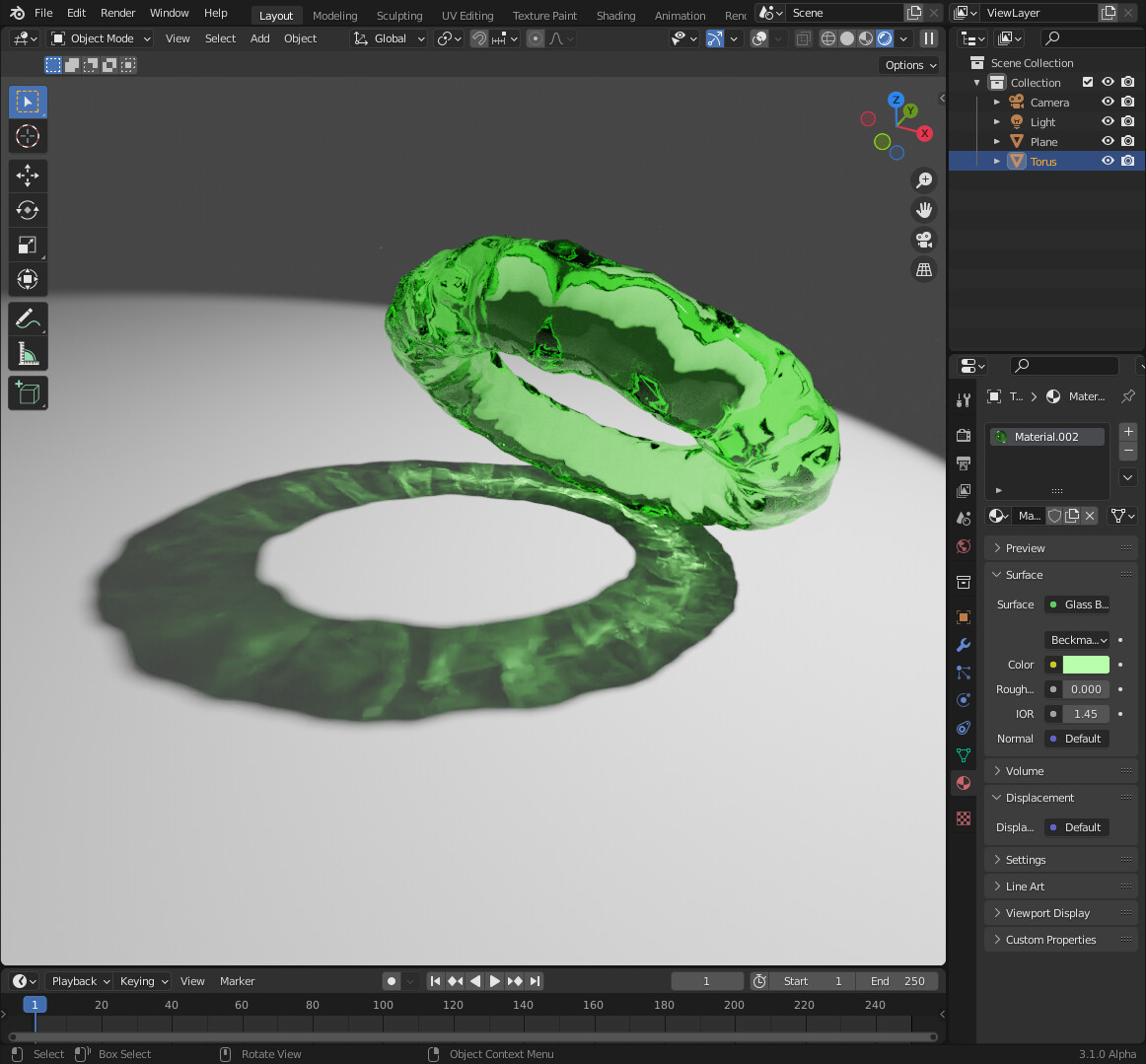
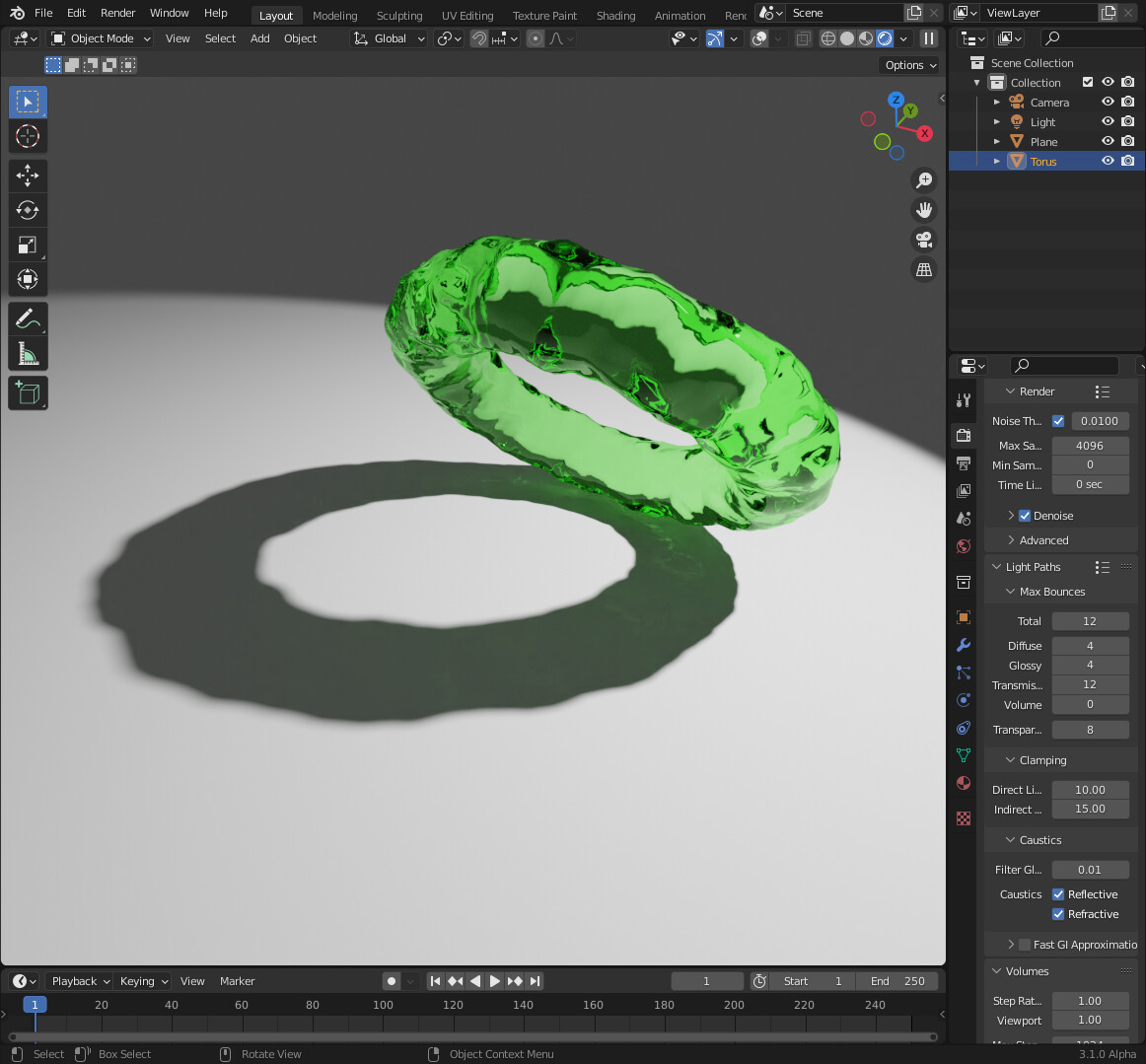
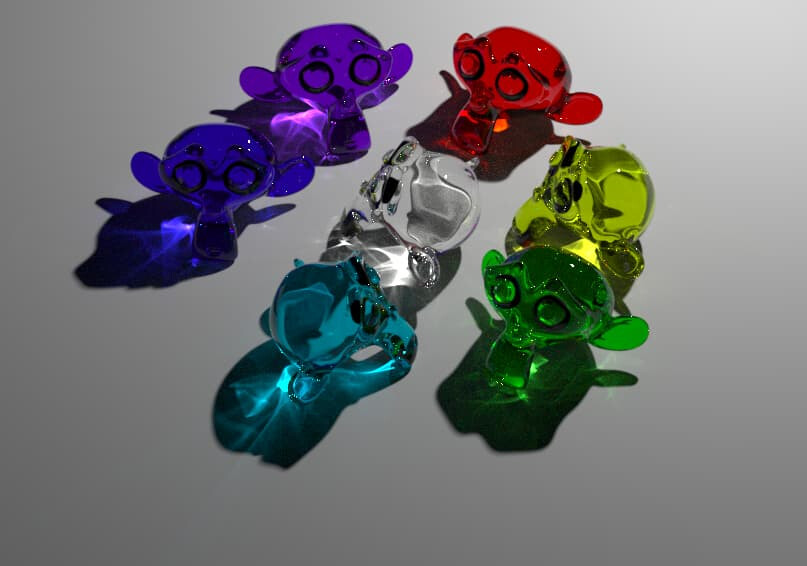
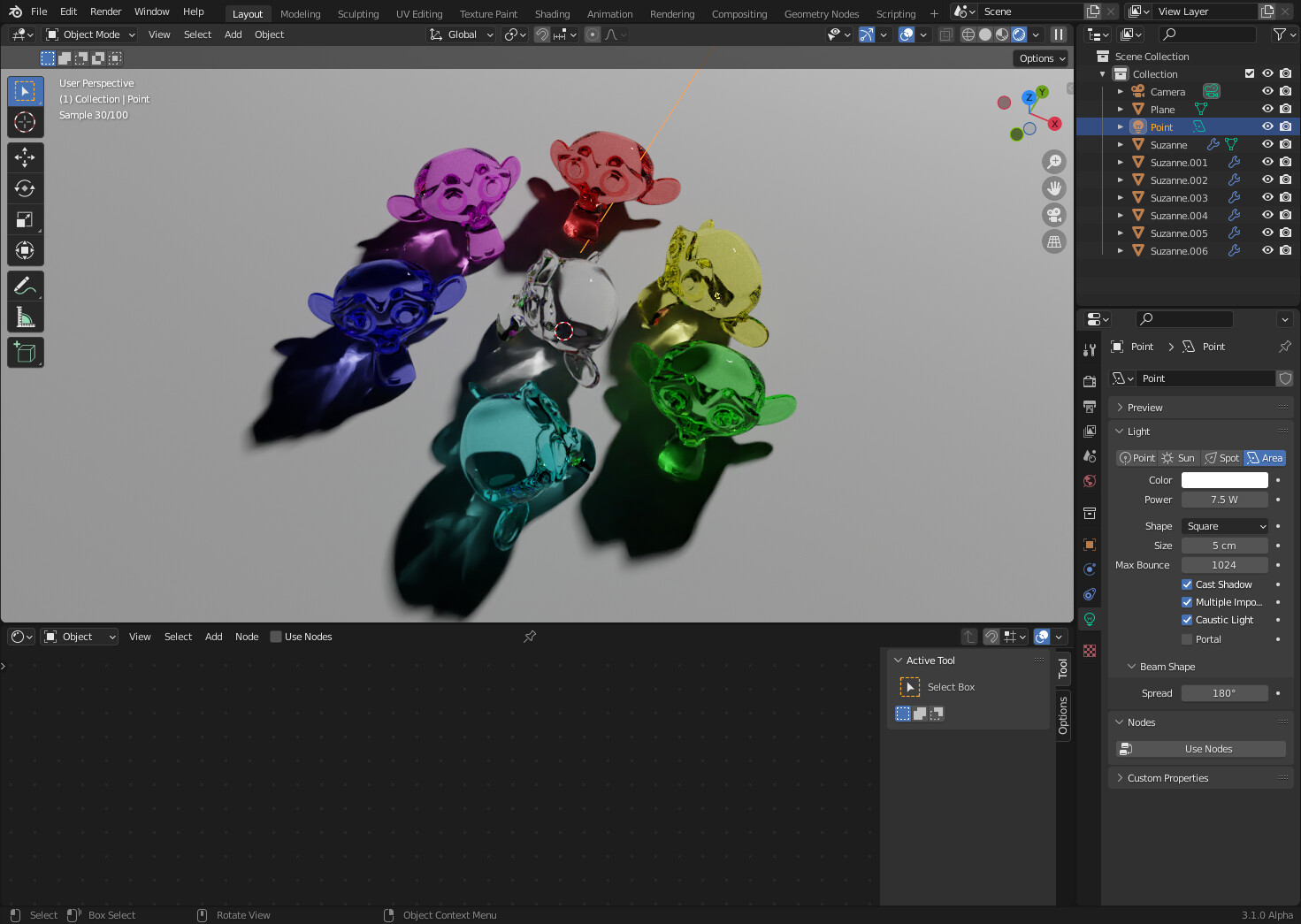
We finally have that… caustics is coming to blender 3.1!
I just made a video testing and showing a bit how this early iteration of caustics with cycles is working on Blender. It’s just… amazing! Finally!!!
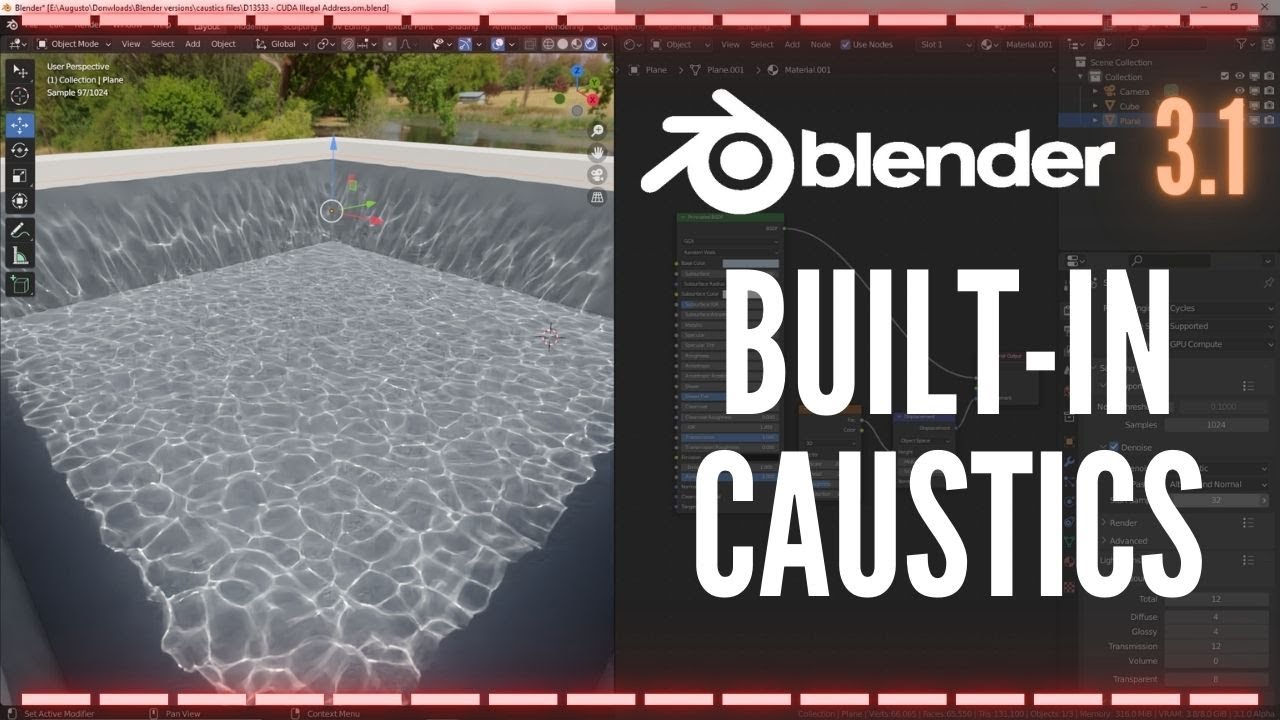
We finally have that… caustics is coming to blender 3.1!
I just made a video testing and showing a bit how this early iteration of caustics with cycles is working on Blender. It’s just… amazing! Finally!!!
This is primarily for refractive caustics though, reflective caustics will still be slow.
However, even the areas with reflective caustics will converge faster if you have adaptive sampling enabled, because they will become the only noisy areas left to sample.
I have downloaded the build - but can’t get the caustics to work.
I have a basic scene with a glass ball, ground plane and point light.
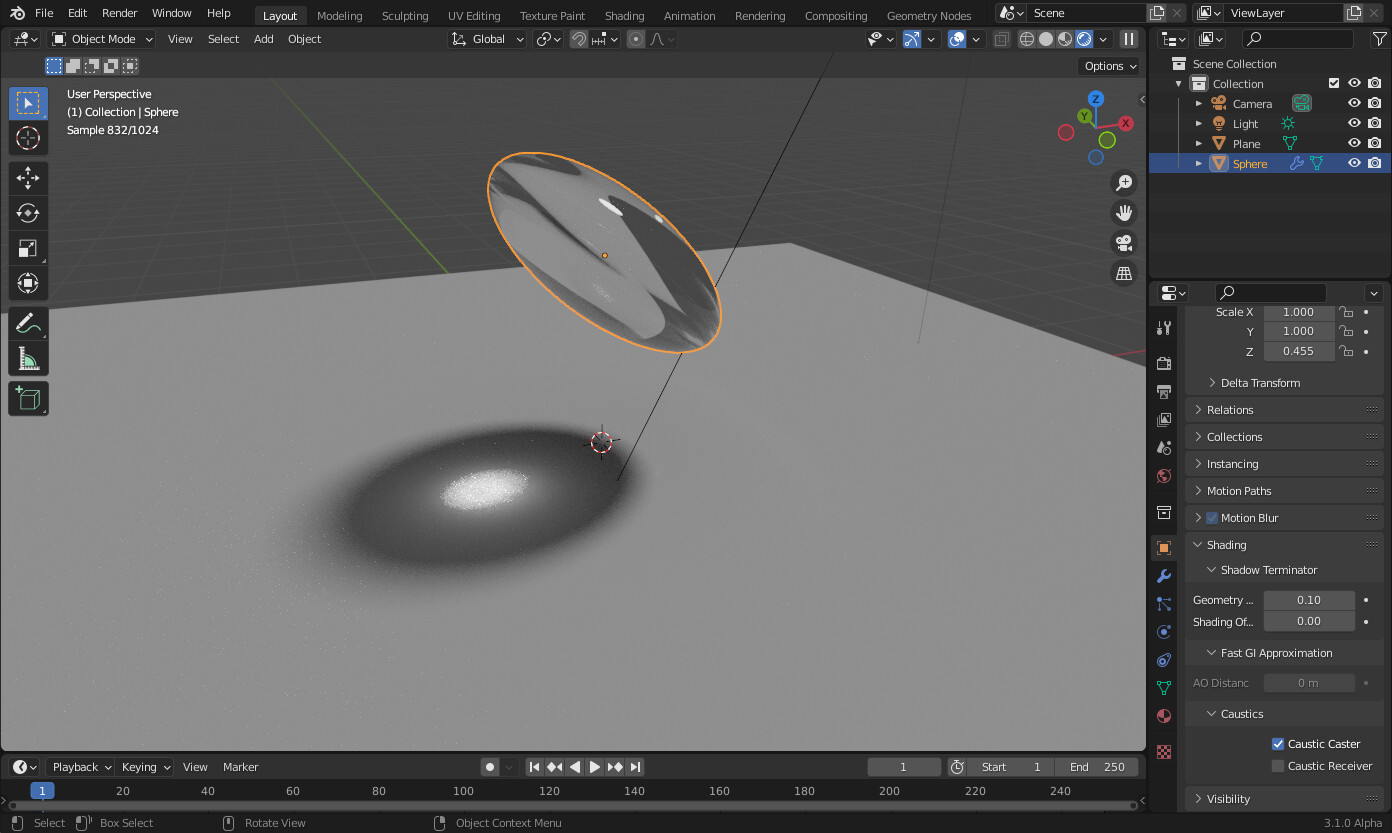
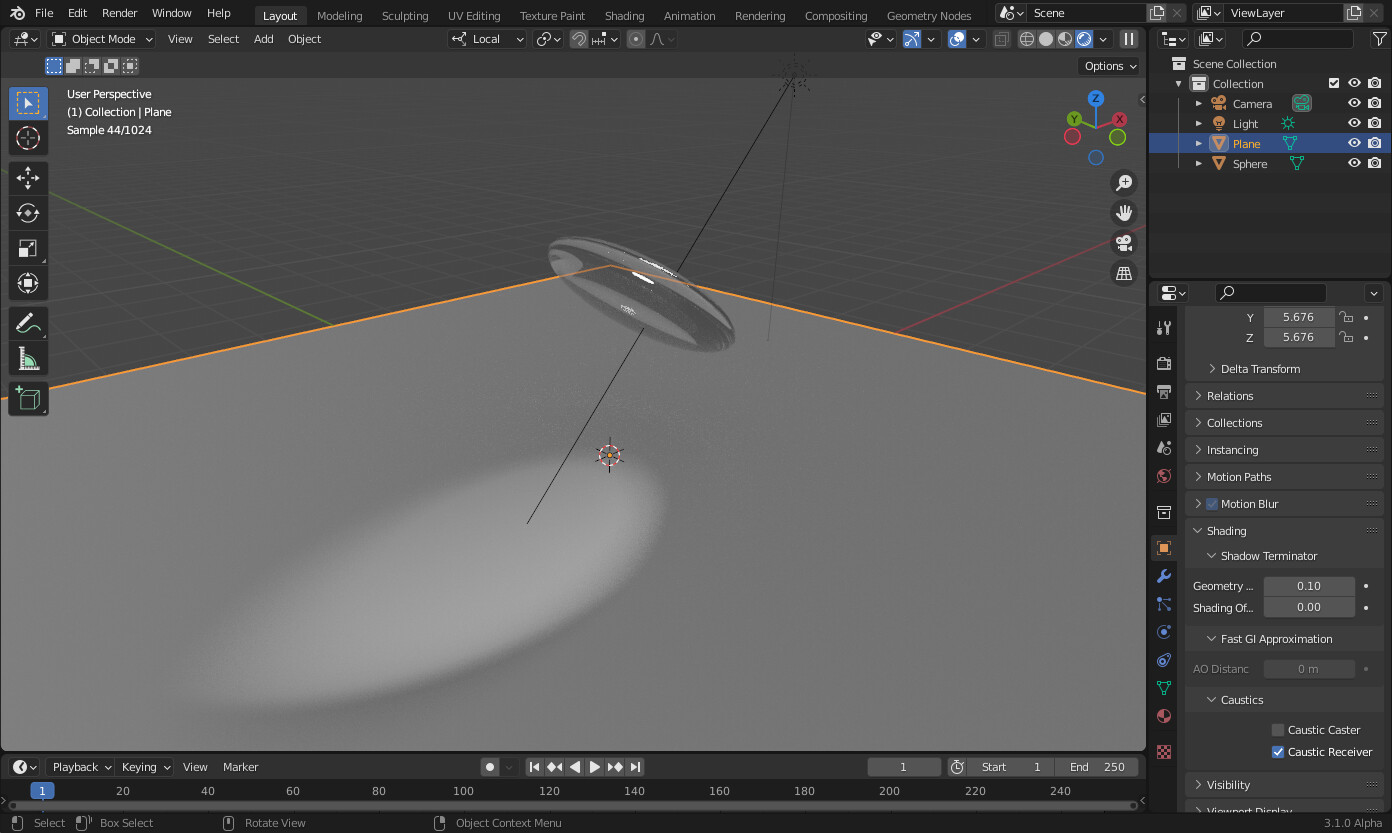
I have set the glass ball to be a caustic caster, the plane to be a receiver and the light to be a caustic light - exactly as per the video, but I don’t get any caustics using either CUDA, Optix or CPU rendering (and yes I have caustics turned on in the render panel).
Has anyone else got it to work - is there another setting i’m missing?
I got it to work. Seems at the moment it doesn’t like faceted surfaces - the object has to be smooth shaded.
Looks like it doesn’t work on HIP GPU yet. I don’t have a CUDA card so can’t test there.
It does look pretty nice, though.
Yep - it’s a really good start. Here is a comparison of the new caustic algorithm compared to not using it
There are of course a few limitations at present. I have found that you need to have the “filter glossy” setting on the render panel set to a non-zero value to get decent caustics (0.01 works fine).
It doesn’t appear to work with Multiscattered GGX yet, or added RGB refraction/glass shaders (like you would use to simulate dispersion) - the caustics only seem to pick up the colour of the first node in the addition.
I don’t think it works with mesh lights currently either (at least I haven’t been able to find an option to make a mesh light a caustic light).
But hey - it’s early days, but exciting times and definitely a step in the right direction. I look forward to seeing how this develops. Great work devs
One thing that has occurred to me whilst playing with the MNEE caustics branch. I know it’s still early days and it could just be that it’s a consequence of it still being in development, but is this method able to create physically accurate caustics, or are they an artistically driven approximation?
The reason I ask is that I have just tried to model a concave lens.
Using normal path traced caustics, although very noisy, I do get a focussed spot of light - exactly as you would expect for sun light shining through a concave lens.
Using the new caustic caster though - I get a strange diffuse caustic with no focussed spot, that is not at all what I expected.
Edit - odd, must be a bug because I have just recreated the scene from scratch and the caustics using MNEE now seem to be working as expected.
Interesting - just been doing some more investigation and it appears you can screw things up with the caustics if you aren’t careful with your object scaling.
So for example - if you take a UV sphere and squash it to make a concave lens by scaling it in the z-axis by say 0.25, you get this, which looks about right.
Now if I rescale the object in the z-axis to mirror it (by scaling z-axis to -1), even though the face normal direction is preserved and the face normals still point outwards - the caustics now look like this:
But if I then apply “all transforms” in the object panel - the face normals flip and the caustics disappear altogether (but they come back and look like the first image if you then go into edit object and flip the normal back again).
very interresting,
this one is my test in octane (photon caustics)
can you do the samte test with blender 3.1? i cant reproduce it 
This is my attempt adapting your scene. Caustics are decent, although not as bright as with Octane. We have to remember however this is still in early development.
wow, amazing, can you share this scene back again 
Sorry - I didn’t save it.
All you need to do is the following:
That’s it - you should get similar caustics to the above.
Are you sure that this came from Facebook (the implementation in Blender).
No sign of facebook here:
https://developer.blender.org/D13533
It looks like jumping the gun is big business on Youtube these days.
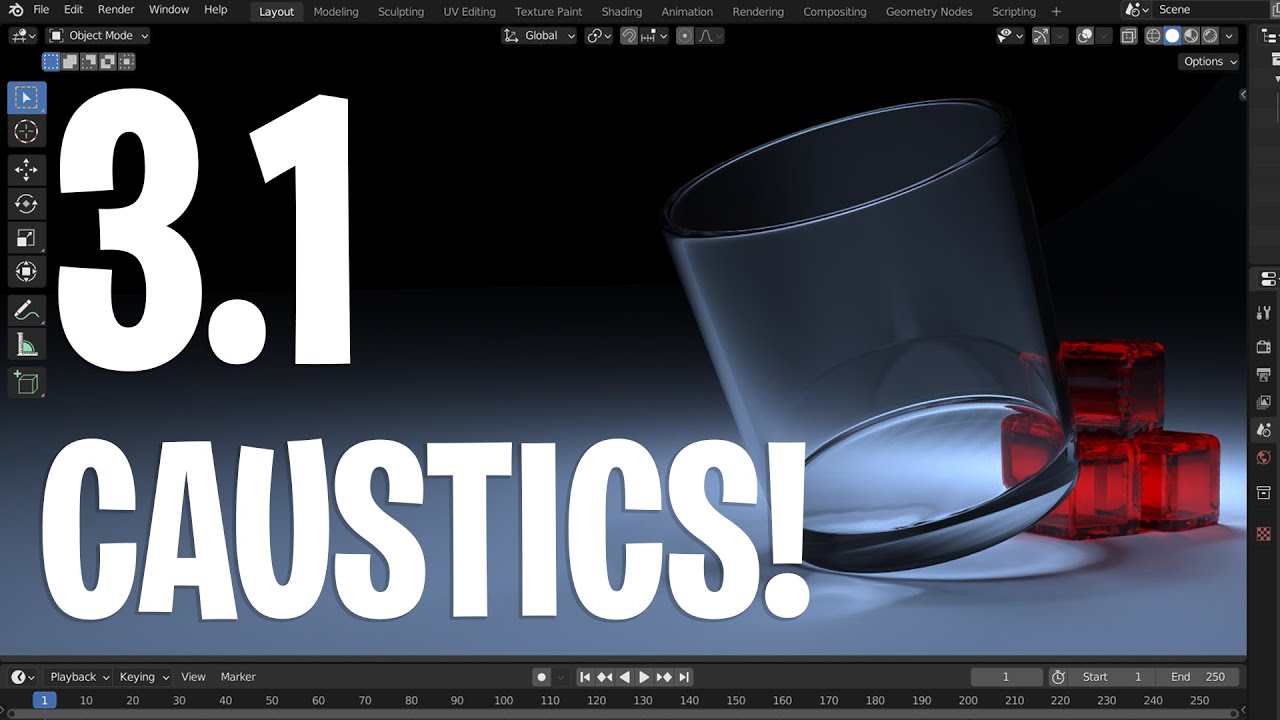
This is not the only instance where people are acting as if the patch has already been committed (even though it is a patch and it might need enough work yet that it will miss the cutoff for 3.1). It is also the same story for other patches, and all it does is prime people to lash out at the developers if the feature is not there in the buildbot builds.
Yep - don’t count your chickens.
It is nice to see caustics being worked on though, even if they dont make it into 3.1 master. Better to get it right than rush it out with bugs.
Yes, it was mentioned multiple times in Blender Rendering meetings, for example. Notice that on behalf of Facebook speaks Christophe Hery, and he was subscribed by Olivier Maury in his patch along with Brecht.
Also it’s mentioned in blogpost about Facebook involvement:
A patch for manifold next event estimation, which will improve the rendering of caustics, will be soon submitted for review and inclusion.
It was submitted on the same day.
So unless there is some huge unrealistic coincidence, you can be sure it’s Facebook.
Some interesting stuff in that blogpost about Facebook wanting to improve the physical correctness of BSDFs too.
Could we finally see things like microroughness being included in the glossy shader by default (i.e. changing roughness with angle of incidence) or microfacet glints?