Blender animation on an old i3 pc 8gb ram , trying my best , struggling, cant afford a new machine, frustrating help anyone
2 Likes
Hello there and welcome to Blender Artists  ,
,
I have moved this to Technical Support.
What operating system are you running, you might do better on Linux since it uses less RAM, giving Blender more RAM to use.
What exact processor do you have, also what storage device are you using?
Do you have a GPU or are you relying on integrated graphics?
For rendering you can render on Google Collab, I have done this before it’s a bid complicated to get working but it’s free if you don’t mind getting disconnected if someone else needs it (it saves it all, you just need to start again from the frame it last did).
I have also used GarageFarm before which give you $25 of free credits to start with, no credit card needed.
Blende doesn’t need an expensive PC to run, but an Nvidia GPU can help massively, even a 2080 super or something even older will be better than CPU graphics.
1 Like
Welcome …
the question is: what kind of scene and animation… i still have the i3-3220 8GB iGPU computer on wich i was stuck on blender 3.6 because of no OpenGL 4… using as internet PC and answereing simpler questions directy on this with blender 3.6 if i can open the file…
…so a big scene get slowerer in the viewport and one has to hide some parts or disable some “extras” and of course rendereing take soem time…
2 Likes
relying on integrated graphics, no gpu, windows 10
1 Like
As I said in my first post, you might want to look into Linux. Linux Mint is a good choice for reliability, ease of use and lightweight. Manjaro is a good choice for being lightweight as is Fedora.
Zorin OS is a popular choice for people switching from Windows, although I have never tried it.
Do you have any budget you would consider spending? Also what storage device are you using, is it an M.2 SSD, SATA SSD, HDD, NAS, etc.
Use an older version of Blender, which is compatible with your system.
3 Likes
dont give up , i made this animation in i3 8gb ram, with intagrated gpu. which was so heavy i render this in 2k 120 samples, which took 28 minute per frame,

1 Like
What tips and tricks u got
2 Likes
For rendering, rendering in pass will help, don’t use volumetric haze , use z depth or mist pass, when working on large scale environment, delete all face outside the camera, so animate camera first, also when scattering use bounding box for scatter object to get fast viewport, use proxy mesh. Eevee will be slower than cycles some time. So cycles is better, use low samples with denoiser in compositor. If you want add distance mountain or fog cloude use card texture or billboard. Same so much time
1 Like
A huge help for CPU rendering (no discrete GPU) with Cycles is to select ‘Path Guiding’ in Properties editor > Render Properties tab > Sampling panel (Blender v3.6). Basically, it locates difficult spots and concentrates on them rather than wasting a bunch of samples in areas where they aren’t needed.
I do test renders using ‘Render Region’ (Properties editor > Output tab > Format panel) when I want to focus on a particular spot, and when I want the whole thing I’ll do a lower resolution. Then, when I’m ready for the final render, I’ll get it all set up and set it to render before going to bed. I rarely do renders that take more than an hour, but I’ve had a few that took 4+ hours. Of course, those times are entirely dependent on the scene, render size, etc.
When I want multiple final renders (e.g. different camera views) I’ll keyframe the camera’s location/rotation for each view, then render an ‘animation’ of those frames as PNGs while I sleep or go to work. There is probably a better/official way, but that works for me.
1 Like
What if i render a full scene in png , and have facial mocap how is it possible for that and sounds effects.
1 Like
As others have stated, Install an older version of Blender with EEVEE legacy ( 4.1 or prior) and,IMHO, forget about using cycles for anything other than stills
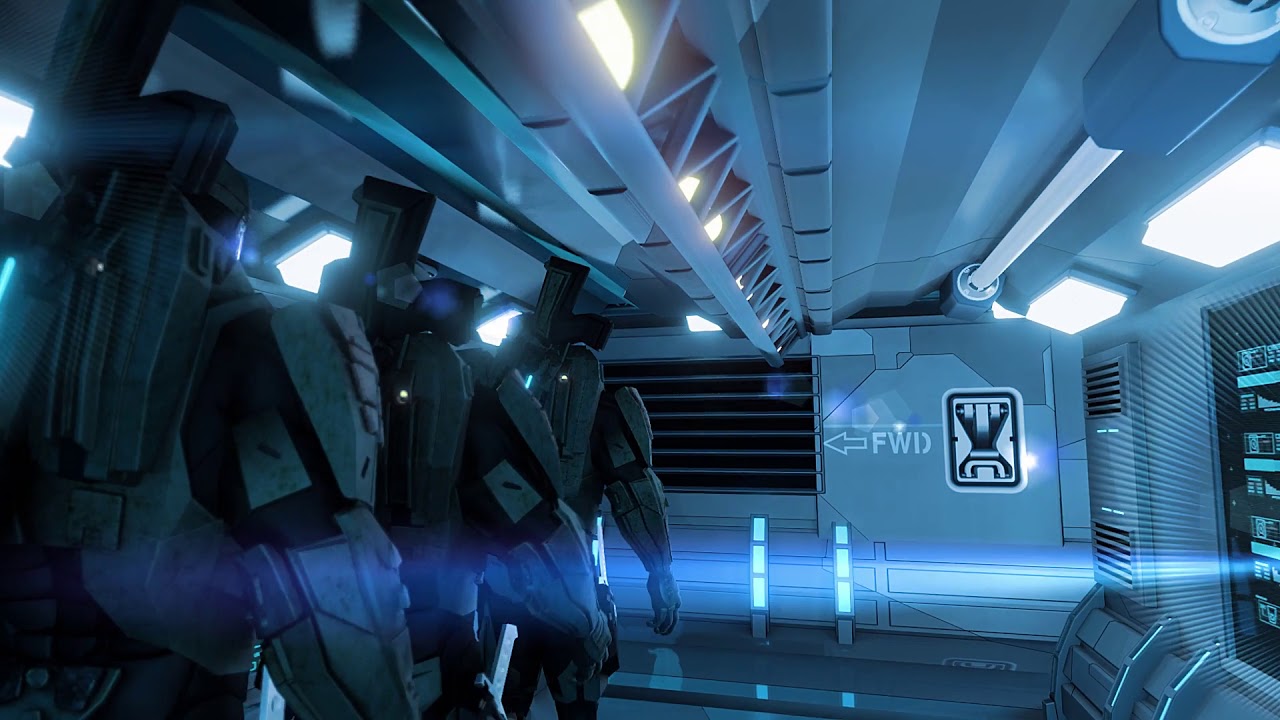
I made this on an “office secretary’s” computer
a few years ago
(Dell Inspiron core i7 with intel UHD integrated graphics and 16 gigs of ram)
Average render time about 35 seconds per frame
IIRC
2 Likes