Import & Export Survey Points (CAD / GIS / Construction)

Hi everyone,
I’d like to share a small geodetic / construction-oriented workflow I built for Blender, focused on survey point data used in civil engineering, GIS, and construction projects.
The workflow consists of two lightweight Blender add-ons designed to work together:
 Survey Points Importer
(CAD / GIS → Blender)
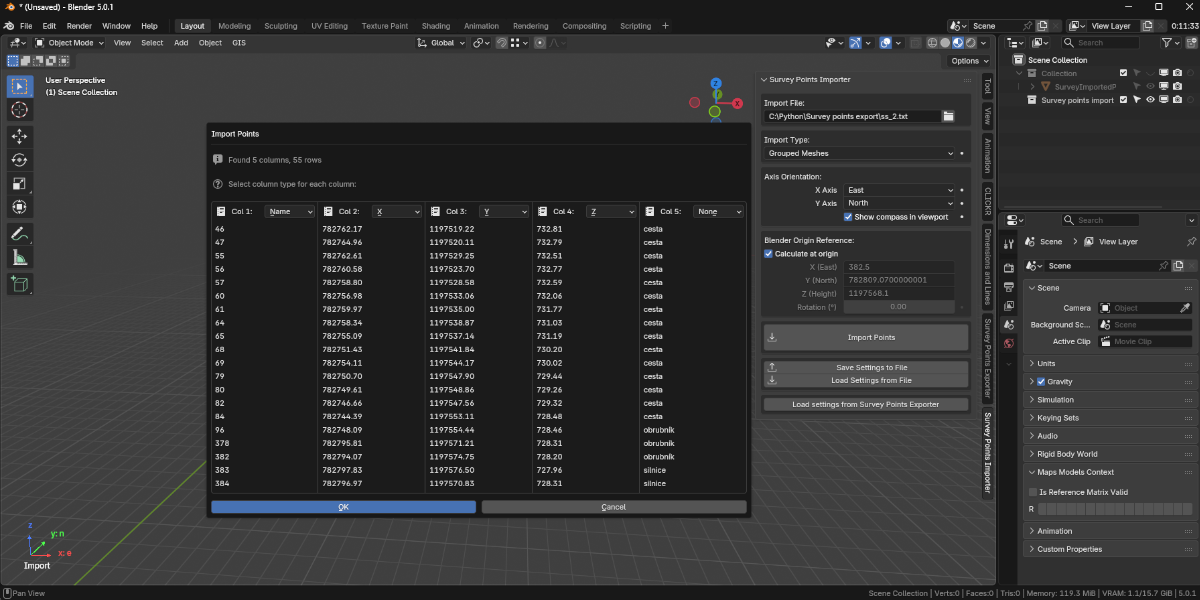
This add-on allows you to import survey point data (e.g. CSV / XYZ) into Blender for visualization, reference, and design context.
Typical use cases:
- Bringing field survey points into Blender
- Visualizing control points, layout points, or reference markers
- Using real-world coordinates as a base for modeling or checks
Features:
- Import survey points from external data files
- Clean and simple point representation in Blender
- Designed for geodetic / construction workflows (not artistic scatter tools)
 Product page:
Survey Points Importer – Geodetic & Construction Workflow - Superhive (formerly Blender Market)
 Survey Points Exporter
(Blender → CAD / GIS)
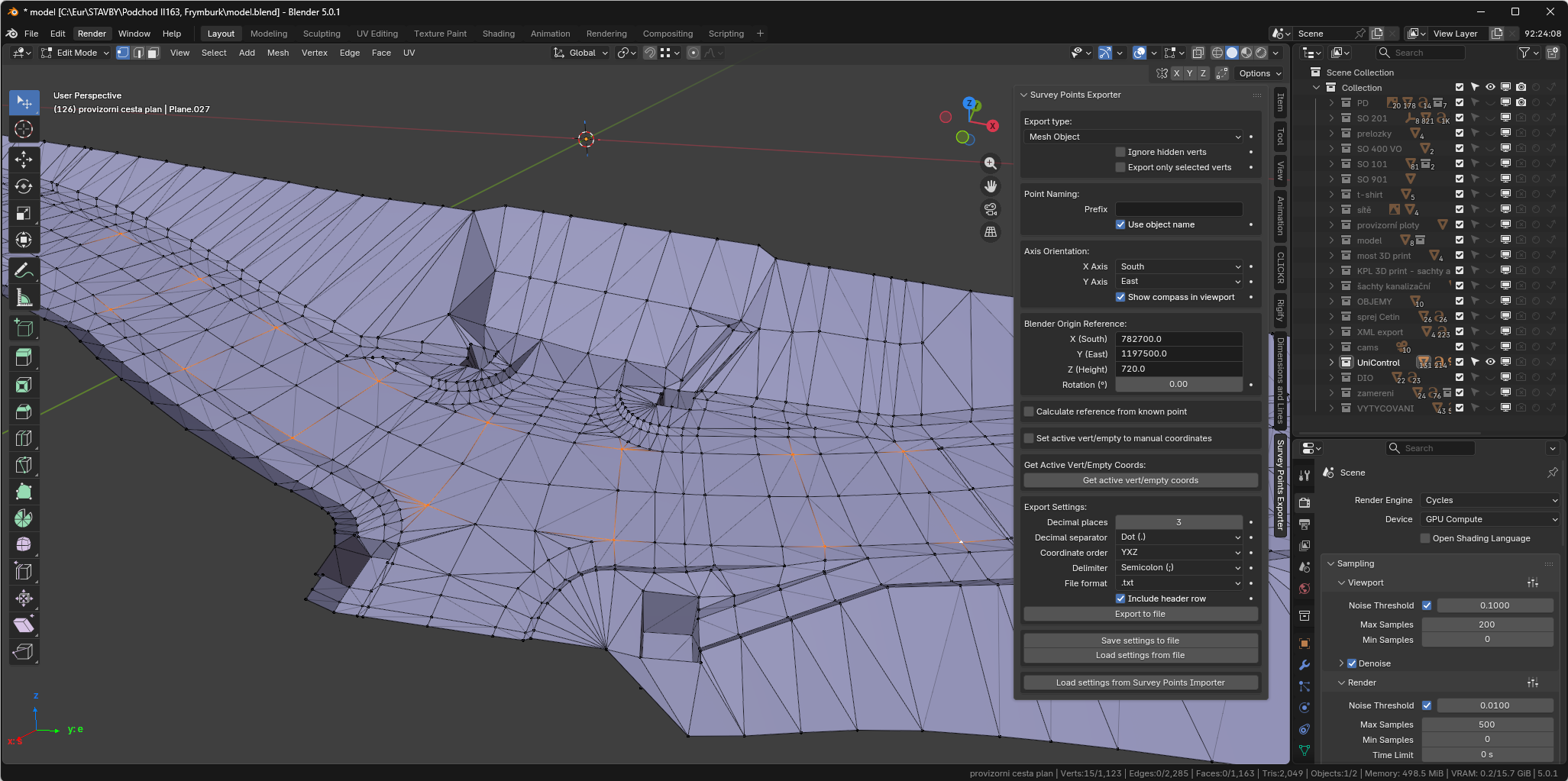
This add-on does the opposite: it lets you export survey points from Blender back into formats usable in CAD, GIS, or construction software.
Typical use cases:
- Exporting layout or reference points created in Blender
- Sending adjusted or processed points back to engineering tools
- Bridging Blender with civil / survey pipelines
Features:
- Export point coordinates from Blender
- Output suitable for CAD/GIS and construction tools
- Focused on engineering workflows rather than visualization only
Product page:
Survey Points Exporter – Geodetic & Construction Workflow - Superhive (formerly Blender Market)
 Example workflow
- Import survey points from field / CAD / GIS into Blender
- Visualize, adjust, or reference them during modeling
- Export selected points back for further use in engineering software
This approach allows Blender to act as a technical visualization and preprocessing tool, not just a renderer.
 Notes
Notes
- These tools are not artistic scatter or FX add-ons
- They are aimed at surveyors, civil engineers, BIM users, and technical Blender users
- Lightweight, focused, and designed to fit into existing engineering pipelines
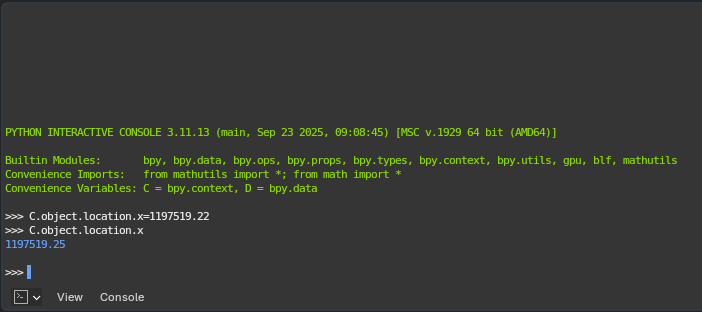
I’ll add screenshots below to show the UI and basic usage.
Video tutorial is planned later.
If you have questions, feedback, or ideas for improvements (formats, workflows, coordinate handling), feel free to ask — I’m happy to discuss.
Thanks!