I have been interested in freestyle/line art in blender for years. I did some work 6 months ago to get a model freestyle ready and I think the day I finished I heard about the lineart modifier and was worries it would all have to be binned.
However now it is available I have started having a look at the lineart modifier and I don’t know if I am doing it right. I want/would like nice solid lines that map to an edge. Particularly on curves.
I took Chris Khun’s Excelsior model off BlendSwap to experiment with. However on the curve of the dome over the saucer I get a very bitty line, that looks like strokes. I am sure some people might mike that effect, but is there a way to make it just a solid line:
The trick is not related to modifier settings.
You have to enable In Front option in Viewport Display panel of Object Properties of GP object.
In recent Blender 3.0 builds, you should see an In Front option in F9 panel, at LineArt object creation.
Interesting, that helped a lot, also this tutorial explained it a bit better too (which I found after your tip):
However, I am still getting some strange artifacts. The contour doesn’t seem to be continous, and I have seen cases where edge mark (freestyle marks) are not recognised.
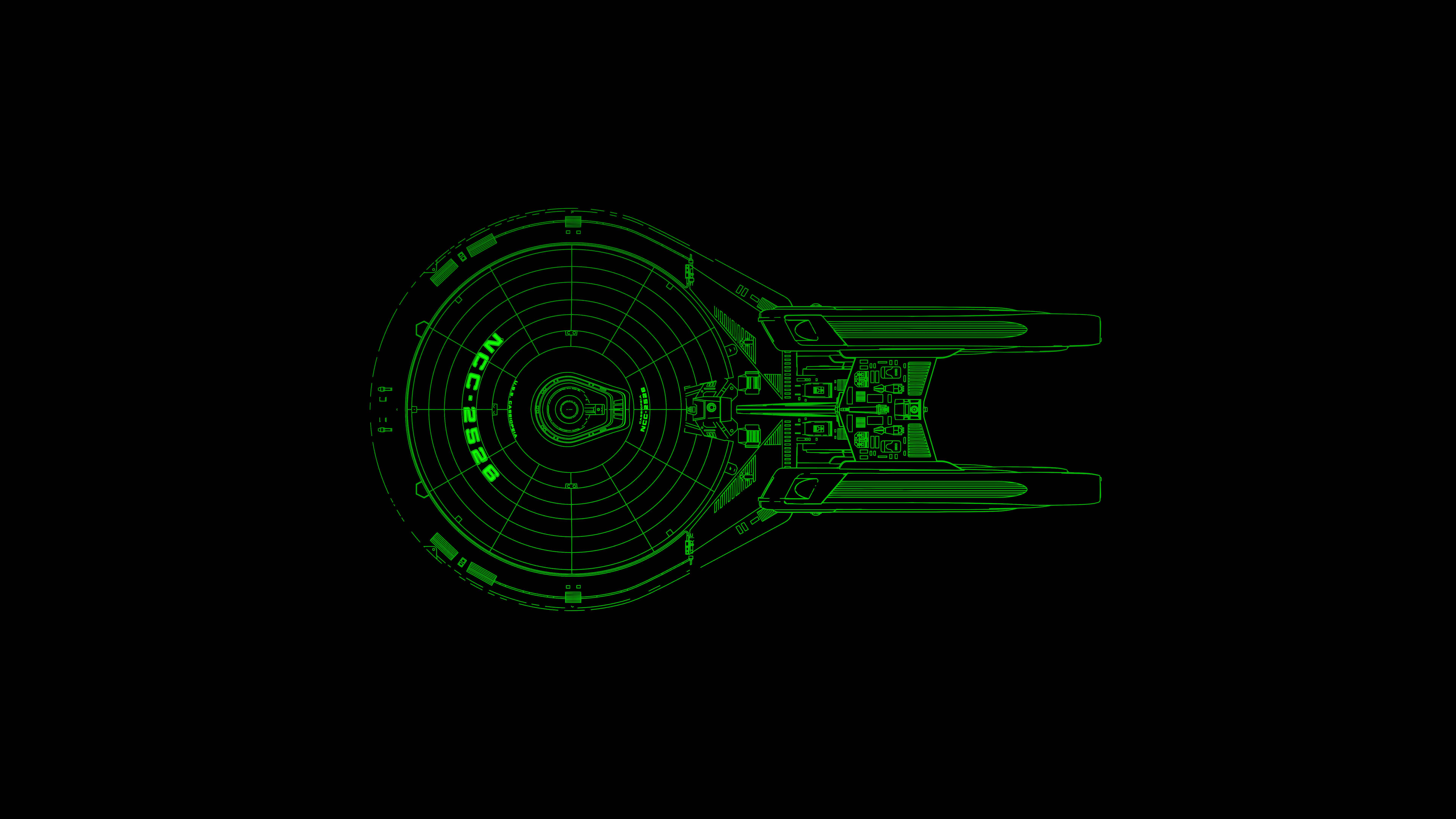
Here is a model I did completely in freestyle, the crisp lines are meant to evoke a blueprint:
The edge around the saucer is bitty, and there are some lines on the nacelles that are marked as a continuous freestyle, but are also showing up as bitty,
The fact to obtain a lot of small strokes instead of a big one may be related to chaining settings. The only panel that stayed closed when you did your screencapture.
Maybe Allow Overlap option should be checked.
Maybe visibility range is not sufficient.
If it does not help, maybe you are facing a bug. A lot of those LineArt settings are recent in Blender 3.0 alpha builds.That would be surprising to not encounter any bug at all, at that stage.