2021 MBP would be an ARM Apple Silicon device so you would want to download and install the Mac Apple Silicon version of Blender and NOT the Intel X86 version.
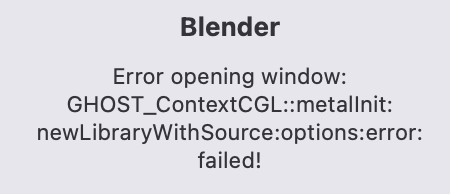
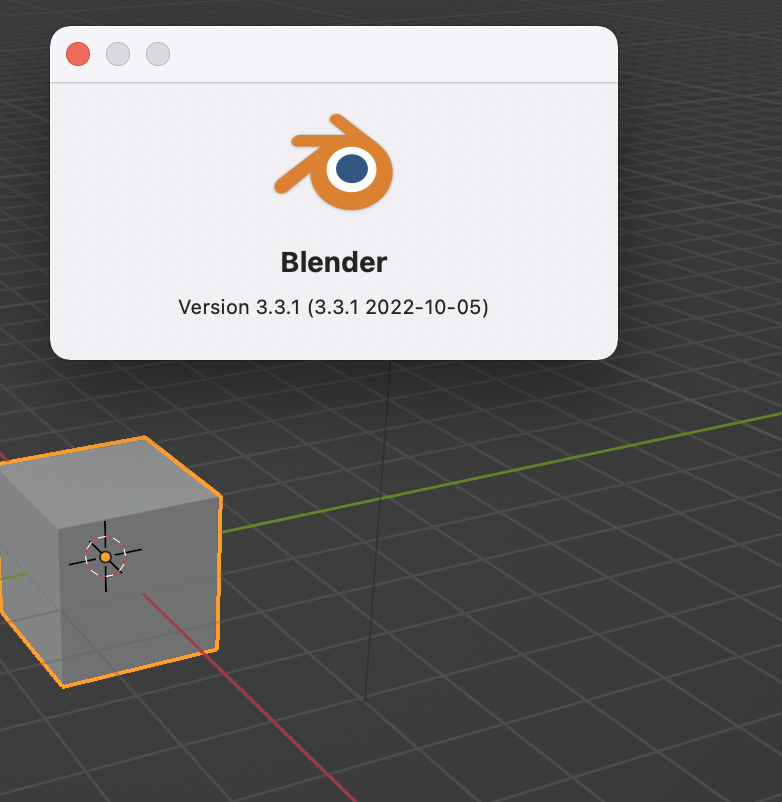
But the weird thing is I did actually try downloading the silicon version which is the one that I was getting the error, the Intel version is the only one that works. strange
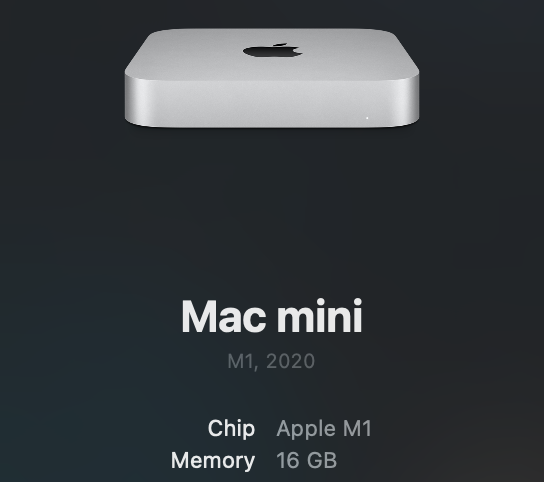
You may want to check the “About This Mac” tab under the Apple icon in the menu bar, and see what chip you have in your MBP.
If it’s one of the new Apple Silicon chips it will be able to run both Blender AS and Blender Intel, the later using Rosetta to translate the X86 code.
If it’s an Intel chip then it will only be able to run the Intel version of Blender.
If you do have the AS version MBP then you have some other issue going on keep the AS version from loading.
Oh, and feel free to hangout and ask questions in the Mac Blender thread. We mostly talk all things dealing with Blender and Macs and occasionally discuss other Mac software used in the 3D/CGI industry.
I wouldn’t start at the top as the thread is gigantic and some of the info is irrelevant.