BlendSplat — Gaussian Splatting in Blender with Geometry Nodes
Hey everyone,
I made BlendSplat, a node-based asset library for working with Gaussian Splats directly inside Blender. With it you can add, edit, and render splats without using an external viewer or render engine.
It is built around Geometry Nodes and EEVEE. The splats are rendered mostly in the shader, which keeps the viewport very responsive.
I made it because I wanted a more Blender-native way to tinker with splats. Which allows you deep access into the splat attributes and its rendering.
Main features
Native integration: Render directly through Blender. Depth of Field and Motion Blur work with the regular camera/render settings.
Real-time performance: Splat rendering is handled mostly in the shader, so the viewport stays fast.
Procedural workflow: Use Geometry Nodes to edit, transform, instance, or generate new splats.
Normal-based relighting: Experimental interaction with scene lighting, including point lights, area lights, and HDRIs.
Instancing: Splat geometry can be instanced and reused in larger setups.
Exporting: Export the splats
Current limitations
It is still in development, so there are a few rough edges:
Cycles support: Limited functionality. Splats currently do not update dynamically for new camera positions without a manual geometry re-evaluation.
Dithered alpha: To keep the rendering logic in the shader, alpha blending is dithered. This introduces some noise, but increasing render samples helps.
Shadow interaction: Splats currently cannot directly receive shadows from other scene objects.
Spherical Harmonis: Only works till degree 2 and exporting wont yet apply the transforms to attributes.
Repository:
Gumroad:
If you try it out, I’d be very interested in feedback.
Also, if you have ideas for improving it, feel free to open an issue or contribute.
Here an example of the hackable pipeline. I generated custom splat attributes for a cloud gaussian splat and modified the splat shader to allow relighting using a point source / directional light.
Mate… It’s brilliant what you’re trying to bring into Blender, and with EEVEE too, no less – thank you!
Listen… the most important thing I have to say is that if you’re working on this and want to continue… my advice is to get in touch with this person here,
that project he presented this year at the 2025 conference in Amsterdam…
I reckon you should send him an email…
Write to him on his site? his GitHub?
In short, if you were ever to merge the two projects… it would mean having within Blender not only the ability to capture images to generate a Gaussian splatting of the physical scene…
…but also a system for visualising, editing and managing the scene directly, as well as relighting… in Blender.
Can you imagine what the two of you could achieve if you were only willing to take the time to have a chat?
Hey,
At first thanks for the kind works, really appreciate it!
I have seen SkySplat, it looks like a nice addon. And i agree it would make a nice addition being able to edit and see the splats with the addon.
Merging the project is not the way in my eyes. I like how the asset library needs no addons and is pretty lightweight. Bundling it with a addon which has external dependencies would “bloat” it.
But SkySplat could ship a version of BlendSplat, that would be a nice addition! Right now, BlendSplat is still in the alpha stage and things haven’t matured, so I think it wouldn’t be a good idea at this point.
Nevertheless I’ll leave him a message about BlendSplat and maybe he would be interested in a future collab.
Pushed a new update today. It has some nice improvements:
“splat.from.curve” is now working correctly. It was broken in the previous release.
Eevee visual quality has been improved. Previously, splat shapes were not consistent in 3D space, which could leave holes when viewed from different angles.
Cycles is now supported. But you have to increase the Transparency Samples a lot ~32-128
“splat.display” now has two options: one for Eevee, and one for Cycles/ Eevee
Just want to let you know how useful this is for me - its so great to have a clean and simple way to bring splats into Blender. In my case it has made testing out camera angles a dream. Thanks so much for creating this and continuing with the updates. Please know that people are out here using it and are hugely grateful!
Thank you for your tool. I’m new in blender and Gaussian Splatting. I’ve updated the nodes and I’m trying to make a relighting setup again, but it’s not working. I saw the chair example and I’m trying to reproduce it. I managed with the old nodes, but now it doesn’t seem to work. The GS is in the scene, but it no longer seems to have a shader. I’m probably missing something! Do you have a relighting template or a tutorial? Thanks!
Hey Alexandre,
I tested it with the 0.6 and it seems to work fine, are you using blender 5.1? Anything lower breaks the nodes and 5.2 doesnt support all spherical harmonics levels, so maybe switch between sh_levels in the shader and check if it works again.
Also I am happy to share that I’ll be talking at this years Bcon about BlendSpat and how I am using the power of geometry nodes to experiment with new splat workflows . https://conference.blender.org/2026/presentations/4214/


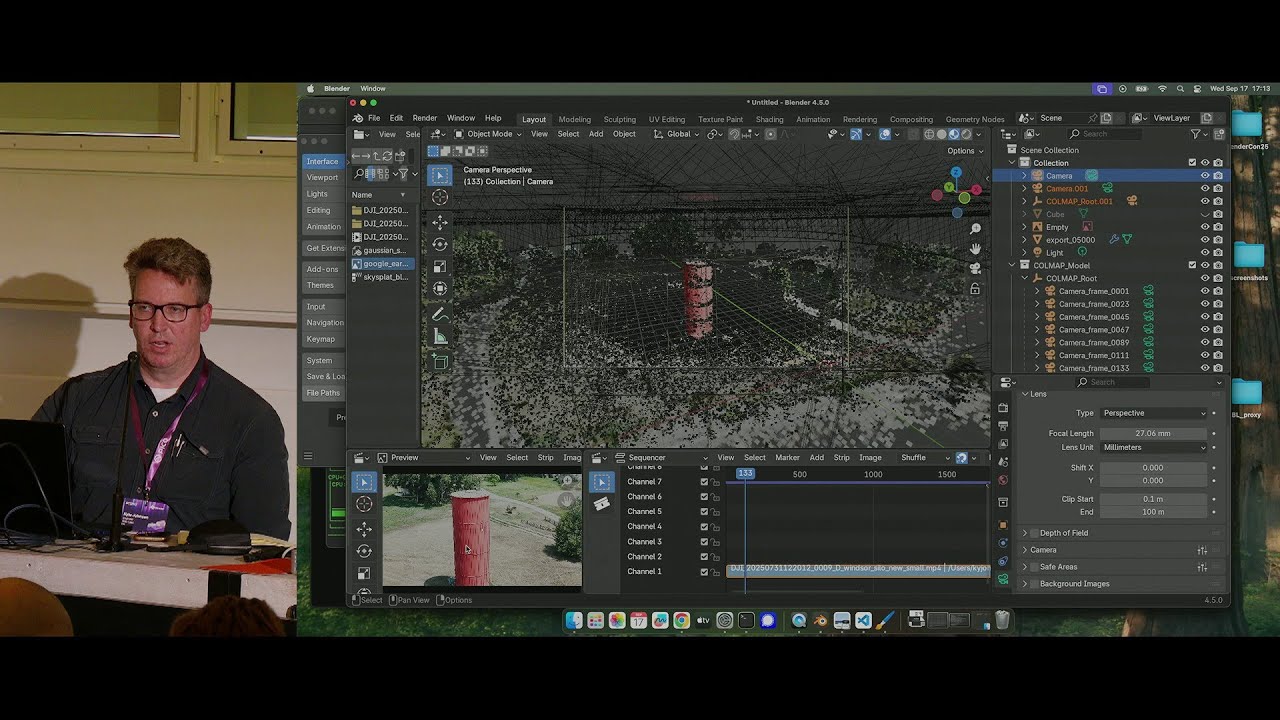

 about BlendSpat and how I am using the power of geometry nodes to experiment with new splat workflows .