Hello there everyone,
I have finished working on my first project that uses physics simulations, it’s something I have been wanting to learn for a while but have never got round to until now.
I followed a tutorial for the initial configuration, but then changed some things on my own.
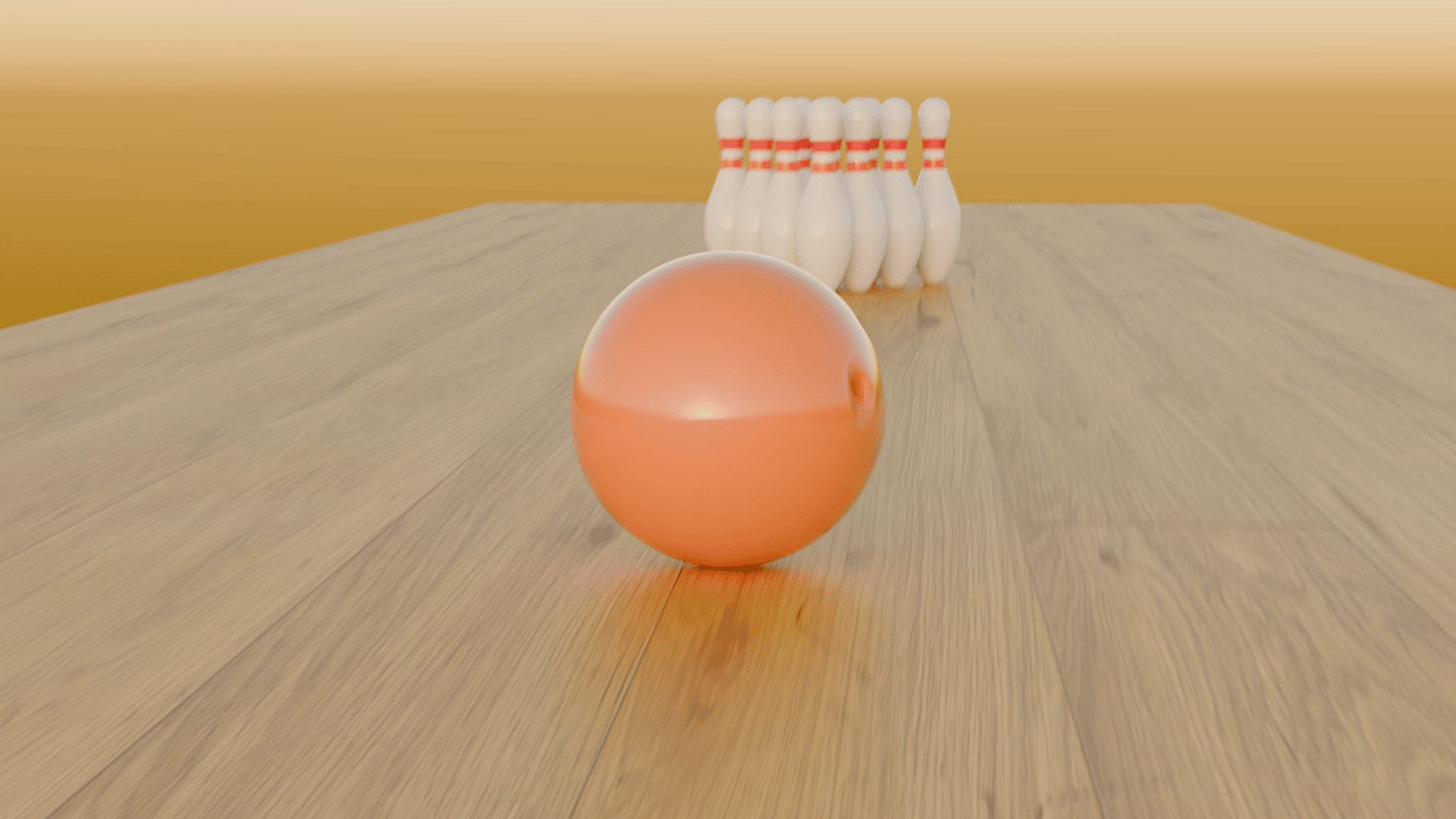
The bowling ball is made from a UV sphere with 12 faces inset and extruded inwards, the pins are made from a circle and a screw modifier.
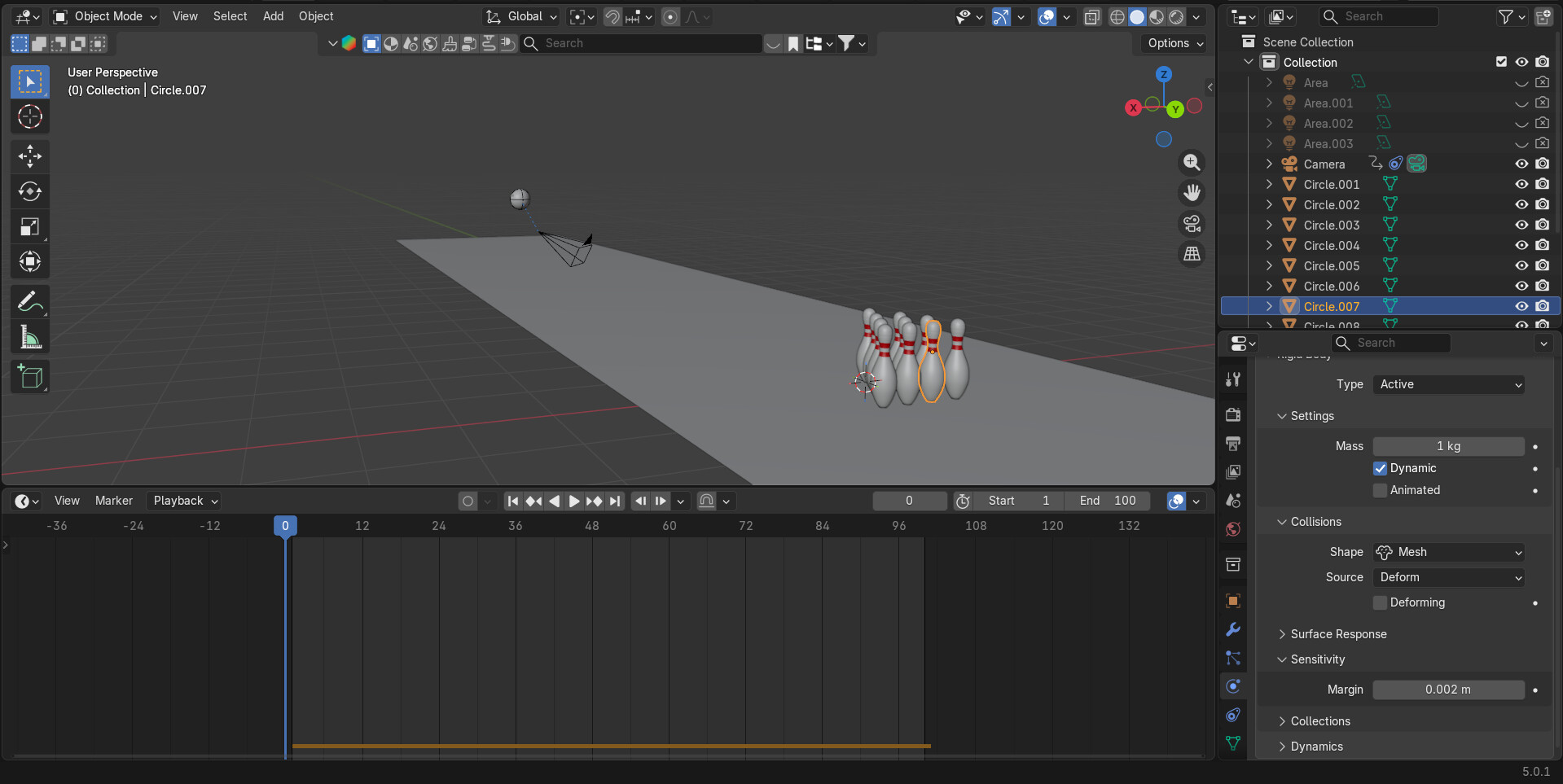
I used rigid body physics for the animation, the ball and pins are set to active and the floor passive, I keyframed the animation toggle for the ball so that I could have the first ten frames without physics. I found setting the mass of the ball to 5.8kg and the mass of the pins to 1kg worked well.
For lighting I initially used 4 area lights, but before rendering I replaced these with a sky system.
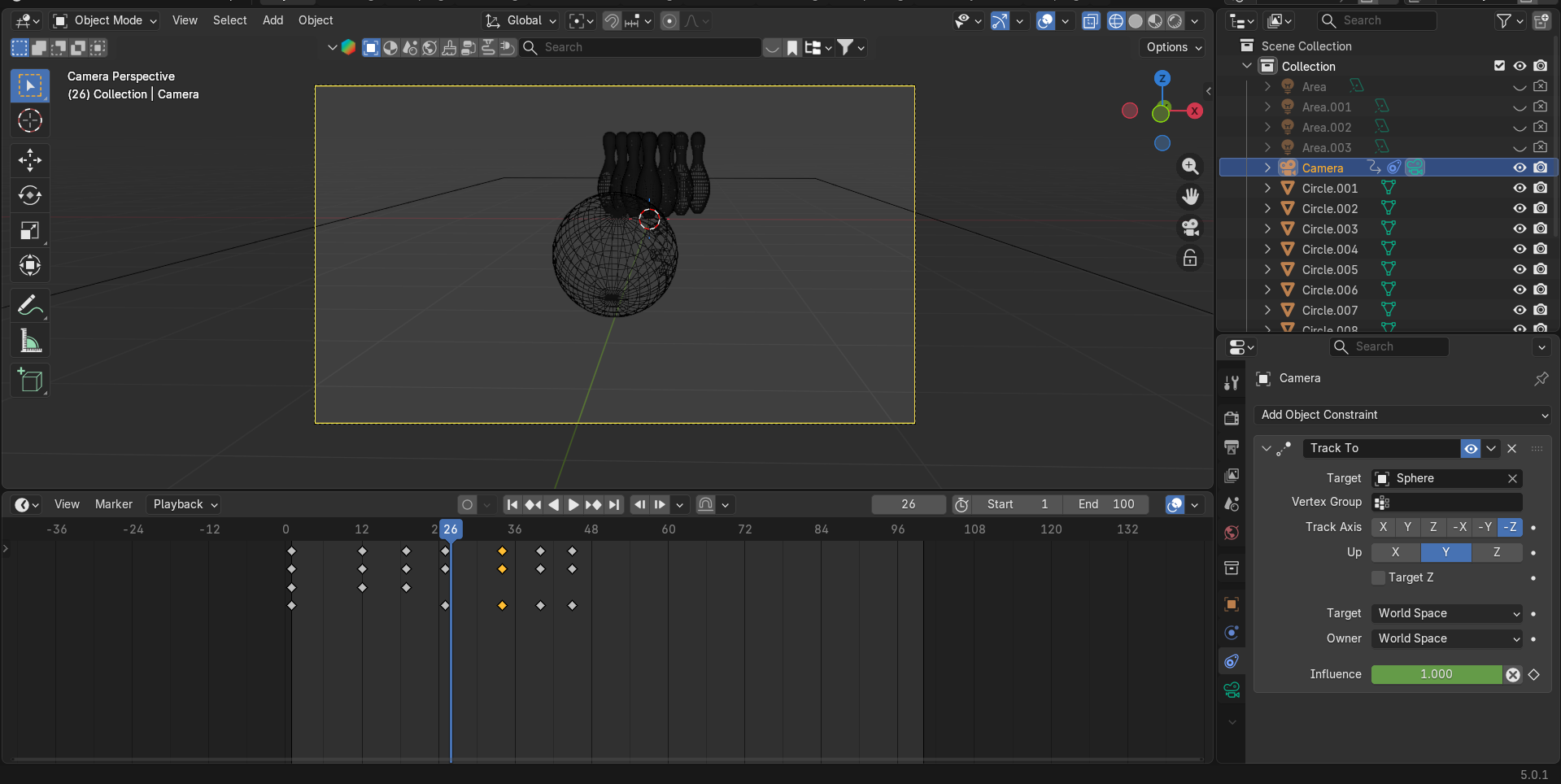
Instead of animating the camera manually, I decided to use a track to constraint to follow the ball, I created a few keyframes to manually adjust the position of the camera at the start of the animation.
I created all the models and text myself, but the material on the floor is from PolyHaven, the rest of the materials are my own.
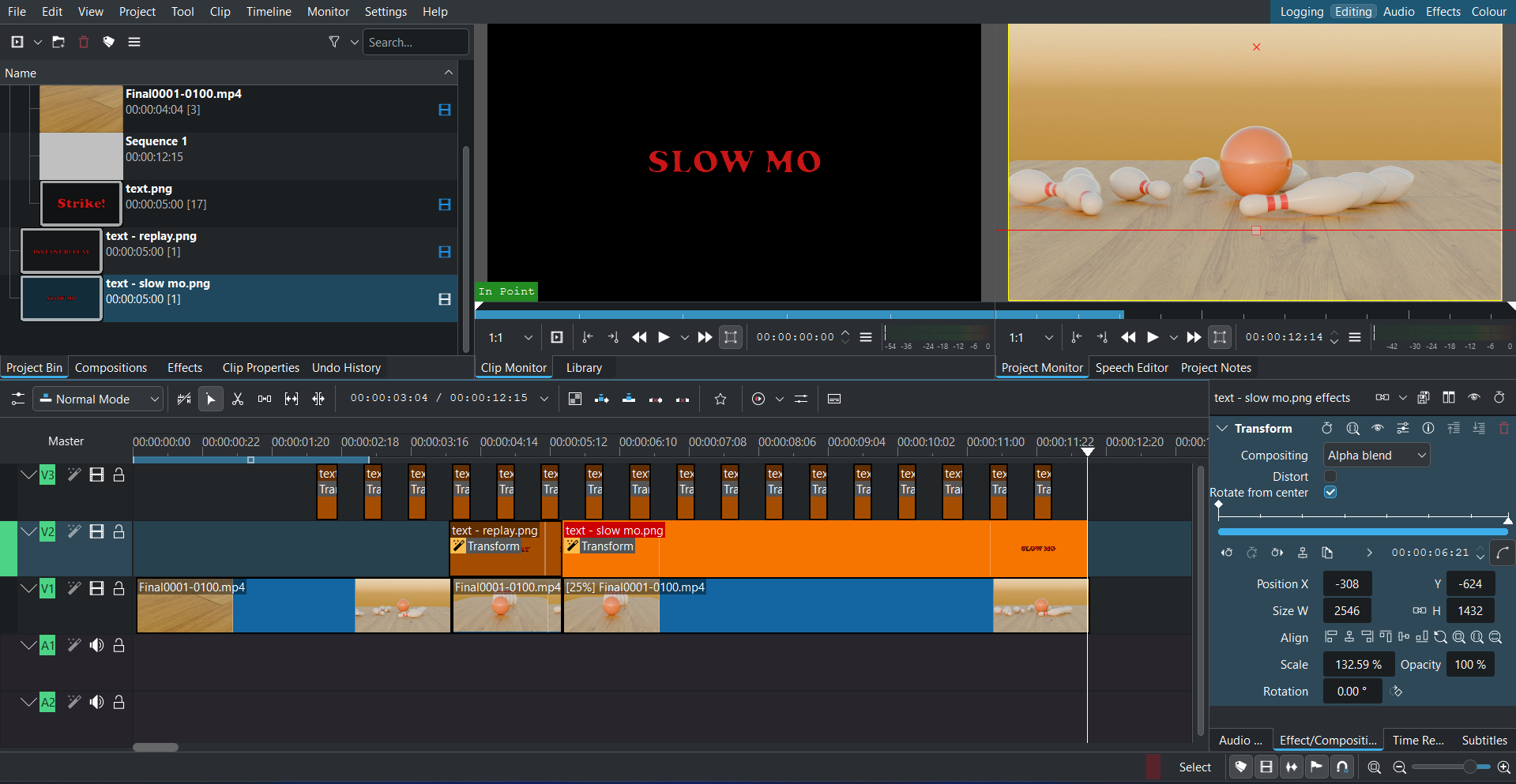
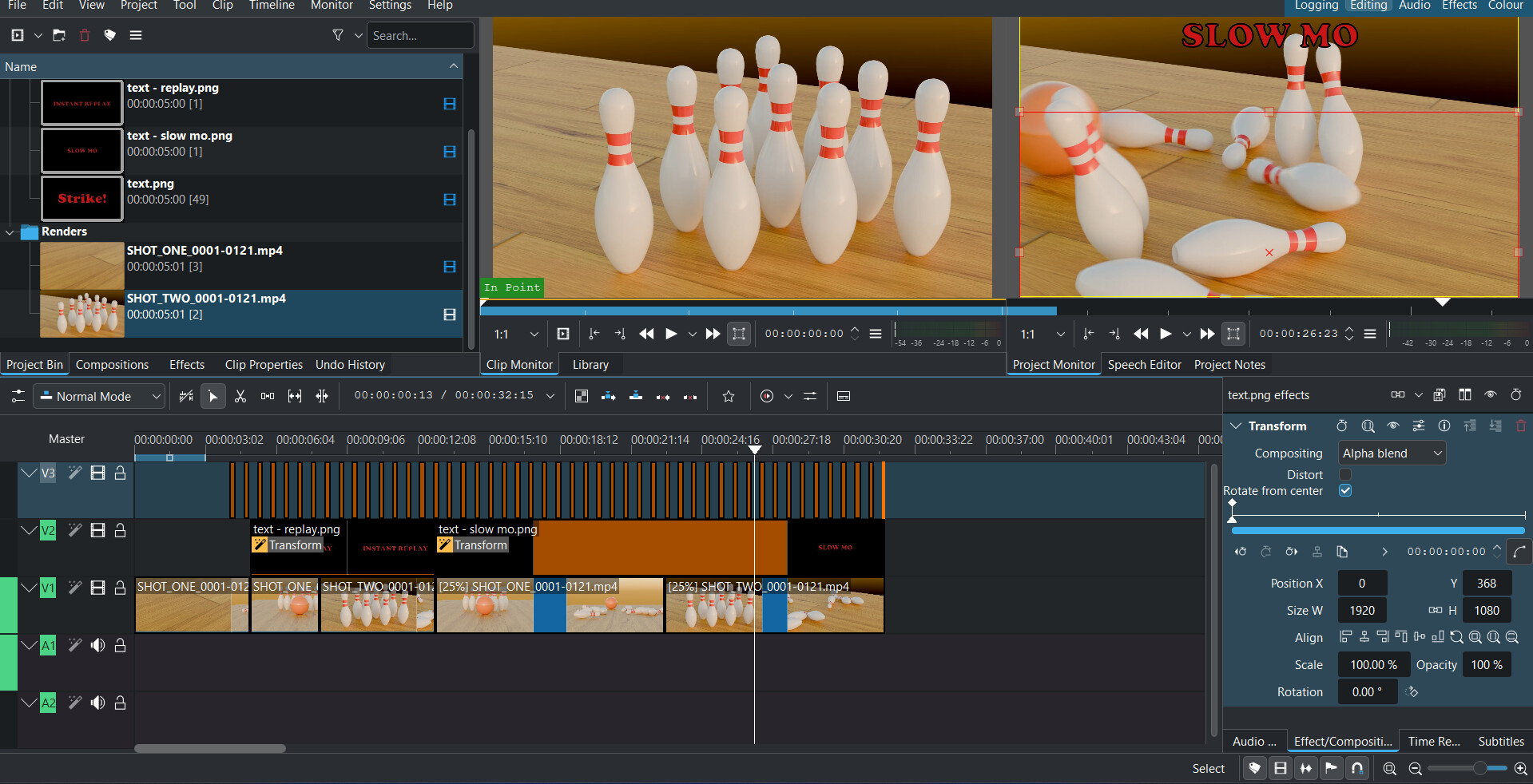
I rendered the animation using Cycles as individual files, I then used the Blender video edtior to put these together. I used Photoshop to create the text, and Kdenlive to bring it all together.
Thank you, the slow mo was interesting for me, I do a bit of video editing but I am by far not an expert. So it was interesting to learn a lot of new stuff for this project, both Blender and Kdenlive.
I will be very pleased to see it friend, it looks so cool that I think I will make some more hard surface devices and then delve into animation a little bit.
No problem, I always try to provide as much detail as possible. Not only does it help other users, but I can also look back on it and see how the project works.
Hello,
I have finished working on version two of this project. I was able to make the pins fall less uniformly by simply increasing the space between each of the pins, although it took some trial and error to get the right gap. I extended the length of the animation from 100 frames to 120 frames, to give more time for the pins to fall with the changes. Thank you to @oo_1942 and @joseph for providing help with some issues I was having.
I added a second camera and positioned it close to the pins for the second angle, again this took some trial and error to get it looking good.
I then rendered everything out in Blender, compiled the individual frames using the Blender video editor, and edited it all together using Kdenlive.
Awesome animation — I really like it, especially the timing and overall motion. I’m currently learning Blender (and I need to pass my Blender class / complete an assignment), and I’d love to study your setup. Would you be willing to share the full .blend project file (ideally with packed assets), so I can see how it’s built?
I’d use it as a learning base — I’ll probably change a few things to make it my own (materials/lighting/timing etc.), but I’d really like to understand your main setup.