BWrap - Guided Topology Wrapping for Blender
Hi everyone,
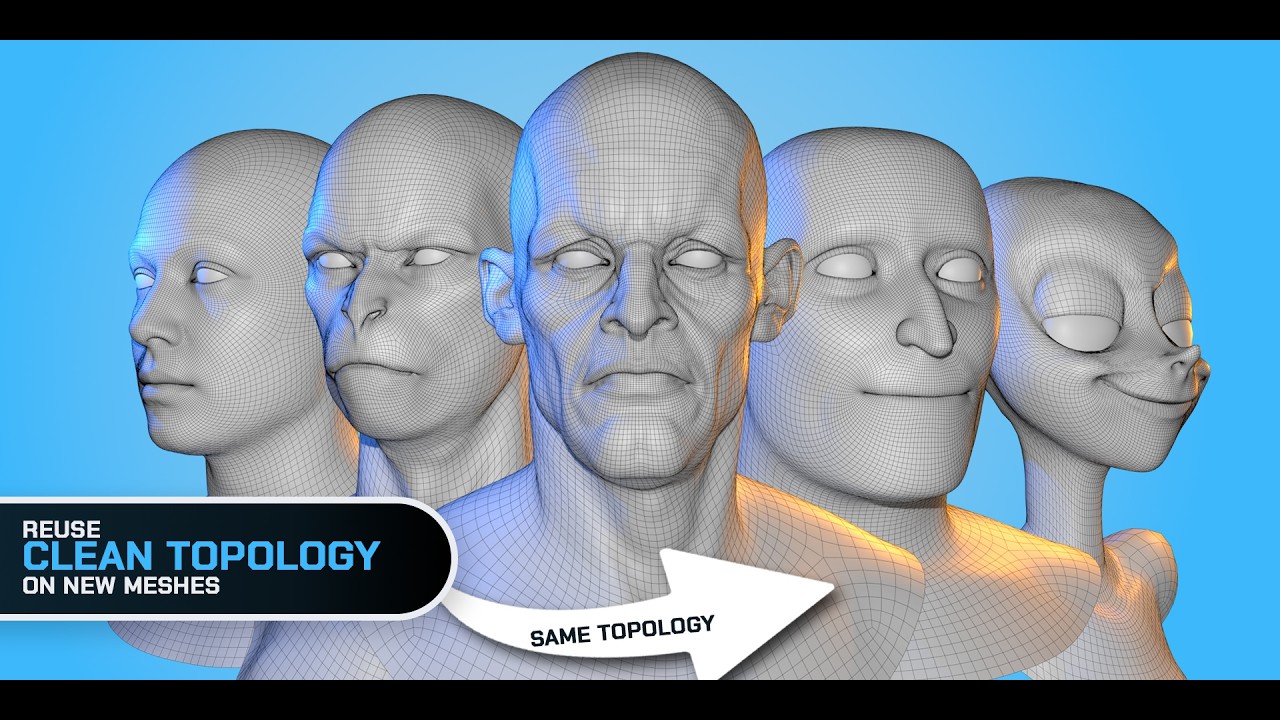
I’m Victor, a 3D artist and solo developer, and I’ve just released BWrap, a Blender add-on I’ve been developing for transferring existing clean topology onto new characters, sculpts and scans.
The idea came from wanting a workflow similar in principle to ZWrap, but directly inside Blender.
If you already have a character mesh with topology, edge flow and deformation loops that you know work, BWrap lets you reuse that mesh as a template rather than starting retopology from scratch for every new character.

How it works
You choose:
Template – the clean mesh/topology you want to keep
Target – the sculpt, scan or character shape you want to match
You then guide the deformation using Correspondence Points for individual landmarks or EdgeLoop Points for continuous features such as the eyes, mouth and other important loops.
BWrap handles the main deformation, after which you can refine difficult areas directly inside Blender.
Some of the main features include:
• Point and EdgeLoop-guided wrapping
• Automatic symmetry and mirroring
• Protection and Keep Shape controls
• Fast, Balanced and Best wrapping presets
• Refinement and nudging tools
• Texture transfer
• Editable Blender geometry as the final result
My main goal has been to find a middle ground between completely automatic wrapping and fully manual retopology: you tell BWrap where accuracy matters, and let it handle the repetitive work in between.
BWrap is now available on Superhive, ArtStation and my website.
There is also a free edition, so you can try the core wrapping workflow with your own meshes before buying anything.
Video
https://superhivemarket.com/products/bwrap
I’d really appreciate any feedback, particularly from character artists who already use mesh-wrapping workflows.
Thanks!
Victor
Skalin3D