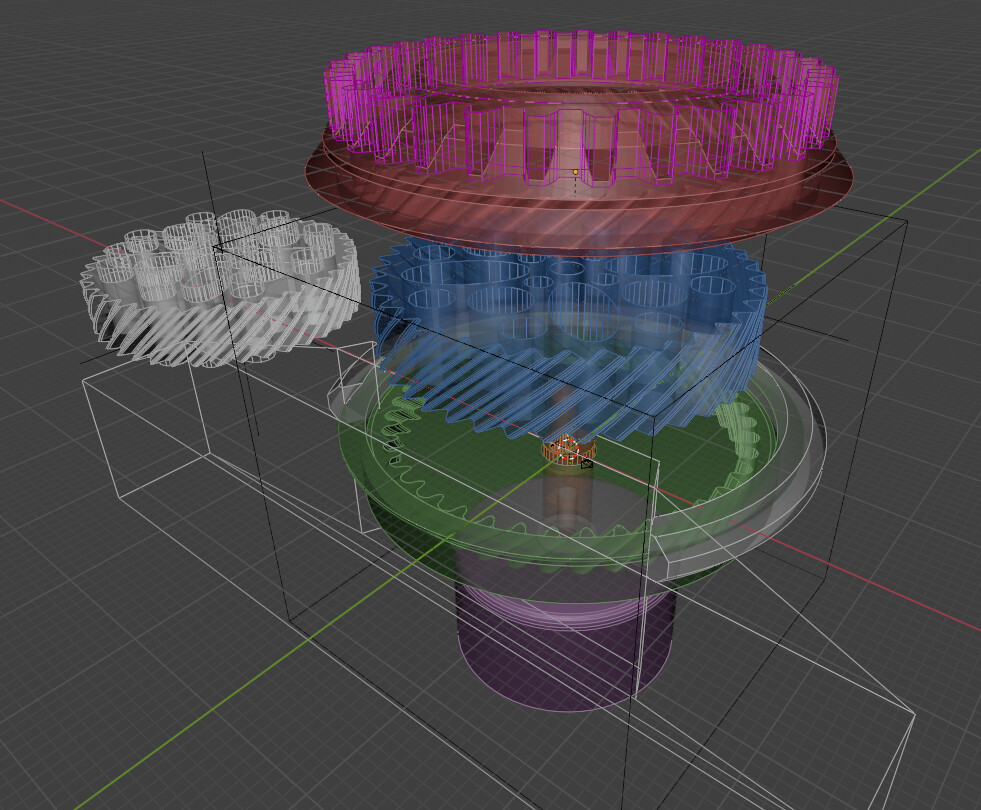
I’ve been trying to design some mechanical objects, but the issue is that I have very little knowledge of CAD workflows and stuff, so I’ve been kind of winging it with blender.
It kinda works but it gets progressively messier as I stack more modifier, geonodes and booleans. Not to mention I keep getting stuck in the habit of eyeballing measurements instead of setting dimensions accurately because the snapping tools are so unsuited to it.
So I wonder if someone here has experience doing CAD stuff in blender, tips are welcome.
Because of the challenges you listed I gave up doing CAD in Blender.
My current workflow is FreeCAD, export STEP, import to Blender. That may not be what you’re looking for but that’s where I’m at.
As someone who uses CAD every day and Blender a fair bit, Blender is not a CAD system at all. They are very different things. If you need to model mechanical things, a true solid modeling CAD system is far easier, faster and better, and gets you real results. Blender was never meant for this.
You can model in a CAD system, and then import into Blender for visualization which is what I do all the time.
A couple CAD systems you can use for free are that are easy to learn are Onshape and Autodesk (as much as I hate the company) Fusion 360. Both are good for relatively simple things. I use Inventor at work on a daily basis and it is very good but expensive. I have also used Solidworks and Creo.
For CAD, you need true solids, proper assembly constraints, real dimensions and tolerances, actual drawing modules and a whole bunch of other things, too many to list here. As awesome as Blender is, it is not this. It may be fine for Architectural visualization and even some design but not mechanical design, far from it.
However it is fantastic for mechanical visualization (after it is modeled in real CAD).
Yeah, I’m getting so annoyed by the limitations that I almost tempted to write some implicit solid modeling system as an addon, but thats because I’m too lazy to learn CAD software. I tried FreeCAD once but I was getting a bit confused by the interface.
I guess its that blender is so much in my comfort zone that its more work to go learn to use an entirely new software for my occasional hobbyist CAD needs. I was guessing some people would have figured out tricks here and there to make it less annoying.
That’s why I was looking forwards to some SDF tools, they seemed like the holly grail of solid modeling, but I haven’t managed to make any that didn’t run at 2.5fps in geonodes.
As a fan of Blender and a CAD user for over 35 years, my advice is don’t use Blender for this. Blender is foremost a program to make compelling visuals. People creating functional mechanical items do so with the intention of having them built. So a dedicated CAD program would be your best option. There are many free options, such as FreeCAD, OnShape, and the personal addition of Fusion360. If you want to stay in Blender, then Plasticity might work for you, but it costs $175.
I completely agree.
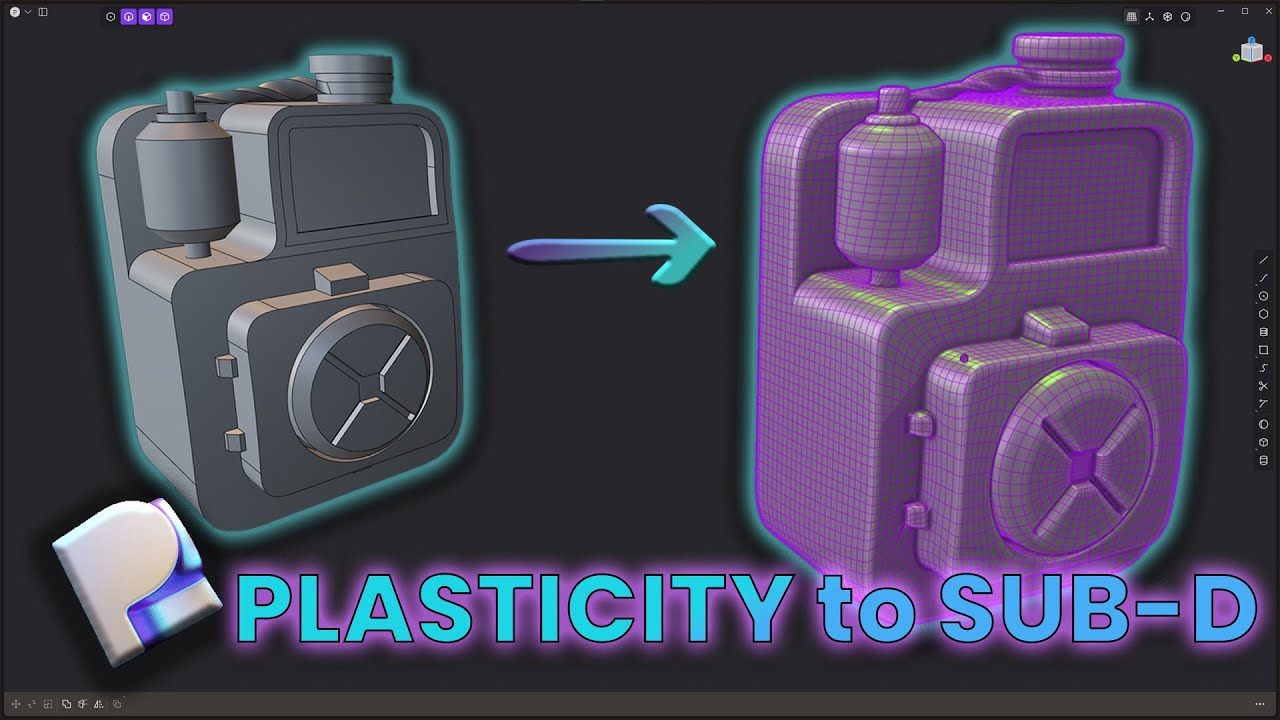
The problem with creating models with CAD software and then importing them into Blender for better visualization is that you don’t have a good topology. By good topology, I mean a mesh with only quads.
I’ve never tried Plasticity. Do you know if you can export the model as just quads?
There is an exporter, Blender Bridge, that ports the NURBS topology to Blender. It does a pretty good job, but it isn’t perfect topology. There are methods to compensate though. See: