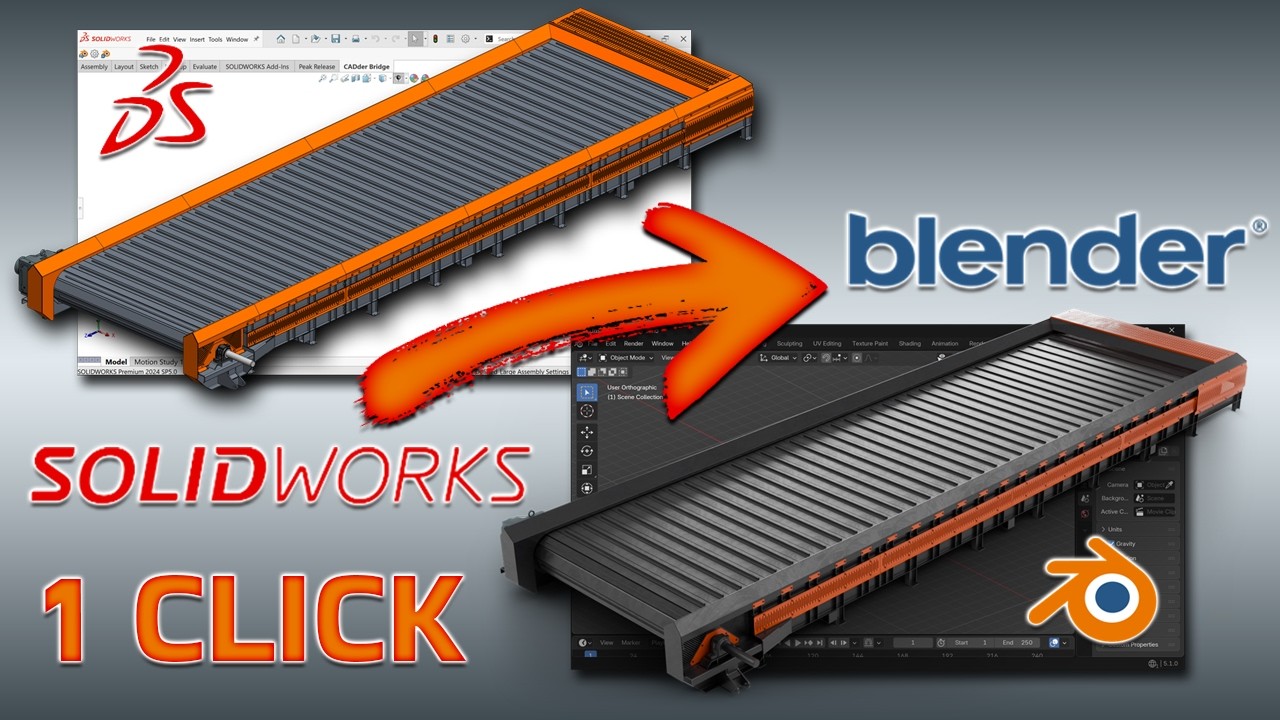
STEPper NEXT has a new name: CADder. It grew past the one file format it was named after, so I renamed it and started again at 1.0.0.
The big addition is CADder Bridge, an add-in for SolidWorks. Press Send to Blender in SolidWorks, and the open assembly arrives in Blender with its tree, its appearances and a rig made from its mates. No export, no import, no files to manage.
New in 1.0.0
SolidWorks Bridge: send, refresh and rebuild the model from SolidWorks.
Rigs from mates: the mates become an armature with joint limits. Gears, screws and cams drive each other.
Refresh Model: when the design changes, the scene updates part by part. Your materials, modifiers and animation stay.
Mesh Quality: one panel to set mesh density for each part, with Rebuild from CAD.
Defeature: leave small holes and cutouts out of the mesh.
Better UVs: compound surfaces go to the Blender unwrap, so no more long thin UV strips.
All the STEP, IGES and BREP import features from STEPper NEXT are still there.
You need Blender 5.1. I test on Windows. The macOS and Linux builds come from CI but nobody has tested them yet, so reports are welcome. If you have STEPper NEXT installed, remove it first. CADder is a separate install, not an update.
The rig works best on clean assemblies. If you have one that fails, please open an issue and attach the model if you can. Those files help me more than anything else.
Big thanks to ambi, who made the original STEPper.
Would it be possible to consider configurations in the SW bridge?
Most of my assemblies have at least 5-10 configurations so I have a custom macro that exports every configuration to step files with the configuration name attached.
When I send an assembly to Blender through the bridge then switch the configuration and send it again, it overwrites the previous file even if I change the name.
Thanks again for making this free!