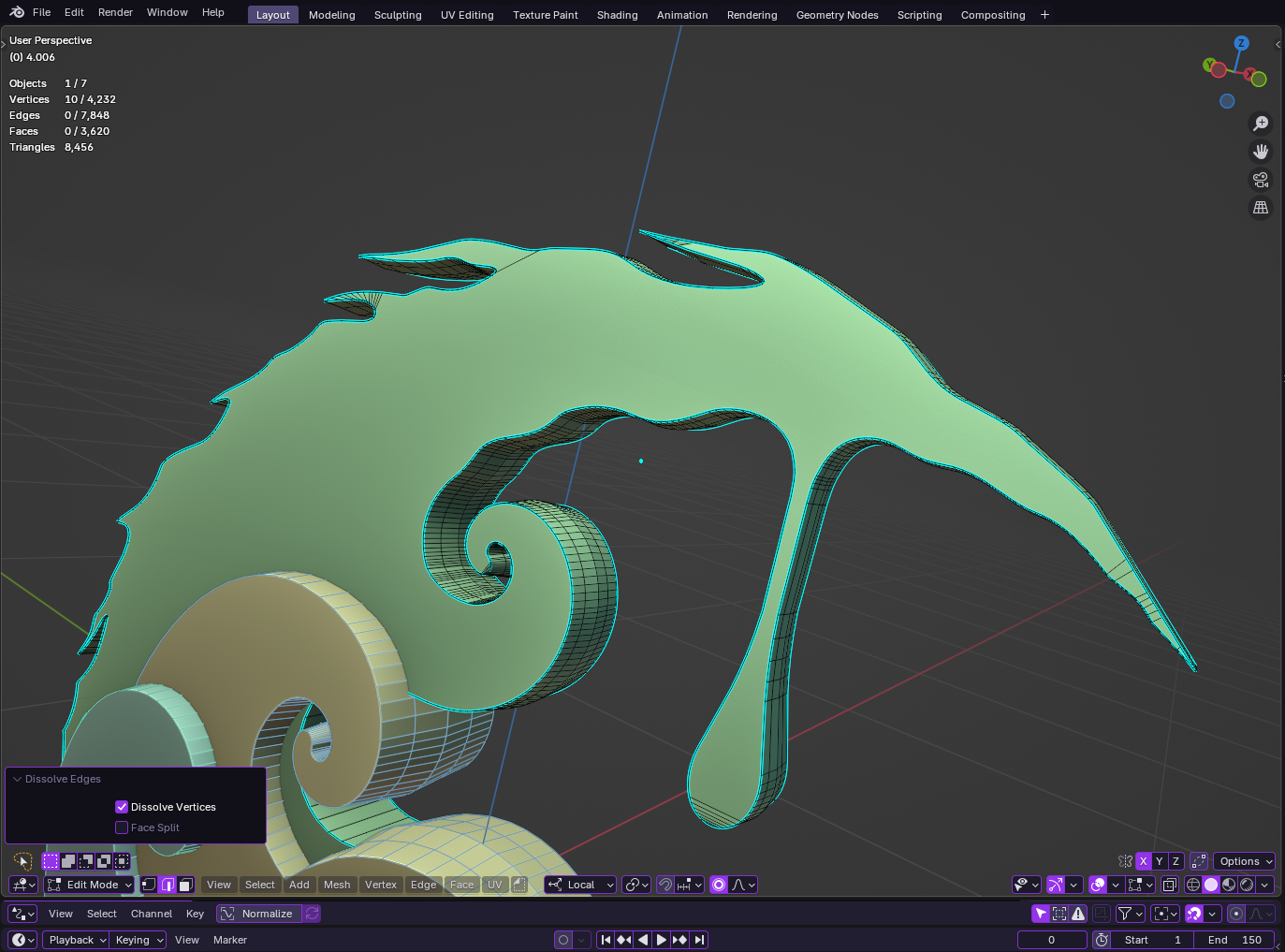
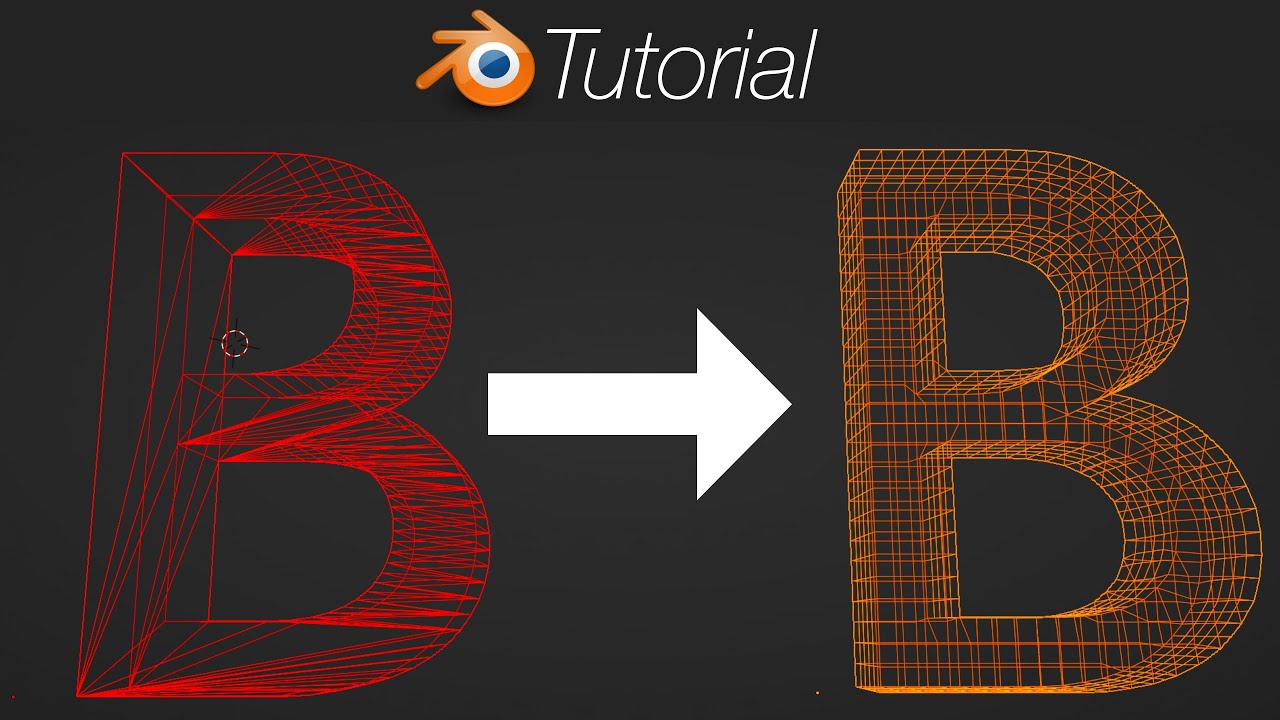
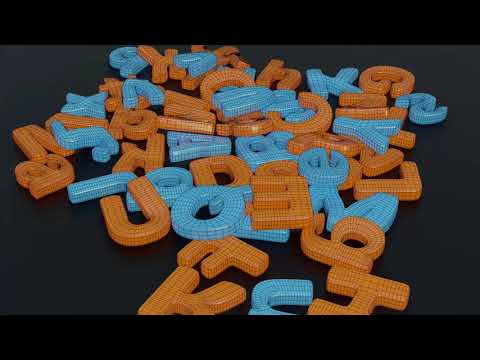
Guys, hello everyone, I ran into this problem: in blender there is a loop cut function, which has an additional smooth function, which suits me very well for completing one small project (screenshot 1/2), there is also a subdivide ring edge function, which also complements the previous function.
But there is a problem, my mesh has a very large number of points, and in order to use these functions without losing the shape of the mesh, I need to manually cut each edge with a knife, connecting the points (screenshot 3).
Also, I tried fill triangle and subdivide, which perform a similar function, but the result is not as good as when using the first two functions that I described above.
So my question is, how can I achieve my goal (as in screenshot 1/2) without using loop cut or manually cutting each edge, which takes a lot of time, how can I achieve the desired effect in another way?
Remesh also does not help because the shape of the mesh is difficult to control.
I want it to be like in the first screenshot without using the loop cut and knife
Not sure if it is just me but your links do not work. Maybe because you are a new user. You should be able to post at least one screenshot.
If you stay logged in for a while, read some posts, post a coment etc you will soon get the ability to post more images and links. It is an anti-spam thing that does not let new users of the forum post images and links.
I can’t see your screencapture, too. But what you wrote does not seem correct.
Loopcut tool is cutting a face loop, adding an edge loop on it.
So, density of mesh does not matter to use this tool. As long as the face loop is not stopped by a triangle or an Ngon, edges of face loop will be cut.
If you don’t tweak Smoothness setting, shape of mesh should stay the same.
Knife tool is, by default, cutting all visible edges between the starting point of cut and the end point. And it has an option to cut through geometry occluded edges, too.
Now, if you don’t want to cut edges, but just connect vertices ; you can use the Connect Vertex Path tool instead of Knife tool.
Just select two vertices and press J. The result is that all edges in between will be cut.
Edit : Now, that I have seen screen captures. Issue is clearly the presence of big Ngons at the crossings of loops.
So, you can do several loopcuts on Face Loops. And then, connect the loopcuts done on both sides of Ngons.
Or you have to merge some vertices of Ngons to change them into quads. Then, do the loopcuts
Or you can use Knife tool, in few steps. You don’t need to click on each edge.
Just click where there is a change of angle.
Afterwards, you will still be able to smooth the selection with Smooth tool.
You see, the loop cut can be set to the number of edges, a function similar to subdivide, after which they can be easily pulled out with the falloff and smooth settings. As a result, the shape of the mesh is exactly what I want. The question is, is it possible to achieve this shape in another way?
Unfortunately my mesh has very thin areas where the insect tool deforms the mesh, and the result from this will not be the same as in my first screenshot.
That’s how my mesh looks from the start,its have a flat sides,but i want to make it smooth like on my first screen without knifing and loop cuting.
I suspected the original mesh was like that. Unfortunately there is no easy solution to this. Your first method seems to be the best way to go. It is a bit like the beveling text problem and always leads tom quite a bit of manual adjustment.
Yes.
Your first figure just have 2 face loops or 3 edge loops, more.
When they are created, simple translations of edge paths may give this shape.
It is not as hard as said in your first post to create those edge loops with Loopcut and Knife. They can be create with Subdivide and Connect.
You can use Inset. You can also draw them as curves and to a knife project.
You can convert curves into mesh and then, weld them into faces.
So, there are half a dozen of ways to creates those loops.
But you have to do following operations to curve the flat area.
And for that purpose, you also have several tools at disposal.
You can simply move those edge loops, and then smooth.
You can bend the drawn curves, before welding them into faces.
Inset tool has a Depth setting.
You can use a Curve modifier on selection stored as a vertex group.
Etc…
Thank you both for your help, and lastly, could you give me a link to documentation or a video guide regarding bevel text problems and various ways to achieve my goal, if possible, thank you very much for your help
I am a beginner and this is almost my first project, so I don’t understand many tools yet