i use files with other languages than English, i used to check international fonts option to let blender display them correctly, now i can’t find the option or any documentation about it, any help is appreciated.


i use files with other languages than English, i used to check international fonts option to let blender display them correctly, now i can’t find the option or any documentation about it, any help is appreciated.
Edit > Preferences > Interface > Translation
i know, i already posted where the translation are. i want the international font option.
You may clarify this… because whenever i got a model with named parts in an other lettering than latin… then it just displays this font… if installed on the system… or if using the Text object: directly selecting it (also depends on the Preferences → File Path → Data: Fonts settings)…
I never seen such an option. Iam sure the actuall version uses utf8, there is no need for such an option anymore it there was in older versions.
The reason why your path in the file dialog is shown in arabic and latin is utf can handle both, and if some characters are typed in as latin and other as arabic they shown mixed.
Iam sure you have to rename the path if you want to show it in one or the other language, an type in the version you want.
yes there was an option
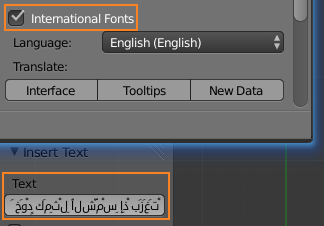
I think the option is not needed anymore. If you have text that dont display correct there could be two issues,
the font is not complete (missing chars) or the letters are typed in latin.
Can you check this or clearify where the problem is?
You can check the font for example in a word program to check if there the same input shows like in blender.
I think the option is not needed anymore
true, i think that too.
the font is not complete
i tried to plug other ttf fonts to the interface and the font changed but the orientation is still wrong.
the letters are typed in latin
no, they are an Arabic script for sure.
now the weird thing is that the menu are displayed correctly, but not the file paths text!

Could you specify what is wrong in the path text. I cannot read arabic so i cannot see whats wrong.

It seems to be a known bug:
There is also a “task”:
Maybe it is a problem when windows is set to another language than in blender for languages with reversed writing direction. You could try setting windows to arabic too if it is not already.
its not about windows UI language, blender already displays the text correctly in the UI, and the text object can be solved using simple script that converts the chars typed to its UTF code, then you handle the text as any text object.
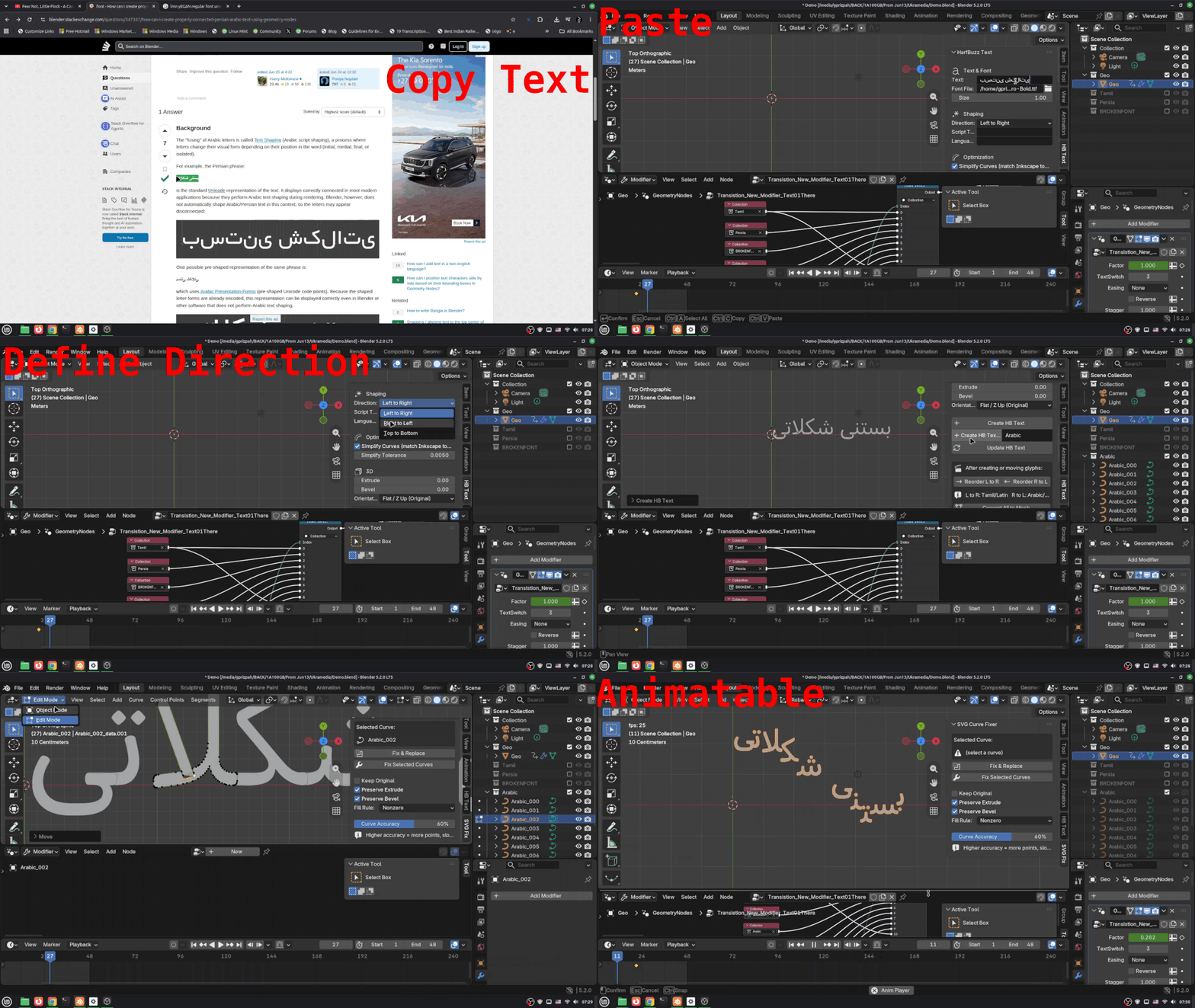
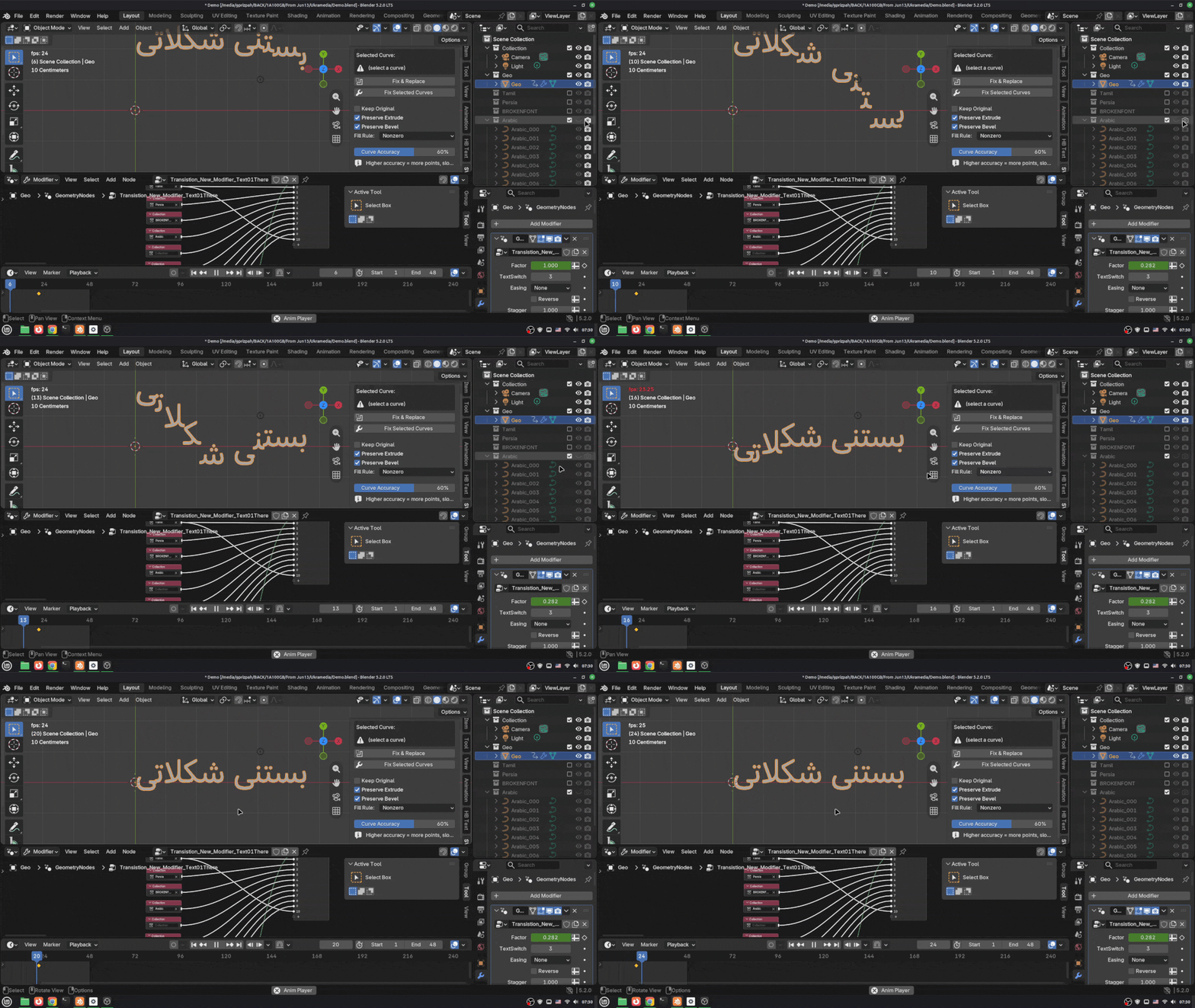
There is a Paid Addon called HBTEXT Created to import fonts in to blender as Curves which we can do whatever we want. https://www.youtube.com/watch?v=D7bZxdZhvgE&t=18s