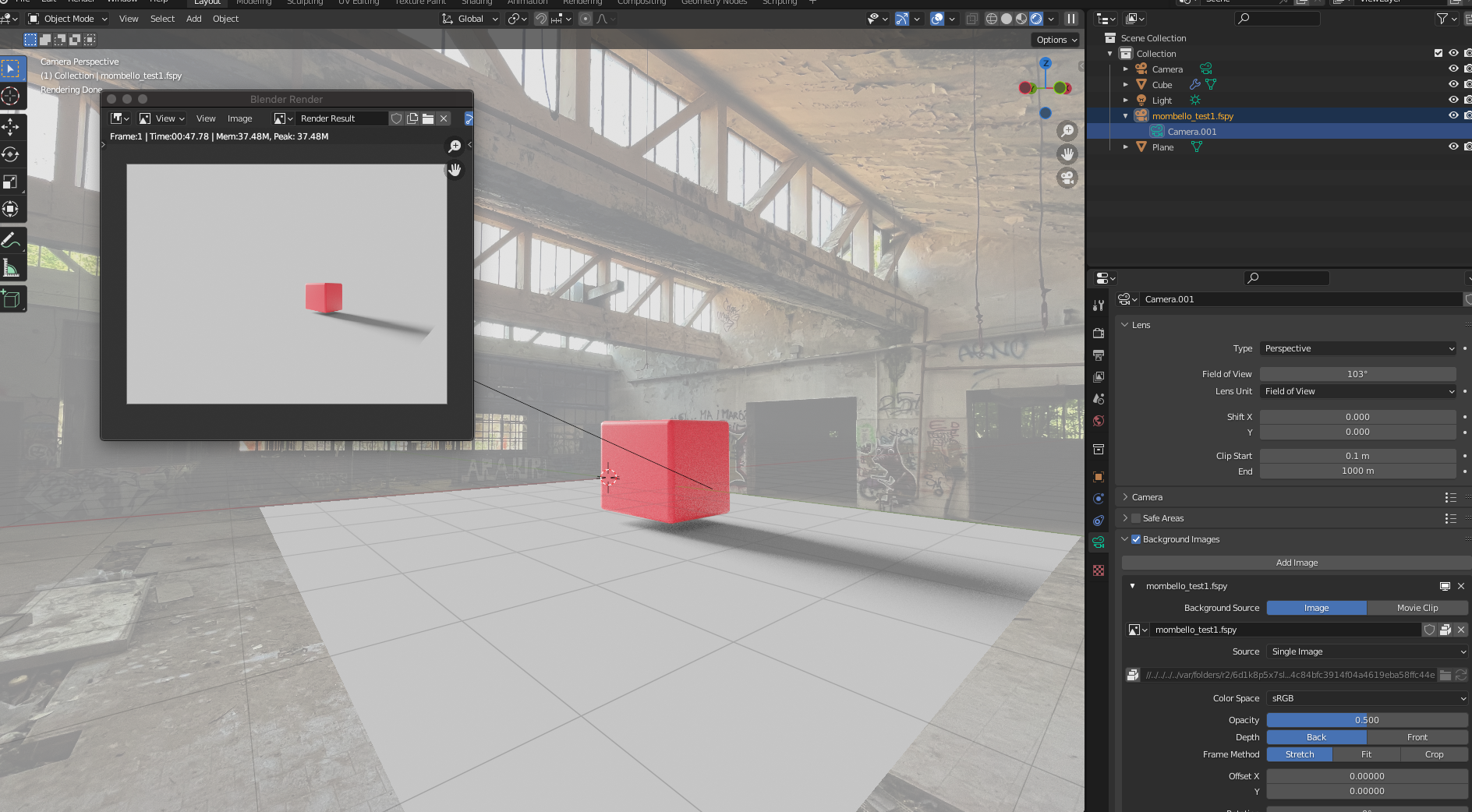
I’m experimenting with a scene where I started by importing a file generated with fspy: camera, background image, etc…
I added a cube and a plane with the shadow catcher turned on and the shadow works.
But I don’t understand why when I render the background image is not shown….
Camera background images don’t show up in the render, you can add a plane with that image as a texture or set that image in the World settings of the shader editor
thank you for your answer, I made a step forward but not solved yet (due to my “rookiness”… )
If I add a plane is there a way to allign and to light it exactly in the same way as the background?
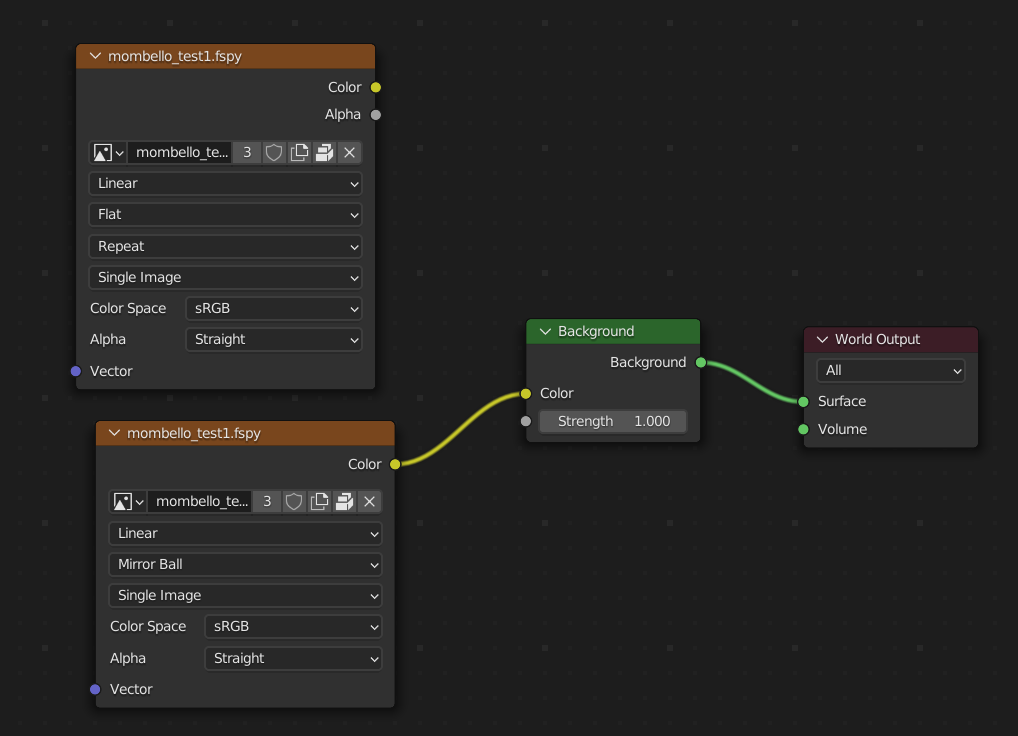
I tried also with the world setting, in this way:
but if I use the “Image texture node” I don’t see anything again, and If I use the “environment texture node” I see the image but not alligned and rounded (like an hdri)
Can you please give me another little help?
When pasting image as plain it gets affected by the world HDRI and the light sources or is reflected by the objects in the scene. The point is to have a background image (single color or a gradient most of the time) that is not affecting the objects on the scene and is not affected by these objects. Later the video can be pasted into a website for with it’s background matching the website’s colors. Or so I and many others tinkering with this feature thought this is the point.
 )
)