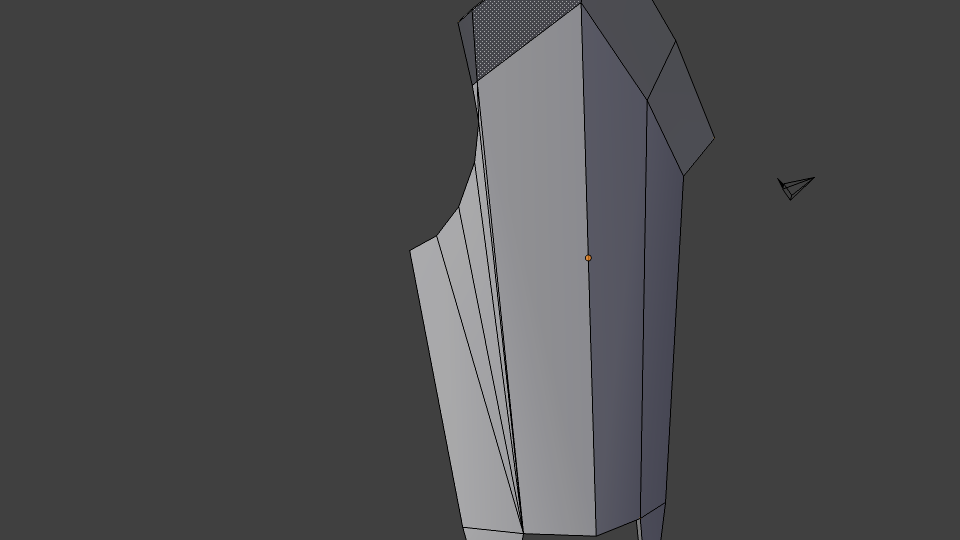
Try to set it to Smooth and add an Edge Split modifier, try to change the Split Angle to see if at 20 by example it gives a better result.
If playing around the Split Angle don’t help, you should upload your blend to see if someone can come with a topology that would avoid having that much edges close to each other like in your screenshots.
Thats already being done in the image, didn’t help unfortunately :\
I’m going to have to restart from a much earlier stage in the modelling process (I think I know what I did wrong). I’ve already done it once, so it won’t take as long.
Alright, kind of fixed it. Remodeled the shield from the ground up, fixed the graphical error. Posting images in case anyone else has a problem like this and wants to see examples.