I’m trying to start weight painting a model. When I look up tutorials on the subject usually I see people start selecting different bones and that lights up the mesh that is weighted to. But I can’t select the bones like I see them do. All I can do is go through the vertex groups on the right hand panel to see the different weights. An image of what I’m looking at is attached below. I have the metarig I constructed and the control surfaces generated from it. But I don’t think either of those are the deformation bones people work with in the tutorials.
When I’m in weight paint mode I can’t select any bone by clicking on it or alt or control alt clicking like some tutorials suggest.
If I’m not wrong, important UI changes occured from Blender 4.1 on;
but Blender 4.0, that you are using, still holds old conventional Shortcuts for Weight Painting.
Yet, the essential of the strange mechanism remains the same:
First, you must make sure you are entering the Pose/Weight Paint ‘Mixed’ Mode, as I call it; and not, accidentally, simply ‘Weight Paint Mode for the Mesh Object alone’.
It’s that old trick:
On Object Mode, Select the Armature Object first;
Then, Shift+Select the Mesh Object after
Enter Weight Paint Mode
This is the ‘Mixed’ Mode, where Bones from that Armature are Selectable as in Pose Mode, but then the Weights are visible, as in Weight Paint Mode. link
In Blender 4.0, Ctrl+LMB-Click: is the command to Select a Bone on that ‘Mixed’ Mode. RMB-Click on the Mesh: is the Vertex Groups Context Menu (not so well-known, but offers useful access from the Viewport, to any category of Vertex Groups; not only those from the Deform Bones).
In Blender 4.1, respectively, those commands were changed to: Alt+LMB-Click Shift+Ctrl+X
I hope this solves your issue. And I encourage you to try out Blender 4.1’s UI update when possible.
Hi. In the tree for my scene there is only the metarig that I used to generate the control surfaces and the control surfaces themselves which are named ‘rig’. There is nothing else that I think might be described as an armature. Selecting either of them as the armature and then following the steps doesn’t allow me to select individual bones. Instead the cursor just removes weight from the mesh.
Technically both the metarig and the generated control ‘rig’ are both armatures as far as Blender is concerned.
But of course it is the generated ‘rig’ one you need to use for actual animation of your character mesh.
HOWEVER, that will only work after you have parented the ‘rig’ to your mesh object. To do that:
Left click the mesh (Object001 in your scene)
CTRL Left click the ‘rig’ (NOT the metarig)
In the viewport, press CTRL P and parent with automatic weights
Now if you go into Pose mode on the ‘rig’ armature, you can move around the animation controls and the mesh will move with it.
At that point, what Pxy has said about manual weight painting should work.
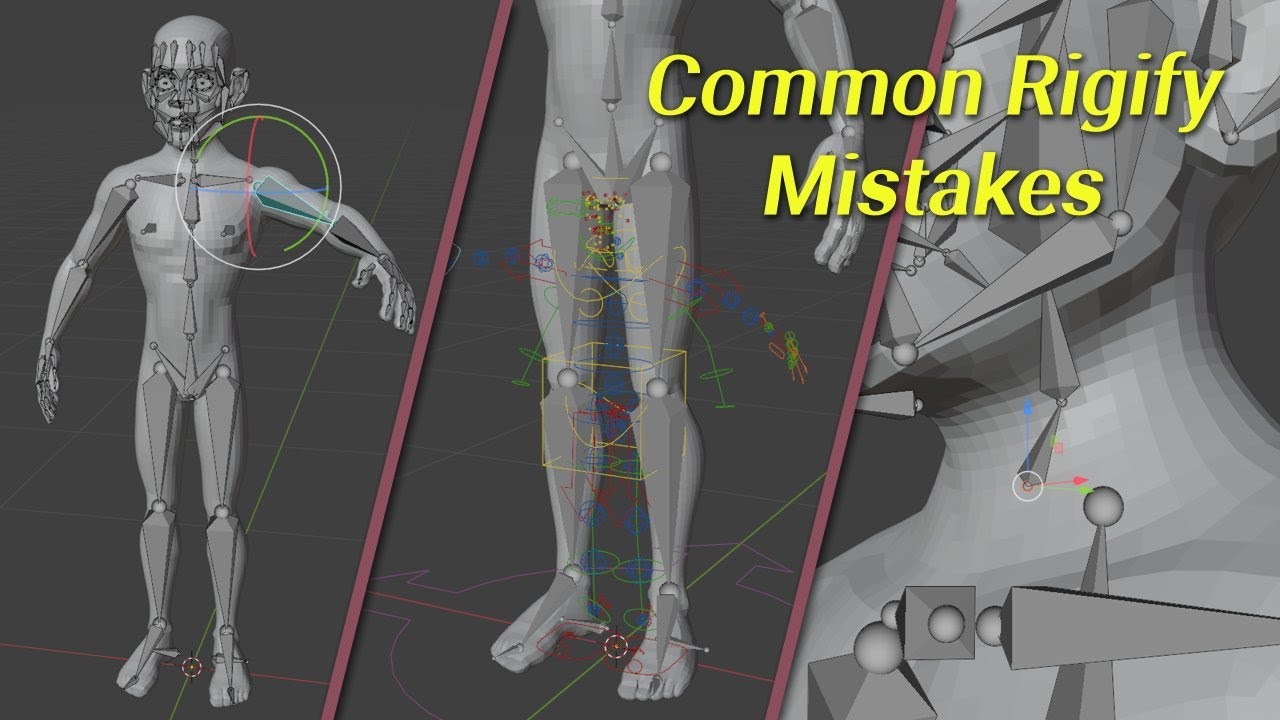
On a side note, as you seem to be new to this and look to be using Rigify, here’s a little video on some common things ppl get wrong when starting out:
I have the mesh parented with the rig and the weights are showing and I can move it around but it still will not allow me to select individual bones to weight paint them through shift LMB. Though I can navigate through the different bones in the right panel.
It worked thanks. Another question. Is there some reference I can look at that shows the ‘proper’ weight painting distribution for all the parts of a human body?
Hehe, ask me that again in about 6 or so months time and I may be able to say look at some of my videos, but I’m only just starting on putting together my character creation series.
Even then, the short answer would be No. The reason for this is that there are just so many variables involved to go from mesh to good looking final deformation/animation.
Here’s an early-ish test video from the base mesh I’m totally rebuilding at the moment of just the hand.
This is a combination of topology, bone placement, weight painting (both automatic and manual), modifiers (also with weight painting) and rig setup/controls.
So at the end of the day, there’s no real one size fits all, just tips/tricks and techniques to apply to the model you happen to be working on. At which point you just have to test it (deform/pose) as soon as you can in the process and keep adjusting till it looks good or you run out of time (if on a deadline).
Ok so my issue was not parenting the actual mesh to the armature. I was parenting them to a rigify rig which is also correct in my situation but to use weight paint on the bones then you would also have to parent that mesh to the bones and not just the rigify rig.