Please remember to state if your entry is pure, open or non-competing.
“There are two main goals for these contests: Fun and Glory.
Fun: You get only 4 days to create a cool image, based on the theme for the week.
Glory: After 2 days of voting, a winner is declared. The winner picks the theme for next week and will be featured in the Feature Row.”
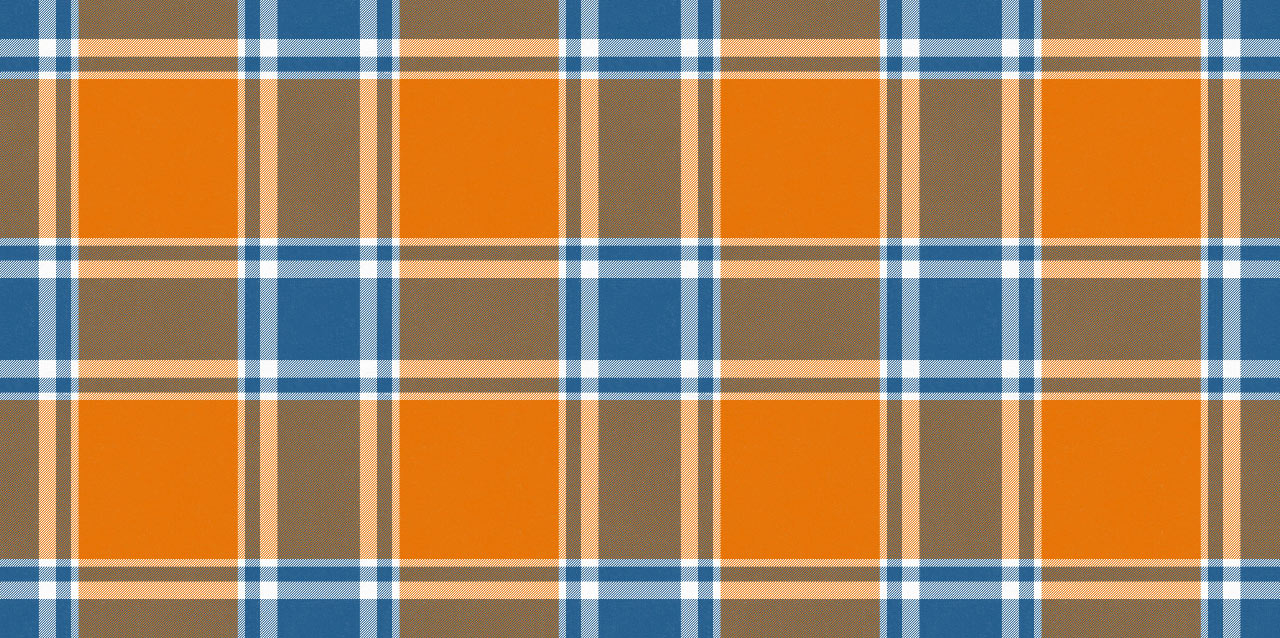
Title: Tartan blanket
Pure
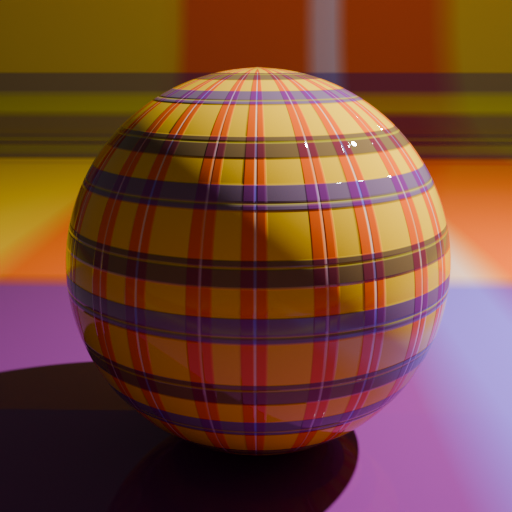
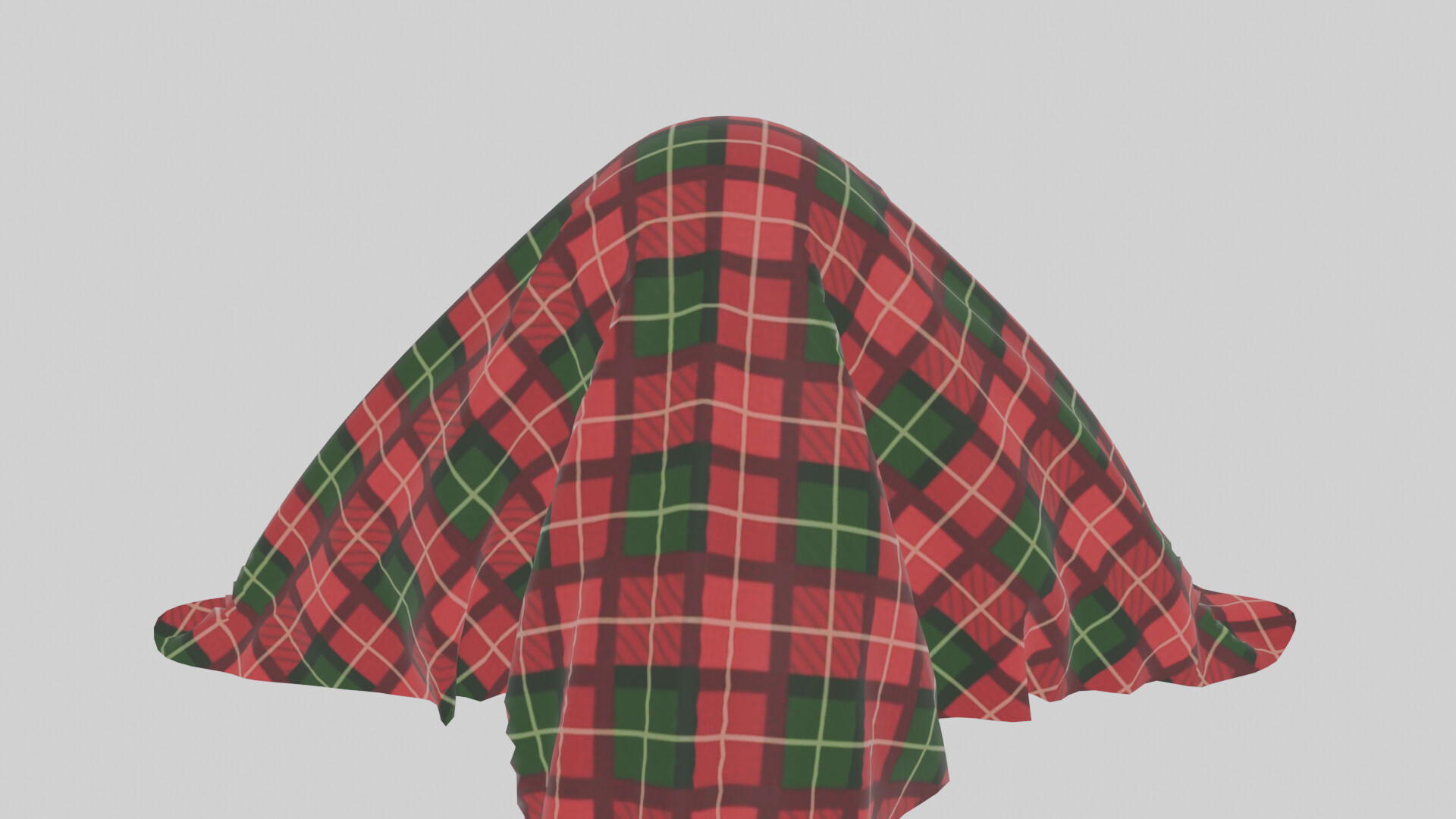
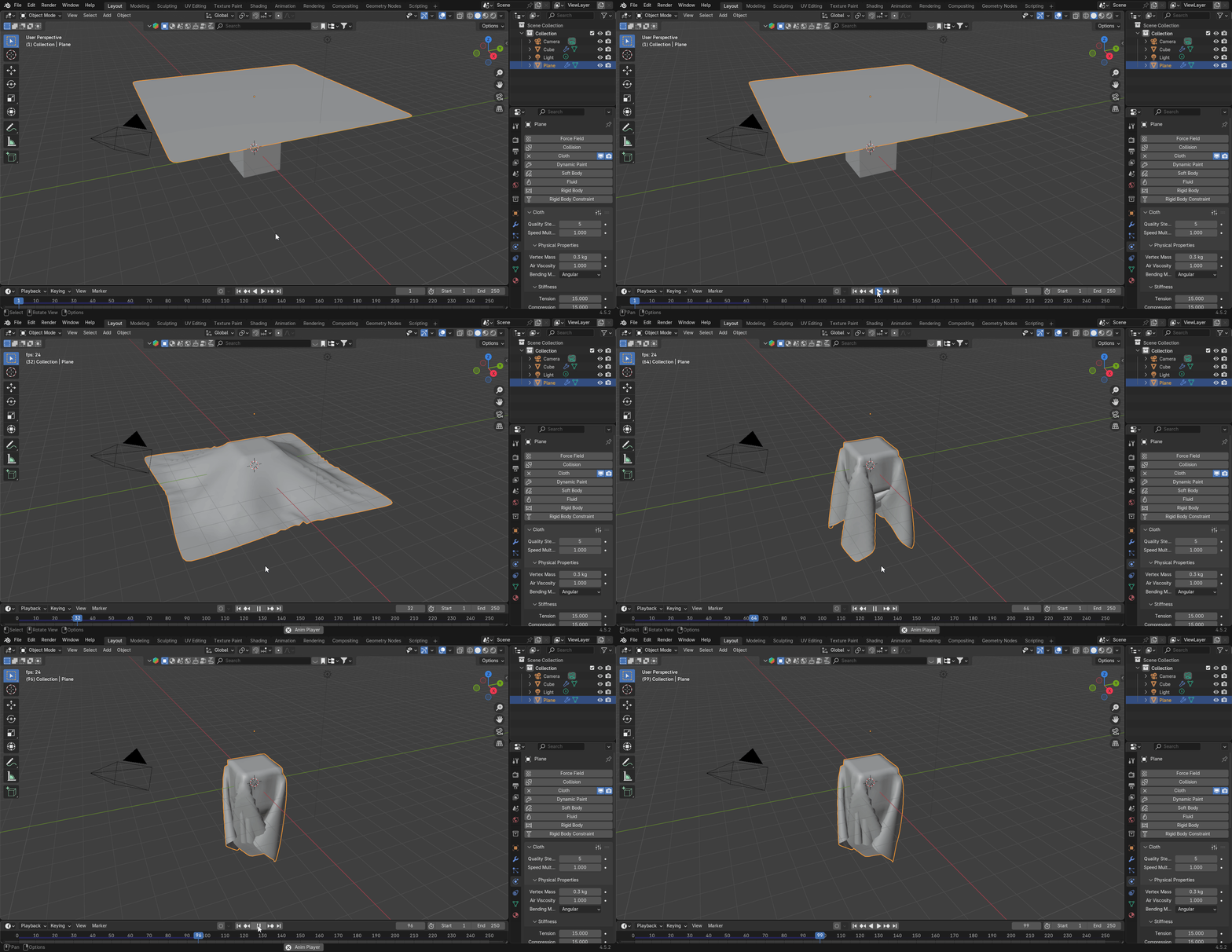
This was an interesting project for this challenge, I knew that I wanted to create a blanket with a cloth simulation. I had heard of cloth simulations before but I had never used them, I followed this great tutorial for the base configuration and then made some edits (https://www.youtube.com/watch?v=IYdfMqRIfMA)
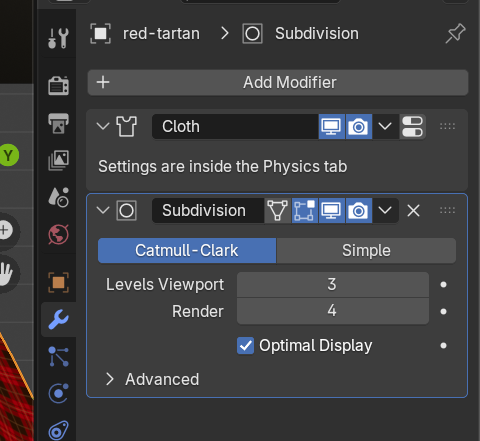
The blanket is a very simple plane with lots of subdivisions, the collision object is a UV sphere, the tutorial used a cube but I preferred the look of the sphere.
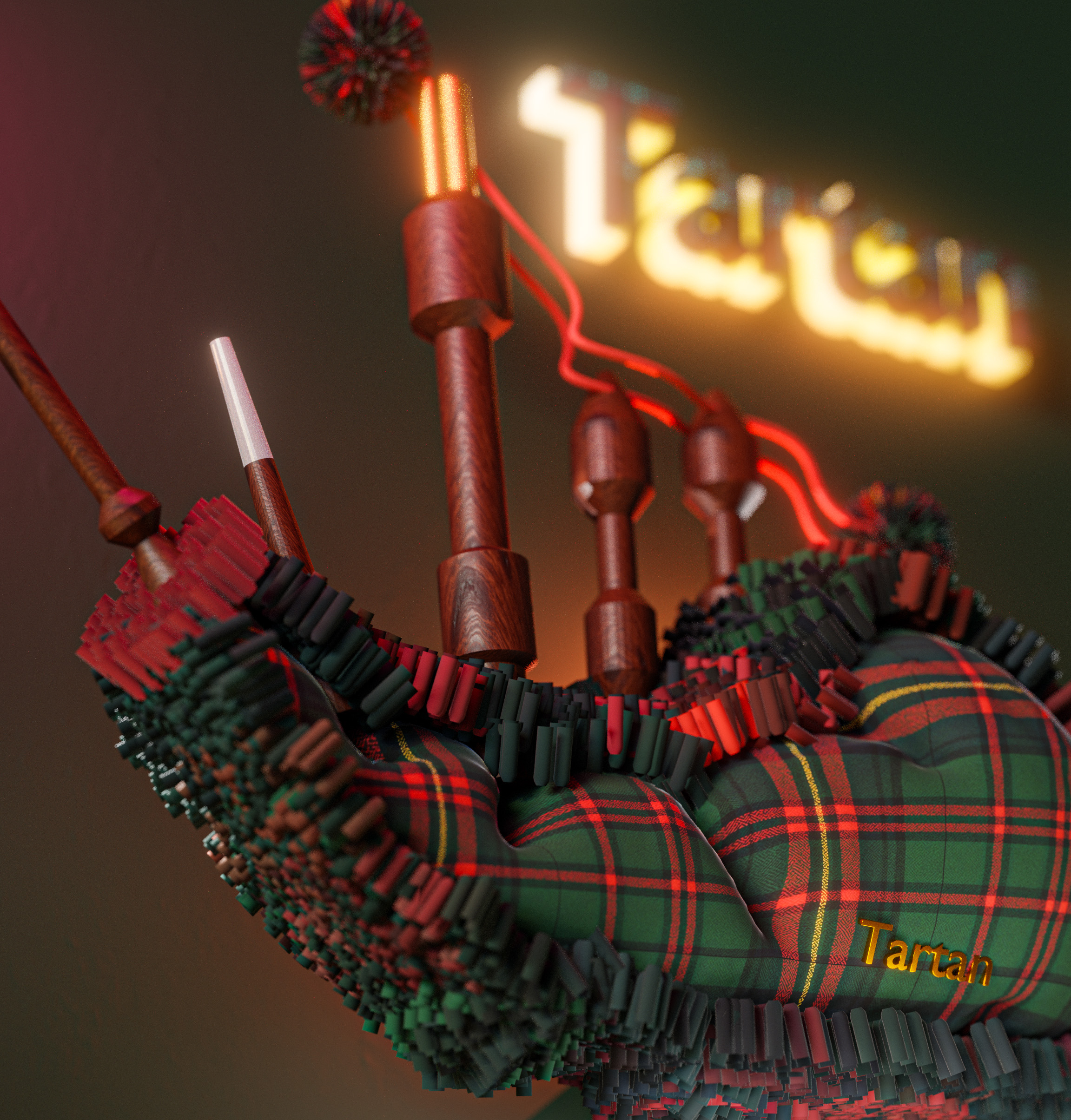
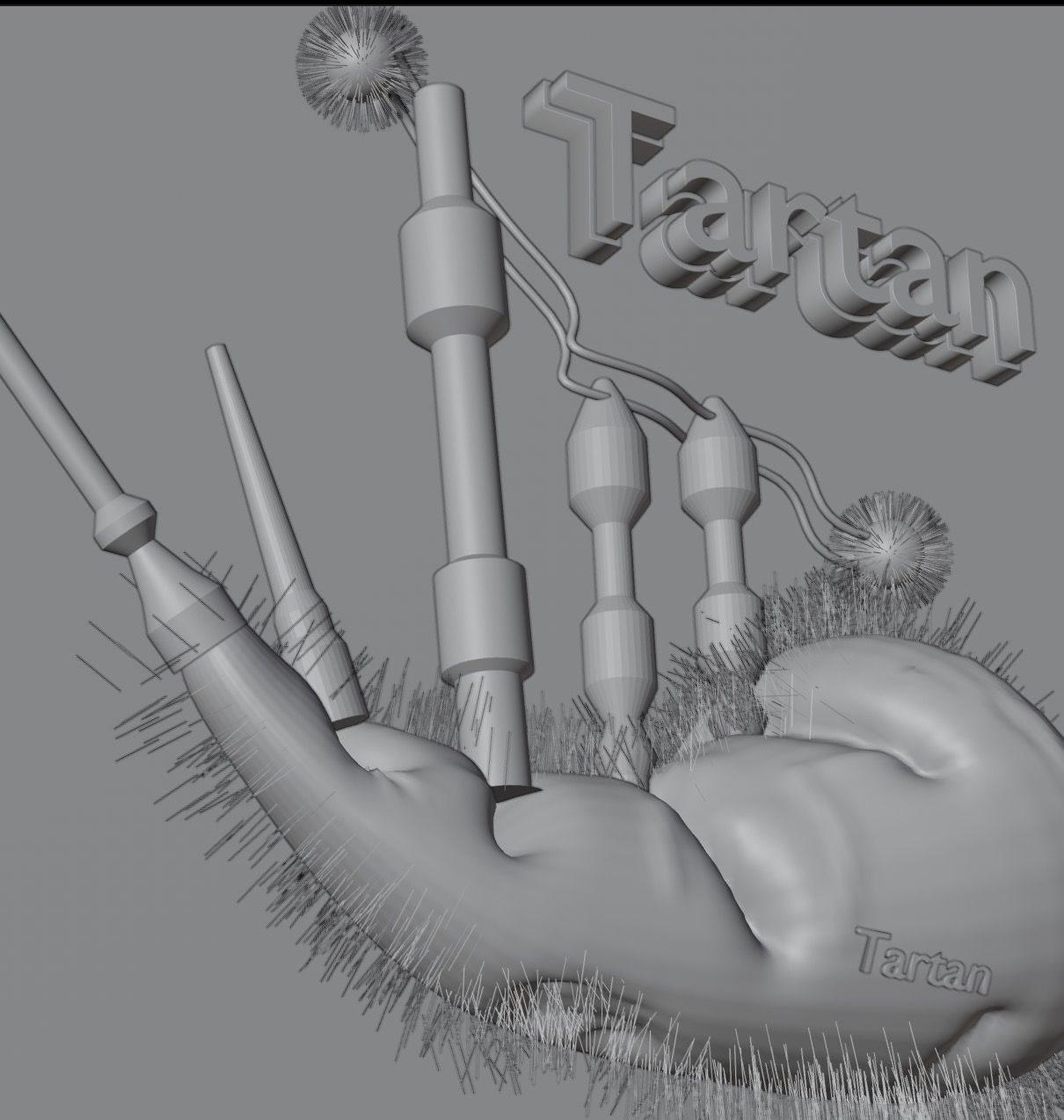
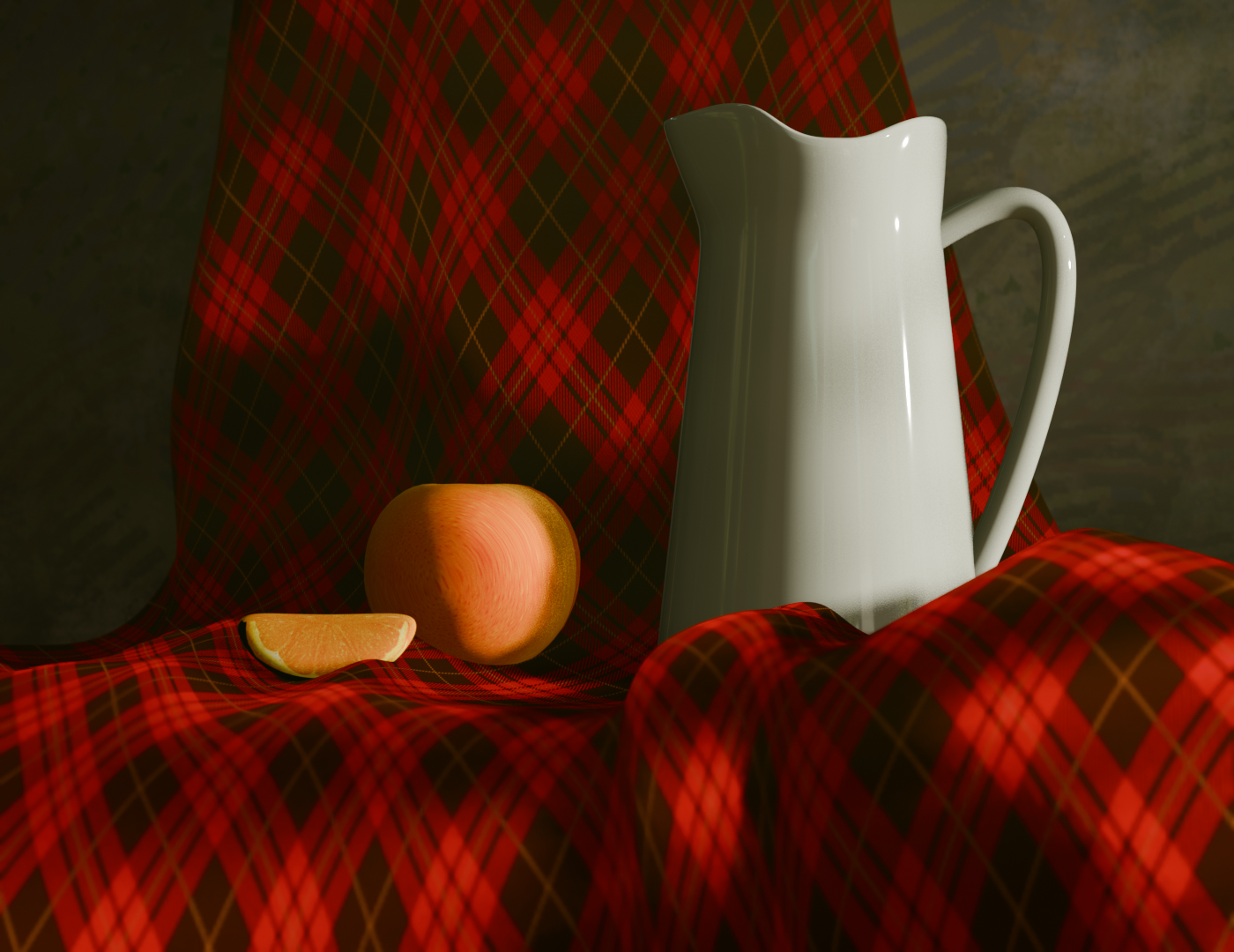
Tartan Still Life
pure - non competing
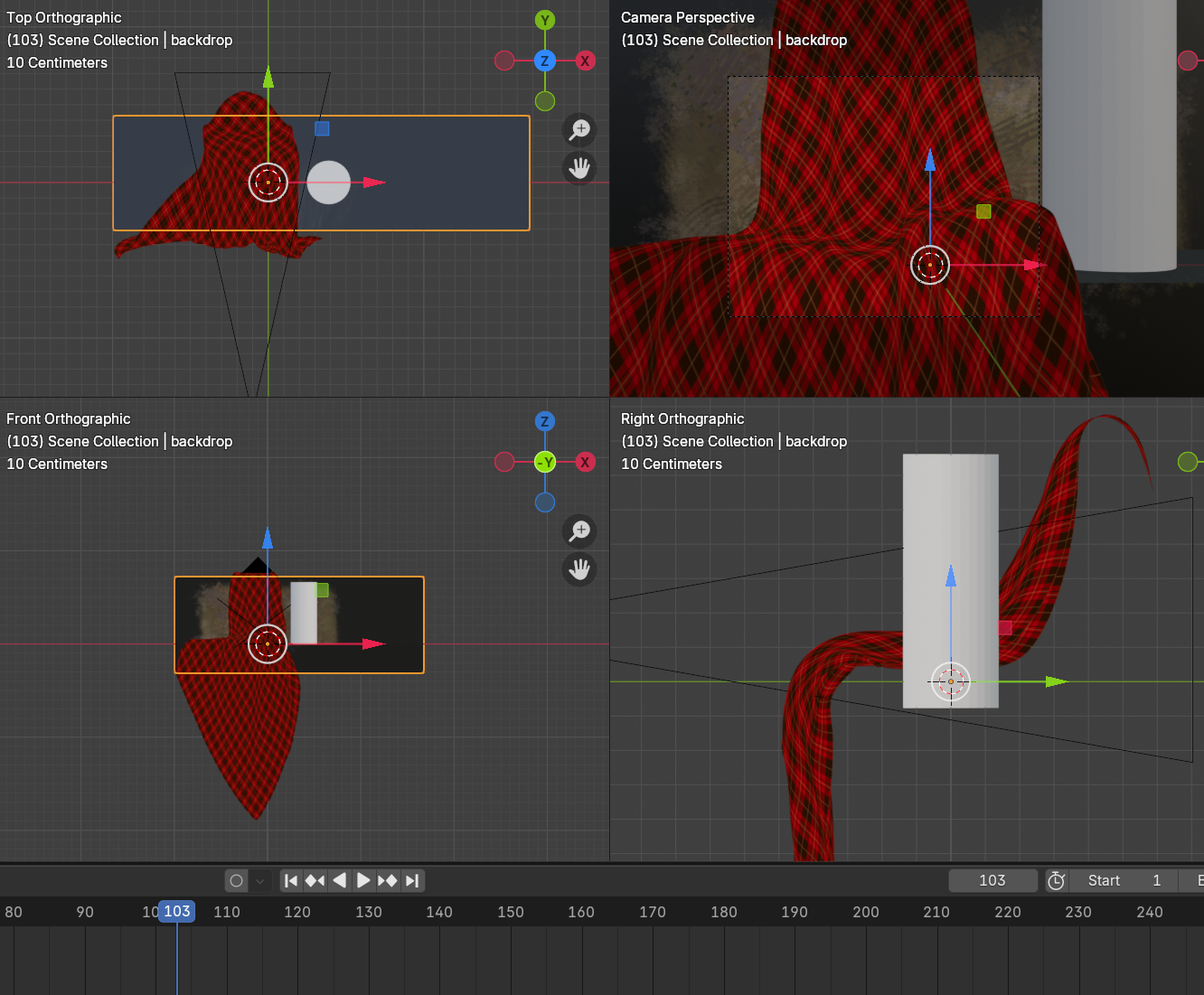
Similar the Withers99, I took this as a good time to play with cloth simulation. Here I used a single cloth flat object at a particular angle that made a good draping effect. background being hand painted and a tube was a great starting point for the jug… And the usual compositing to tweak the output
Nice render @Jean-Luc , how did you get the cloth to shape round the chair, I did try to do this but the simulation took ages and after an hour it had only done a few frames.
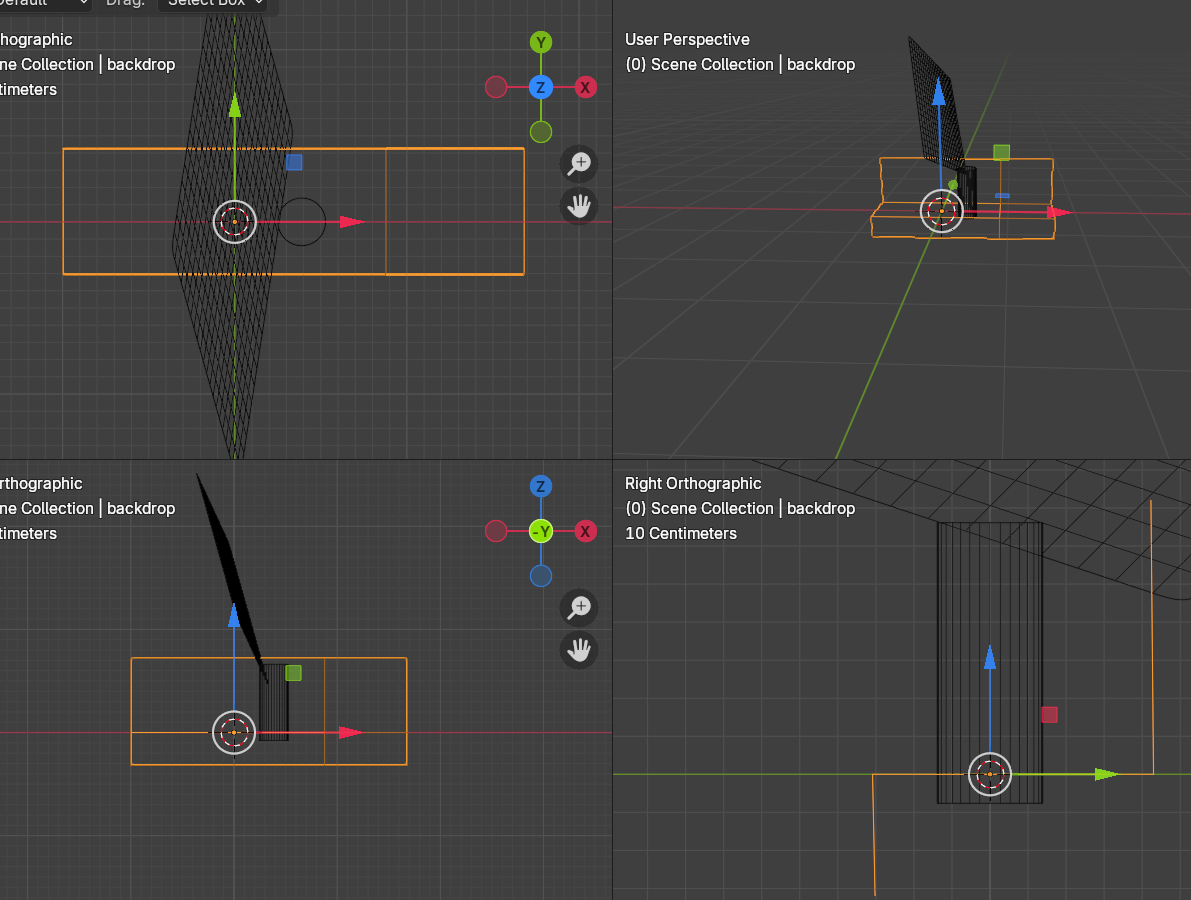
Hmm, the fabric was a simple mesh/plane with 20 subdivisions. the background shape was again a flat plane with 3 parts:back, base, to the ground (shown selected)
I also used a simple tube as an extra collision object:
the backfront object needed a 2 sided toggle or the cloth clipped through it.
It then became trial and error to see when simulation worked the best. I needed to rotate, scale, move and rerun many times:
That’s why the scots invented the sporran… not only to put coins (or sometimes the shorter special knife) in it but “anything heavy” so it “stays down”… I guess.
So any kilt wearer would not care about this at at (also a kilt is made of thick grament and so quit heavy )…
…then again it would look very funny if some scotish warrior will sream a highpitch ahahha when some breeze will arise …
Just when I thought these threads were getting too cluttered with adverts it gets even worse with so many BTS shots. Nobody cares about how you did it. We don’t need to see all the ‘making of’. Its only needed to prove that AI isn’t being used. Its pretty obvious that ai wasn’t involved in any of these or there might actually be something good.
Personally speaking I like to see how people have made their entries, it gives you an idea on how to improve on your own and helps you learn new techniques. Not sure what over peoples opinion on this are but that’s just my view.
Which entry are you talking about, if your talking about cloth simulations in general you just need to create a collision object, then add a plane as your cloth object, scale it up ,add some loop cuts and a subdivision surface modifier. Shade the plane smooth and then set it as cloth. Then simply play the animation. This is only a very simply setup, more details are outlined in this tutorial (https://www.youtube.com/watch?v=IYdfMqRIfMA)