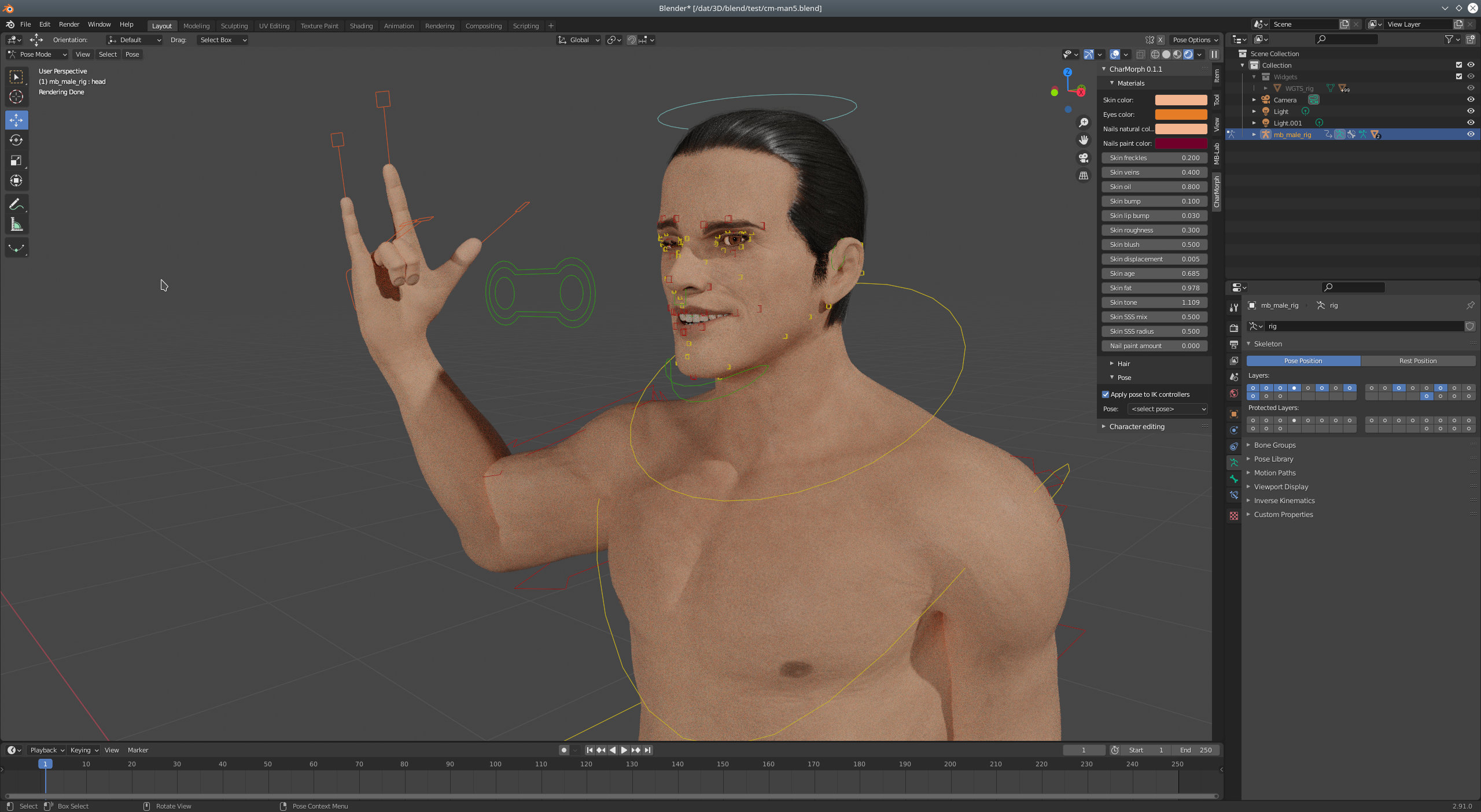
“SSS mix” option is added for skin materials
SSS produces a lot of noise for me or requires really high amount of samples. But I don’t want to completely disable SSS. So I added an option to mix SSS with regular diffuse shader.
Tested on Blender 2.83 and 2.91, no compatibility issues were found so far.
Just fit the cloth on a standard character without any morphs, then you can just use “fit local asset” function to fit it and you can save it as a separate blend file and use “Fit from file” then.
Yes, all MB-Lab assets should be usable with corresponding MB-Lab models. But you can’t use MB-Lab assets for Antonia. Somewhere should be assets for her too.
Fixed in v0.2.5.1b
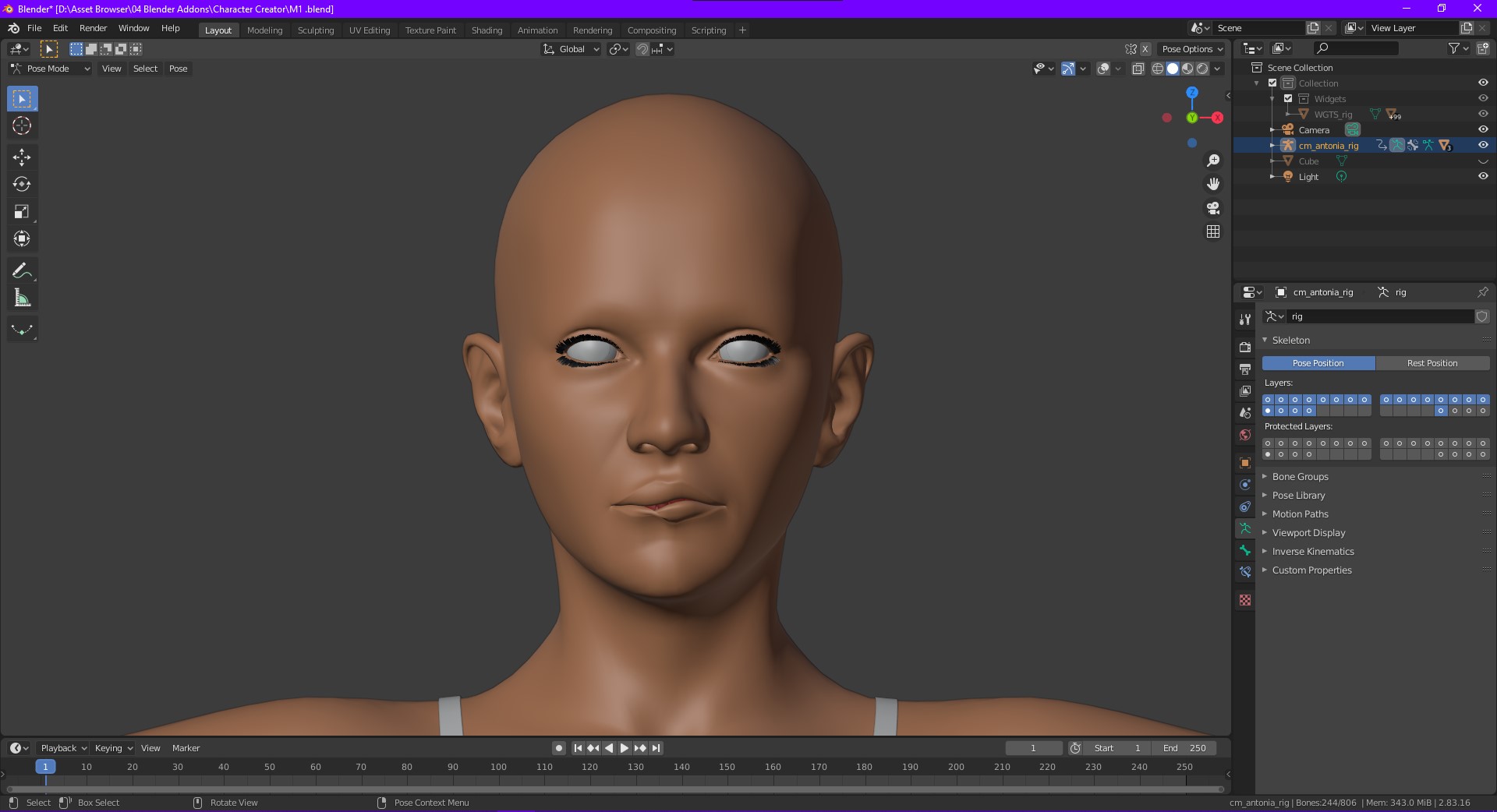
I’m not the author of the mesh. I just converted the model from Poser format to blend and made my own rig and textures. And I don’t know how to contact original Antonia authors.
I am currently learning realistic game ready character
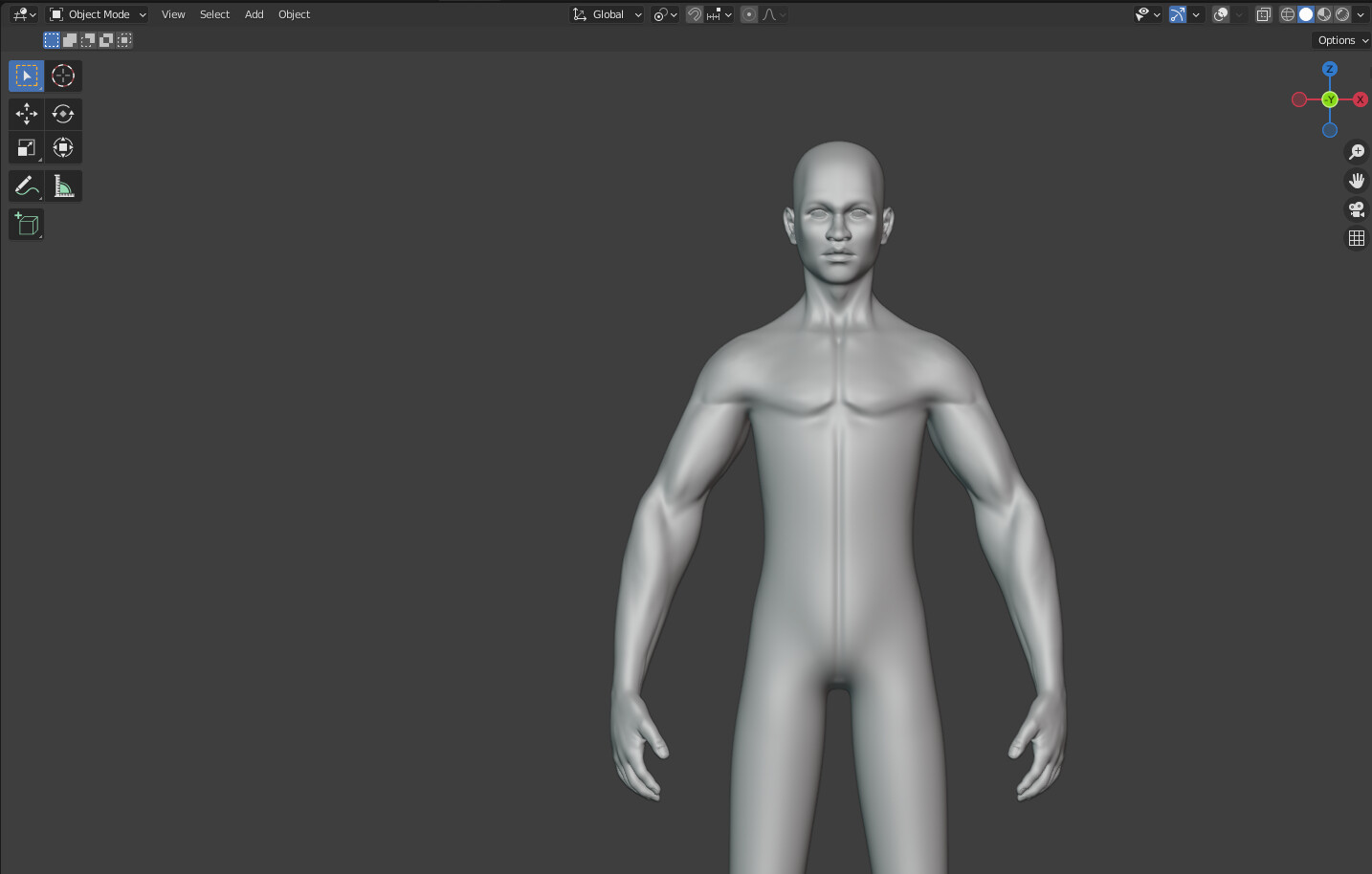
I want to add this in char-morph as new character like antonia will create same topology as antonia
(can you tell me what things I should get to know before proceeding for it )
It will be free for all
I will need help in texture area
Definitely it will take some time as I will work as per my free time but will do it as better as I can.
Do you have morphs or base mesh only? Do you have rig? I’m not very good at texturing as well but I can try to help.
I’m currently working on integration of Reom to CharMorph.
привет. вы делаете отличные вещи.
Хотела спросить, можно ли как то дорабатать 3д модель. Я занимаюсь пошивом реальной одежды на индивидуальную фигуру с 3д примеркой на аватарах заказчиков. В мои задачи входит изменения подхода в индустрии пошива одежды. Сейчас в поисках подходящего кастомизируемого аватара, но совершенно не знаю как его создать, хотя точно представляю что мне нужно в итоге. Может быть можно заказать его создание у вас в рамках charmorph?
Hello. you are doing great things.
I wanted to ask if it is possible to somehow modify the 3D model. I am engaged in sewing real clothes for an individual figure with 3D fitting on the avatars of customers. My task is to change the approach in the clothing industry. Now in search of a suitable customizable avatar, but I do not know at all how to create it, although I do not know at all how to create it, although I need it in the end for sure. Maybe you can order its creation from you within charmorph?
Eye color can be set at Materials panel.
CharMorph don’t have anything to save poses but you can use Blender’s pose library and asset browser.
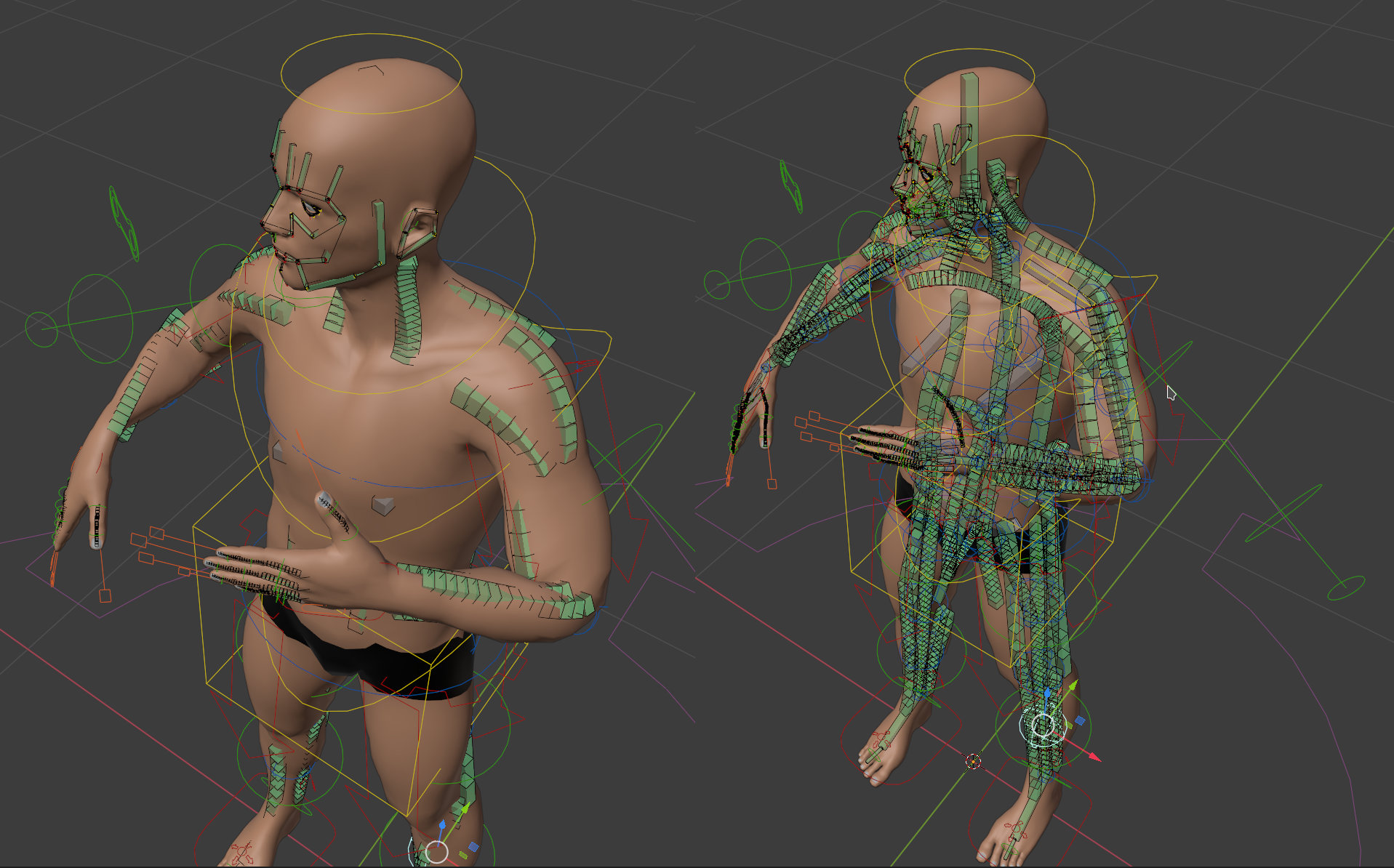
You can mirror pose by selecting all bones in Pose mode and then: right click → “Copy Pose”, right click → “Paste X-Flipped pose”