I just released this after using an earlier version of it myself for a while, figured I’d share it here.
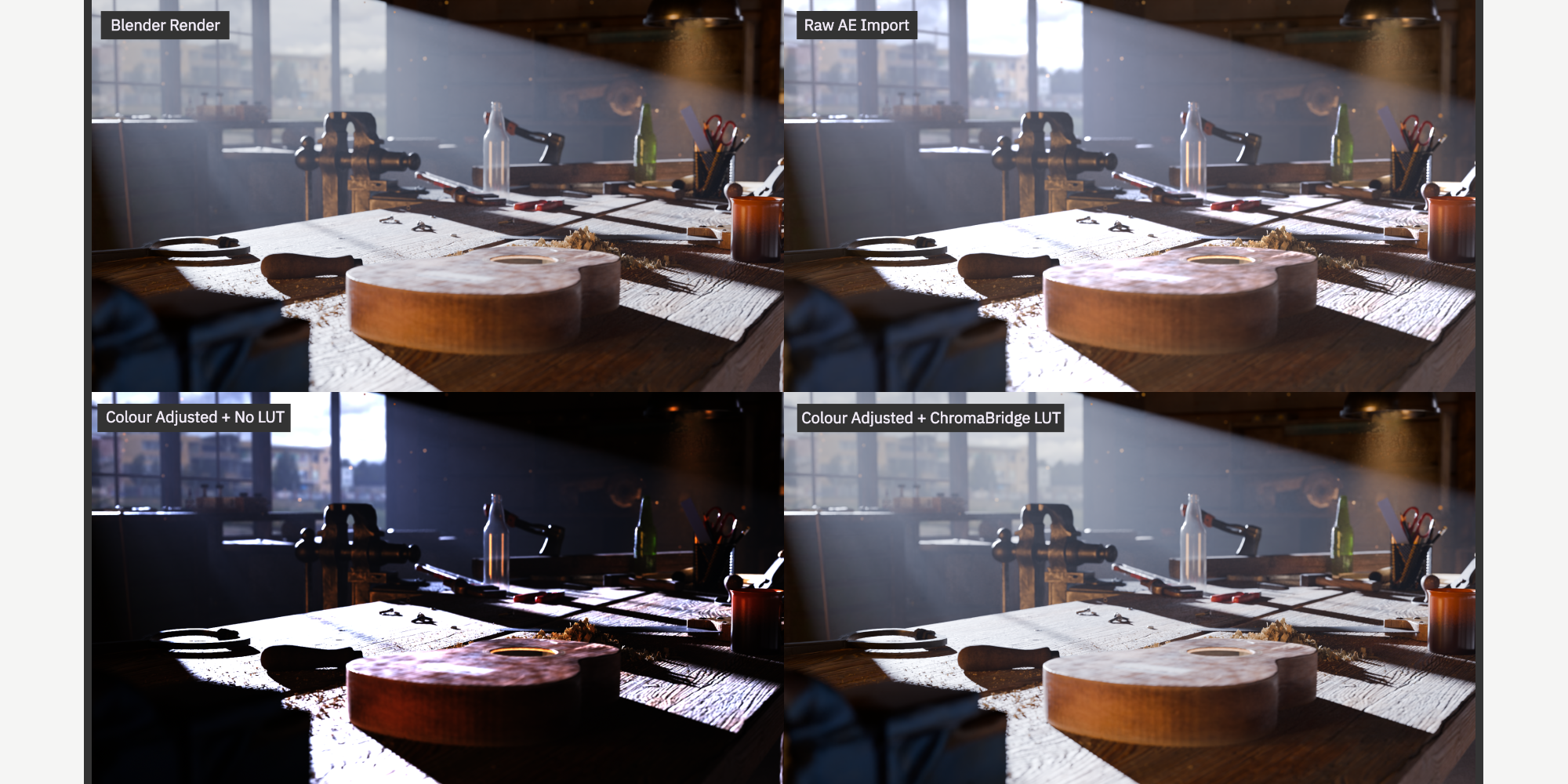
The problem it solves: if you’re doing light-group relighting work between Blender and After Effects, the usual route is exporting a multilayer EXR and opening it with EXtractoR or ProEXR, which crash constantly on anything with a decent number of passes. And even when it works, matching Blender’s actual colour (AgX, Filmic, whatever view transform you’re using) inside AE is a pain.
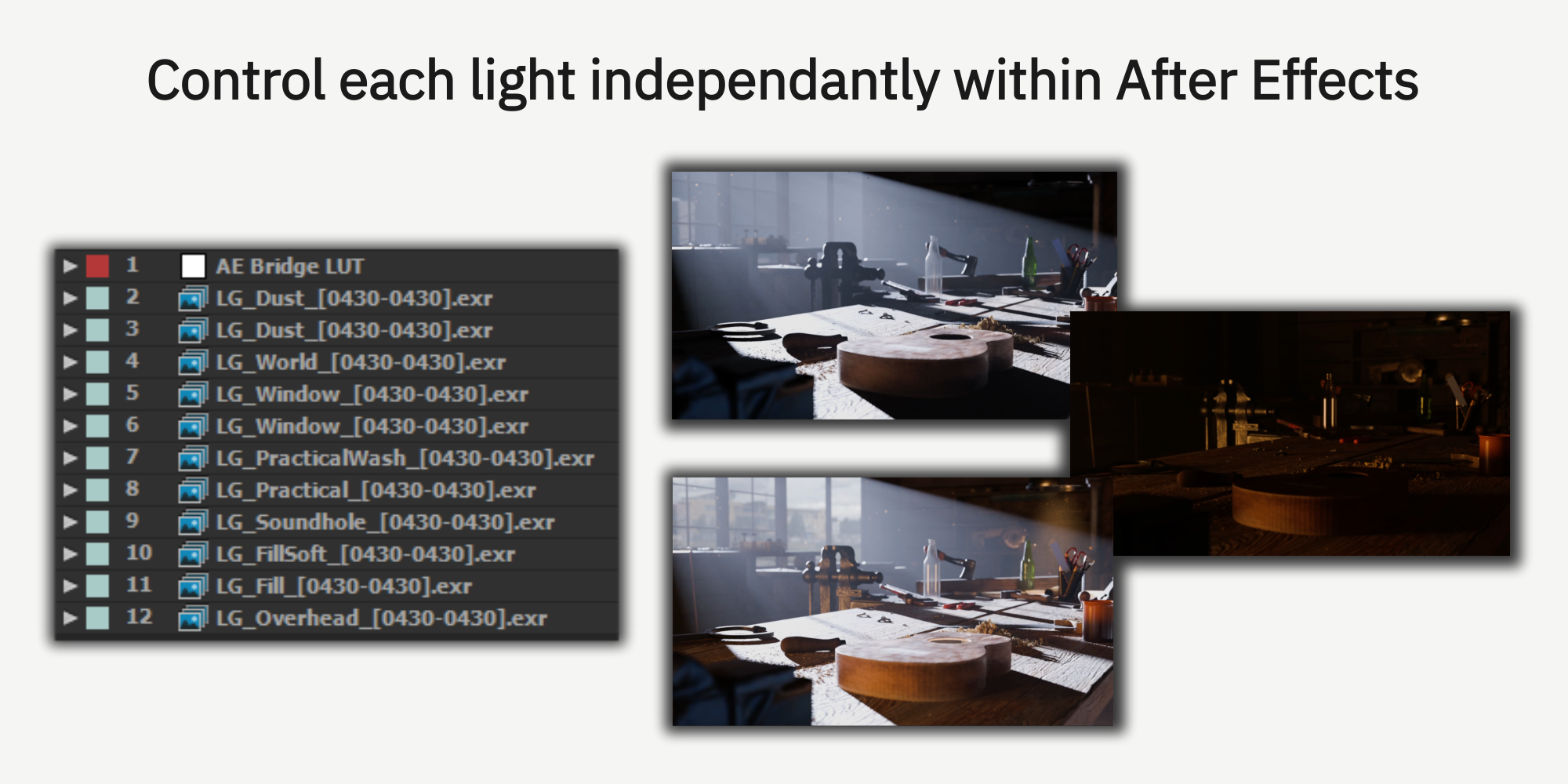
ChromaBridge splits everything into single-layer EXR sequences on the Blender side, so AE never has to touch a multilayer file at all. Then it builds the whole comp for you, every light group stacked, with the colour matched to Blender using AE’s own native Apply Color LUT effect.
What it does:
- Auto-detects light groups, including emissive materials, not just actual lamps
- One click renders everything, one click builds the AE comp
- If you forgot a pass, there’s a “render pass 2 only” option that reuses your existing render instead of starting the whole animation over
- 46 colour profiles covering AgX, Filmic, Standard, ACES 1.3/2.0, and Khronos PBR Neutral, all verified against real Blender renders, not just eyeballed
Tested on Blender 5.2 and AE CC2015 through CC2023. Windows only for now, sorry Mac folks!
Link: superhivemarket.com/products/chromabridge
YouTube Demo: https://youtu.be/PMg-MmG2P2k
Happy to answer questions if anyone wants to know more or if you hit any issues.