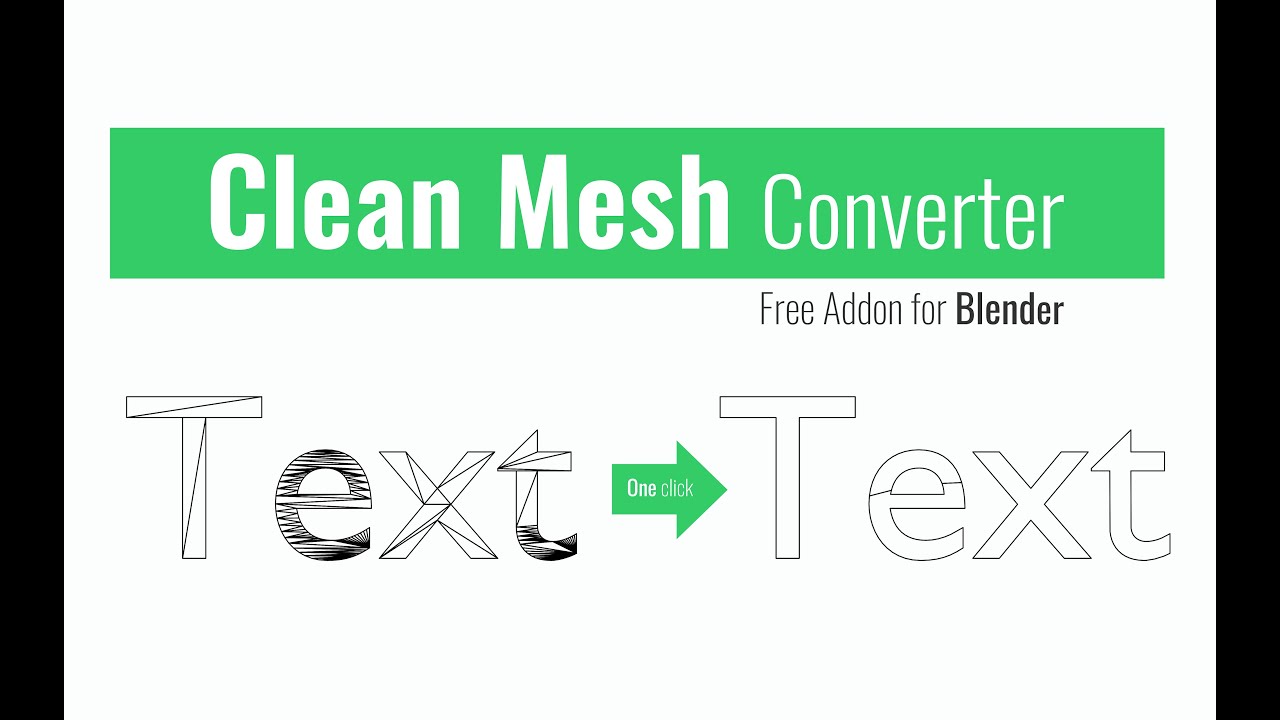
Hello. Today I wanted to share my humble free addon, which may speed up your work related to converting “text” or “curve” objects into an editable mesh.
We all know how frustrating it is to remove double edges that remain on an object after conversion, so I decided to write this simple addon that speeds up and improves this process.
After installing, in the context menu of the object, we have an operator called “Clean Mesh Converter”.
It will work on three types of objects: MESH. TEXT, CURVE, and can be called in both edit and object mode.
It speeds up my work a lot, because I import quite a lot of drawings in svg format, and maybe it will also make it easier for some of You, have fun
Hello Friends. I am happy to see that almost 900 copies of this modest addon have been downloaded, which makes me extremely happy. I hope it is useful to you in your daily work.
Small update 1.3.
The maximum value of the “Limited Dissolve” operator has been changed from the default value of 5 to 3, because in some cases the geometry was changing too much especially on certain curves.
Now after using the addon, the user gets the mesh in edit mode to have the possibility of additional reduction of unnecessary nodes using again the operator “Limited Dissolve”.
An icon has also been added for better readability.